> ## Documentation Index
> Fetch the complete documentation index at: https://vaquill.ai/docs/llms.txt
> Use this file to discover all available pages before exploring further.
# Prompt Library
> Save the prompts you keep retyping and share them with your team
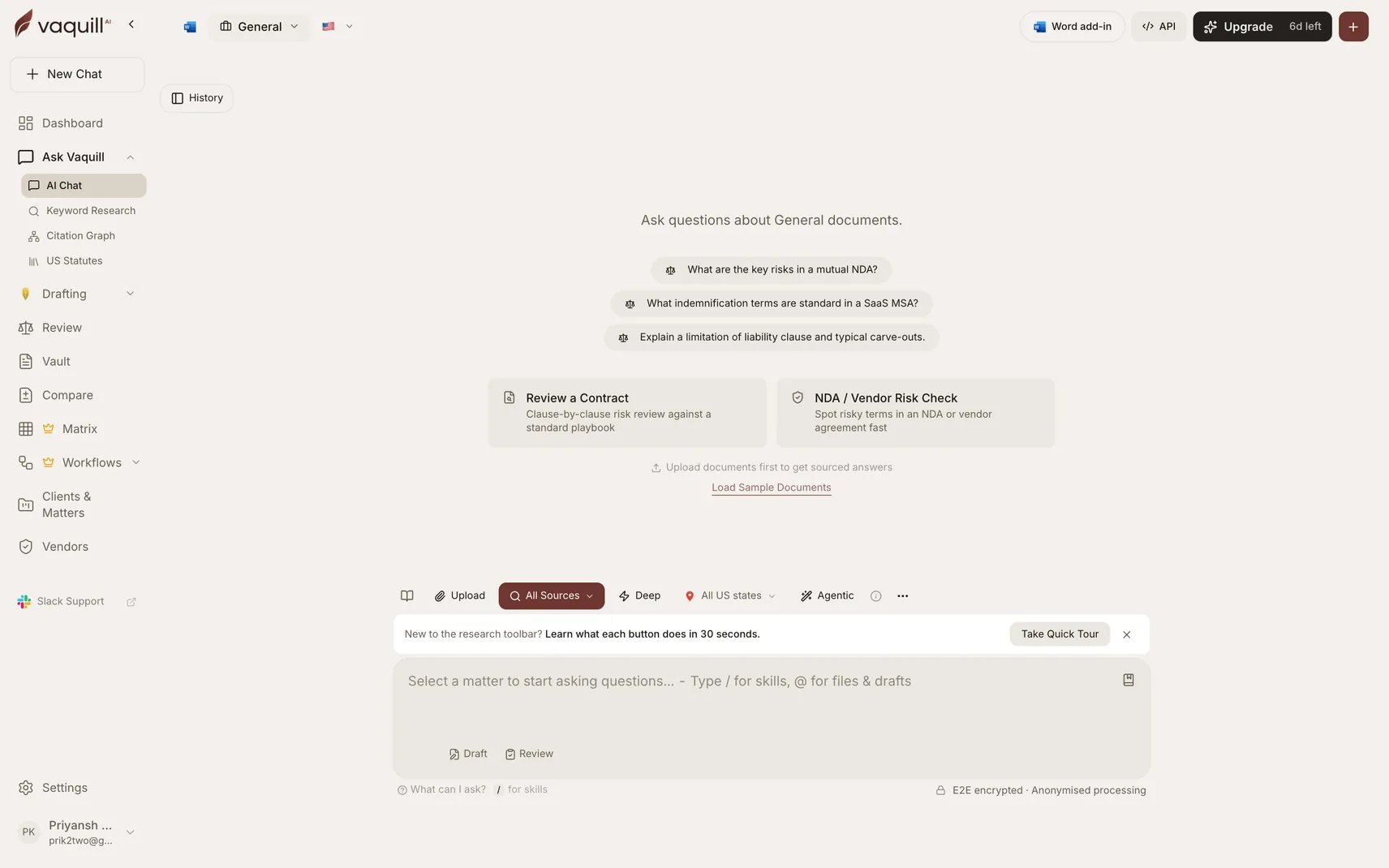
The Prompt Library stores reusable prompts for the chat composer. Save the question you ask every time a new vendor agreement lands, and the next person on your team asks it the same way.
 ## When to use it
* You retype the same analysis request every week
* Your team should ask a question consistently rather than each person phrasing it their own way
* A prompt took several attempts to get right and you do not want to rediscover it
## Private or shared
Every prompt has a scope:
| Scope | Who sees it |
| ---------------- | ---------------------------------------- |
| **Private** | Only you |
| **Organization** | Every active member of your organization |
Org sharing follows the same active-membership rule as drafts and matrices. Only the prompt's owner can edit or delete it, including shared ones, so a colleague cannot quietly change a prompt the team relies on.
## Prompt Library versus Skills
These overlap and the distinction matters:
| | Prompt Library | [Skills](/docs/guides/skills) |
| ----------- | --------------------------------------- | ------------------------------------------- |
| What it is | Saved text you drop into the composer | A structured playbook the assistant follows |
| How it runs | You insert it, then edit before sending | Invoked with a slash command |
| Best for | A question you ask verbatim | A repeatable multi-part analysis |
Rule of thumb: if you would tweak the wording each time, it is a prompt. If it should run identically every time, make it a Skill.
## Limitations
* Prompts are text, not logic. They do not branch, loop, or call tools. For that, use [Workflows](/docs/workflows).
* A shared prompt is visible to your whole organization; do not put client-confidential detail in the body.
* Editing is owner-only, so a departed colleague's shared prompts stay as they are.
## Related
Structured playbooks run with a slash command.
Context the assistant carries between conversations.
When the job needs steps rather than a prompt.
Reusable document skeletons with variables.
## When to use it
* You retype the same analysis request every week
* Your team should ask a question consistently rather than each person phrasing it their own way
* A prompt took several attempts to get right and you do not want to rediscover it
## Private or shared
Every prompt has a scope:
| Scope | Who sees it |
| ---------------- | ---------------------------------------- |
| **Private** | Only you |
| **Organization** | Every active member of your organization |
Org sharing follows the same active-membership rule as drafts and matrices. Only the prompt's owner can edit or delete it, including shared ones, so a colleague cannot quietly change a prompt the team relies on.
## Prompt Library versus Skills
These overlap and the distinction matters:
| | Prompt Library | [Skills](/docs/guides/skills) |
| ----------- | --------------------------------------- | ------------------------------------------- |
| What it is | Saved text you drop into the composer | A structured playbook the assistant follows |
| How it runs | You insert it, then edit before sending | Invoked with a slash command |
| Best for | A question you ask verbatim | A repeatable multi-part analysis |
Rule of thumb: if you would tweak the wording each time, it is a prompt. If it should run identically every time, make it a Skill.
## Limitations
* Prompts are text, not logic. They do not branch, loop, or call tools. For that, use [Workflows](/docs/workflows).
* A shared prompt is visible to your whole organization; do not put client-confidential detail in the body.
* Editing is owner-only, so a departed colleague's shared prompts stay as they are.
## Related
Structured playbooks run with a slash command.
Context the assistant carries between conversations.
When the job needs steps rather than a prompt.
Reusable document skeletons with variables.