

Images come back in
html on the default format=both.
For images in markdown, ask for format=all or format=markdown.
See Response formats for every format value.Where tables and images appear
Whensource is r2_render, the body is a structured rendering of the publisher’s document.
Tables and images stay where the publisher printed them, between the paragraphs they belong to, not collected at the end.
In 14 CFR 25.533, for example, each of the three equations follows the sentence that introduces it.
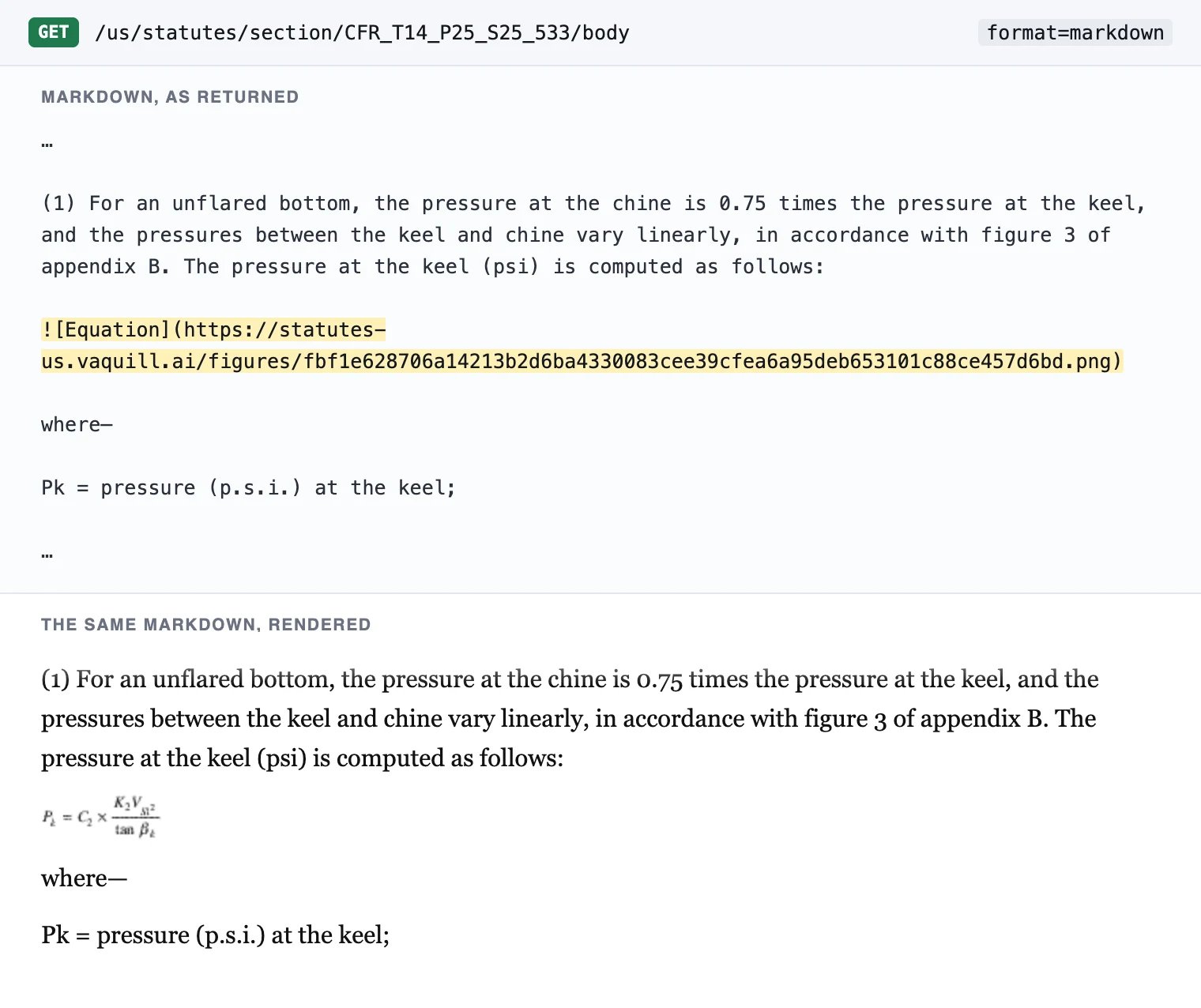
14 CFR 25.533 with format=markdown: the equation's image link sits between the sentence that introduces it and the definitions that follow, and renders there
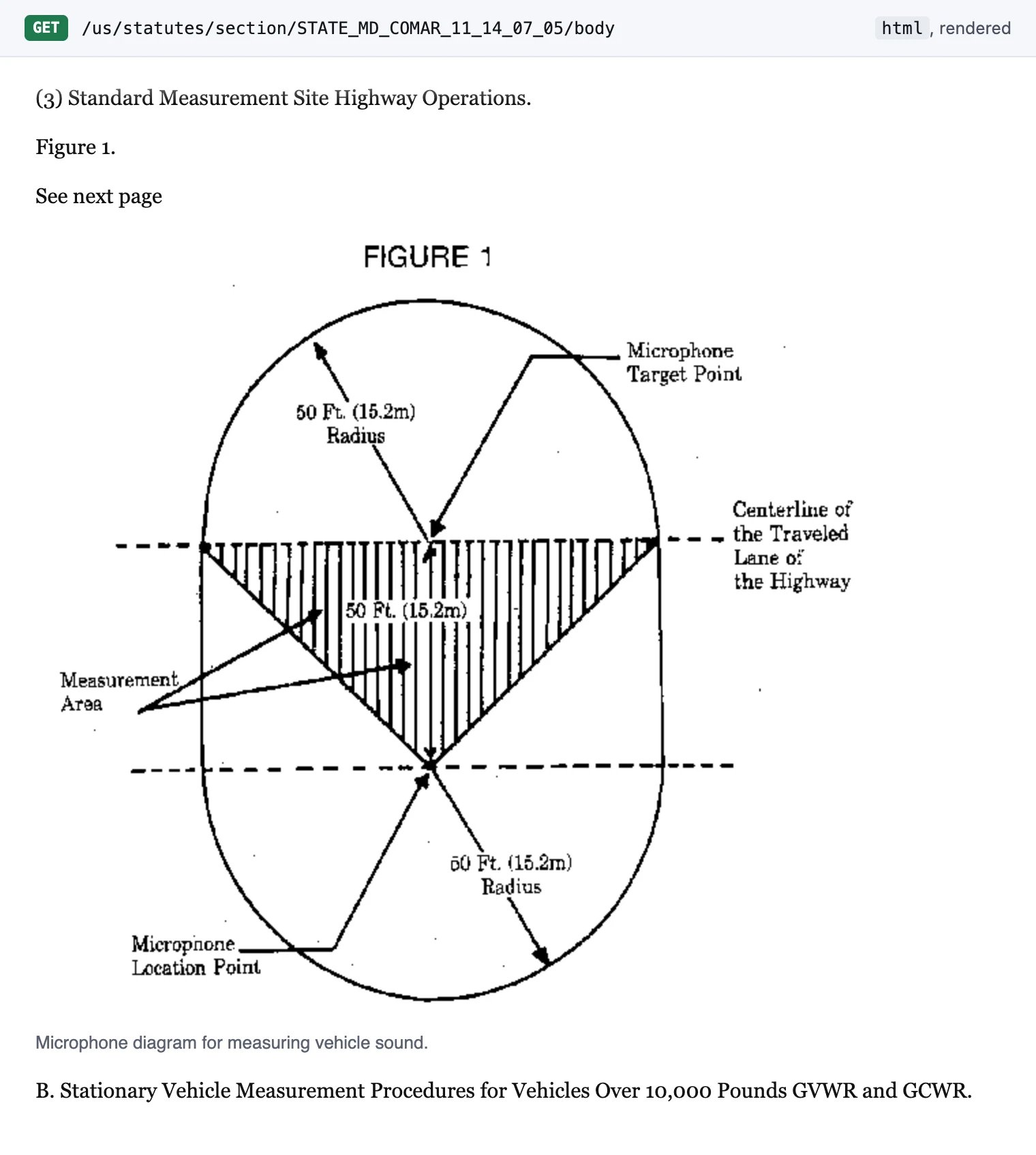
COMAR 11.14.07.05: the html field in a browser, with the publisher's figure and its caption between the paragraphs it belongs to
<table> in html, a GitHub-flavored pipe table in markdown, and tab-separated rows in plain.
When the publisher prints a table title, it is the table’s <caption> in html.
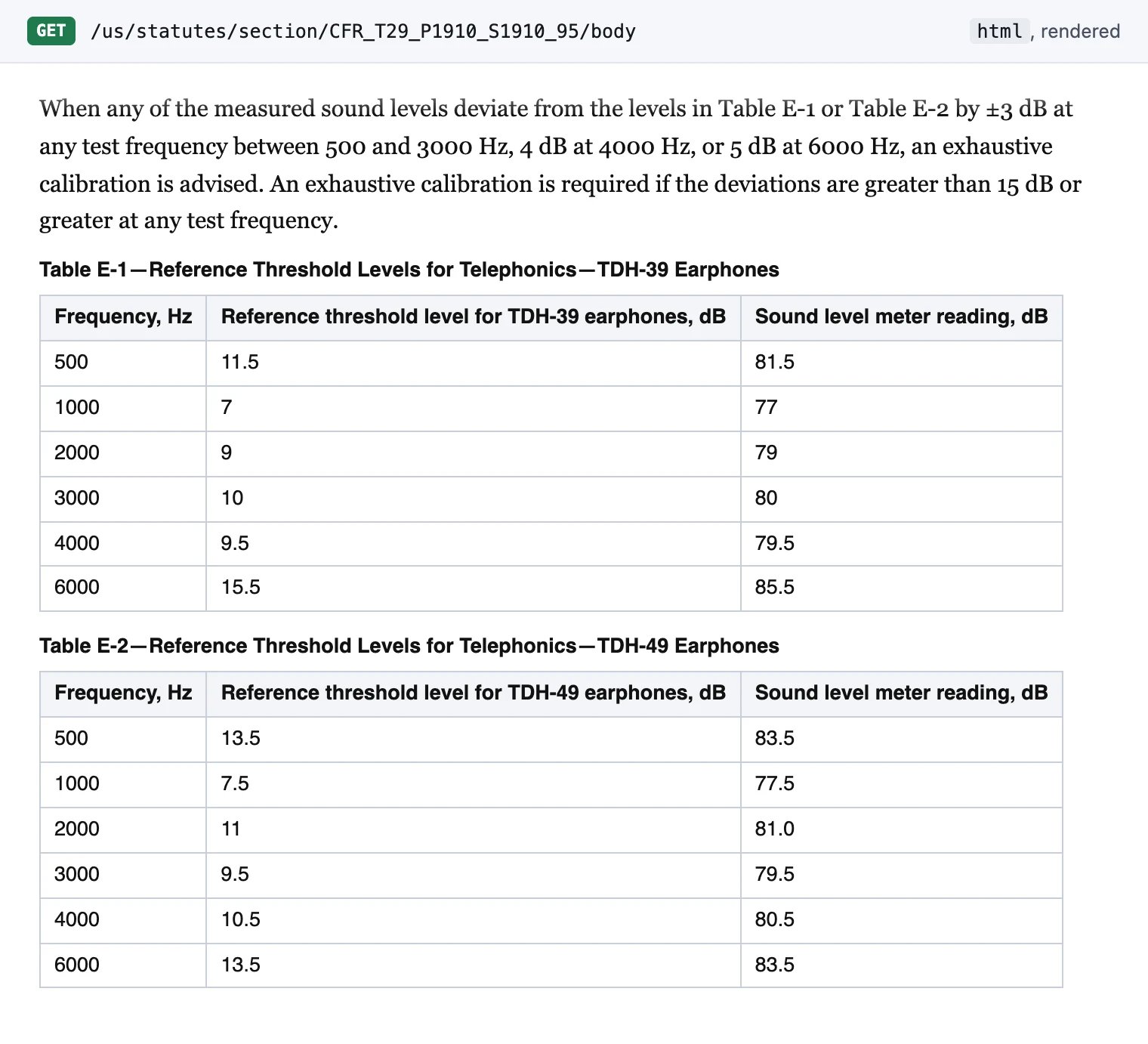
29 CFR 1910.95: two of the section's eleven tables, as the html field renders in a browser
Image fields
Each entry infigures has these fields:
tables lists each table’s tableId, order, caption, rows and cols.
Image files
Images are served fromhttps://statutes-us.vaquill.ai/figures/ without an API key, so html and markdown display as they are in a browser or a Markdown renderer.
Loading an image costs no credits.
Formats a browser cannot display (TIFF, EPS, PDF) are converted to PNG.
The file name is the SHA-256 hash of the image, so a URL always returns the same bytes and you can cache it indefinitely.
When an image or a rendering is missing
status: "unavailable"means the publisher does not serve the image file, sourlisnull. The image keeps its entry infiguresand its placeholder in the text. This is most common in Code of Federal Regulations annual editions before 2011 and Federal Register documents before 2012, where the government’s image server holds no copy.sourceUrlstill records where the publisher would serve the image, and it may not load.figures: []andhasFigures: falsemean the section has no images.figures: nullandhasFigures: nullmean the section has no structured rendering, so its body is returned as text without images. The same holds fortablesandhasTables.- A rendering is served only while it matches the publisher’s current text. When a section changes, the API returns the new text without images until the rendering is rebuilt, never an outdated rendering.
Coverage
Structured renderings are served for these codes.
In these codes, sections with tables, images or equations come back with
source: "r2_render".
Renderings for part of the Alabama, Illinois, Ohio and Washington regulations, the Minnesota statutes and the IRS written determinations are still being built, so some of their sections come back as text for now.
In random samples of sections from the codes below, no section carried a table or an image, so tables there are rare or absent and bodies are text.
Every other code returns text today, and renderings are being added.
Read
source and hasFigures on each response rather than assuming from the corpus.
Example
Display tables and images
Pick the field that matches what your app shows.In a web page: insert html
When source is r2_render, html is an HTML fragment with no <html>, <head> or <body> element, so it goes straight into a container.
Its images load from the public image host, so they display with no work on your server.
It carries no styles, so add a few rules for tables, captions and image width.
Sanitize html before inserting it, as you would any HTML from outside your app, because for other values of source it can be the publisher’s own markup.
html, so the same code displays their text.
Hosted images, and the tables and figures lists, come only with a structured rendering.
In Markdown: ask for format=markdown
Images are standard  links and tables are GitHub-flavored pipe tables, so any Markdown renderer that supports tables shows the section with its images in place.
A section with no structured rendering returns plain instead of markdown, so fall back to it.
Python
markdown.
Each image is a link at the place it belongs, and a model that reads images can be given the file at url.
As plain text: plain and figures
plain carries no images.
A placeholder such as [Figure 1] or [Equation] marks where each one goes, and offsetPlain in figures points at it.
To show the images next to the text, list figures and display or link each url.
Keep a copy of the images
Download each hosted image once and keep it. The file name is the image’s SHA-256 hash, so the bytes at a URL never change and the name works as a cache key. The image host needs no API key.Python
Related
Response formats
Every field the body endpoint returns, and the
format values.Section identifiers
How to get an actId and fetch a section’s metadata and body.