

New here? Run one in ten minutes
A folder of NDAs to a finished review memo, start to finish.
Built-in workflows
25 pre-built pipelines maintained by Vaquill AI. Pick one, upload documents, answer a short form, launch. No configuration.
Workflow Builder
Chain 25 typed step types into your own pipeline, or describe it in plain English and let Vaquill AI draft the chain for you.
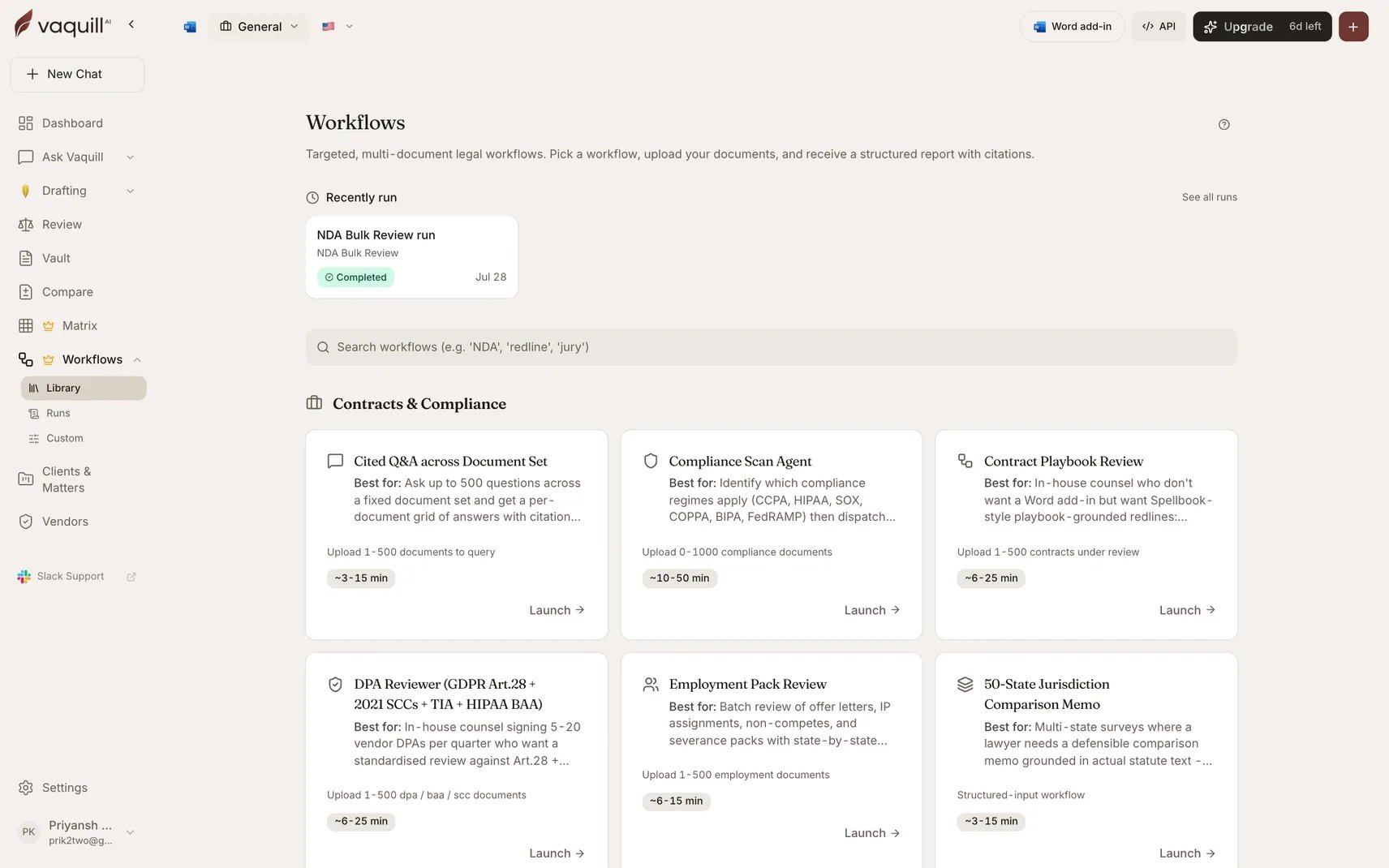
The Workflows gallery: built-in catalogue and your custom workflows
Which one do I want
Use a built-in workflow when
The job is a recognizable legal task: reviewing a batch of NDAs, building a privilege log, drafting a motion, auditing vendors for privacy compliance. Someone has already thought hard about the prompts, the scoring rubric, and the output format.
Use the builder when
Your job is specific to your organization: a custom intake sequence, a firm-specific scoring pass, a chain that ends in your own DOCX template. Or you want to run a built-in-style pipeline with your own steps swapped in.
How they differ
What a run looks like
Both kinds share the same run machinery.1
Launch
Pick the workflow, attach documents to its slots, fill in the inputs, and optionally scope the run to a matter.
2
Watch
The run streams progress: which step is executing, a percentage, and an audit event for every step start, completion, document processed, and artifact rendered. Cancel at any point.
3
Collect
Completed runs expose their artifacts as signed downloads, plus an on-screen results panel. Runs persist in your run history, so the work product stays retrievable.
Related
Agent Mode
One-shot autonomous research that picks its own tools. A workflow is the repeatable, auditable version.
Document Matrix
Several built-in workflows run a matrix under the hood. This is that engine on its own.
Playbooks
Negotiation playbooks feed the Contract Playbook Review workflow.
Matters and workspaces
Runs scoped to a matter save their output back into it.