

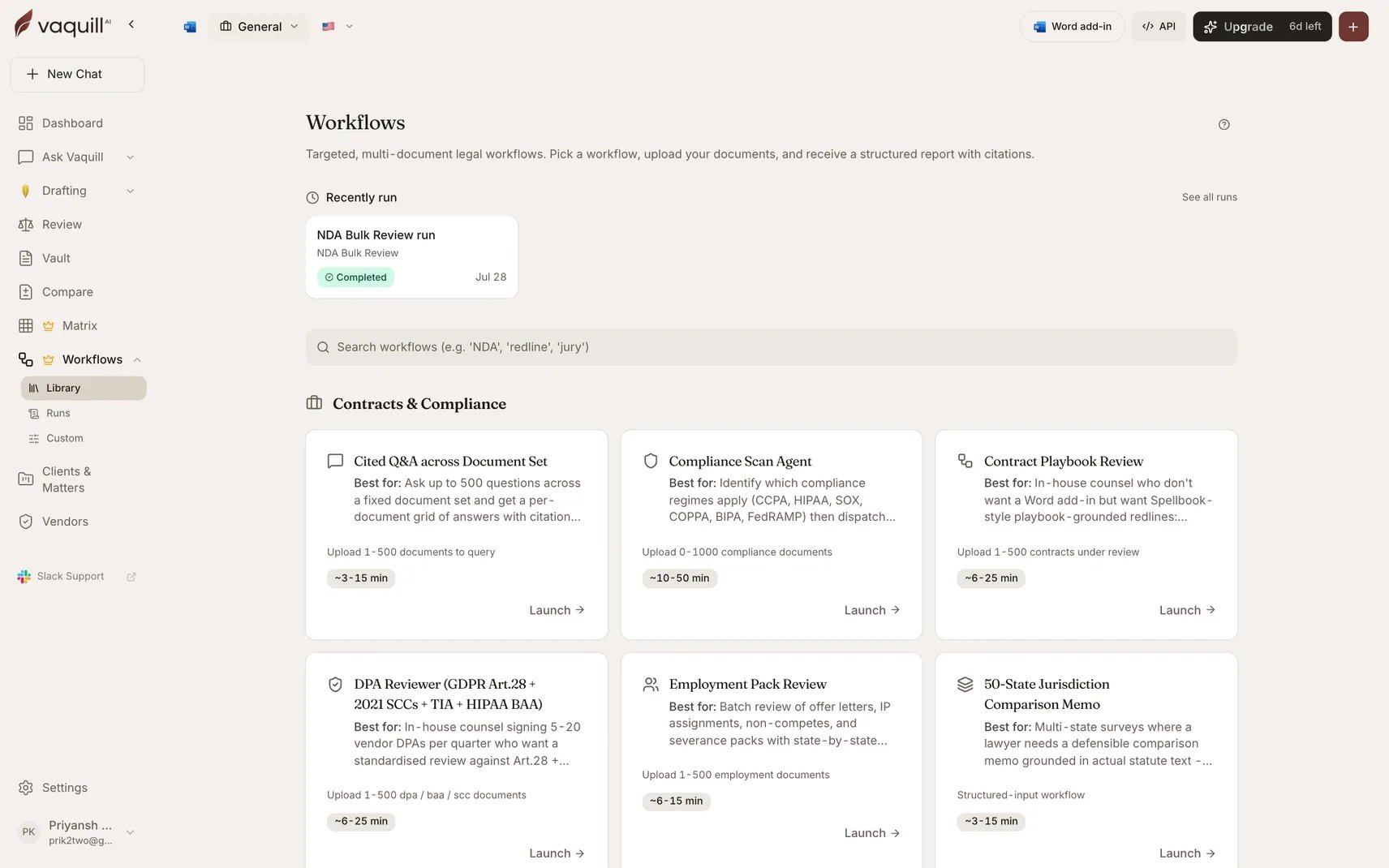
The Workflows gallery, where you pick a workflow to run
Before you start
1
An active account
A trial or paid plan. Workflows are included in every plan and are not billed per run.
2
A few documents
Two to five NDAs in PDF or DOCX. They must be text-searchable. A scanned image runs through OCR on upload, which works, but give it time to finish before launching.
3
Optionally, a matter
You can run a workflow without one. Scoping to a matter files the output back into that matter automatically, which is worth doing on real work. See Matters and workspaces.
Run it
1
Open the catalogue
Go to Workflows in the app and pick NDA Bulk Review from the In-House group.
2
Upload into the slot
The launcher shows a slot labelled NDAs to review. Drag your files in. Leave the optional playbook slot empty for now: with no playbook, the review scores against market benchmarks instead.
3
Answer one required question
Which side are you on? is the only required field. It inverts most of the scoring rubric, so pick honestly: Receiving Party if you are the one being bound.Everything else is optional and falls through to sensible defaults. Ignore it on the first run.
4
Launch, then walk away
Click run. The pipeline builds an extraction matrix, answers a cell per document per clause question, scores each NDA, then synthesizes across the set. Expect 3 to 12 minutes.You do not need to keep the tab open. Progress streams into the run view, and you can cancel at any point.
5
Collect two documents
On completion you get an Executive Summary with a traffic-light grid across every NDA, and a Per-Document Detail with benchmark results and suggested redline language. Both are real DOCX files.
What just happened
You ran a fixed pipeline someone else designed. Every built-in workflow works the same way: slots for documents, a short form that changes what counts as risky, and a declared set of output files. That is the whole model. The 24 other built-ins differ in what they extract and what they produce, not in how you drive them.Where to go next
Pick a workflow for your actual job
The full catalogue, grouped by the work: contracts, compliance, research, discovery, drafting.
Learn the launcher properly
Auto-fill from a document or brief, matter scope, progress, and cancelling.
Build your own
When no built-in matches, chain 25 step types into your own pipeline, or describe it in plain English.
Start from a template
Eight ready-made custom workflows. Document Triage is three steps and a good one to fork first.
If something goes wrong
For builder-specific errors, see Troubleshooting.