

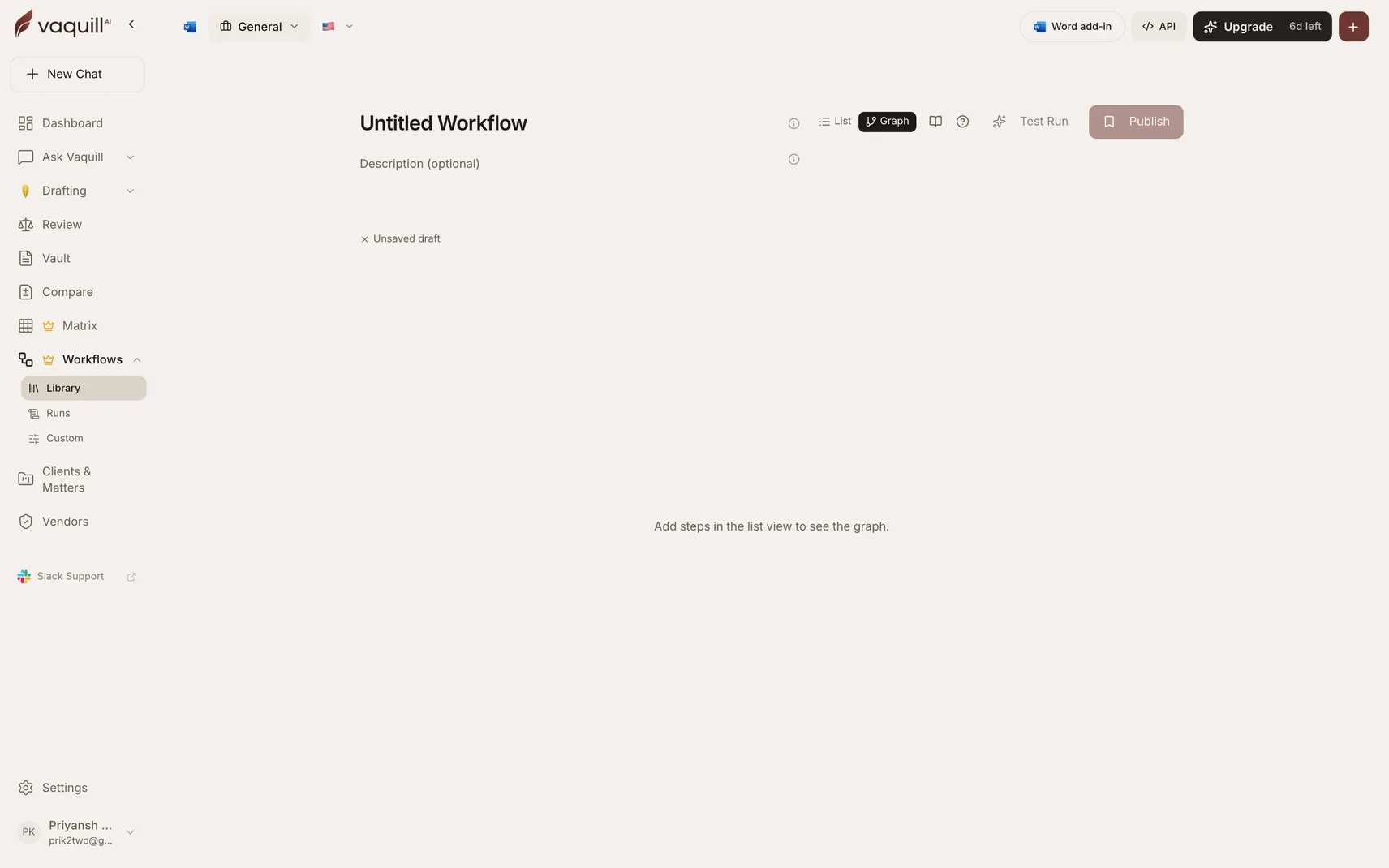
Graph view, where routing is drawn between steps
Branching
There are two ways to add conditional routing, with identical semantics.Inline branch on any step
Inline branch on any step
Expand the Branching section in any step’s config pane. Read a field from an upstream step’s output, pick an operator, and choose which sibling steps run on TRUE versus FALSE.Use this when the decision naturally belongs to the step that produced the data.
Conditional Branch step
Conditional Branch step
The same shape, but the decision becomes its own row in the chain. Use this when the decision logic does not belong to the step that produced the data, or when you want the decision visible in the run timeline as its own event.
Operators
Six operators are available:Nested-path navigation and regex conditions are deliberately not available. A condition reads one top-level field from one upstream step, which keeps branch behavior predictable and statically checkable at publish time.
In graph view
Drag from one node’s bottom edge onto another node to route an edge in one click. The color shows the routing type: green for TRUE, red for FALSE, grey for linear.The downstream rule
A branch target must run strictly after the branching step. The executor walks the chain in order, so a target at or before the branching step could never fire. Publishing rejects both dangling targets and targets that are not downstream, and names the offending step so you can retarget it.Loops
The Loop Over Documents step runs another step type once per document, with bounded concurrency.
The current document is injected into the inner step on every iteration, and the loop config form gives you click-to-insert chips for the document’s id and filename.
The step returns per-iteration results plus counts of iterations, successes, and failures, so a downstream step can react to a partial run.
What cannot go inside a loop
Two categories are refused, at config time rather than at run time, so you see a clear error in the builder instead of a silent no-op mid-run:- Nested loops. A Loop Over Documents step cannot be its own inner step.
- Side-effect steps. Anything that mutates state outside the run, such as Save to Matter. Running a side effect N times over a document set is almost never what someone meant, and the amplification is hard to undo.
Agentic step
When the right next move depends on what the last step actually returned, hand off to a constrained agent instead of hard-coding the sequence.
The agent returns its final answer plus the iteration count, tool-call count, and why it stopped, so you can tell “finished” apart from “hit the cap”.
This is a bounded tool loop, not an open-ended agent: it can only call the tools you enabled, and only as many times as you allowed.
Related
Routing step reference
Full field-level detail on all three routing steps.
Troubleshooting
Branch and loop validation errors and how to clear them.