

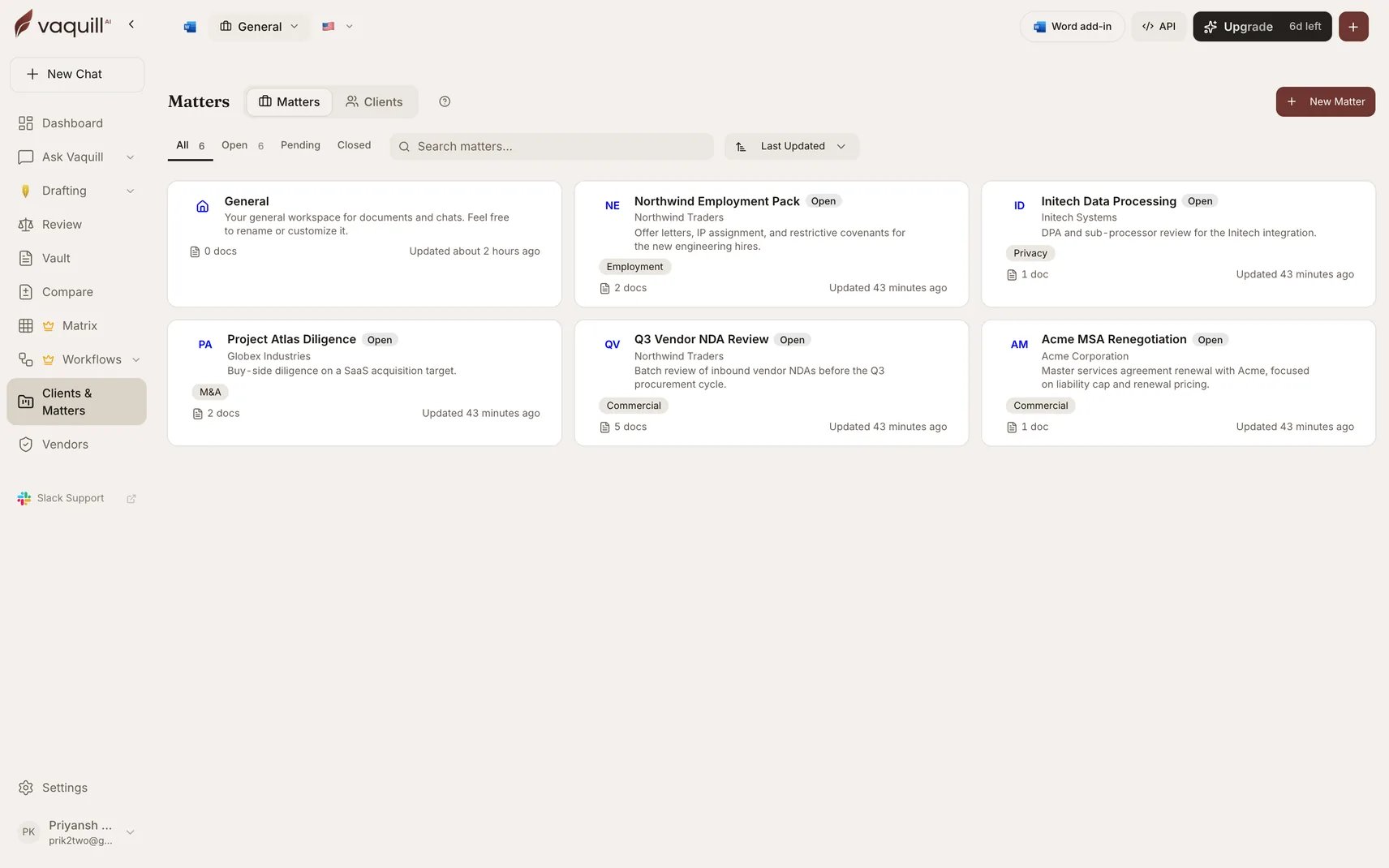
The Matters workspace with per-matter document counts and status
Create a Matter
1
Open Matters
Navigate to Matters from the sidebar in your dashboard.
2
Create
Click New Matter and name it. Optionally link it to a client.
3
Add documents
Upload documents into the Matter. All documents are searchable together.
4
Start a conversation
Conversations within a Matter have access to all its documents.
Features
Document isolation
Documents in one Matter are not visible to other Matters.
Client linking
Associate Matters with a client record so you can see all work for that client in one place.
Conversation history
All conversations are preserved and searchable across the Matter.
Export
Export contents including conversations and analysis results.
A Matter is the primary unit of isolation in Vaquill AI. Anything outside the Matter cannot see its documents, chats, or analysis unless it is explicitly shared.
Client Management
Group Matters under Clients:- Create client profiles
- Link multiple Matters to a single client
- View all work for a client in one place
Team Collaboration
Role-based access for team workspaces:Sharing
Share conversations with team members or generate a public link. Shared conversations include the full thread with citations and tool outputs.Inline Threading
Start sub-conversations within a main thread to keep discussions organized.Plan Limits
Related
Matter Summary
A citation-backed narrative of the whole matter.
Matter Facts
A cross-document fact ledger with conflicts flagged.
Client Management
Group Matters under client records and run firm-wide conflict checks.
Team Workspaces
Roles, access controls, and shared resources for your firm.
File Formats
See every format you can upload into a Matter.