Gemini can read a contract. It cannot review one to a standard. Drop an agreement into Google Docs and Gemini will summarize it, answer questions about it, and help you draft from it. What it will not do is apply your playbook, score risk against your positions, redline to your fallbacks, or reliably catch a missing market term. Its large context window helps it digest a long agreement, but a bigger window is more reading, not more judgment. That gap is where the legal risk lives.
TL;DR
- Yes for reading, no for reviewing. Gemini in Google Docs summarizes a contract, answers plain-language questions, and drafts from your own text. That is genuinely useful.
- It has no playbook. It does not know your 12-month liability cap rule or that you never accept one-way indemnity. It cannot score a clause against a standard it was never given.
- The big context window is digestion, not judgment. Many Gemini models carry context windows of 1 million or more tokens, so a long agreement fits in one pass (Google, checked June 2026). Fitting the text is not the same as knowing what is market.
- It can be confidently wrong. Like any large language model, Gemini can misread a cross-reference or call a one-sided clause "standard." A wrong flag you trust is worse than no flag.
- The benchmarks say assist, not sign off. In one controlled test Gemini 1.5 Pro answered about 64% of a contract review checklist correctly even with heavy prompting (Red Marble AI, checked July 2026). On a legal review, a miss rate that high is a fail, because the one clause it drops can be the change-of-control trigger.
- Consumer and Workspace are different products on data. Consumer Gemini chats can be human-reviewed and used to improve Google's services; Workspace says it does not train on your content without permission.
- Stop before sign-off. Use Gemini to get oriented fast. Use a purpose-built tool, or your own eyes, for anything you put your name on.
In one controlled test, how much of a contract review checklist did Gemini 1.5 Pro answer correctly, even with heavy prompting?
This post is the Gemini-specific angle. For the category overview, see our AI contract review lawyer's guide. For the general-chatbot version of this question, see ChatGPT for lawyers.
What this looks like on a real contract
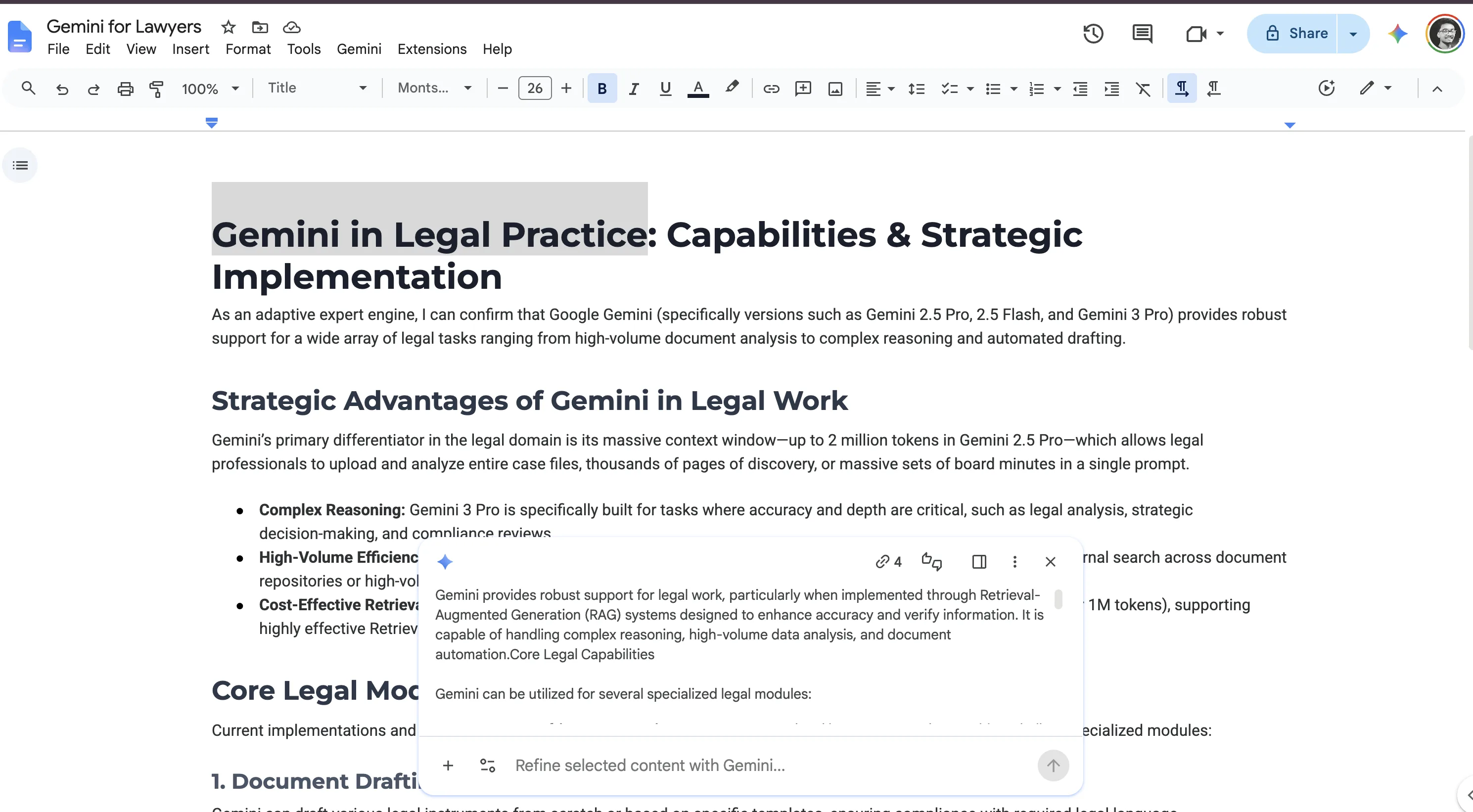
Say you drop a 90-page vendor master services agreement into Google Docs and ask Gemini to review it. Here is the split between what it nails and what it quietly walks past.
What it gets right. Ask "what is the liability cap" and Gemini finds it: fees paid in the prior 3 months. Ask for the parties, term, and termination notice, and it answers fast and accurately. That is real reading, and it saves you the first pass.
What it misses. The cap is 3 months, but your playbook holds the line at 12. Gemini does not flag that, because you never told it your number. The indemnity runs one way, in the vendor's favor, and Gemini calls it "standard." There is no data processing addendum at all, and Gemini cannot flag the gap, since it reads what is on the page, not what should be.
None of those misses are bugs. Gemini did exactly what it does: it read the document. It did not measure the document against a standard, because it has none. That is the line between reading a contract and reviewing one.
What Gemini can actually do with a contract
Gemini is built into Google Docs and Workspace, so the contract you already have in a Doc is the contract Gemini works on. Three things work well today.
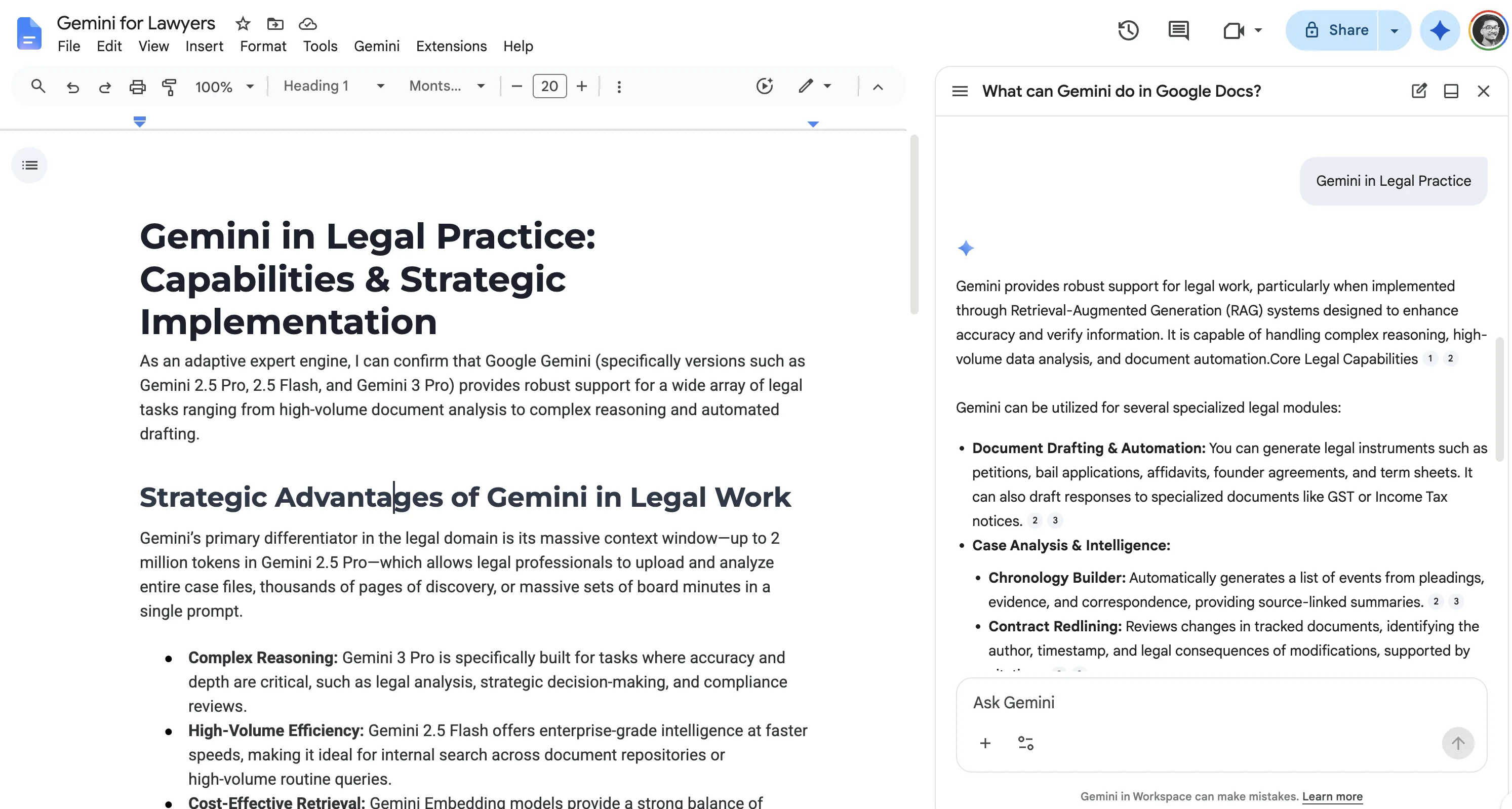
It summarizes. Ask "summarize this agreement in five bullets" and you get the gist of a long document in seconds. Google lists summarizing your Doc as a core feature (Google Docs Help, checked June 2026).
It answers questions about the text. "What is the notice period for termination?" or "Where does this contract talk about data use?" Gemini points you to the relevant section instead of you scrolling for ten minutes.
It drafts from your own material. Hand it your facts and ask for a first-pass clause, an email summarizing the deal, or a plain-language explainer for a business stakeholder. The substance is yours; Gemini shapes it.
These are real time-savers for a busy in-house lawyer. They share one trait: you supply the contract and the context, and Gemini works on top of what you gave it.
The long context window: helpful, but not judgment
The headline Gemini selling point for documents is the context window. Many Gemini models come with windows of 1 million or more tokens, so a 90-page master services agreement fits in a single prompt (Google Gemini API docs, checked June 2026). Google points to long-document summarization and document Q&A as direct use cases for that capacity.
Here is the honest read. A big window means Gemini can hold the whole agreement at once, so its summary is less likely to drop a section and its answers can reach across the document. That is a real benefit for digesting a large contract.
What the window does not add is a sense of what should be in the contract. Gemini can tell you what the liability cap says. It cannot tell you that a 3-month cap is below market unless you teach it your standard, every time, in the prompt. More tokens is more reading capacity. It is not a position, a benchmark, or a memory of how you negotiate.
How accurate is Gemini on a contract?
Accurate enough to orient you, not accurate enough to trust unread. Two independent tests put numbers on it.
Red Marble AI ran Gemini 1.5 Pro against a 242-page commercial agreement using a 72-question review checklist. With advanced, step-by-step prompting, it answered about 64% correctly. Without that prompt engineering, roughly one in three answers needed human correction (Red Marble AI, checked July 2026). Newer models narrow the gap on some tasks. In LegalOn's December 2025 benchmark across more than 300 agreements, Gemini 3 won roughly 70% of head-to-head first-party contract revision comparisons and edged ahead on playbook enforcement, while GPT-5.1 stayed marginally ahead on issue spotting and ran 2 to 4 times faster (LegalOn Technologies, checked July 2026).
Read those numbers the way a lawyer has to. A 64% on a school test is a passing grade. A 64% on a contract is a failure, and so, arguably, is a 95%, because the reliability standard for legal review is closer to binary. If the 5% Gemini misses is the change-of-control trigger or an uncapped indemnity, the other 95% did not save the deal. Benchmarks measure how well a model reads and rewrites. They do not close the gap between reading a clause and knowing it fails your standard.
What Gemini cannot do (and where the risk hides)
Contract review, the kind you act on, is comparison against a standard. That is exactly the part Gemini is not built for.
It cannot apply a playbook. Your playbook is the set of positions you hold the line on. Gemini does not have it, and it does not persist one between documents. Every review starts from zero.
It cannot score risk against your positions. "High risk" only means something relative to a line you have drawn. Without that line, Gemini gives you a description, not a severity.
It cannot reliably flag missing or off-market terms. Humans, and general models, notice what is on the page, not the data processing addendum that is absent. Catching the gap takes a checklist Gemini was not given.
It cannot redline to your fallbacks. It can rewrite a sentence if you tell it the target. It will not propose the specific language your team accepts as fallback position two, because it does not know what that is. It also does not produce tracked-change markup in Microsoft Word, where most negotiation actually happens; you get revised text in a chat panel, then the copy-paste-and-reformat work is on you.
It cannot guarantee accuracy. Like any large language model, Gemini can misread a cross-reference between the MSA and an exhibit, or describe a one-sided clause as "standard." It says it with the same confidence as a correct answer. For the broader category view of this failure mode, see the AI contract review lawyer's guide.
Gemini vs a purpose-built review tool
The clearest way to see the gap is side by side. A purpose-built contract review tool is built around the standard; a general assistant is built around the text.
| Capability | Gemini (in Docs/Workspace) | Purpose-built review tool adds |
|---|---|---|
| Summarize a contract | Yes | Yes, plus structured key-terms extraction |
| Answer questions about the document | Yes | Yes, with citations to the exact clause |
| Draft from your own text | Yes | Yes, plus standard-clause templates |
| Digest a long agreement in one pass | Yes (large context window) | Yes |
| Apply your playbook to every contract | No | Yes, positions encoded once, applied every time |
| Score each clause against a standard | No | Yes, severity ranked (Critical to Low) |
| Redline to your fallback positions | No | Yes, suggested language to your standard |
| Flag missing or off-market terms | Not reliably | Yes, gap detection against a clause checklist |
| Reusable clause library | No | Yes |
| Audit trail of what was reviewed | No | Yes, a record per document and reviewer |
What the right column actually adds is machinery Gemini does not carry. A purpose-built reviewer encodes a clause taxonomy, so it knows an indemnity from a limitation of liability and treats each by type. It runs fallback ladders, the ranked positions you accept from ideal down to walk-away, and proposes the next rung. It checks a required-terms checklist, so a missing DPA or cap surfaces as a gap, not a blank.
It keeps a reviewer audit log, a record of which clauses were flagged, by whom, and what changed, which matters when the deal is questioned later. And it supports playbook versioning, so when your standard cap moves from 12 months to 18, every future review uses the new line. Gemini has none of this. It reads the text and forgets it.
The pattern is consistent. Everything Gemini does well is about the text in front of it. Everything it cannot do is about the standard the text is supposed to meet. For a tool-by-tool look at the purpose-built side, see our best AI contract review tools compared.
A safe workflow if Gemini is all you have
You can get real value from Gemini on contracts without crossing into review you should not delegate. Use it to get oriented, then stop. The decision on any given task is whether it needs the text or needs a standard.
- Summarize for orientation. Ask for the parties, term, key obligations, and termination mechanics. This replaces the first read-through, not the review.
- Ask targeted questions. "What is the liability cap?" "Is indemnity mutual?" "What is the auto-renewal notice window?" Treat answers as pointers to verify, not findings.
- Pull each answer back to the clause. Open the section Gemini named and read the actual words. Gemini locates; you confirm.
- Bring your own standard. If you ask whether a term is acceptable, paste your position into the prompt. Gemini has no playbook of its own.
- Stop at the line. Do not let Gemini decide what is market, what to concede, or what language to accept. That is review, and it needs a standard plus a lawyer.
The handoff is the whole point. Gemini compresses the reading. Judgment stays with you or a tool built to hold a standard. The same split applies to general chatbots, which we cover in ChatGPT for lawyers.
A note on confidentiality
Whether you can put a client contract into Gemini at all depends on which Gemini you mean. Consumer and Workspace are different products with different data terms.
On the consumer Gemini app, a subset of chats can be reviewed by humans and used to help improve Google's services, and Google tells you not to enter information you would not want a reviewer to see (Google, consumer Gemini privacy, checked June 2026). That is a poor fit for client-confidential agreements.
Gemini for Google Workspace states a different commitment: your content is not human-reviewed or used for generative AI model training outside your domain without permission, and your interactions stay within your organization (Google Workspace privacy hub, checked June 2026). A third path, Gemini on Google Cloud through Vertex AI, adds enterprise controls: no training on your prompts, SOC 2, and data residency options, which is the configuration most in-house teams should insist on before a client contract goes anywhere near the model. Confirm the current terms yourself. For the full breakdown, see is Gemini private for legal work.
| Gemini tier | Trains on your content | Human review | Fit for client contracts |
|---|---|---|---|
| Consumer Gemini app | Can be used to improve Google's services | A subset of chats can be reviewed | Poor |
| Gemini for Workspace | Not outside your domain without permission | No | Acceptable, verify terms |
| Vertex AI (Google Cloud) | No, zero-training commitment | No | Best, with data residency and SOC 2 |
This is not only a vendor-terms question. ABA Formal Opinion 512, issued July 2024, makes the duty explicit: you must understand how an AI tool handles your data and independently verify its output before you rely on it. That verification duty is the reason a Gemini summary is a starting point, never the sign-off.
The verdict
Can Gemini review a contract? It can read one well. It summarizes, answers questions, and drafts from your own text, and the large context window means a long agreement fits in one pass. None of that is review in the sense a lawyer means it. Gemini has no playbook, no risk scoring against your positions, no standard redlines, no reliable gap detection, and no accuracy guarantee. Use it to get oriented fast, then bring a standard, whether that is your own checklist or a purpose-built tool, before anything is signed.
If you want the standard built in, Vaquill AI is a legal AI suite for in-house teams that does contract review against your playbook, document chat with clause-level citations, and drafting, with a written no-training commitment on your data. You can turn your own positions into a reusable reviewer following our contract review skill setup.
FAQ
Can Google Gemini review a contract? It can read and summarize one, answer questions about it, and draft from it. It cannot review it the way a lawyer means review: applying a playbook, scoring risk against your positions, redlining to your fallbacks, or reliably flagging missing terms. Use it to get oriented, not to sign off.
Can Gemini summarize a long contract accurately? Usually well enough for orientation, especially with the large context window holding the whole document. Treat the summary as a fast first read, not a verified record. Open the clauses it names and confirm the wording before you rely on anything.
Is it safe to upload a confidential contract to Gemini? It depends on the version. The consumer Gemini app can have chats reviewed by humans and used to improve Google's services, which is a poor fit for client data. Gemini for Workspace commits not to train on your content outside your domain without permission. Confirm current terms and your ABA 512 duties first.
Can Gemini apply my contract playbook? No. It has no memory of your positions and does not persist a playbook between documents. You would have to paste your standard into every prompt, and even then it will not score severity or redline to your fallbacks the way a purpose-built tool does.
Gemini or a purpose-built contract review tool? Use Gemini for summaries, document Q&A, and drafting from your own text. Use a purpose-built tool for review you act on: playbook checks, risk scoring, standard redlines, gap detection, and an audit trail. The split is whether the task needs a standard or just good reading.
Can Gemini find missing clauses in a contract? Not reliably. Models tend to read what is on the page, not notice what is absent, and Gemini has no checklist of required terms unless you give it one. Catching a missing data processing addendum or liability cap is exactly the gap a purpose-built reviewer is built to close.
Does Gemini hallucinate when reading contracts? It can. Like any large language model, it may misread a cross-reference or describe a one-sided clause as standard, stated with full confidence. That is why every answer should be checked against the actual clause text before you act on it.
How accurate is Gemini at contract review? In a Red Marble AI test, Gemini 1.5 Pro answered about 64% of a 72-question contract checklist correctly, and only with heavy step-by-step prompting; without it, roughly one in three answers needed correction. Newer models score better on revision tasks in LegalOn's December 2025 benchmark, but no version reaches the near-perfect reliability legal review demands. Verify every finding.
Does Gemini produce Word redlines with tracked changes? No. Gemini returns revised text in a chat panel or Google Doc, not native tracked-change markup in Microsoft Word, where most contract negotiation happens. You are left to copy, paste, and reformat the changes yourself.
Which version of Gemini should I use for contract work? For anything client-confidential, use Gemini for Workspace or Vertex AI on Google Cloud, not the consumer app. The consumer tier can have chats reviewed by humans and used to improve Google's services. Vertex AI adds a zero-training commitment, SOC 2, and data residency controls.
Last updated: July 2026
New legal AI guides, weekly.
Further Reading
Can Microsoft Copilot Review a Contract?
Read postGoogle Gemini for Lawyers: What It Can and Cannot Do
Read postAI Contract Review: A Lawyer's Guide to Getting Started
Read postWhat Lawyers Want From Legal AI in 2026: A 534-Lawyer Study
Read postAI Medical Record Review for Lawyers: How It Works, What It Costs, and Where It Breaks
Read postIs Legal AI a Bubble? What the 2026 Market Data Says
Read post
Co-Founder & CEO · Attorney
Arshita leads product and strategy at Vaquill, building the legal AI suite that solo, small-firm, and in-house US lawyers use to run a matter end to end.