
Is LinkSquares worth it? Yes, for an in-house GC office at a 50-employee-plus company that runs Salesforce plus DocuSign, signs 50+ agreements a quarter, and can absorb a $31K-median annual spend plus implementation. For in-house teams, litigation shops, or anyone needing primary-law research, no. This LinkSquares review backs that call with sourced pricing, an independent hands-on test, and real G2 and Capterra user sentiment.
The verdict first: if your contract intake comes off Salesforce opportunities and your signature surface is DocuSign, LinkSquares belongs on the shortlist next to Ironclad and Agiloft. If your stack is anything else, or your legal team is under 50 employees, it usually does not. Most LinkSquares reviews bury that distinction under the feature grid.
The procurement frame that matters: contract volume (50+ executed agreements a quarter to justify a CLM as a system of record), stack fit (Salesforce plus DocuSign is the load-bearing integration), integration risk over the next twelve months (developer API, MCP, agent surfaces), and data lineage.
LinkSquares wins on volume fit and stack fit, lags on developer integration, and is miscast for small in-house teams.
TL;DR
- LinkSquares is the dominant Boston-based CLM plus contract-AI platform for in-house GC offices in 2026. Per the company's own December 2025 announcement, it landed G2 Winter 2026 Grid Leader for the 17th consecutive quarter, and its public customer roster cites 1,200+ customers including DraftKings, TIME, and ProPharma.
- Funding signal is real and on the record: $100M Series C in April 2022 led by G Squared at an $800M valuation, taking total funding to $161.4M (TechCrunch, Apr 2022). The LinkAI agentic-CLM rebuild launched May 5, 2026.
- Pricing skews enterprise. LinkSquares does not publish numbers. Third-party reconstructions (Hyperstart's benchmark cited here) put the median around $31K per year, the starter tier around $10K, and enterprise above $75K. That places LinkSquares squarely in the in-house-GC-office segment and out of reach for solos and 2-15 lawyer firms.
- Wins on CLM workflow depth, mature Salesforce, DocuSign, HubSpot, and Slack integrations, enterprise security (SOC 2 Type II, ISO 27001). Real gaps on primary-law research (case law, statutes, regulations), on a generally available developer-facing API, and on small-team economics.
What is the realistic mid-market planning number for LinkSquares' annual spend, per the sourced benchmarks in this review?
Part of our legal AI vendor comparison and pricing series.
At a glance
| LinkSquares | |
|---|---|
| Price | Quote-based, ~$10K starter to $75K+ enterprise, median around $31K/year (Hyperstart benchmark) |
| Access | Sales-negotiated contract, quarter-long implementation |
| Best for | In-house GC offices, 50+ employees, on Salesforce and DocuSign |
| Free trial | Negotiated trial through a rep |
| Word-native drafting | Finalize drafts and AI redlines against an encoded playbook |
| Security | SOC 2 Type II, ISO 27001 |
| Public API | Enterprise-tier only, docs not public |
What LinkSquares actually is
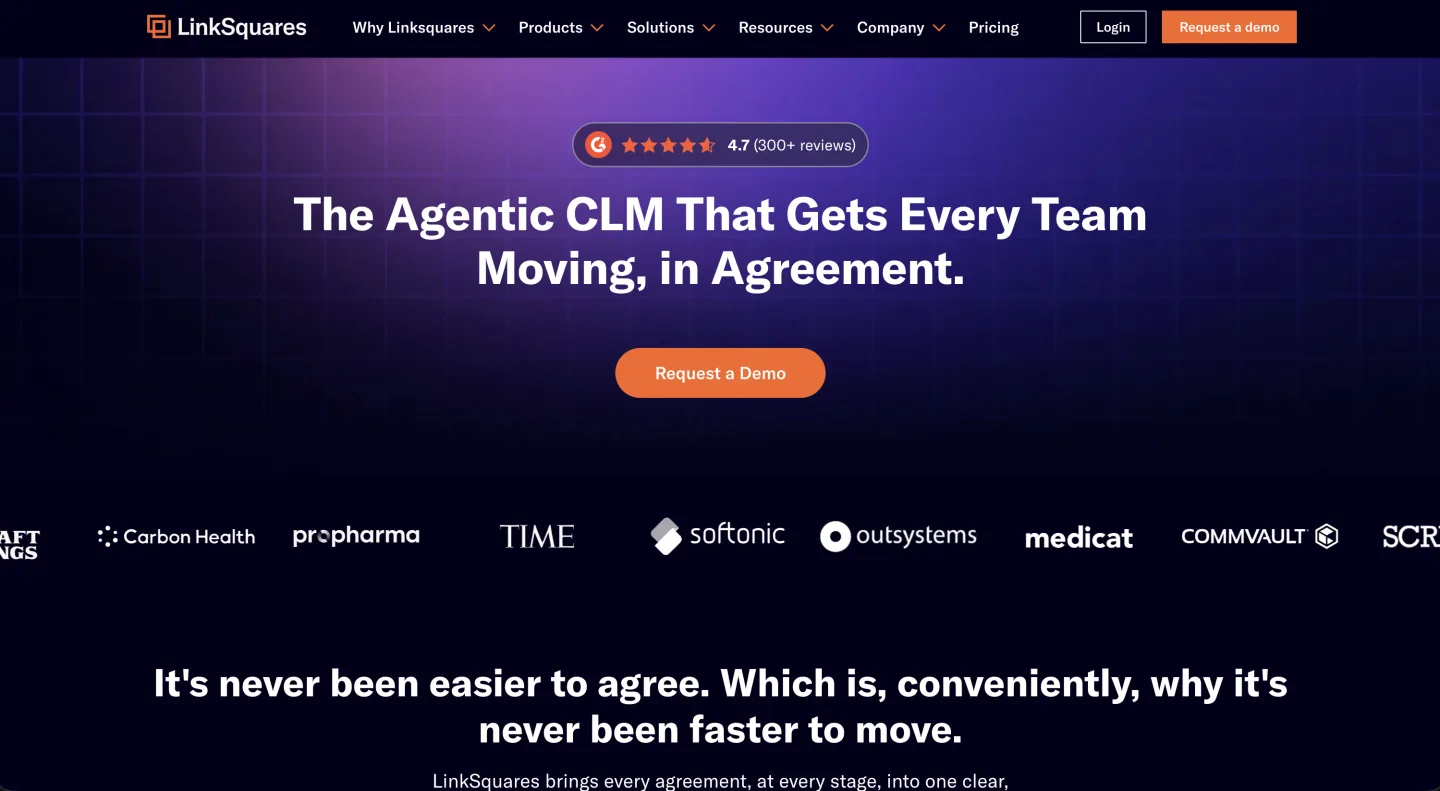
LinkSquares was founded in Boston in 2015 by Vishal Sunak and Chris Combs. It started as a post-execution contract analytics tool (extract clauses from signed PDFs, build a searchable repository, run reports) and grew end-to-end across the contract lifecycle as in-house buyers asked for drafting, redlining, e-signature, and workflow on top of the same data spine.
Total funding reached $161.4M after a $100M Series C in April 2022 led by G Squared at an $800M post valuation, with G2 Venture Partners joining as a new investor (TechCrunch, Apr 2022).
The cap-table profile matters for procurement: a vendor funded past $160M with $800M-class valuation pressure has the runway to keep shipping but also the growth expectations that explain why the pricing model skews mid-market and up.
The product surface today has four pillars (LinkAI, Finalize, Analyze, Sign) and an integration layer that lines up against the in-house GC office's actual stack rather than the litigation department's.
The product surface, piece by piece
The right way to evaluate a CLM is to ask what each module does on the third Tuesday of a real in-house lawyer's month, not what the launch keynote shows.
LinkAI (agentic CLM, launched May 5, 2026). LinkSquares rebuilt the platform on an AI-native architecture and shipped what it positions as the first all-agentic CLM. Agents draft, redline, research, and generate communications inside the workflow, contract data triggers downstream steps, and non-legal teams act inside legal-approved guardrails.
In early-access examples LinkSquares published, a contract round-trip that previously took hours redlines in around two minutes. Treat that as a vendor-curated case, not a benchmark.
The directional story (agents acting on contracts, not just analyzing them) is the right shape for 2026, and LinkSquares is one of the first incumbents to ship it instead of bolting a chat sidebar onto a 2018 product.
Finalize. Contract drafting plus AI redlines. The piece used on the inbound NDA, the vendor MSA, the order form that came back marked up Friday afternoon. Redlines run against a playbook the team encodes once and reuses.
Analyze. Post-execution clause extraction and reporting. The original product. Drop executed PDFs in, the system extracts liability caps, governing law, term lengths, renewal triggers, indemnification carve-outs. The maturity here is the reason the G2 streak exists.
Sign. E-signature, native or via DocuSign. Table stakes.
Integration layer. Salesforce (intake), DocuSign (signature), HubSpot (partner agreements), Slack (approvals). For an in-house team whose contract volume comes off a CRM-driven sales motion, this is the load-bearing surface. Procurement often reduces to whether Salesforce-to-CLM-to-DocuSign already runs as one pipeline.
The implementation failure modes show up in a predictable order.
First, the playbook: teams that import a Word template and expect LinkAI to "learn it" produce uneven redlines for the first 60 days. The product needs explicit clause variants, fallback positions, and walkaway triggers encoded, not a single golden draft. Skip that work and the two-minute round-trip the case study advertises does not happen.
Second, Salesforce field mapping: the sales-to-legal handoff on order-form intake is the smoothest piece of the workflow when the opportunity fields, account fields, and product fields are mapped against contract metadata before kickoff, and the slowest when teams discover three months in that the renewal date in Salesforce was a free-text field.
Third, the approval matrix: routing rules across legal, finance, and deal desk surface edge cases (international subsidiaries, sales-rep-initiated edits, MFN clauses) the demo does not cover, and most implementation projects burn two extra weeks here.
Fourth, data migration off the legacy repository: PDFs without OCR, contracts stored as email attachments, executed copies that disagree with the redlined version in the DMS. Budget a quarter for migration on a mid-market deployment, two quarters on an enterprise one.
Analyze clause extraction is strong on the four most common contract types (NDA, DPA, MSA, vendor agreement) and thinner on bespoke commercial agreements with unusual carve-outs. The reporting layer is built for the GC who wants a board-ready exposure summary, not the legal-ops engineer who wants contract data piped into a separate analytics warehouse.
The counterintuitive part: the win condition is not the AI quality. Steady-state value comes from clause-extraction maturity on the executed book and from Salesforce-DocuSign integration depth.
Teams that buy for LinkAI and skip the Analyze rollout underperform teams that buy for Analyze and treat LinkAI as upside.
Pricing reality
LinkSquares does not publish pricing. Sales-quoted numbers have to be reconstructed from third-party benchmarks and customer reports.
The Hyperstart benchmark (Hyperstart, Apr 2026) puts the range at roughly $10K to $100K+ per year, with a median around $31K. Per-user cost runs $2,500 to $3,500 annually.
Independent transaction data lands in the same place. Vendr, which negotiates SaaS deals and publishes anonymized buyer records, reports a $31K average across LinkSquares contracts, an actual deal range of $5,999 to $79,318 per year, and an average negotiated discount of about 27% off the first quote, from 71 tracked deals (Vendr, Feb 2026). Vendr also puts professional services at $10K to $75K+ depending on deployment complexity.
| Cost line | Reported figure | Source |
|---|---|---|
| Median / average annual contract | ~$31K / year | Vendr, Feb 2026; Hyperstart, Apr 2026 |
| Actual deal range | $5,999 to $79,318 / year | Vendr (71 deals), Feb 2026 |
| Per-user cost | $2,500 to $3,500 / user / year | Hyperstart, Apr 2026 |
| Starter tier | ~$10K / year | Hyperstart, Apr 2026 |
| Enterprise tier | $75K+ / year | Hyperstart, Apr 2026 |
| Implementation / professional services | $10K to $75K+ | Vendr, Feb 2026 |
| Typical negotiated discount | ~27% off first quote | Vendr, Feb 2026 |
| All-in TCO premium over quote | +20 to 40% | Hyperstart, Apr 2026 |
The add-ons are where the quote drifts. Hyperstart's reconstruction itemizes them: e-signature integrations at $5K to $10K/year, API access at around $10K/year, advanced AI review at $1,500 to $2,000/month, extra seats at around $3,000/user/year, and implementation services up to 100% of the first-year license. Premium support runs about 15% of the annual license. Together these push the all-in total 20 to 40% above the initial quote, and enterprise plans regularly exceed $75K per year (Hyperstart, Apr 2026).
That is in-house-GC-office pricing, almost exactly. A 12-person in-house department at a public company can clear a $31K-to-$50K annual line item against contract-review hours saved.
A five-person legal-ops team at a Series C scaleup sits at the floor of the band and is probably better served by a lighter CLM. A solo or a 2-15 lawyer firm does not belong in the conversation at this price point.
A serious evaluation forces three numbers out of the sales conversation before signing: the all-in three-year cost including implementation, the per-seat add-on cost for the modules you will actually use, and the renewal escalation. List price is the smallest part of the eventual spend.
The customer-base and category-leader claims
Per LinkSquares' own December 2025 press release: G2 Winter 2026 Grid Leader for the 17th consecutive quarter, 99% of users rating the product 4 or 5 stars on G2, and the #1 position in G2's Winter Mid-Market Grid for CLM with the highest Satisfaction score in the category. Customer roster cites 1,200+ customers including DraftKings, TIME, and ProPharma.
The G2 streak is the most defensible signal because the review panel sits outside LinkSquares' control. Seventeen consecutive quarters across five years is real durability proof in a category where most challengers churn out of the top half of the Grid inside three quarters.
The 1,200-customer headline is harder to evaluate without segment breakdown. Ask the CSM for the mix by company size before signing, and ask for two reference customers in your size range outside the prepared list.
What users actually say (G2, Capterra, and a hands-on test)
The aggregate scores are strong. LinkSquares holds 4.7 of 5 across 426 reviews on G2 and 4.3 of 5 across 40 reviews on Capterra (G2, Capterra, both accessed June 2026). The praise clusters on three things: Salesforce sync, search speed, and support.
The recurring gripe across both sites is AI extraction accuracy. A senior corporate counsel on Capterra wrote that "OCR misses some basics we were told would be captured," and a verified insurance-sector user reported the AI "did not pick up correct date fields on many files" (Capterra reviews, accessed June 2026). The same complaint shows up on Hyperstart's review roundup, where one user called the AI "still very rudimentary" and said they "have to make the same corrections over and over" (Hyperstart, Apr 2026).
The most useful independent data point is Volody's 10-day hands-on test, which uploaded 200+ contracts (NDAs, MSAs, legacy PDFs, redlined drafts) into a LinkSquares sandbox and scored 25+ requirements. Their extraction findings, quantified:
- Around 30% of contracts had incorrect or missing renewal terms.
- Only about 50% of signature dates were identified correctly.
- Manual cleanup turned a 2-hour metadata task into a full day of corrections.
Source: Volody, "I Tried LinkSquares for 10 Days," Jun 2026. Volody sells a competing CLM, so weight the verdict accordingly, but the contract-by-contract extraction counts are the kind of concrete number the vendor case studies never give you.
The pattern across all three sources: the repository, search, and Salesforce integration earn the high scores, while clause and date extraction needs human verification on day one. That matches the procurement advice above. Buy LinkSquares for the workflow and the executed-book system of record, treat the AI extraction as a draft that a human checks.
Where LinkSquares clearly wins
CLM workflow depth. The product covers the entire contract lifecycle (request, drafting, redlining, approval, signature, post-execution analytics, renewal management) as one system of record. The category is full of products that nail one surface and gesture at the rest; LinkSquares actually executes across the whole lifecycle.
Integration ecosystem maturity. Salesforce, DocuSign, HubSpot, and Slack integrations exist as first-class surfaces, not a Zapier middleware story. A GC office whose contract intake runs off Salesforce opportunities, whose signature surface is DocuSign, and whose approvals run in Slack can wire LinkSquares into the existing stack inside a quarter.
G2 category leadership consistency. Five years of Leader placement across 17 consecutive quarters is the strongest third-party signal in the category. The Mid-Market #1 ranking with the highest Satisfaction score among CLM products is not the kind of number a vendor manufactures.
Enterprise reporting and analytics. Analyze produces the board-ready exposure reports a GC actually has to present: liability cap distribution, governing law concentration, renewal calendar, indemnification carve-out coverage. Usable as-is, not as a starting point for a separate BI tool.
Security posture. SOC 2 Type II and ISO 27001, the two certifications that clear most enterprise procurement gates. Data residency and retention controls are mature enough that a public-company legal ops lead does not have to spend a week negotiating addenda.
LinkAI as a directional bet. Rebuilding on an AI-native architecture in May 2026, rather than bolting a chat sidebar onto the existing product, is the right call. Most incumbent CLMs are still on the bolt-on path. Rebuilds carry real product risk, but the strategic direction is correct.
Versus peers. Against Ironclad, LinkSquares loses on workflow elegance and developer ecosystem and wins on post-execution analytics depth (Analyze is what Ironclad's reporting layer wishes it was). Against Agiloft, LinkSquares loses on customization ceiling (Agiloft's no-code config goes deeper) and wins on out-of-the-box AI quality.
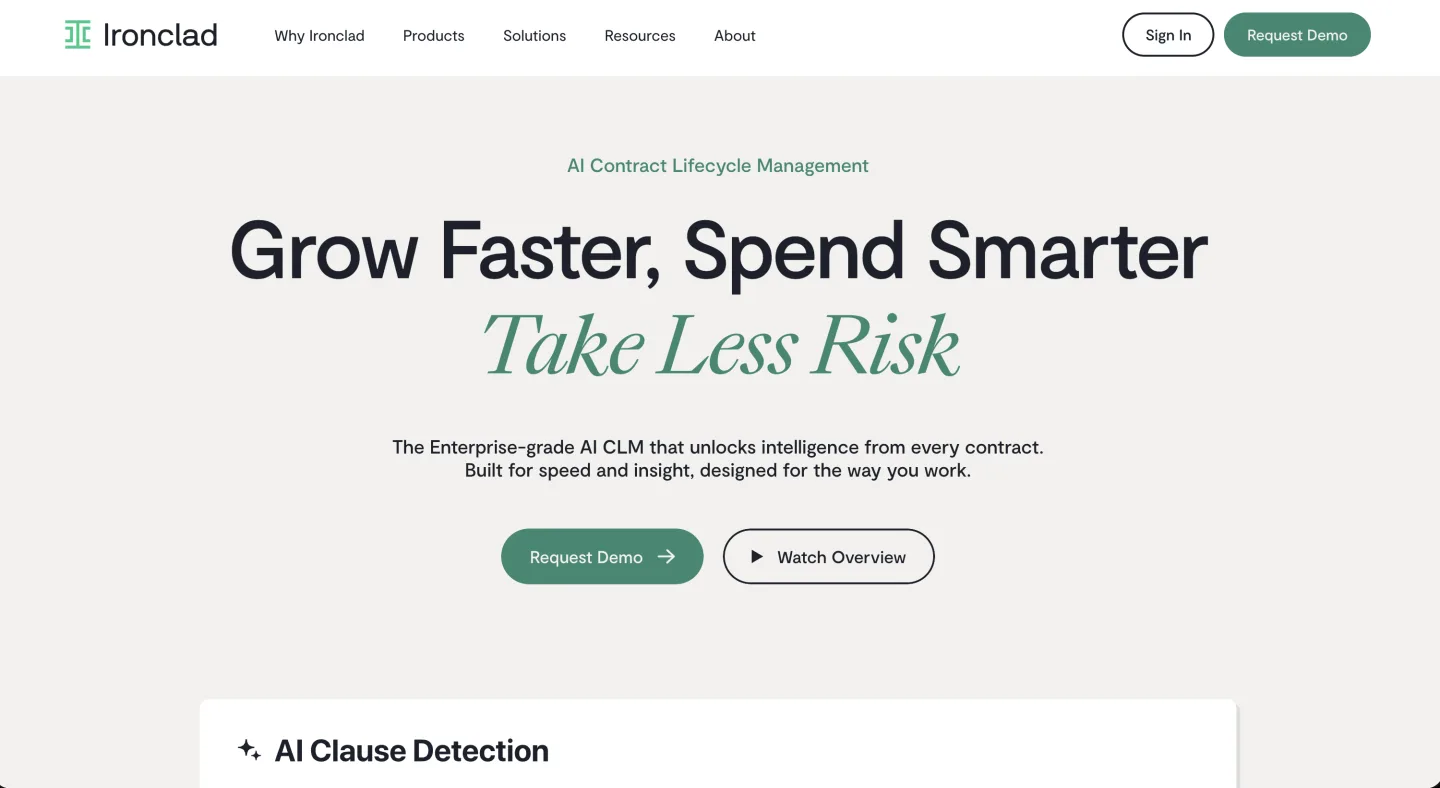
Against Sirion and ContractPodAi, LinkSquares wins on time-to-value (12 weeks versus six months) and loses on enterprise procurement workflow complexity. Against Spellbook or LawGeex, LinkSquares is a different product entirely; those are contract-review point tools, not CLM systems of record.
Where LinkSquares has gaps
The honest evaluation surfaces five shape-of-product gaps that should land in the procurement memo, not the demo notes.
Primary-law research is not the product. LinkSquares is a contract-lifecycle product with AI baked in for contract-specific tasks. It is not a legal research workbench.
If your in-house team also needs to run case-law research across federal and state opinions, query statutes and regulations, or build a memo across an unsettled area of doctrine, LinkSquares does not cover that surface. You will need a second tool, and the integration story between the CLM and the research tool is your problem, not the vendor's.
No generally available developer-facing API. Native integrations into Salesforce, DocuSign, HubSpot, and Slack are first-class, but API access for embedding contract data into a custom tool sits behind enterprise tiers and add-on pricing, and the documentation is not public.
The surface is built for enterprise integration projects, not for a legal-ops engineer building a Slack bot or a developer plugging contract data into a custom analytics pipeline. For a 2026 stack that increasingly expects MCP and self-serve API surfaces, this is real friction. (See why MCP is the 2026 integration plane.)
Approval routing is template-based, not a builder. LinkSquares routes approvals through templates, not a true drag-and-drop workflow builder. In Volody's hands-on test, conditional logic (route any contract over $250K to the CFO) needed admin scripting rather than a business-user toggle, and adding an approver mid-workflow was blocked: the reviewer had to restart the workflow instead of editing it in place (Volody, Jun 2026). For a legal-ops lead who wants Sales or deal desk to self-serve routing changes, that is a real ceiling, and it surfaces after the demo, not during it.
The AI layer is contract-specific. LinkAI is built for drafting, redlining, clause extraction, and contract-workflow generation. It is good at those, and it is not pretending to be a horizontal legal-Q&A surface.
A GC office that wants "ask the AI about a Delaware indemnification standard" will find the answer competent but thinner than a dedicated legal-research AI. The product is honest about this scope; the buyer needs to be too.
Pricing skews enterprise. A median annual spend around $31K, an entry tier around $10K, and an enterprise tier above $75K is in-house-GC-office economics. Below 50 employees, the math gets thin.
Solos and 2-15 lawyer firms are not the segment, even though the marketing surface sometimes reads as if any in-house team could buy. They cannot, in practice.
LinkSquares pros and cons at a glance
| Pros | Cons |
|---|---|
| Full contract lifecycle as one system of record | No primary-law research (case law, statutes, regulations) |
| Mature Salesforce, DocuSign, HubSpot, Slack integrations | No generally available self-serve developer API |
| Analyze produces board-ready exposure reporting | AI clause and date extraction needs human verification (Volody test: ~30% renewal terms off, ~50% signature dates off) |
| 17-quarter G2 Leader streak, SOC 2 Type II + ISO 27001 | Pricing is opaque and skews enterprise ($31K median, $10K floor) |
| LinkAI is a real AI-native rebuild, not a chat bolt-on | Add-ons push the all-in 20 to 40% above quote; implementation up to 100% of year-one license |
| Faster time-to-value than Sirion / ContractPodAi (12 weeks vs ~6 months) | Approval routing is template-based; conditional logic and mid-flow approver edits need admin work (Volody test) |
Who fits, who does not
The clean buy: an in-house GC office at a 50-employee-plus company (often 200+ in practice), with contract volume that justifies a CLM as a system of record (50+ executed agreements a quarter), with Salesforce and DocuSign already running, with a legal budget that can absorb $31K to $75K annually plus implementation.
Public-company in-house teams, late-stage venture-backed companies with high contract velocity, and mid-market financial-services or SaaS in-house departments are squarely in the sweet spot.
The misfits:
Litigation-heavy firms. The product is built for transactional, in-house contract work, not case management, discovery, or brief writing. Wrong tool.
Primary-law researchers. In-house counsel doing regulatory analysis, lawyers building memos across statutes and case law, anyone whose week is research-heavy rather than contract-heavy. Need a research workbench, not a CLM.
Developers needing an API to embed contract data or research into a custom tool will hit the enterprise-tier-only ceiling immediately. The 2026 integration story expects self-serve APIs and MCP; LinkSquares is not that.
Scaleup in-house teams under 50 employees. Can technically buy at the entry tier, but implementation overhead and per-seat pricing favor a lighter CLM. Revisit at 50+.
Solos and 2-15 lawyer firms should skip. Pricing is not small-firm economics, and the product is not built for the small-firm work pattern. (The small-firm stack looks different.)
The bottom line, by segment
LinkSquares is the legitimate CLM category leader for in-house contract work in 2026. The G2 streak is durable, the customer roster is real, and the May 2026 LinkAI rebuild is the right direction even with execution risk.
The gaps (no primary-law research, no self-serve API, enterprise-tier pricing) are knowable. What to do next:
- GC office, 200+ employees, Salesforce + DocuSign. Run the procurement. Pull three-year all-in cost including implementation, get two reference customers in your size range outside the prepared list, pilot LinkAI on ten real executed contracts.
- In-house team, 50-200 employees. Pilot in parallel with Ironclad or Agiloft. LinkSquares typically lands above on price; the question is whether integration depth closes the gap.
- Under 50 employees, or researcher, litigation team, developer, solo, small firm. Skip.
FAQ
How much does LinkSquares cost? LinkSquares does not publish pricing. The Hyperstart benchmark puts the range at roughly $10K to $100K+ per year, with a median around $31K and per-user cost of $2,500 to $3,500 annually. Add-ons (e-signature, API access, advanced AI, extra seats) push the all-in total 20 to 40% above the initial quote, and implementation can run up to 100% of first-year license fees on enterprise deployments.
Is LinkSquares worth it? For an in-house GC office at a 50-employee-plus company with 50+ executed agreements a quarter, Salesforce and DocuSign already running, and a budget that absorbs $31K to $75K plus implementation, yes. Below that, the math gets thin and a lighter CLM usually fits better. Solos and 2-15 lawyer firms are not the segment despite marketing that reads as if any in-house team could buy.
How good is LinkSquares' AI? The May 2026 LinkAI rebuild moved the platform to an AI-native architecture, with agents that draft, redline, research, and generate communications inside the workflow. The vendor-published two-minute round-trip is a curated example, not a benchmark. The AI is contract-specific and competent at drafting, redlining, and clause extraction, but thinner than a dedicated legal-research AI for questions like a Delaware indemnification standard.
LinkSquares vs Ironclad: which should I buy? Against Ironclad, LinkSquares loses on workflow elegance and developer ecosystem and wins on post-execution analytics depth (Analyze is stronger than Ironclad's reporting layer). If contract intake comes off Salesforce and your steady-state value is board-ready exposure reporting, LinkSquares fits. If no-code workflow flexibility is the priority, Ironclad usually edges it. Pilot both in parallel at 50 to 200 employees.
Is there a free trial? There is no no-credit-card public trial. Trials and pilots run through a sales rep. A serious evaluation pilots LinkAI on ten real executed contracts and forces three numbers out of the sales conversation: three-year all-in cost including implementation, per-seat add-on cost for the modules you will actually use, and renewal escalation.
Does LinkSquares fit solos, small firms, or in-house teams? Not really. A $31K median with a $10K floor is in-house-GC-office economics, and the product is built around the in-house contract work pattern rather than small-firm work. Teams at that size will find the lighter contract-workbench segment priced closer to how they bill.
Does LinkSquares replace legal research? No. It is a contract-lifecycle product, not a research workbench. Teams that also need case-law research across federal and state opinions, statutory and regulatory queries, or doctrinal memos will need a second tool, and the integration between the CLM and the research tool is the buyer's problem.
What are LinkSquares' hidden fees? The published quote is the floor. Hyperstart's April 2026 reconstruction lists e-signature integrations at $5K to $10K/year, API access at around $10K/year, advanced AI review at $1,500 to $2,000/month, extra seats at around $3,000/user/year, premium support at about 15% of the license, and implementation up to 100% of the first-year license. Plan for an all-in total 20 to 40% above the initial number.
How long does LinkSquares implementation take? Roughly 10 to 12 weeks for a mid-market deployment, longer for enterprise. Budget a quarter for data migration on mid-market and two quarters on enterprise, especially with un-OCRed PDFs or executed copies that disagree with the redlined version in your DMS. Professional services are billed separately.
What are the best LinkSquares alternatives? For workflow-first buyers, Ironclad. For deep no-code customization, Agiloft. For in-house teams priced out of enterprise CLM, a lighter contract workbench fits better. See our cost-effective CLM platforms comparison and the Ironclad review for head-to-head detail.
How accurate is LinkSquares' AI extraction? Competent on the common contract types, but it needs human verification. An independent 10-day test by Volody (June 2026) on 200+ uploaded contracts found about 30% of renewal terms and about half of signature dates extracted incorrectly. Pilot it on your own messy executed PDFs before trusting the metadata.
For more on legal AI vendor comparisons, see /topics/vendor-comparisons.
If your team sits below the CLM-economics line, price the lighter contract-workbench tier before entering a full CLM sales cycle. The implementation quarter alone is worth avoiding if the volume does not justify it.
New legal AI guides, weekly.
Further Reading
- Ironclad Review 2026: An Honest Assessment for In-House Contract Teams
- Luminance Review 2026: An Honest Assessment for In-House Counsel
- Legora Review: Who It's For, What It Costs, and Where It Falls Short
- CoCounsel Review 2026: An Honest Assessment for In-House Counsel
- Westlaw Precision AI Review 2026: An Honest Assessment
- Spellbook Review 2026: An Honest Assessment for Contract Lawyers

Co-Founder & CEO · Attorney
Arshita leads product and strategy at Vaquill AI, the US primary law data API. As an attorney, she decides which law we carry, how each section is sourced and cited, and what legal AI and compliance teams need from the data.