
A working small-firm legal tech stack in 2026 runs about $400 to $500 per lawyer per month and covers six layers: practice management (Clio or MyCase), legal research, an AI assistant (Claude), document storage, e-signature and payments, and client intake. Buy best-in-category tools on annual or month-to-month terms, treat AI as a layer that sits across every workflow, and skip the AmLaw-priced research and AI suites. Full named tools, current prices, and a sample 3-lawyer budget are below.
A widely-shared Lawyertalk post from a small-firm general practitioner this year opens with the line that the 2022 "tools I use" list, which is still being reposted in the sub, is now "more historical artifact than useful guide."
Casetext was independent then. Spellbook did not exist. Harvey was pre-launch. Half the AI products on the old list have been swallowed, rebranded, or quietly killed.
This is the updated version. The stack recommended here is what a working 2 to 15 lawyer firm actually runs in 2026, based on customer reports and what is documented working in the lawyer subs.
Picks are opinionated. Where there is a real tradeoff, we say what it is.
TL;DR
- The 2026 small-firm stack: Clio Manage Elite for practice management, a self-serve research-and-drafting suite for legal research, Claude Max for the AI assistant layer, Dropbox or NetDocs for documents, one residual Westlaw seat for a citator. All-in per lawyer lands around $465 per month.
- Three rules: stack rot is faster (swap a category every 18 months), buy primitives over bundles, and treat AI as a horizontal layer instead of its own category.
- The thing that breaks small-firm budgets is a 3-year contract on a category that turns over in 18 months. Annual is the maximum; month-to-month where possible.
What does this stack cost per lawyer, all-in, per month?
Three rules before the list:
1. Stack rot is faster than it used to be. Every 18 months, expect to swap at least one category. Build the stack to be swappable. Avoid annual contracts where the per-seat or per-feature cost is high.
2. Buy primitives, not bundles. Bundled "all-in-one" suites tend to be mediocre across every category. Standalone best-in-category tools (with clean integrations or APIs) beat bundles for everything except practice management.
3. AI is now a horizontal layer, not a category. AI shows up in legal research, contract review, drafting, intake, eDiscovery, and time entry. Picking "an AI tool" is not the question; picking the right AI grounding for each workflow is the question.
Part of our legal AI vendor comparison and pricing series.
How we picked
We assembled this stack from three inputs: what customers tell us they run, what is documented working in the lawyer subreddits, and each vendor's current published pricing. For every tool we name a price from the vendor's own page (dated June 2026) or label it quote-based when the vendor does not publish one. Nothing here is an invented sticker number.
For context on the budget: software for a solo or small firm typically runs about $30 to $70 per user per month for core practice management, and a full small-firm setup lands around $500 to $1,500 per month total (RunSensible, 2026). The stack below sits inside that range while adding a real AI layer, which most of those estimates leave out.
The stack at a glance
Every layer, the pick, the current price, and how you buy it. Prices are per user per month unless noted, pulled from each vendor's published pricing in June 2026 or labeled where a vendor only quotes on request.
| Layer | Pick | Price | Access | Best for |
|---|---|---|---|---|
| Practice management | Clio Manage / MyCase | Clio from $49 (EasyStart), higher tiers quote-based; MyCase $50 / $100 / $130 annual | Self-serve | The operational hub: matters, calendar, billing |
| Legal research | Self-serve research suite | Self-serve, published | Self-serve | Federal + 50-state case law and statutes |
| AI assistant | Claude Max | $100 | Self-serve | Drafting, doc analysis, reasoning across matters |
| Contract review | Claude + playbook skill, or Spellbook | included, or Spellbook $500 | Self-serve / sales | NDA and vendor-agreement triage |
| Document storage | Dropbox Business / NetDocuments | Dropbox $20, NetDocs quote-based | Self-serve / sales | Matter files, version history |
| E-signature | DocuSign | $30 (Standard) / $45 (Business Pro) | Self-serve | Engagement letters, client signatures |
| Payments | LawPay | $19 flat + 2.99% per card txn | Self-serve | Trust-compliant card and eCheck payments |
| Client intake / CRM | Lawmatics / Clio Grow | Lawmatics quote-based, Clio Grow bundled | Sales | Lead capture, drip, e-sign on engagement |
Sources: Clio pricing, MyCase pricing, DocuSign eSignature pricing, LawPay pricing (all June 2026). Spellbook does not publish a per-seat price; buyer reports put the base around $500 per seat, quote-gated. Lawmatics and NetDocuments quote on request.
Practice management
Pick: Clio Manage. Backup pick: MyCase or PracticePanther.
Clio is the default for small firms because the integration ecosystem (Clio Grow for intake, Clio Payments, third-party tools through the Clio Marketplace) is the deepest in the category.
Clio Manage starts at $49/user/month for EasyStart; the higher Essentials, Advanced, and Expand tiers are now quote-based on the Clio pricing page (June 2026), so get a written quote before you budget. MyCase publishes flatter pricing: $50 Basic, $100 Pro, $130 Advanced per user per month on annual billing (MyCase pricing, June 2026). For most firms past three lawyers, you want a tier with full billing and trust accounting, not the entry plan.
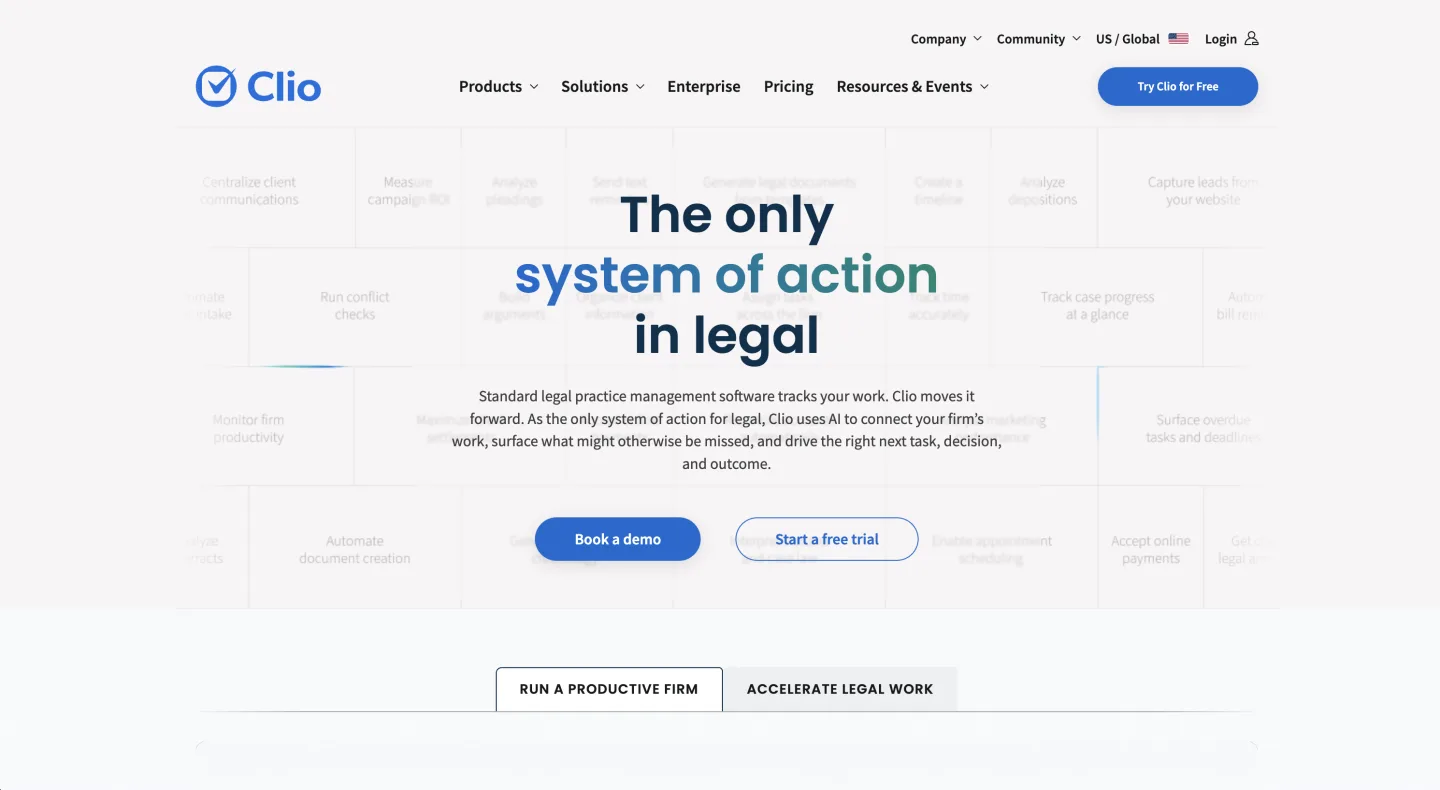
MyCase is the right pick for solo practitioners who do not need the Clio integration depth, and the published per-seat price makes budgeting easier. PracticePanther is the right pick for transactional or estate planning firms with heavy document automation needs. LeanLaw is a credible third option if you are deep in QuickBooks for billing.
What we have stopped recommending: any "free" practice management tool. The hidden cost in data export friction and feature gaps is not worth the savings.
Legal research and case law
Pick: a self-serve research suite with published pricing. Backup: Free Fastcase via state bar + Google Scholar.
The reason this category is now affordable for solo and small firms is the combination of US federal and state case-law research in an in-app workbench, the complete US Code and CFR, all 50-state statute codes, and citation graphs with treatment flags.
The statutes-and-legislation layer is also exposed as a self-serve API for developer use; case-law research is an in-product workbench feature, not a public API. For a 5-lawyer firm, that is around $495 per month total, against $1,330 per month for Westlaw Classic all-states-plus-federal.
If your bar association includes vLex Fastcase as a member benefit, you have a free baseline for case-law lookup and primary statutes. Use it. Pair it with Google Scholar for case search and citation verification.
What we have stopped recommending without qualification: Westlaw and Lexis+. Both are credible products but priced for AmLaw, not solo and small firms.
Keep one seat if you need KeyCite or Shepard's specifically for filings; do not put the whole firm on it. See our Westlaw alternative analysis for the full breakdown.
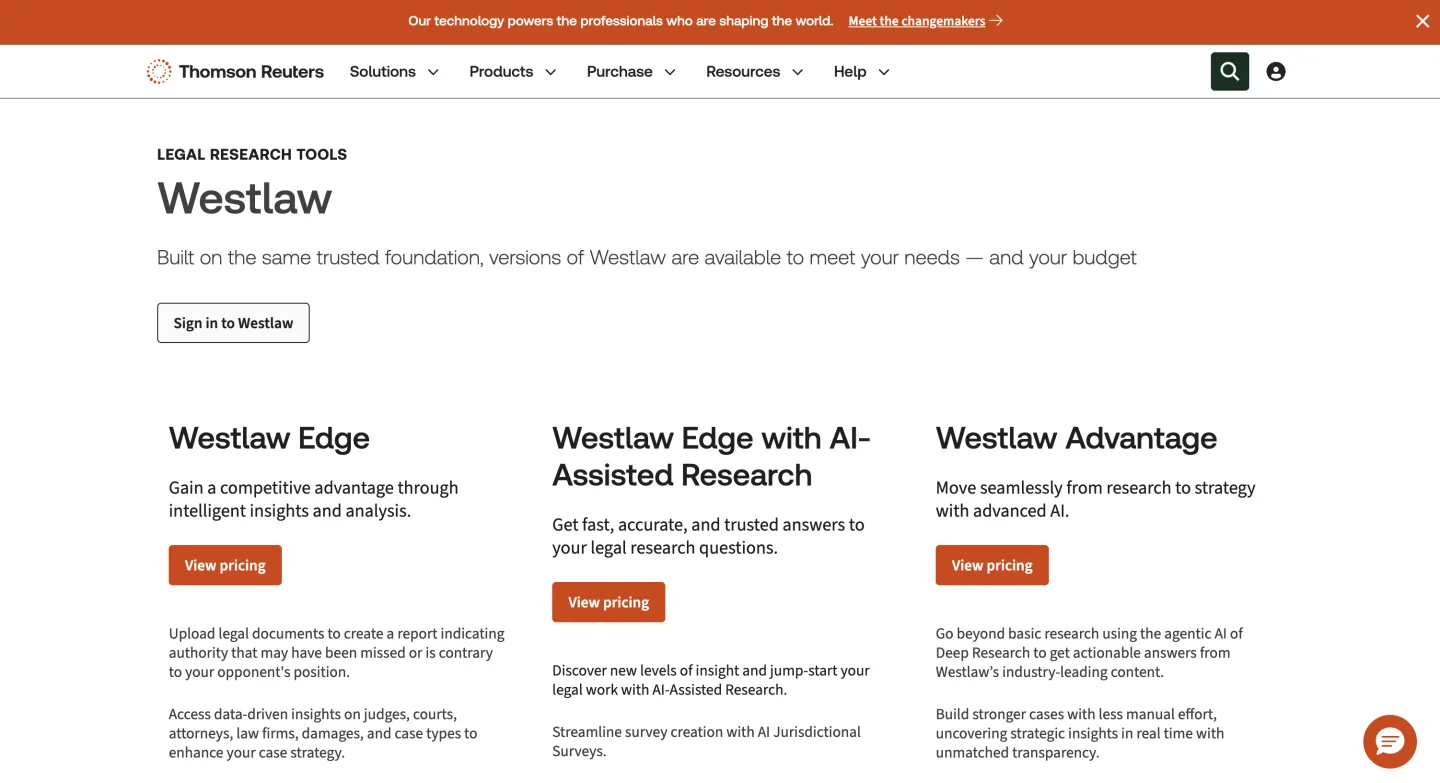
What is gone: Casetext (retired April 2025), Ravel Law (acquired by LexisNexis in 2017 and absorbed into Lexis+), Fastcase as a standalone product (now part of vLex).
For related vendor / pricing / buyer-guide coverage, see Legal AI Tools for Solo Practitioners: 7 Picks That Fit a One-Person Firm and Best AI Legal Research for Solo Attorneys on a Budget (2026).
AI assistant
Pick: Claude Max ($100/month) for primary use, ChatGPT Plus ($20/month) as backup.
Claude Sonnet 4.5 is currently the strongest model for legal reasoning, drafting, and document analysis on a per-dollar basis. The 200K context window (with 1M for Opus 4.7 on Max) handles full motions, full depositions, and 100-document matter analysis without splitting.
The Cowork plugins ecosystem (including an official Legal plugin) closed a major workflow gap in late 2025.
ChatGPT Plus is the right backup because GPT-5 still wins on certain specific tasks (structured data extraction, some math-heavy reasoning) and it serves as a credibility check when Claude's answer feels wrong.
Skip Gemini for legal work unless your firm is already on Google Workspace and the integration matters. The legal capability gap is not large but the workflow polish on Claude Desktop is meaningfully ahead.
What we are not recommending: paying Harvey ($1,200 to $2,000+ per user per month) or Legora ($300 to $800 per user per month), each a bundled product with per-feature add-ons that set the per-user price, or a pay-as-you-go credit-metered plan, unless you are AmLaw.
The same workflow assembles from Claude Max plus an MCP-based research grounding layer for $200 per seat. We wrote this up in detail in the Replace Harvey post.
Contract review and drafting
Pick: Claude Sonnet for drafting, Spellbook or a playbook-driven AI skill for structured review.
Most contract drafting in a small firm is "start from a template, ask Claude to revise the relevant sections, redline manually." This is faster than any specialized contract drafting tool for the work you actually do. Claude with the Cowork Legal plugin is the right primary.
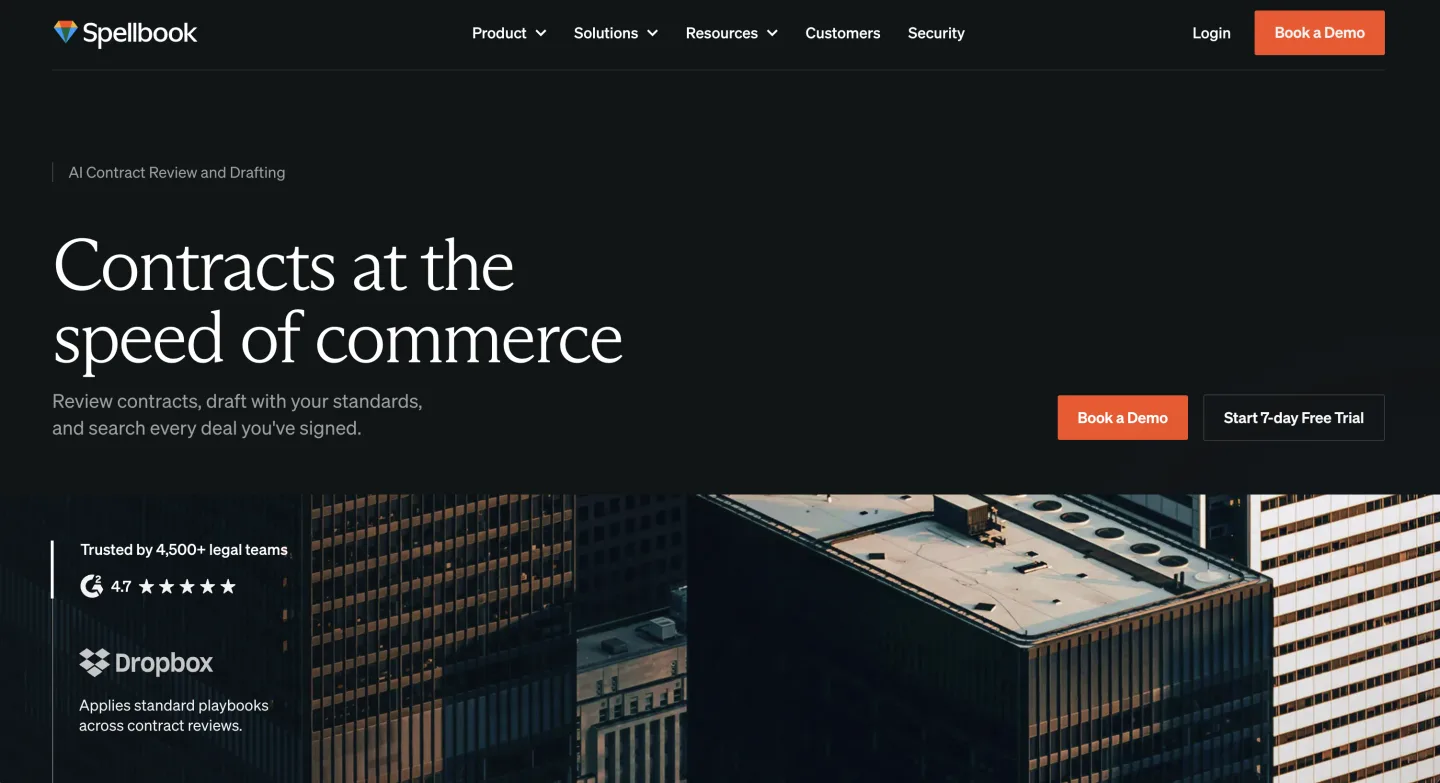
For structured review of incoming contracts (NDAs, vendor agreements, employment terms) where you need a playbook-driven workflow, Spellbook (reported ~$500 per seat, quote-gated) or a playbook-driven NDA triage skill inside your research suite ($50 to $150 per seat per month) are the credible picks.
See our NDA triage evaluation post for the longer analysis on what differentiates these tools.
What we are not recommending: ContractPodAi or any contract lifecycle management (CLM) platform unless you are a 10+ lawyer transactional firm. CLM is built for enterprise legal ops, not for small-firm lawyers who occasionally negotiate vendor agreements.
What is dead or fading: Kira Systems (acquired by Litera, now bundled), DraftWise (acquired into Harvey's workflow set in 2025), LinkSquares (still alive but priced out of small-firm market).
Document automation
Pick: Lawyaw for template-driven document generation. Lawmatics for intake forms.
Lawyaw (now part of Clio) is the right tool for firms that need to generate dozens of similar documents from templates: estate plans, leases, simple business formations. Pricing is included in Clio Suite at the Elite tier, otherwise standalone at $79/user/month.
For client-facing intake forms and onboarding flows, Lawmatics is the leader. Clio Grow is the alternative if you want Clio-native intake.
What is dead: HotDocs as a standalone product for solo / small firms. The pricing did not survive the rise of LLM-based document generation.
Document storage and DMS
Pick: NetDocuments for firms with compliance requirements. Dropbox or Google Drive for everyone else.
The honest take here: iManage and NetDocuments are real products with real audit, retention, and security features, and they cost real money ($30 to $50 per user per month minimum).
If your firm handles HIPAA, defense industry, or financial services work and your clients ask about your DMS in writing, you need one. Pick NetDocs for solo / small firms because the deployment is genuinely cloud-native; iManage is built for AmLaw and the overhead shows.
If your client base is general business and consumer matters, Dropbox Business or Google Drive with audit logging is sufficient. Combine with a discipline of "matter folder = client name + case number, named consistently" and you have 90% of what a DMS gives you for 10% of the cost.
What is no longer credible: Worldox, Time Matters, ProLaw (these are legacy products that LexisNexis acquired and is sunsetting on a long timeline). If you are on any of these, the migration to NetDocs or a cloud DMS should be on your roadmap.
E-signature and payments
Pick: DocuSign for signatures, LawPay for client payments.
These are the two layers small firms most often bolt on outside their practice management system, and both have published self-serve pricing.
DocuSign eSignature is the default for engagement letters and client signatures. Standard is $30/user/month and Business Pro is $45/user/month on annual billing (DocuSign pricing, June 2026). If you only need a handful of signatures and your practice management tool already includes e-sign (Clio, MyCase, and PracticePanther all do), you may not need a standalone seat at all. Buy DocuSign when you send signature requests at volume or need its audit trail.
For taking money, LawPay is built for trust-accounting rules so retainers land in the right account. It runs $19/month flat plus 2.99% + $0.30 per card transaction (1% for eCheck) (LawPay pricing, June 2026). Clio Payments and MyCase Pay are the in-suite alternatives if you would rather keep payments inside one vendor.
What we have stopped recommending: paying for a standalone e-sign seat per lawyer when the practice management suite already covers your volume. Check what you already pay for before adding a seat.
Time tracking and billing
Pick: Whatever is bundled with your practice management system. Standalone: TimeSolv or LeanLaw.
In 2026 there is no good reason to run standalone time tracking unless you have a specific need. Clio Manage, MyCase, PracticePanther all include time entry, invoicing, and trust accounting.
The time-and-billing market has consolidated into practice management.
If you do need standalone (because you are using something like Microsoft 365 or a finance-led setup), TimeSolv and LeanLaw are the survivors. Bill4Time is fine but the parent company (BQE Software) has had product roadmap issues that you should check on before committing.
What is dead: Tabs3 outside of installed-on-server legacy setups. Sage Timeslips. PCLaw (LexisNexis sunsetting on extended timeline).
eDiscovery
Pick: Reveal for litigation firms doing real eDiscovery. Logikcull for smaller, ad-hoc matters.
If your practice involves regular eDiscovery (5+ matters per year with meaningful volume), Reveal (which acquired Brainspace and Nextpoint) is the credible platform. Pricing is custom, typically four-figure-per-month minimum for active matters.
For small firms with occasional eDiscovery needs, Logikcull (now part of Reveal but still sold as a separate product) charges per matter and per gigabyte.
This is the right model for firms that do not have an eDiscovery practice as such but occasionally need to handle a request.
What is dead: Relativity for solo and small firms (priced for AmLaw exclusively). Concordance (legacy, on-prem).
Communications and meetings
Pick: Zoom for video, Microsoft Teams or Slack for internal messaging.
Most firms are not going to swap their video tool, so this is less a recommendation than a recognition that the market settled. Zoom Pro at $14.99 per user per month is the default.
Teams and Slack are the internal messaging defaults; pick whichever your firm already has. If you are starting from scratch, Slack is the better lawyer-friendly tool because the integrations (Zoom, Clio, etc.) are deeper.
What we have stopped recommending: GoToMeeting, Webex, anything where the per-seat price is meaningfully above Zoom's.
CRM and client intake
Pick: Lawmatics for intake-heavy practices. Clio Grow if you are on Clio Suite. HubSpot Starter if you are doing real marketing.
Lawmatics (quote-based, no public per-seat price) has the deepest set of legal-specific intake automations: drip campaigns for slow-converting leads, automated conflict checks, e-signature on engagement letters. Get a written quote, since it is the one layer here without a published rate. Clio Grow is the right pick if you want one-vendor simplicity with Clio Manage.
If your firm is doing more general marketing (SEO content, paid ads, multi-channel attribution), HubSpot Starter Suite at $20 per seat per month is the right entry point. You can run intake through Lawmatics-style automations inside HubSpot once you have the marketing layer set up.
What is dead: SalesForce for solo / small firms. The product is fine but the setup overhead does not amortize at small-firm scale.
What we did not include
A few categories where the right answer for most small firms is "do not buy anything yet":
- HR / payroll for firms under 5 employees. Gusto, but you knew that.
- Email marketing. Use whatever ships with your CRM (Lawmatics, Clio Grow, HubSpot). Standalone email tools are unnecessary.
- Project management. If you have outgrown your practice management system, you have a bigger problem than buying Asana.
- Cybersecurity beyond endpoint AV and a password manager. A Bitwarden Business subscription ($3 per user per month) and a Mac/Windows-native AV are sufficient for solo / small firm scale. The expensive offerings (SentinelOne, CrowdStrike) are priced for compliance-driven enterprise.
The actual stack for a 3-lawyer general-practice firm
Putting the picks together. This is what we see working at a typical 3-lawyer small firm in 2026:
| Category | Tool | Cost (3 seats) |
|---|---|---|
| Practice management | Clio Manage Elite | $447/mo |
| Legal research | Self-serve research suite | $297/mo |
| AI assistant | Claude Max | $300/mo |
| Contract review | Claude + NDA triage skill | included |
| Document storage | Dropbox Business | $60/mo |
| Time/billing | Bundled with Clio | $0 incremental |
| eDiscovery | Logikcull (per-matter) | varies |
| Communications | Zoom + Slack | $90/mo |
| CRM/intake | Clio Grow | included |
| Citator (keep one seat for filings) | One Westlaw Classic all-states seat | $200/mo |
| Total | ~$1,394/mo |
Per lawyer: roughly $465 per month, all-in, for a working legal practice stack with credible AI.
Compare against an equivalent stack that runs Westlaw on every seat and Harvey on every seat, where Harvey alone is $1,200 to $2,000+ per user per month: often over $2,500 per lawyer per month, before practice management.
The savings get redirected into more associate time, more marketing, or just lower partner draw stress.
Revisit this in 18 months
The stack above is good for May 2026. By November 2027, expect at least two of the picks above to be obsolete.
The pattern will repeat: vendors will be acquired, foundation models will commoditize the AI layer further, and at least one new category (matter-level agentic AI, possibly the "AI paralegal" category) will become real.
The mistake to avoid is signing 3-year contracts that lock you in past the next stack rotation. Annual is the maximum; month-to-month where possible.
The vendors that demand long contracts are signaling that they cannot win on month-to-month value.
FAQ
What software do small law firms use? Most small firms run a practice management system (Clio or MyCase) as the hub, plus a legal research tool, an AI assistant like Claude, document storage (Dropbox or NetDocuments), e-signature (DocuSign), payments (LawPay), and a client intake tool (Lawmatics or Clio Grow). The practice management suite usually bundles billing, time tracking, and a client portal.
How much does a small law firm tech stack cost per month? Plan on about $400 to $500 per lawyer per month for a working 2026 stack with a real AI layer. A 3-lawyer firm lands around $1,400 per month all-in. Core practice management alone runs $30 to $70 per user per month, and a full setup is $500 to $1,500 per month total (RunSensible, 2026).
What is the best practice management software for a small law firm? Clio Manage for the deepest integration ecosystem, MyCase if you want published flat per-seat pricing and a simpler interface. PracticePanther suits document-heavy transactional and estate practices. Pick the one whose billing and trust accounting match how you actually invoice.
Do small firms still need Westlaw or Lexis? Not on every seat. A self-serve research suite with published pricing covers federal and 50-state case law and statutes for a fraction of the cost. Keep one Westlaw or Lexis seat only if you specifically need KeyCite or Shepard's for filings, and put the rest of the firm on the cheaper layer.
Which AI tool should a small law firm use? Treat AI as a layer, not a single product. Claude Max ($100/month) is a strong general legal assistant for drafting and document analysis, paired with a research-grounding tool so its answers cite real authority. Skip AmLaw-priced suites like Harvey ($1,200 to $2,000+ per user per month) unless you are at that scale.
How do I build a law firm tech stack from scratch? Start with the hub: practice management, document storage, and billing (often bundled). Add a research tool and an AI assistant next, then e-signature, payments, and intake as your client volume grows. Buy month-to-month or annual, never a three-year contract, because the category turns over every 18 months.
What does a law firm tech stack include? Six core layers: practice management, legal research, an AI assistant, document storage, e-signature and payments, and client intake or CRM. Time tracking, billing, and client portals usually come bundled inside practice management rather than as separate purchases.
Is free legal software worth it for small firms? Rarely for the hub. Free practice management tools tend to cost you later in data-export friction and feature gaps. A free baseline is worth it for case-law lookup if your bar association includes vLex Fastcase as a member benefit, paired with Google Scholar.
Related reading
- Best AI Legal Research for Solo Attorneys on a Budget (2026)
- Best Westlaw Alternatives for Solo & Small Firms (2026)
- Replace Harvey with Claude + Vaquill AI MCP
- Where Your Legal AI Data Actually Goes (2026)
- Why Harvey Costs $2,400 a Seat in 2026
Sources
- r/Lawyertalk "tools I actually use" thread (linked above): primary community signal
- Vendor pricing pages, all checked June 2026: Clio, MyCase, DocuSign eSignature, LawPay
- Market-spend benchmark: RunSensible, law practice management software costs (2026)
- Spellbook, Lawmatics, NetDocuments, Reveal: quote-based; Spellbook base a reported ~$500/seat (quote-gated, buyer-reported); Anthropic (Claude Max) published
New legal AI guides, weekly.
Further Reading
- Legal AI Tools for Solo Practitioners: 7 Picks That Fit a One-Person Firm
- Personal Injury AI in 2026: What It Actually Does for Plaintiff Lawyers
- 7 Ways AI Helps Personal Injury Lawyers Win Cases Faster
- AI for Family Law: How Solo and Small-Firm Family Lawyers Use It
- AI for Criminal Defense: Research, Timelines, Evidence Review
- Top Legal Research Tools for Solo Family Law Attorneys

Product & Content
The US primary law data API: statutes, regulations, constitutions, court rules, executive orders and agency guidance across 53 US jurisdictions, each section cited and linked to its official source, via REST, MCP or SQL.