
TL;DR
Switching from Westlaw is a four-step job, not a one-click move: audit what you actually use, replace each piece, time your contract exit, then cut over. Most solos use only a sliver of Westlaw and overpay for the rest.
- You keep more than you think. Primary case law, statutes, and AI research all have cheaper homes. Free Fastcase through your bar covers most of it.
- You lose two real things: KeyCite's deep negative-treatment depth, and every folder, saved search, and annotation you built inside Westlaw. Those do not export.
- The cancellation trap is the contract, not the product. Westlaw single-state runs about $133/user/month on a 1-year auto-renewing term (Lawyerist, 2026), and users report cancellation needs a mailed letter sent 60 days before renewal.
- Cheapest path is free: Fastcase via your bar. Cheapest published paid suite: an AI-native US workbench with self-serve, published pricing that bundles research, drafting, and matter docs.
- For the full ranked list of replacements, see our sibling roundup, Best Westlaw Alternatives for Solo & Small Firms (2026).
Roughly what share of Westlaw do most solos actually use?
Part of our legal AI vendor comparison and pricing series.
How we approached this
This is the migration companion to our ranked roundup. Instead of re-listing every tool, it walks through how to leave Westlaw without losing work or signing the next bad contract.
We judged the switch the way a solo or small-firm buyer would: what does Westlaw actually do for you day to day, which cheaper tool replaces each piece, what breaks, and when can you legally walk. Prices are vendor-published or carry a named, dated source. Sentiment is from real forums and studies, linked where the link checked out.
What Westlaw actually does for you (and what each part costs to replace)
Before you switch, separate the features you use weekly from the ones you pay for and ignore. Most solos use 10 to 20 percent of Westlaw and fund the rest. Map your real usage against a replacement before you touch the contract.
| What you use Westlaw for | How often most solos use it | Cheaper replacement | What it costs |
|---|---|---|---|
| Read primary case law | Daily | Fastcase via bar, Google Scholar | Free |
| Statutes, regs, court rules | Weekly | Fastcase via bar, an AI-native US workbench | Free, or bundled |
| AI research and summaries | Weekly | vLex Vincent, an AI-native suite | Quote-based, or self-serve |
| "Has this been overruled" (KeyCite) | Per matter, high-stakes | Cert (Fastcase), citation-graph + AI citators | Free via bar, or bundled |
| Practical Law templates | Transactional only | Drafting-first suite with clause library | Self-serve class |
| Litigation Analytics, dockets | Litigators, deal lawyers | Bloomberg Law (keep one seat) | Quote-based |
The honest read: case law, statutes, and AI research are easy to replace cheaply. KeyCite's deep negative-treatment history and Practical Law's template library are the two pieces newer tools still trail on.
What you keep, and what you give up
Switching is rarely all-or-nothing. Here is the honest split.
What you keep (and pay far less for):
- Primary law. Federal and 50-state case law, statutes, regulations, and court rules are all available free or cheap through your bar's Fastcase benefit and Google Scholar.
- AI research. vLex Vincent and AI-native suites do memos, chronologies, and cross-jurisdiction search, often with clickable citations the older tools added late.
- A working citator for everyday checks. Fastcase's Cert and newer citation-graph citators flag the cases that matter most for routine work.
What you give up:
- KeyCite depth. Independent comparisons give KeyCite a slight edge on citation-update speed for recent opinions. For malpractice-grade negative-treatment on every cite in heavy federal litigation, that edge is real.
- Everything you built inside Westlaw. Folders, saved searches, research trails, and document annotations do not export to another platform. Years of organized work stay behind. This is the migration cost firms underestimate most.
- Practical Law. If your transactional practice lives in those templates, budget time to rebuild a clause library elsewhere.
A 4-step plan to switch off Westlaw
Treat this like a matter with a timeline. Rushing the cutover is how firms end up paying for two tools or losing access mid-case.
Step 1: Audit what you actually use (about 30 days). Log every Westlaw session and what you needed it for. You are building the 20 percent of features that drive 80 percent of your use. Everything off that list is something you stop paying for.
Step 2: Replace each piece in parallel. Stand up the cheaper tools alongside Westlaw, do not rip and replace. Free Fastcase through your bar plus an AI suite covers most solos. Run real research questions through both and confirm coverage of the courts you file in before you trust the switch.
Step 3: Time your contract exit. Find your renewal date and the notice window in your contract today. Diarize the date you must send notice, working backward from renewal. Do this before the cutover, not after, because the window is narrow and the auto-renewal is the trap (more below).
Step 4: Cut over and cancel. Export anything reusable, move daily work to the new tools for a week to shake out gaps, then send written cancellation inside the window. Keep one fallback (free Fastcase through your bar, or one Westlaw seat for a partner) for edge cases.
The contract exit: timing the cancellation
The hard part of leaving Westlaw is the paperwork, not the product. Westlaw does not publish seat pricing, but third parties peg single-state Westlaw Classic at about $133/user/month on a 1-year contract (Lawyerist, 2026).
That term auto-renews. On the Lawyerist review, a user reports the only accepted cancellation method is a mailed letter, and another says they were told that failing to request termination at least 60 days before the contract ends triggers automatic re-renewal at a higher rate (Lawyerist). In-house counsel describe the same squeeze on the Glassdoor in-house forum, where one poster had two years left at $450/month and was asked to cut costs anyway.
Thomson Reuters routes cancellations through a subscription cancellation request page, and notes that submitting a request is not itself a guarantee of cancellation. Read your own contract for the exact notice method and window; the practical rule is to send written notice well before the renewal date and keep proof you sent it.
For the full pricing breakdown, see How Much Does Westlaw Cost in 2026? and the head-to-head in Westlaw vs LexisNexis for Solo and Small Firms.
Which alternative replaces which Westlaw job
The full ranked roundup lives in our sibling guide. Here is the short version mapped to the migration, so you can match a replacement to the job you are leaving behind.
Replace primary law plus a basic citator: Fastcase via your bar (free)
This is the Fastcase corpus, now part of vLex, and most US lawyers get it free through a bar membership. You get federal and 50-state primary law, statutes, regulations, court rules, and the Cert citator, which blends AI and human review across 700,000-plus citations.
What it covers for the switch: most of Westlaw's primary-law and everyday-citator job at zero cost if your bar offers it.
What it does not: no Vincent AI surface and no drafting, so it is research only.
What users say: treated as a solid free research search through the bar; adding Vincent later pushes the all-in cost into full-suite territory.
Replace AI research: vLex Vincent
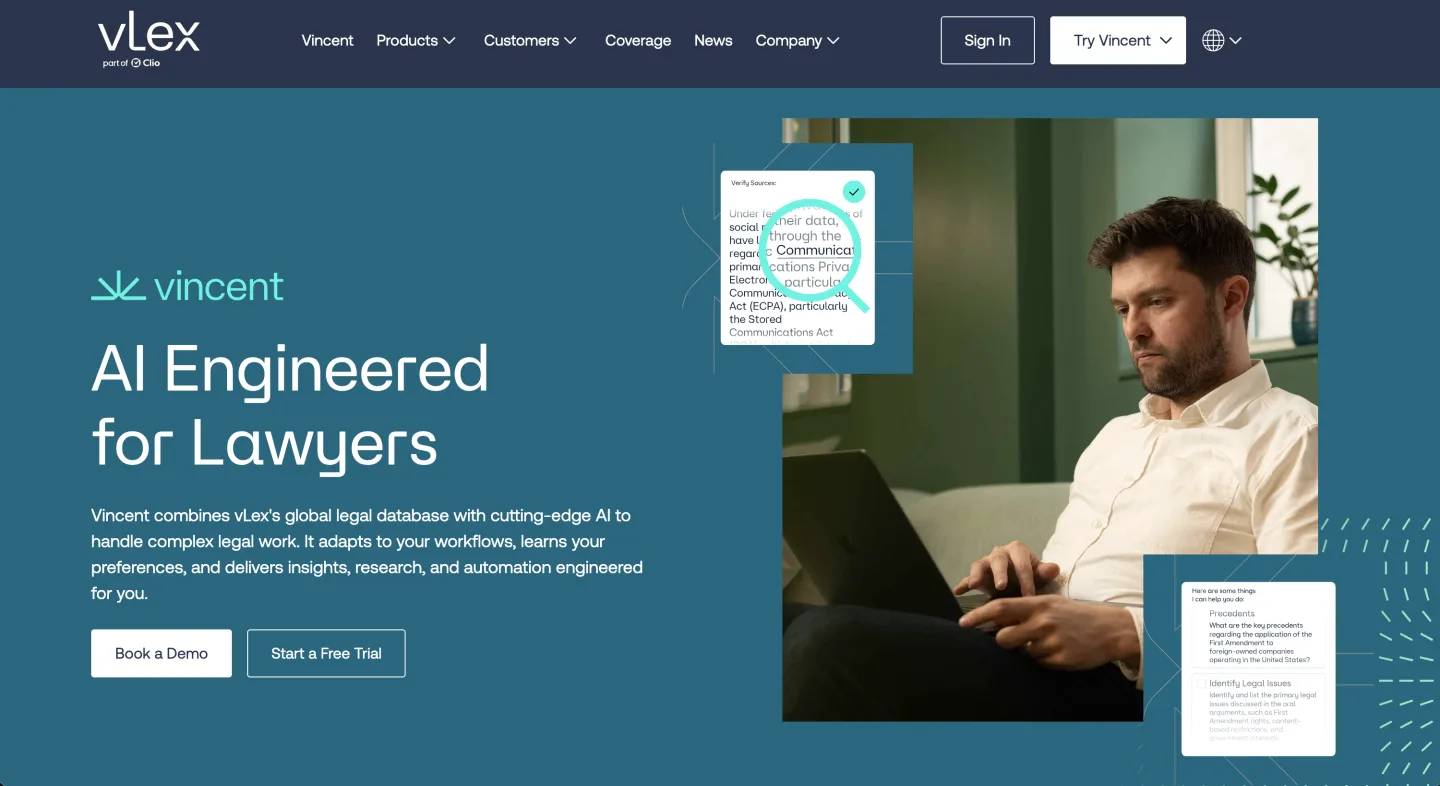
At a glance: Quote-based / on request · Sales-led, demo required · AI on top of Fastcase.
If your bar gives you Fastcase, Vincent is the AI layer on top. Fastcase and vLex merged in 2023 into one of the largest research libraries around.
What it covers for the switch: memos, chronologies, and cross-jurisdiction research over a credible federal and 50-state corpus.
What it does not: pricing is custom, and the negotiation feels a lot like buying Westlaw.
What users say: genuine peer chatter on Vincent is thin, so run your own test before you commit.
Replace the Westlaw-integrated AI add-on: CoCounsel
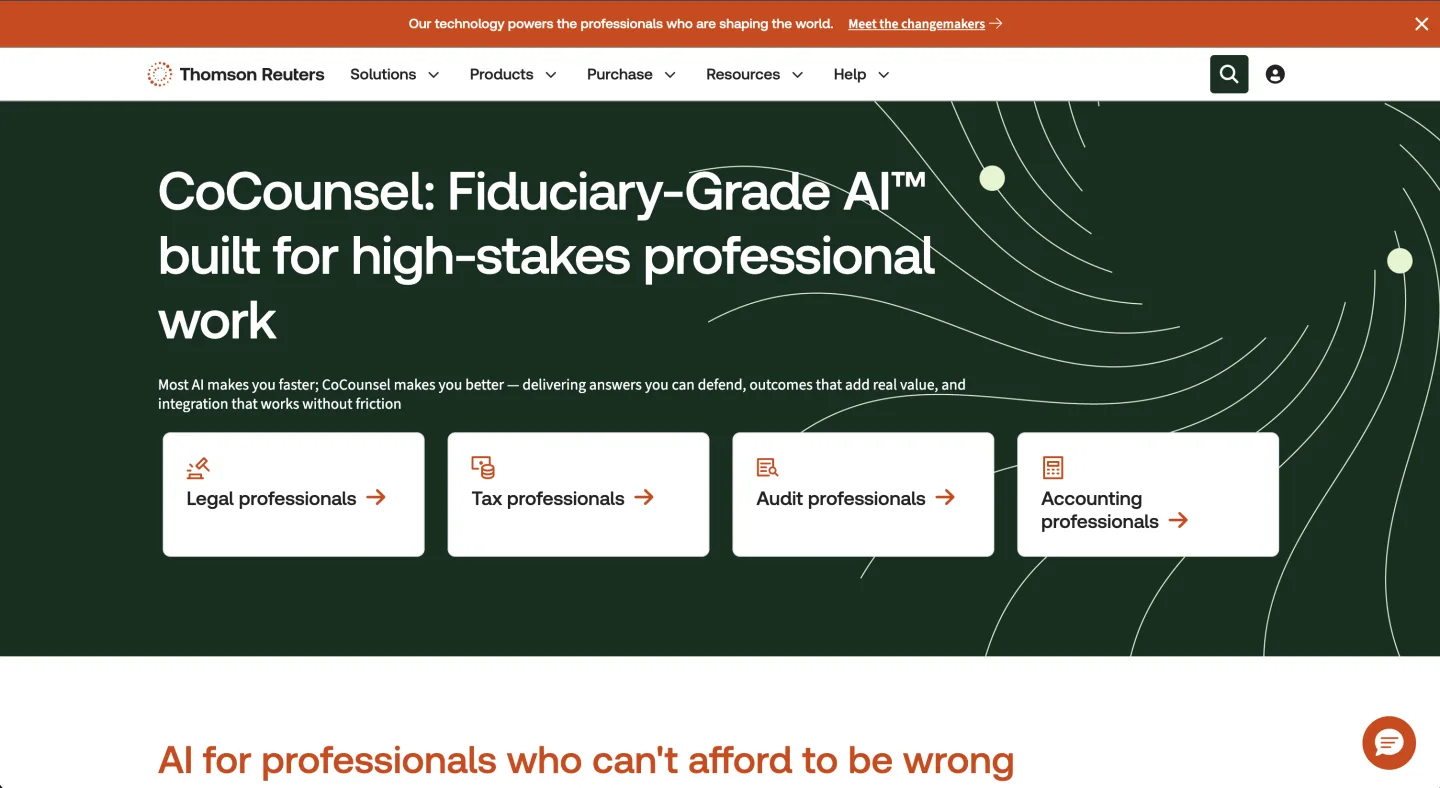
At a glance: $225 to $400+ per user/month · Sales-led, demo required · Westlaw-integrated.
CoCounsel is the natural AI upgrade if you stay in the Thomson Reuters ecosystem. TR bought Casetext for $650 million in 2023 and rebuilt CoCounsel on Westlaw and Practical Law.
What it covers for the switch: strong multi-document review, deposition prep, and contract summaries against the KeyCited corpus.
What it does not: starting fresh, you pay CoCounsel and still need Westlaw underneath for citator depth, so it is the wrong choice if the whole point was to leave.
What users say: users like the time savings and Parallel Search, but warn it still fabricates citations and is thin on appellate material, so verify everything (umich.edu).
Replace one set of tabs: an AI-native US workbench (Vaquill AI)
At a glance: Self-serve, published pricing (sign up to see the latest) · Self-serve · Research, drafting, and matter docs in one.
If the switch is really about cutting five tools down to one at a set price, this is the bet. Research covers federal primary law, all 56 state and territory codes, state court rules, and Executive Orders since 2015, and a case-law research feature spans over 8 million opinions.
What it covers for the switch: research, drafting, redline, deal matrix, and matter folders in one seat, with every claim labeled Verified, Partially Verified, or Unverified after multi-layer checking, at a published self-serve price with monthly cancel.
What it does not: no KeyCite or Shepard's; the in-product citator is a citation graph plus AI cross-verification, so deep negative-treatment analysis is hard to match against 60-year-old citators.
What users say: buyers in this tier care most about one set price and not juggling five tools, which is the trade this category is built around.
Decision Matrix
| Tool | Published price | Free trial | Case-law coverage | AI quality | Drafting | Matter mgmt |
|---|---|---|---|---|---|---|
| vLex Vincent | No (quote-based) | Yes | Broad, global | Strong | Add-on | No |
| AI-native suite (Vaquill AI) | Self-serve | Yes | 8M+ opinions | Multi-layer verified | Full suite | Yes |
| CoCounsel | $225-$400+/user/mo | Yes | Westlaw-grade | Strong (with caveats) | Light | No |
| Google Scholar | Free | Free | Federal + state since 1950 | None | No | No |
| vLex Fastcase | Free via bar | Yes | Broad US + global | Weak (without Vincent) | No | No |
| Bloomberg Law | No (quote-based) | Yes | Solid, dockets-first | Moderate | Light | Limited |
Five real switching scenarios
Solo Plaintiff PI Lawyer, $400k Revenue. Four hours a week on research, needs reliable case search, fast demand-letter drafting, and a citator that catches overrules. Switch to: Fastcase via the bar benefit plus a self-serve suite for drafting and verification, well under $150/month all in. Cancel Westlaw after a 30-day parallel month.
3-Person Estate Planning Firm. Heavy drafting, light litigation research, occasional statutory questions. Switch to: a drafting-first suite where clause library, redline, and matter storage do the work. Rebuild the Practical Law templates you actually reuse first, then cut over. $300 to $600/month for three seats.
In-House at a 50-Person SaaS Company. One generalist counsel triaging 200 vendor agreements a year. Switch to: a contract-review workbench, and keep Bloomberg Law only if the company may exit and needs the regulatory and deal data. Westlaw is rarely the load-bearing tool here.
Litigator at a 12-Lawyer Corporate Boutique. Federal litigation, weekly motion practice, no tolerance for hallucinated cites. Switch to: a hybrid. Keep one Westlaw seat for KeyCite on high-stakes cites, add a self-serve per-seat workbench for associates. The savings fund the AI tool several times over, and you keep the citator depth you cannot yet replace.
Academic Researcher. Writing a law review article on Fourth Amendment doctrine. Switch to: Westlaw or Lexis through the university library, plus Google Scholar for full-text opinions and the citation graph. Zero out of pocket, so there is nothing to cancel.
How to run a real bake-off before you cancel
Pick three tools and take five real research questions from the last two weeks of your practice. Run each question through each tool and time yourself. Grade on three things: did it find the right case, did it cite it correctly, and did it tell you what the case held.
Run the savings math against your own quote. If your Westlaw seat is $400 a month, switching to a self-serve tool can save thousands a year per seat, and the savings scale with every seat you move.
That is a paralegal, or a marketing budget, or both.
FAQ
How do I cancel my Westlaw subscription? Find your renewal date and notice window first, then send written cancellation through the Thomson Reuters cancellation request page. Users report the accepted method is a mailed letter sent at least 60 days before the term ends, or the contract auto-renews at a higher rate (Lawyerist). Keep proof you sent notice.
What do I lose when I switch off Westlaw? Two things mainly. KeyCite's depth on negative treatment for recent opinions, and every folder, saved search, and annotation stored in Westlaw, none of which export to another platform. Plan to rebuild standing searches and clause libraries on the new tool.
Can I replace KeyCite? Not exactly. Newer citators built on citation graphs plus AI catch the cases that matter most for everyday work. They cannot match a 60-year citator on deep negative treatment yet, so keep one Westlaw seat if that is your daily risk.
Is there a free Westlaw alternative? Yes. Fastcase is free through 40-plus state bars, and Google Scholar gives you free federal and state opinions. Neither replaces deep negative-treatment checks, so use them to verify, not to confirm overrules.
What is the cheapest paid Westlaw alternative? The cheapest path is free Fastcase through your bar. Among published paid tools, an AI-native suite like Vaquill AI is self-serve and published. Westlaw single-state runs about $133/user/month by comparison (Lawyerist).
How long does it take to switch from Westlaw? Plan about 30 to 60 days of parallel access so you can test the new tool on real matters before you cancel. Time the cancellation to your renewal window, which is the part that actually sets the calendar.
Should I keep one Westlaw seat? For heavy federal litigation that leans on KeyCite, yes, a hybrid is sensible: one Westlaw seat for high-stakes cite-checking, plus cheaper seats for everyone else. For most solo and transactional work, you can leave entirely.
A closing takeaway
Switching off Westlaw is mostly contract management plus a 30-day test. Replace the 20 percent of features you use, export your saved work, diarize the renewal date, and run a five-question bake-off before you sign anything multi-year. The lawyers stuck on bad contracts are almost always the ones who skipped that.
New legal AI guides, weekly.
Further Reading
- AI Document Version Comparison Tools: 13 Compared With Pricing (2026)
- Legal AI Word Add-Ins Compared: 13 Tools and What Each Does in Word (2026)
- Top Legal Data APIs for Developers in 2026
- Legal Document Version Control: Which Platforms Track Versions
- How Much Does an AI Legal Seat Really Cost in 2026? Reading Quotes Like a Buyer
- Westlaw vs LexisNexis vs Vaquill AI: A 2026 Pricing and AI Research Comparison

Product & Content
The US primary law data API: statutes, regulations, constitutions, court rules, executive orders and agency guidance across 53 US jurisdictions, each section cited and linked to its official source, via REST, MCP or SQL.