

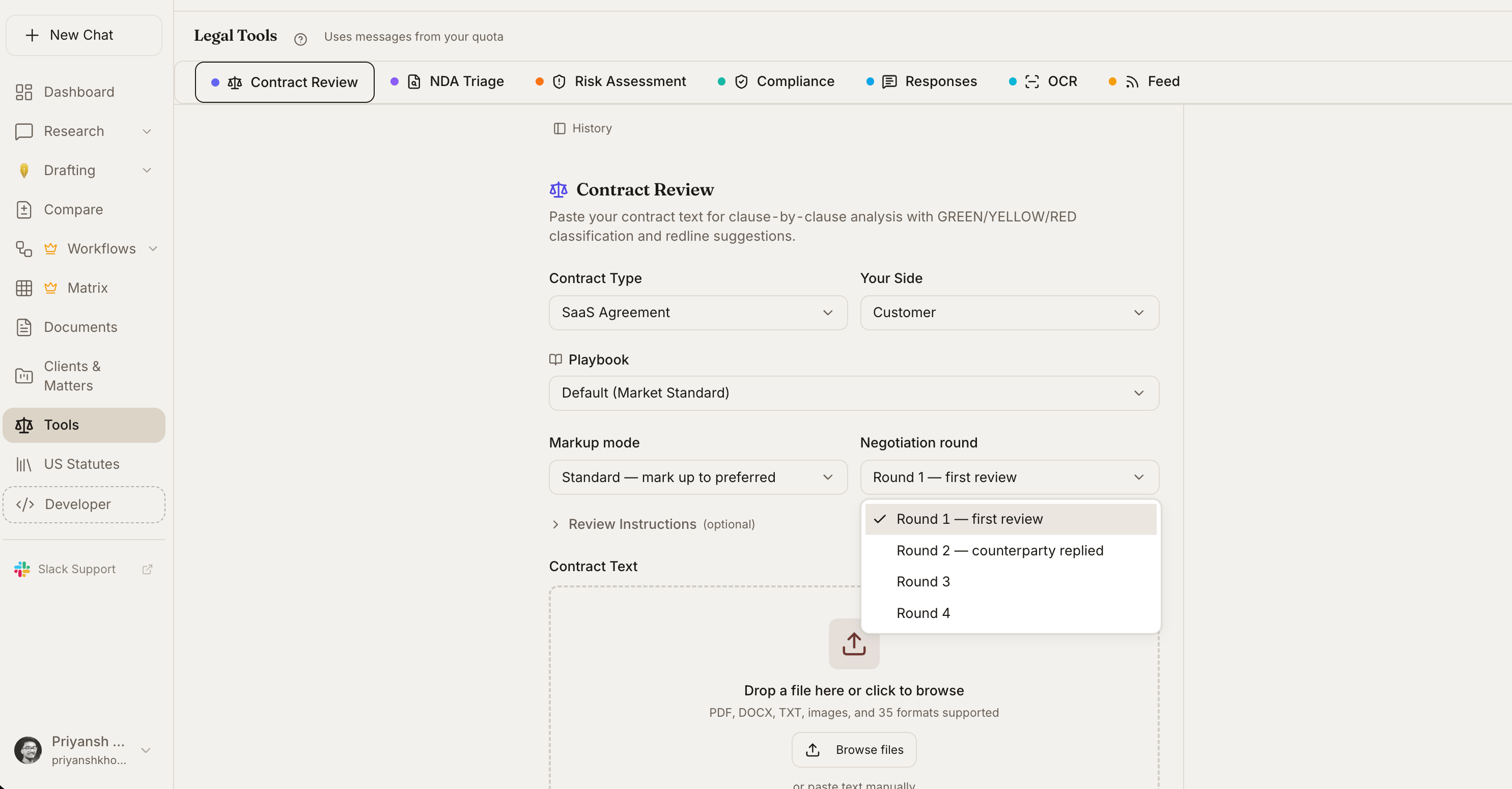
Contract Review and debugging in the Legal Tools hub
When To Use It
- Final review before sending a draft out
- After heavy revisions on a contract that has gone through multiple turns
- Before signing - one last check that nothing was missed
- Diligence on a contract drafted by counterparty’s counsel
- Cleaning up a template that has drifted over many versions
What It Catches
How It Works
1
Upload the contract
Drop in a draft or pick one already in your matter.
2
Open Contract Debugger
Launch the tool from the tools menu.
3
Let the tool run two passes
A structural pass walks definitions, cross-references, and numbering. A semantic pass looks for conflicts, ambiguity, and math errors.
4
Review issues by severity
Critical and High issues should be fixed before send-out. Medium and Low are clean-up items.
Ready-to-run prompt
Contract Debugger - find every structural and semantic defect in a draft before send-out.
Reading the Output
Each issue includes:- The issue type (e.g., “Undefined term”)
- The location in the document (section, page, line)
- A quote of the problematic text
- A suggested fix
- A severity rating (Critical, High, Medium, Low)
Severity Levels
Suggested Fixes
For each issue, the tool drafts a specific fix:- For undefined terms - a proposed definition or a suggested replacement
- For broken cross-references - the section the reference probably meant to point to
- For conflicts - a recommendation on which provision should control and language to add to resolve
Clause Relationship Analysis
Beyond inconsistencies, the tool maps how clauses relate to each other:- Which provisions reference which others
- Where dependencies exist (e.g., termination rights tied to specific breach definitions)
- Clauses that are functionally redundant
- Provisions that may be overridden by the integration clause but shouldn’t be
Tips
Related
Contract Review
Substantive clause-level review against your playbook.
Compare Documents
Diff two versions of a contract to see exactly what changed.
Document Analyst
Ask ad-hoc questions about a document.
Redline Analysis
After Debugger cleans the draft, analyze the counterparty’s tracked changes.