

This page covers connecting external MCP servers to Vaquill AI. If you want to connect Vaquill AI’s tools to your AI editor (Claude, Cursor, etc.), see Vaquill MCP.
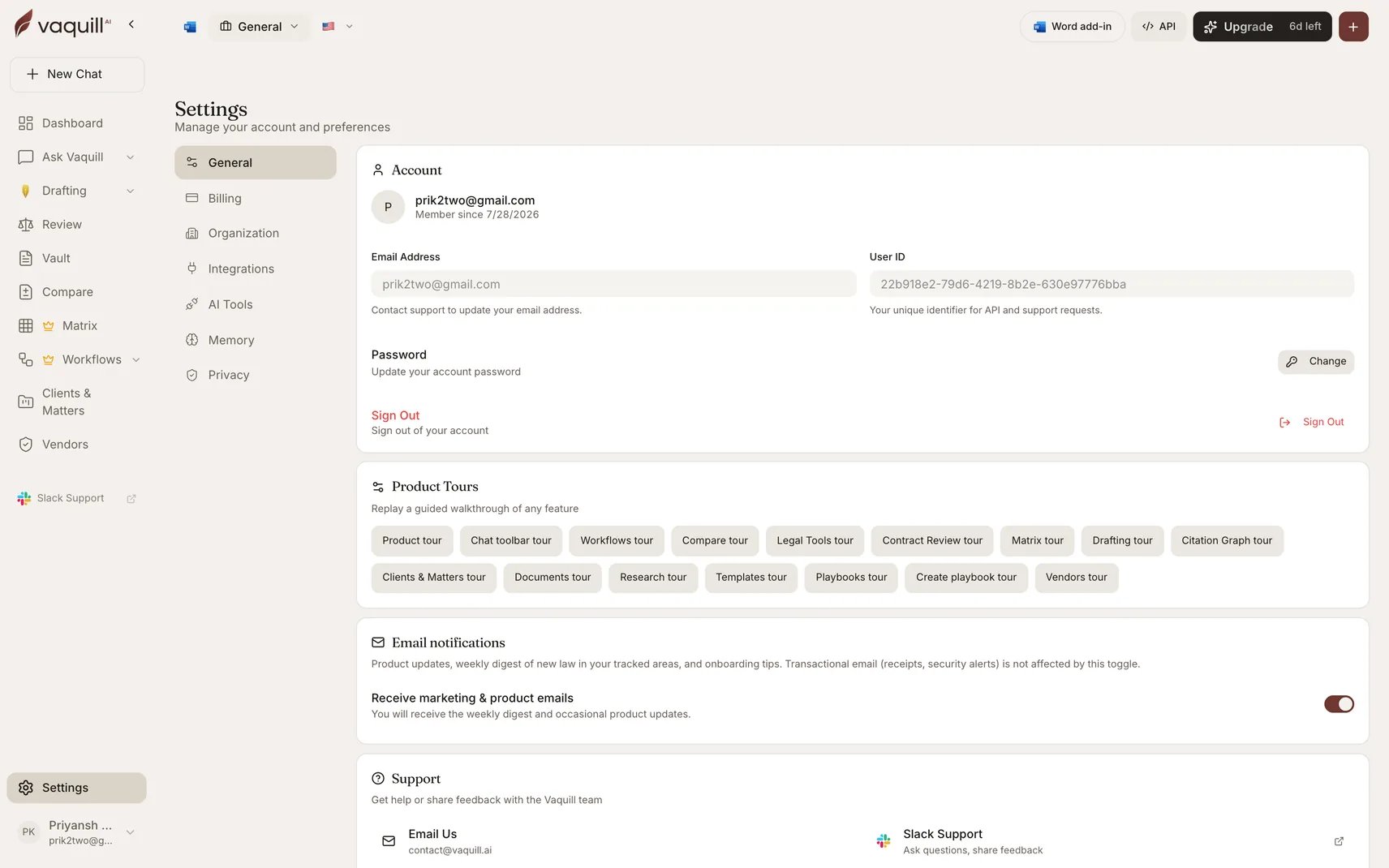
Settings, where MCP servers are connected
Built-in Legal MCP Server
A US statutes server is available to all users by default - no setup required:US Statutes
The US Code, the CFR, all 50 state statute codes, the U.S. Constitution, the Federal Rules, and Executive Orders. No auth needed.
Connect Your Own MCP Servers
1
Go to Settings
Open Settings > MCP Servers in the dashboard.
2
Add a server
Click Add Server and provide:
- Name - a label for the server (e.g., “Notion”)
- URL - the MCP endpoint URL
- Transport -
streamable_http(recommended) orsse - Headers (optional) - authorization headers (encrypted at rest)
3
Sync tools
Click Sync to discover the server’s available tools. You can preview each tool’s description and parameters.
4
Use in chat
Enable Agent Mode in any chat. The server’s tools automatically appear in the AI’s tool list and can be called autonomously.
How It Works
When you chat with Agent Mode enabled:- Tools from all your enabled MCP servers are discovered and cached
- A semantic relevance filter prunes irrelevant tools based on your query (so the AI only sees tools that matter)
- The AI decides whether to call an MCP tool, just like it decides to search documents or fetch a URL
- Tool results are returned to the AI with safety wrappers to prevent prompt injection
- Tools are prefixed with the server name (e.g.,
notion__create_page) to avoid collisions
Security
- SSRF protection - server URLs are validated against private IP ranges, loopback, and reserved addresses
- Encrypted headers - authorization headers are AES-256-GCM encrypted before storage and never returned in API responses
- Prompt injection mitigation - tool results are wrapped with explicit “untrusted data” markers
- No tool shadowing - MCP tools cannot override built-in tools (web search, corpus search, etc.)
- Rate limiting - 100 tool executions per hour, 5 sync requests per minute
Limits
Transport Protocols
Related
- Agent Mode - Required for MCP tools to work in chat
- Vaquill MCP - Connect Vaquill AI’s tools to your AI editor