

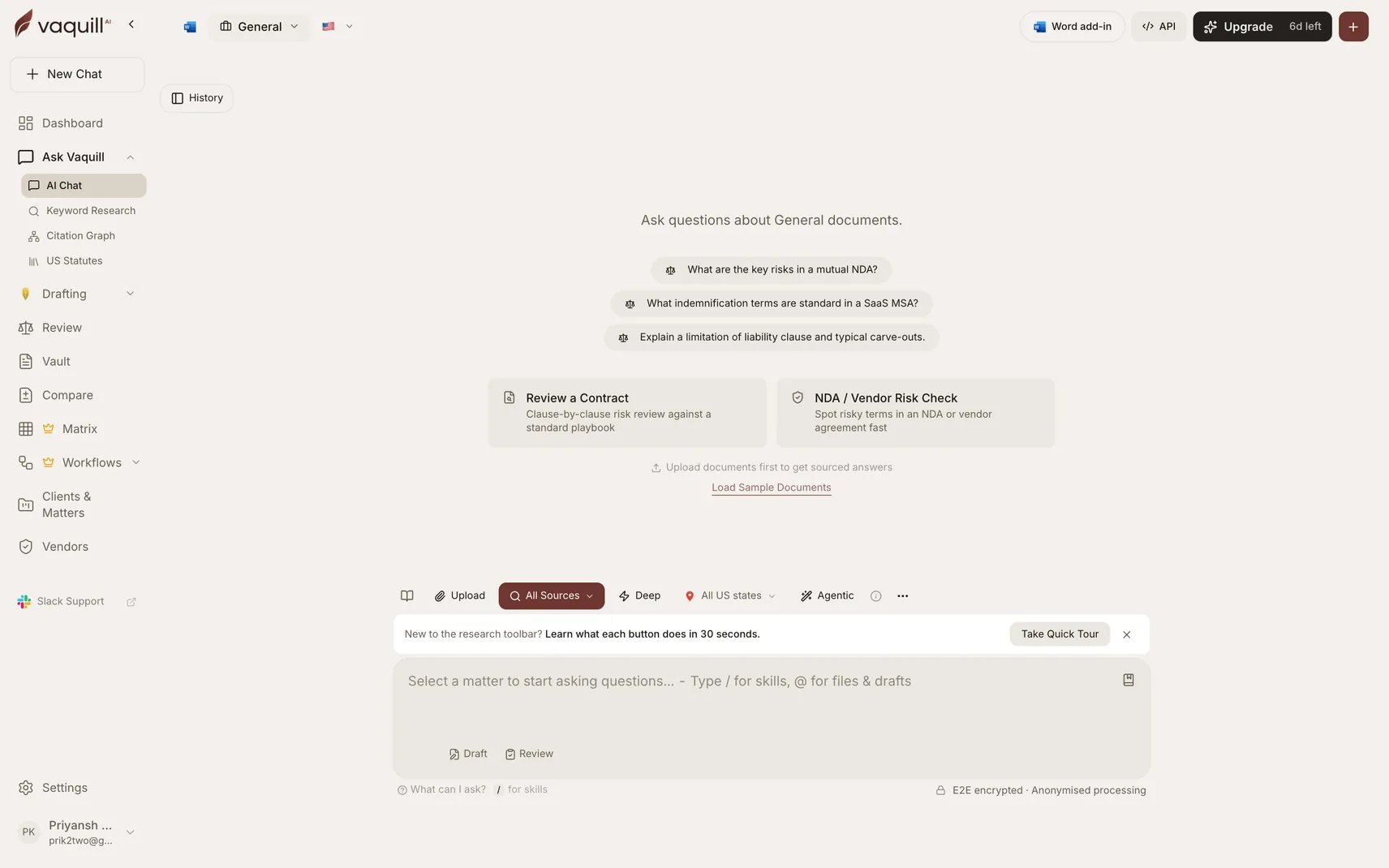
The Skills command palette: Contract Review, Contract Redlining, NDA Triage, and Clause Negotiator
How to Use Skills
There are two ways to activate a skill:Slash Command (Recommended)
Type/ in the chat input to open the skill menu. Select a skill, then type your question. The skill’s framework guides the AI’s response.
For example: Type /, select Contract Review, then paste your contract text or ask about a specific clause.
Automatic Activation
In Agent Mode, the AI can autonomously activate a skill when your question clearly matches one. For example, if you ask “Review this NDA for risks,” the agent may activate the NDA Triage skill on its own.Built-in Skills
Contract Review
Clause-by-clause analysis against standard positions. GREEN/YELLOW/RED severity flags with redline suggestions. Covers contract law, regulatory compliance, and arbitration considerations.
NDA Triage
10-point NDA screening checklist. Classifies as GREEN (approve), YELLOW (negotiate), or RED (escalate) with routing recommendations. Non-compete and restrictive covenant analysis.
Risk Assessment
5x5 severity-by-likelihood matrix (scores 1-25). Color-coded risk levels with escalation criteria and mitigation recommendations. Regulatory considerations across jurisdictions.
Privacy Compliance
Multi-framework privacy checklist covering CCPA, GDPR, HIPAA, and more. Data subject rights, cross-border transfer assessment, and penalty exposure analysis.
Statute Analysis
Systematic interpretation using established rules: literal, mischief (Heydon’s Rule), purposive, harmonious construction, ejusdem generis, and operator word analysis.
Case Brief
IRAC format (Issue, Rule, Application, Conclusion). Supports Bluebook and standard US reporter citations. Headnote extraction, ratio decidendi analysis, and panel composition notes.
Legal Notice
Templates for demand letters, cease and desist notices, breach of contract notices, and consumer complaint notices. Strict timeline guidance.
Contract Redlining
Pure redline mode with exact replacement language. Must-Have/Should-Have/Nice-to-Have priority classification with fallback positions and summary table output.
Example Usage
Contract Review via Slash Command
- Type
/and select Contract Review - Upload or paste your contract
- Ask: “Review this services agreement and flag high-risk clauses”
- The AI produces a clause-by-clause analysis with severity ratings and suggested redlines
Risk Assessment in Agent Mode
With Agent Mode enabled, simply ask:“Assess the legal risks of this proposed joint venture with a Chinese company”The AI recognizes this as a risk assessment task, activates the skill, and produces a structured 5x5 risk matrix with regulatory considerations.
Case Brief from a Judgment
- Type
/and select Case Brief - Ask: “Brief the judgment in Marbury v. Madison”
- The AI produces an IRAC-format brief with proper citations and ratio decidendi
Ready-to-run prompts
Copy any of these into your Vaquill AI chat. They activate the matching Skill automatically.Contract Review - clause-by-clause severity flags + redlines, exportable to Word.
NDA Triage - 10-point screen + routing recommendation. Use for inbound NDAs at scale.
Case Brief (IRAC) - structured judgment summary with citation network and treatment signals.
Skill Types
Related
- Agent Mode - Skills are automatically available to the agent
- Contract Review - Detailed guide on contract analysis
- Legal Tools - Full suite of 15 legal analysis tools
- Vaquill MCP - Use Vaquill AI’s tools in your AI editor