

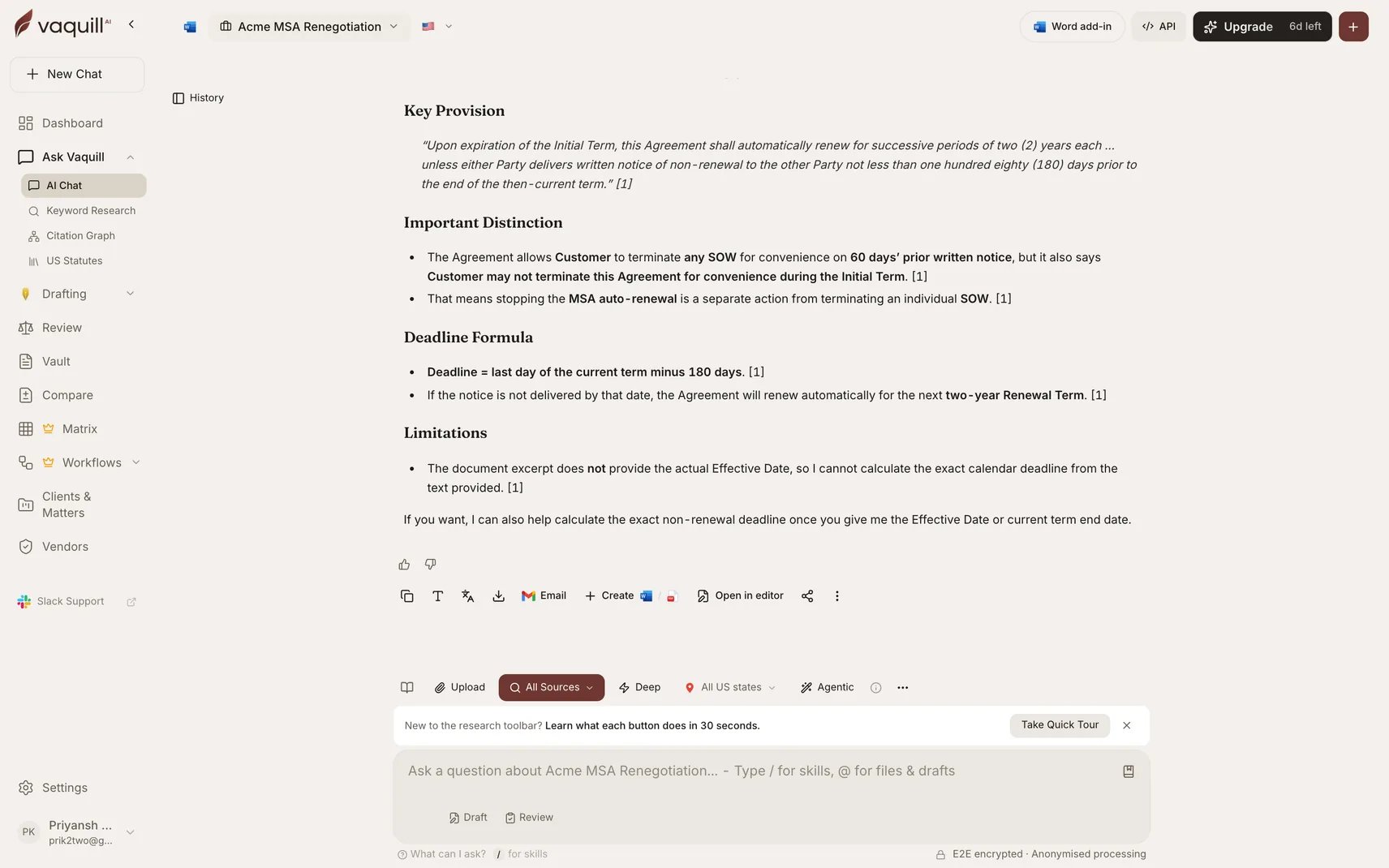
A cited answer with the right-hand sources panel and source controls (Web Search, Matter Documents, US Case Law, Deep Web Research)
Supported Formats
Documents
PDF, DOCX, DOC, TXT, RTF, ODT
Spreadsheets
XLSX, XLS, CSV
Presentations
PPTX, PPT
Images (OCR)
PNG, JPG, TIFF processed with OCR automatically
EML, MSG with attachments
Archives
ZIP files unpacked and indexed
How to Use
1
Start a conversation
Open a new conversation from your dashboard, or work within an existing Matter.
2
Upload documents
Drag and drop one or more files into the conversation.
3
Ask questions
Examples:
- “What is the termination clause in this agreement?”
- “Does this contract have a non-compete provision?”
- “Summarize the key obligations of the licensee”
4
Review answers
Each answer includes source citations pointing to the exact section of your document.
Answer Verification
Every answer is verified against your source documents and external sources. Each claim gets a confidence score.The exact source text behind an answer, with the supporting citations listed
Follow-up Questions
Ask follow-up questions without re-uploading. Context is preserved across the conversation:You: What are the payment terms in this contract? Vaquill AI: Net-30 payment terms with a 2% late fee… You: Are there any exceptions to that? Vaquill AI: Yes, Section 4.3 provides an exception for force majeure events…
Google Drive Import
Import documents directly from Google Drive. Connect your Google account from dashboard settings. See Google Drive Import for the full OAuth flow and sync options.Ready-to-run prompts
Contract Q&A - ask any question about an uploaded agreement and get sourced answers with page citations.
Bookmarks
Anything worth coming back to can be pinned, and pins work the same way across the app. You can bookmark:- a statute section
- a case
- a draft
- a matrix
- a chat
- a matter
Related
Case Law Research
Search US federal and state court cases by keyword or citation.
Agent Mode
Autonomous multi-step research across documents and the web.
Chat
Ask targeted questions of a single document with it pinned in the conversation.
File formats
Full list of supported formats and OCR behavior.