

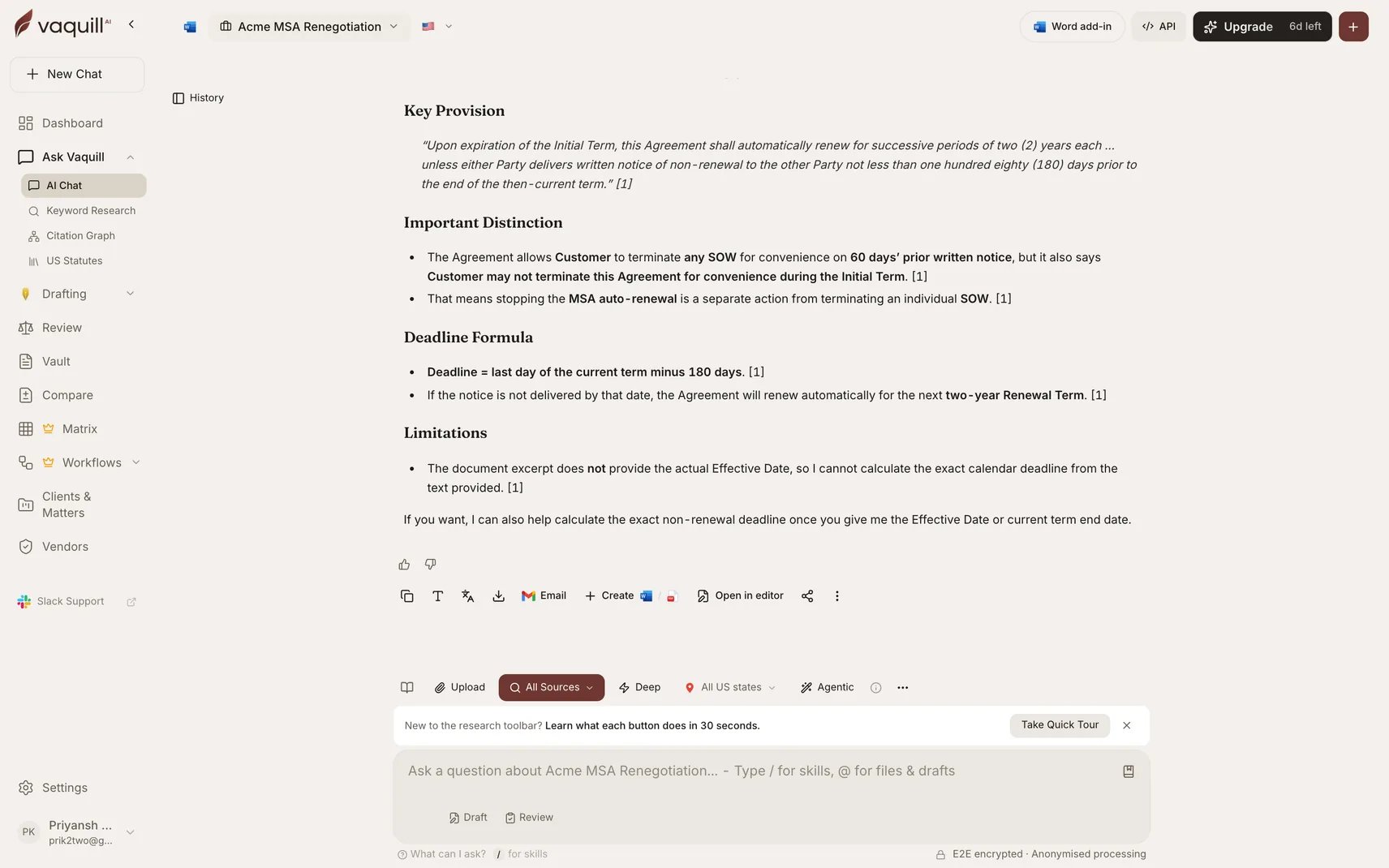
The Agent toggle turns on autonomous multi-step research, with per-source controls for Web Search, Matter Documents, US Case Law, and Deep Web Research
How It Works
In regular chat, your query goes through a fixed RAG pipeline: embed, retrieve, rerank, generate. In Agent Mode, the AI receives a set of tools and autonomously decides the research strategy:- You ask a question
- The AI analyzes it and calls relevant tools (search documents, web search, fetch a URL, etc.)
- It reads the results, identifies gaps, and calls more tools if needed
- After up to 5 iterations, it synthesizes a final answer with sources
When Agent Mode is enabled, Research and Deep Mode are paused. The agent takes over all search autonomously.
Enable Agent Mode
Click the Agent button in the chat toolbar. A toggle turns it on/off, and a dropdown lets you configure individual tools. Agent Mode is saved per matter - enable it once and it stays on for that workspace.Available Tools
Agent Mode gives the AI access to these tools automatically:
Additionally, any MCP server tools and Skills you have enabled are also available to the agent.
Read Any URL
Thefetch_url tool lets the AI read content from any public URL. It handles:
Tool Configuration
Core tools (web search, fetch URL, search documents, corpus search, resolve citation) are always available when Agent Mode is on. More intensive tools have individual toggles:- Generate Case Brief (LLM-intensive)
Limits
Example Prompts
Agent Mode shines with multi-step research questions:“Compare the privacy frameworks in GDPR and CCPA, citing specific provisions from both” “Read this judgment URL and prepare a case brief: https://example.com/judgment.pdf” “Find recent Supreme Court cases on arbitration clauses in employment contracts and check if any have been overruled” “Search for contract termination clauses in my uploaded agreement and compare them against market standard”
Related
- Skills - Curated legal playbooks the agent can activate
- MCP Client - Connect external tools for the agent to use
- Document Search - How document retrieval works
- Case Law Research - Legal corpus search details