

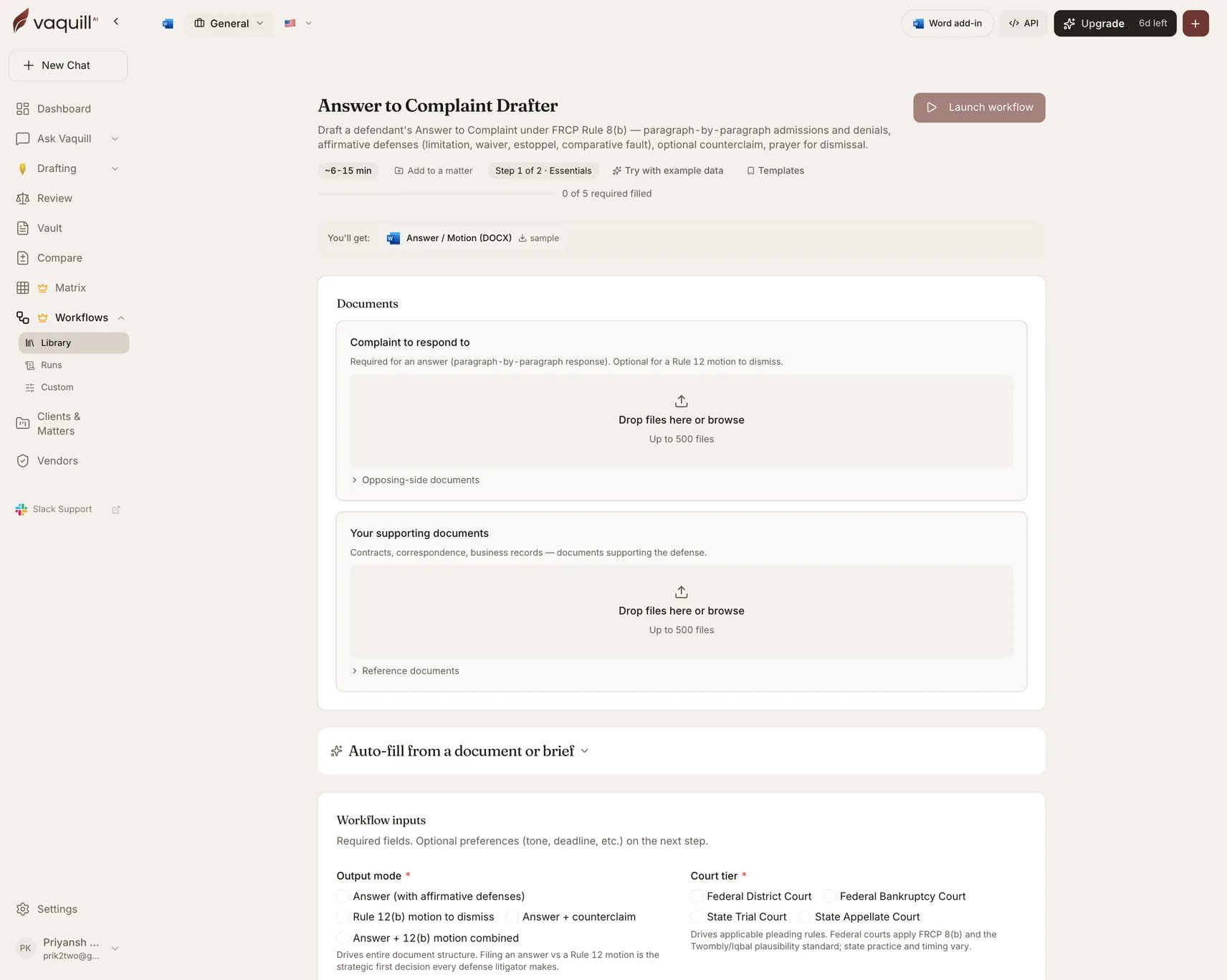
The Answer to Complaint Drafter launcher: document slots, inputs, and what you get
What you need
Inputs
Mode and court
Timing
Defenses and responses
How it runs
A drafting pipeline:prepare → generate → export.
Prepare reads the served complaint and your supporting documents. Generate builds the document in the structure your output mode dictates, applying the preserved defenses. Export writes the DOCX.
What you get
What this will not do
- File the Answer or serve it on plaintiff’s counsel.
- Replace counsel for the final review, attorney signature, and Rule 11 sign-off.
- Calculate your Rule 12 response deadline from the service date, or warn you if you are out of time. Verify with counsel.
- Investigate facts beyond what you provide, including discovery, witness statements, or admissions in the complaint exhibits.
- Decide whether to file a Rule 12(b) motion instead of an Answer. That strategic call belongs with counsel.
Related
Complaint Drafter
The pleading this responds to.
US Motion Drafter
For a standalone, fully developed Rule 12(b) motion with a proposed order.