

Every comparable’s dollar figure is tied to a primary source, a 10-Q or a settlement-approval order, or is explicitly marked “Confidential, amount not public”. No invented dollar figures.
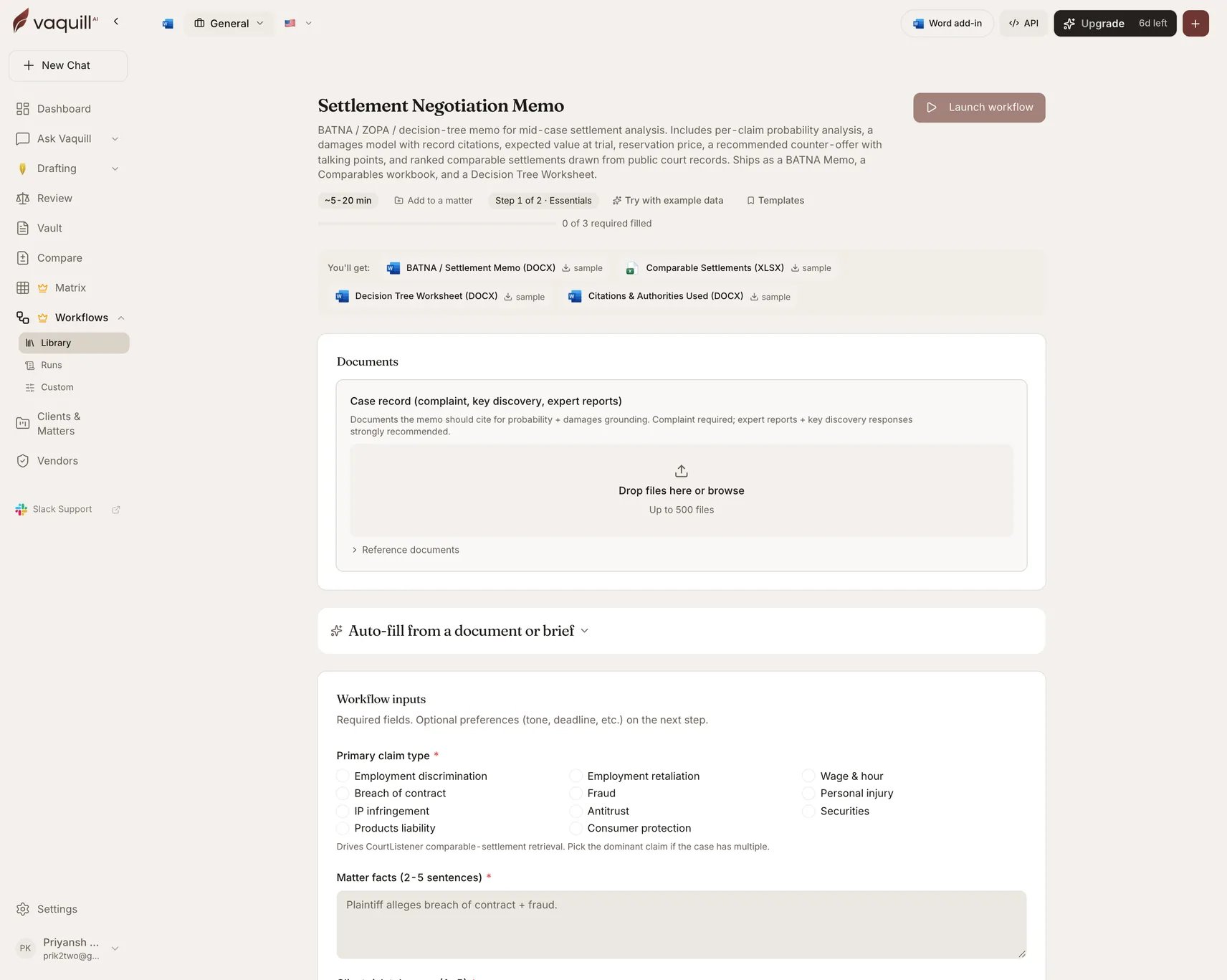
The Settlement Negotiation Memo launcher: document slots, inputs, and what you get
What you need
Inputs
How it runs
1
Gather case record
Reads the uploaded record for the facts, claims, and damages evidence the analysis needs to cite.
2
Retrieve comparables
Searches public court records for comparable settlements matching the claim type, court, date window, and any extra keywords, then ranks them.
3
Analyze
Builds the BATNA, the decision tree, the reservation price, and the recommended counter-offer, adjusted for the client’s risk tolerance.
4
Render
Writes the memo, the comparables workbook, the decision-tree worksheet, and the citations appendix.
What you get
What this will not do
- Negotiate the settlement. The memo prepares the analysis; you run the negotiation.
- Replace partner review of the probability assignments. AI-assigned probabilities are a starting point for human calibration, not an answer.
- Find non-public settlement amounts. It labels them confidential rather than guessing.
- Predict opposing counsel’s strategy or the mediator’s framing.
- Substitute for structured verdict-data subscriptions such as VerdictSearch or Lex Machina in sectors where their data beats docket inference.
Related
Case law research
The underlying case-law surface the comparables come from.
Demand Letter Drafter
For the pre-litigation stage before any of this applies.