

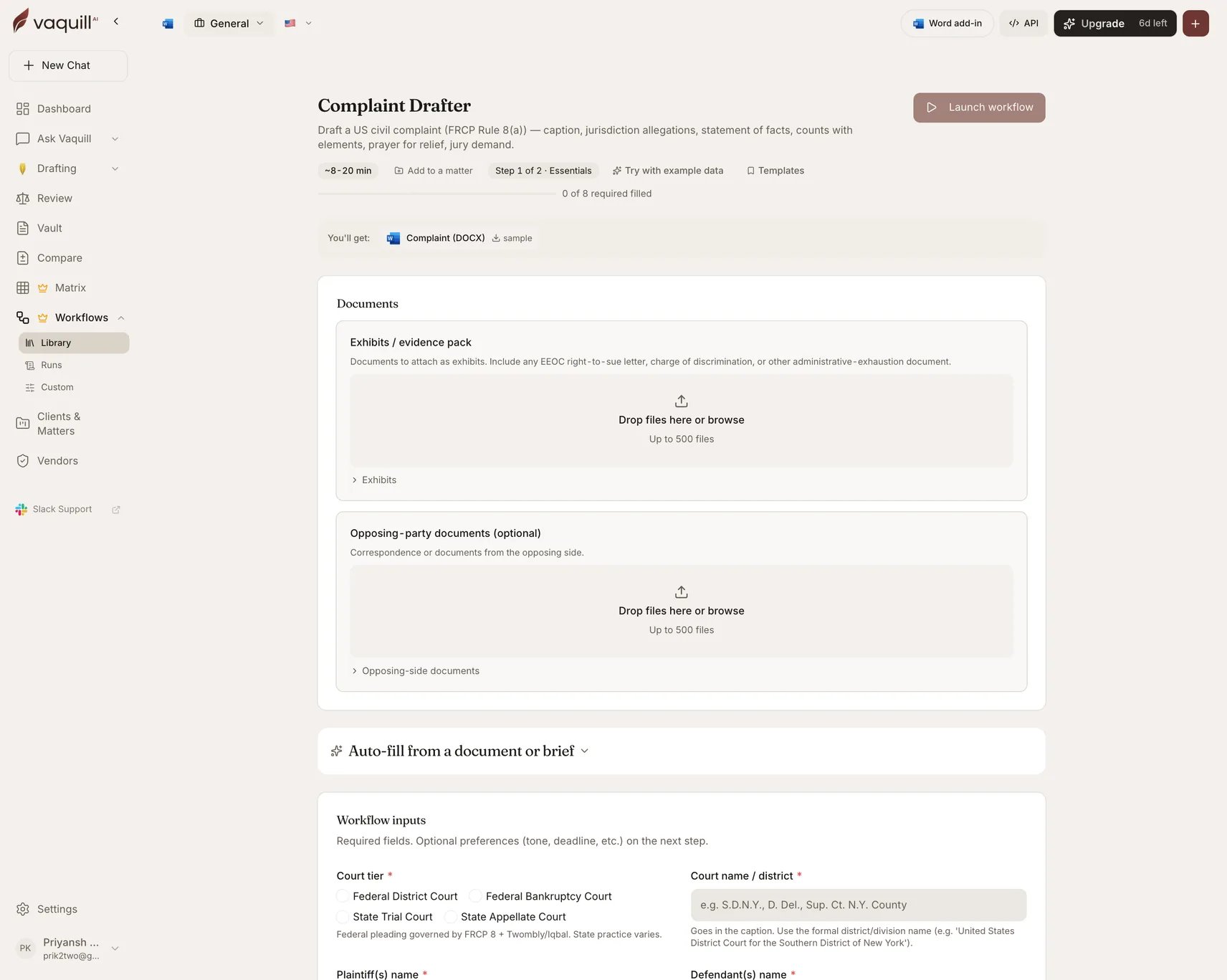
The Complaint Drafter launcher: document slots, inputs, and what you get
What you need
Inputs
Parties and court
Jurisdiction and venue
Claims and relief
How it runs
A drafting pipeline:prepare → generate → export.
Prepare gathers the drafting context from your form answers and the exhibit and opposing-party documents. Generate produces the complaint against the selected court tier and jurisdictional basis, applying Rule 9(b) particularity and Rule 23 allegations where you asked for them. Export writes the DOCX.
What you get
What this will not do
- File the complaint, pay the filing fee, or arrange service on the defendant.
- Replace counsel for the final review, attorney signature, and Rule 11 sign-off.
- Run a damages model or verify that the amount in controversy meets the jurisdictional threshold.
- Investigate facts beyond what you provide. No discovery, witness interviews, or subpoenas.
- Calculate or apply the statute of limitations and tolling rules. Verify with counsel.
Related
Answer to Complaint Drafter
The other side of the same pleading.
Demand Letter Drafter
The pre-litigation step that often comes first.