

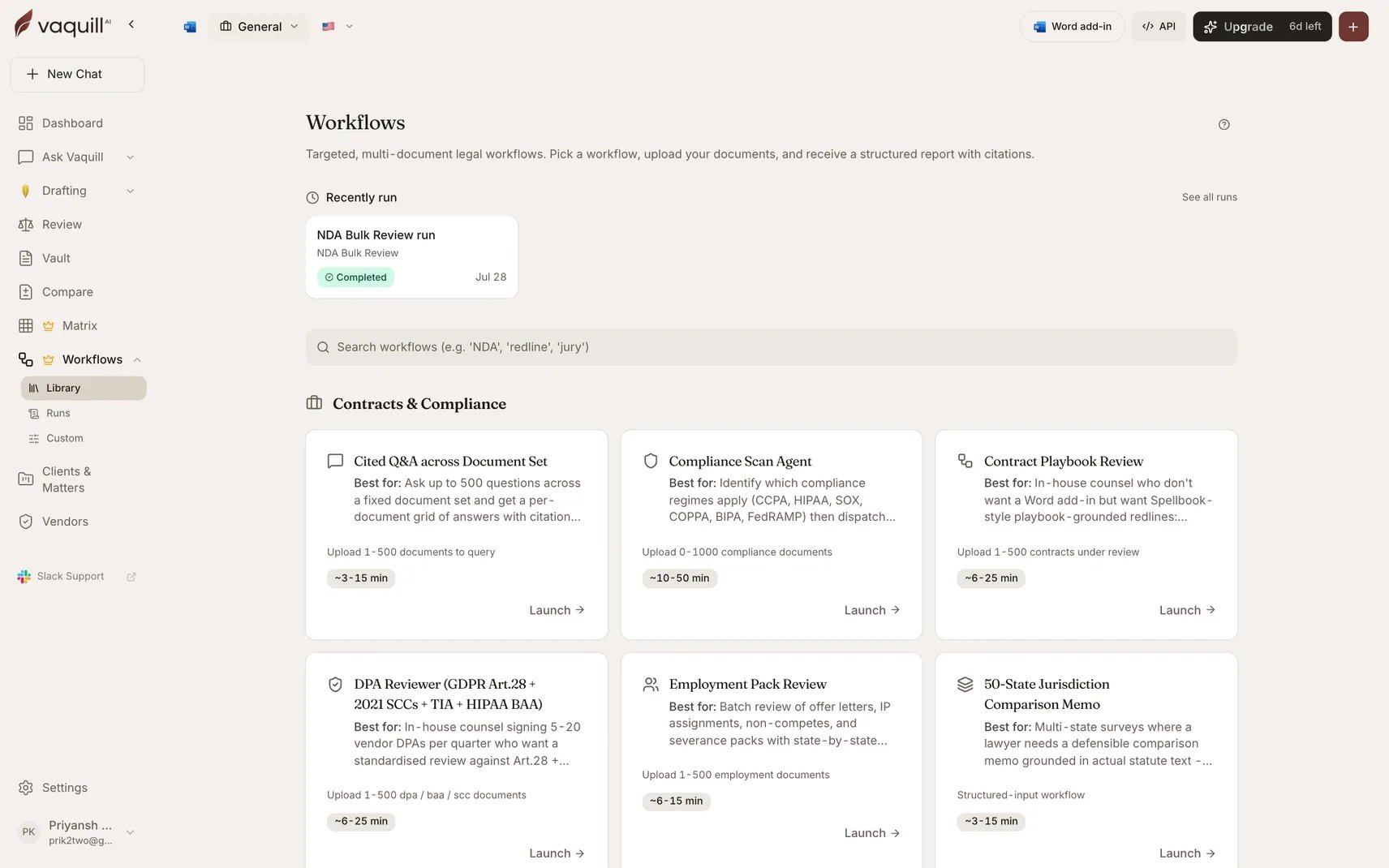
The built-in workflow catalogue
1. Contracts and commercial
Reviewing agreements at volume, against benchmarks or against your own playbook.2. Compliance and privacy
3. Research and analysis
4. Litigation: discovery and evidence
5. Litigation: drafting and motions
6. Landlord and tenant
These three surface in QuillDraft, the landlord-tenant product. They are filtered out of the Vaquill AI in-house gallery, where they would be off-task for a corporate legal team. They are documented here for completeness.
How to read a workflow page
Every page follows the same shape:1
What it is for
The specific scenario the workflow was built around.
2
What you need
Its document slots: which roles, how many documents each accepts, and whether the slot is required.
3
Inputs
Every field on the launcher form, its type, whether it is required, its options, and what changing it actually does to the output.
4
How it runs
The pipeline stages, named the same way the live progress view names them.
5
What you get
Every artifact, its format, and its contents.
6
What it will not do
The explicit limitations. Read this before you decide the workflow is the right tool.
Two shared pipeline shapes
Most workflows are one of two patterns, which is worth knowing because it tells you how they scale.Matrix review
prepare → extract → wait for extraction → normalize and score → synthesize → renderBuilds an extraction matrix over the document set, answers every cell, scores each document, then synthesizes across the portfolio and verifies that synthesis. Scales to hundreds of documents.Drafting
prepare → generate → exportGathers context from the reference documents and your form answers, generates the instrument, and exports DOCX. Fast, single-output, jurisdiction-aware.Cost and scale
Workflow runs are not billed per run. There is no per-run charge, no credit deduction, and no separate workflow quota. Every workflow here is covered by your subscription, so running M&A Due Diligence across a 200-document data room costs the same as running Document Triage on one file. See Plans, trial, and limits. What does vary is time, and that is worth planning around.
Three levers control noise and runtime on large sets:
- Materiality thresholds. M&A Due Diligence and Obligations Tracker summarize below-threshold findings in aggregate instead of itemizing them.
- Focus areas. M&A Due Diligence runs five domain specialists by default; picking a subset skips the rest entirely.
- Regime scoping. Compliance Scan Agent sweeps every applicable regime unless you narrow it.