

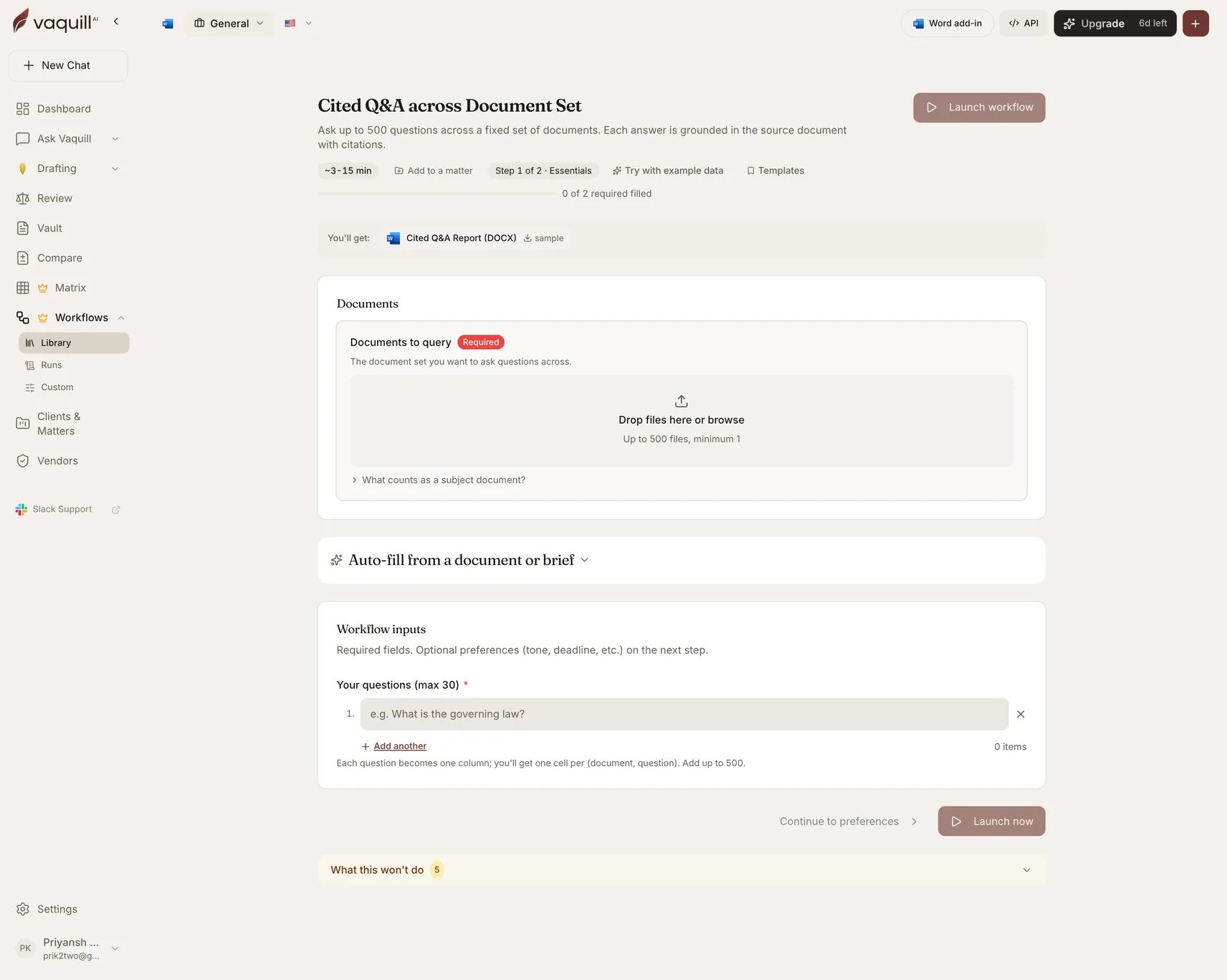
The Cited Q&A across a Document Set launcher: document slots, inputs, and what you get
What you need
Inputs
How it runs
1
Prepare
Builds a Q&A matrix: rows are your documents, columns are your questions.
2
Extract
Schedules extraction for every cell. Each answer is produced against one document only, with the supporting passage captured at your chosen citation granularity.
3
Wait
Blocks until every answer resolves.
4
Render
Writes the Q&A report, with the privilege banner applied if you asked for one.
What you get
Appending follow-up questions
This is the only workflow you can extend after it completes. Send new questions to a finished run and each becomes an additional column answered against the same document set, with the report re-rendered. You do not re-upload anything and you do not re-run the earlier questions. That makes it a good first pass on an unfamiliar document set: ask five questions, read the answers, then append the twenty questions you now realize you needed.What this will not do
- Answer questions about anything that is not in the uploaded documents. There is no synthesis from the open web.
- Pull in external case law or statutes. Answers come from your documents only.
- Replace independent counsel review of the cited passages before you rely on an answer in a filing.
- Compare two versions of the same document or surface tracked changes.
- Draft new clauses, redlines, or a memo from the answers. This is a Q&A surface only.
Related
Document Matrix
The same engine as an interactive spreadsheet you can edit column by column.
Document comparison
For version-to-version differences, which this workflow does not do.