

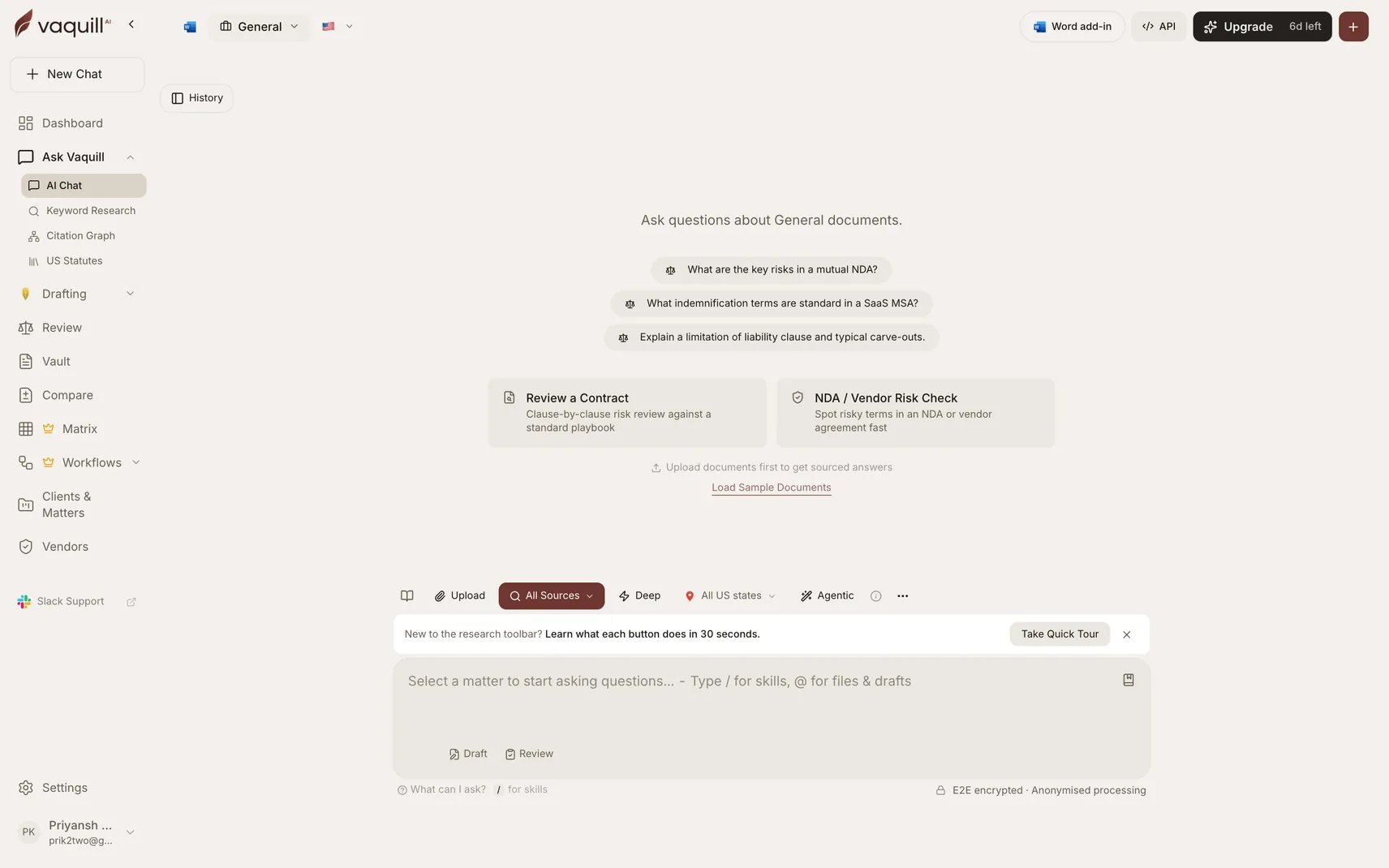
The chat list, where saved prompts are inserted
When to use it
- You retype the same analysis request every week
- Your team should ask a question consistently rather than each person phrasing it their own way
- A prompt took several attempts to get right and you do not want to rediscover it
Private or shared
Every prompt has a scope:
Org sharing follows the same active-membership rule as drafts and matrices. Only the prompt’s owner can edit or delete it, including shared ones, so a colleague cannot quietly change a prompt the team relies on.
Prompt Library versus Skills
These overlap and the distinction matters:
Rule of thumb: if you would tweak the wording each time, it is a prompt. If it should run identically every time, make it a Skill.
Limitations
- Prompts are text, not logic. They do not branch, loop, or call tools. For that, use Workflows.
- A shared prompt is visible to your whole organization; do not put client-confidential detail in the body.
- Editing is owner-only, so a departed colleague’s shared prompts stay as they are.
Related
Skills
Structured playbooks run with a slash command.
Memories
Context the assistant carries between conversations.
Workflows
When the job needs steps rather than a prompt.
Templates
Reusable document skeletons with variables.