

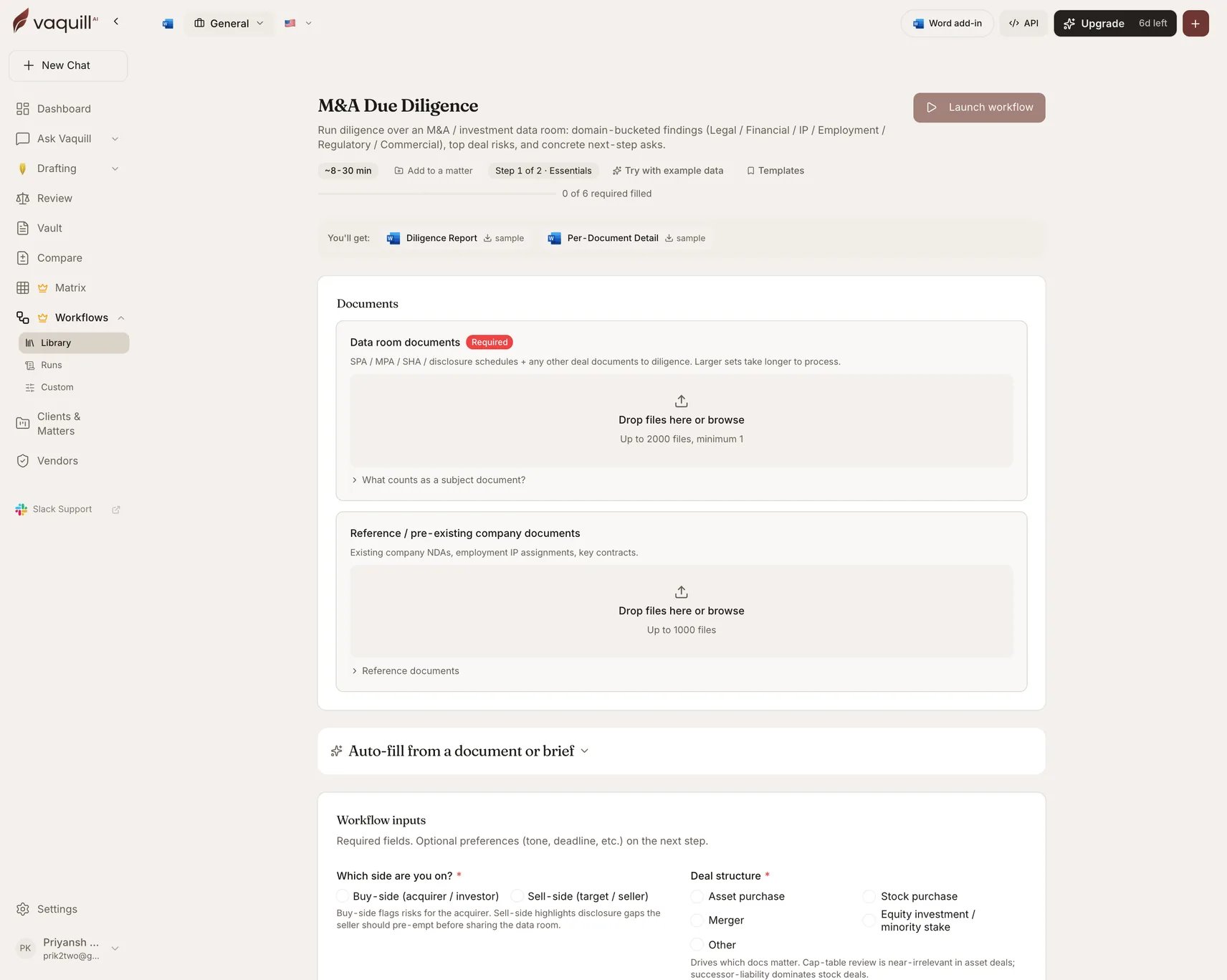
The M&A Due Diligence launcher: document slots, inputs, and what you get
What you need
Inputs
How it runs
A matrix-review pipeline with domain specialists layered over the extraction.1
Prepare
Builds the extraction matrix across the data room, with columns determined by the deal structure, industry, and the specialists you enabled.
2
Extract and wait
Every document is answered against the matrix, with supporting quotes. This is the long pole on a 200-document room.
3
Normalize and score
Applies the materiality threshold and buckets findings into their domains.
4
Synthesize
Domain specialists roll their findings into top deal risks and next-step asks. The synthesis verifier drops findings citing documents outside the set or asserting terms that came back not-found.
5
Render
Writes both DOCX artifacts.
What you get
What this will not do
- Replace deal counsel review for the final closing risk allocation or disclosure schedule sign-off.
- Run financial quality-of-earnings, tax structuring, or environmental Phase I work.
- Investigate facts outside the data room: off-record litigation, customer churn signals, founder background checks.
- Issue the diligence asks or negotiate reps and warranties with the seller on your behalf.
- Confirm CFIUS, HSR, or sector-specific filing decisions when the facts are ambiguous. Consult counsel.
Related
Document Matrix
The extraction engine underneath, usable on its own.
Matter Triage Agent
Point an agent at a matter and let it decide which reviews to run.