
The best legal AI tools for in-house counsel are not the ones with the biggest funding rounds. In April 2026, Legora raised a Series D to $600 million; the same year, Harvey was tagged at $11 billion and Robin AI cut about fifty roles.
Money floods to the leaders, the middle gets squeezed, and the size of the press release tells you nothing about whether the thing works at your desk.
Maybe you are in-house counsel, a fractional GC, or a CLO, with one or two of you holding up a whole legal function. Your question is not which tool raised the most. It is which tool survives your Monday queue, when you have no buying team, no long pilot, and no consultant to expense.
Short answer: the best legal AI tools for in-house counsel in 2026
For a solo generalist who triages everything, GC AI ($500/seat/mo, 14-day trial per its own pricing page) is the top pick. For a in-house team that wants one place to draft, review, redline, and track matters, Vaquill AI runs a close second. For heavy playbook contract review, Ivo or LegalOn. For Word-native drafting, Spellbook. For research, CoCounsel (Westlaw) or Lexis+ AI (Lexis). The rest of this guide ranks all twelve with real prices and sourced tradeoffs.
TL;DR
- The first decision is category, not brand. Buying a firm-side research engine when your week is contracts (or a contract point tool when you need a workbench) is the costly mistake. The framework below sorts the field.
- Funding is not fit. Harvey ($11B) and Legora ($5.6B) are great products built for large firms. A two-person department pays for a Formula 1 car to do the school run.
- GC AI ranks first here for the solo in-house generalist, with the clearest "built for in-house" pitch and an openly published price. Vaquill AI is the close runner-up for teams that want a full workbench, flat: matter context, real Word track changes, and a no-train-on-your-data policy.
- Two questions kill more vendors than any feature ever will. Does it train on your data? Can you buy it without a sales cycle? Ask both before you agree to the demo.
- Robin AI's 2025 layoffs are the reminder nobody wants. "Built for in-house" is needed, but it is not enough. Vendor staying power is now part of due diligence.
How is Vaquill AI priced for a small team?
This is the buyer's roundup that goes with our pillar, Legal AI for In-House Counsel: The Complete 2026 Guide. That guide covers the jobs, the scoring, the stack model, and the pricing reality in depth. Below is the ranked shortlist.
Adoption is up, but depth is the real story
Before the rankings, two numbers worth holding in mind. Generative AI use in corporate law departments more than doubled in a year, from 23 percent to 52 percent, per the ACC "Generative AI's Growing Strategic Value" survey of 657 in-house professionals (2025).
Yet the Bloomberg Law State of Practice 2026 survey of 760 practitioners (June 2026) found only 23 percent of in-house lawyers use AI tools daily.
Plenty of teams have a seat; far fewer have a tool they depend on. The difference is almost always whether they bought the right category for their week.
First, pick the category (not the brand)
Almost everything labeled "legal AI" falls into one of seven categories. They are not interchangeable, and the single most expensive mistake in-house buyers make is buying from the wrong one because a demo looked sharp. Sort your week first, then shop the matching category.
- Purpose-built in-house suites (workbenches): drafting, review, redline, matters, and compliance in one place, priced for a small team. Best fit for a generalist in-house week. Vaquill AI.
- Firm-side AI platforms: deep, agentic document work built and priced for AmLaw firms and large departments. Harvey, Legora.
- Dedicated contract review: a specialist engine that redlines against a playbook. Ivo, LegalOn, Spellbook, Robin AI, Gavel Exec.
- CLM with AI bolted on: contract lifecycle management (repository, approvals, e-sign, renewals) with AI extraction or review added. Ironclad, LinkSquares (see "adjacent tools" below).
- Matter and spend management: matter tracking, e-billing, outside-counsel spend. Brightflag, Streamline AI, Xakia (see below).
- Legal research with AI: the research line (case law, statutes) plus an assistant. CoCounsel, Paxton AI (research-leaning).
- General-purpose models: no legal grounding, no Word redline, no matter context. ChatGPT, Claude, Copilot (see "Why not just ChatGPT" below).
One question sorts most buyers into the right category faster than any feature grid.
Name the category that owns the biggest share of your week, buy the best tool in it, and resist a second category until the first pays for itself. The pillar explains how the workbench sits next to a CLM and research tools so you fill a gap instead of paying twice.
How we picked
We ranked these for the lean in-house buyer: a team with no buying staff and a tight flow of contracts and matters. We judged on clear pricing with no seat minimum, data posture, matter context, Word-native redlines, review depth, buying friction, and vendor staying power.
The real test is simple: can a 2-to-10-person team run the tool without booking a sales call?
Every price below is vendor-published or founder-confirmed as of mid-2026, sourced inline where a third party publishes it. Where we cannot confirm a number, we say "quote-based / on request" rather than guess.
The sentiment lines come from real forums and review sites, linked where the page loads cleanly, and where there is little genuine talk we say so and invent nothing.
The 12 best legal AI tools for in-house counsel
One privilege note sits above any feature list: "do not train on your data" is the floor, not the finish line. For each finalist, ask where your files are kept and for how long, who at the vendor can read them, and which vendors touch the text.
1. GC AI: best for the solo generalist who triages everything
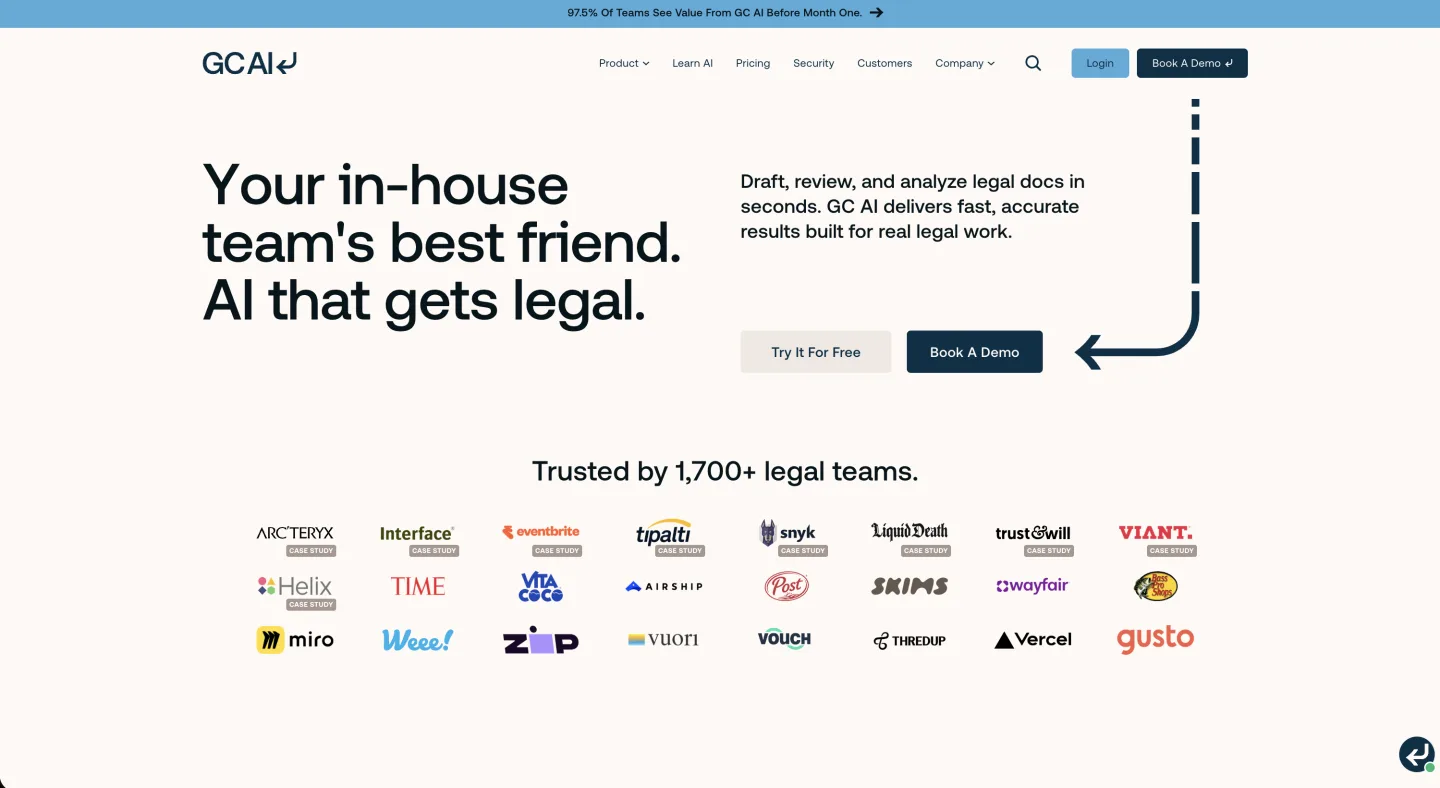
Category: Purpose-built in-house suite (workbench), generalist-leaning. At a glance: $500 per seat/mo · 14-day free trial, no seat minimum · Best for the solo GC. GC AI has the clearest "built for the in-house generalist" pitch on the list. Picture one lawyer who fields an employment question at 9am, an NDA at 10, and a board memo by lunch.
What's good
- Real range across question types, which makes it handy for triage and first-pass work.
- Publishes its $500 price and a 14-day trial openly (per its own roundup page, updated June 2026), where two heavyweights below make you sign an NDA to learn theirs.
- Backed by a $60 million Series B in November 2025, and says it serves 1,700-plus in-house teams across 53 countries, so the runway is there.
Where it falls short
- Breadth over depth: a week of heavy playbook-enforced review wants a specialist engine next to it.
- At $500 a seat it is roughly four times Vaquill AI's price for a single generalist who is not yet review-heavy.
What users say: There is little genuine forum talk about GC AI yet, mostly press and launch coverage, so we will not pretend it has a verdict (Legal Technology Hub vendor profile).
Bottom line: Buy it if you are one generalist covering everything and value range over depth. Skip it if your week is high-volume contract review, where a specialist will beat it.
See our honest GC AI review.
2. Vaquill AI: best for the lean in-house week, end to end
Category: Purpose-built in-house suite (workbench). At a glance: Self-serve, published pricing (sign up to see the latest) · Self-serve, 7-day trial · Best for solo GCs and small teams. Vaquill AI is the only tool here that covers the lean in-house week from open to close at a price a small team can sign without a committee. It is a workbench, not a point tool and not a research tool with an assistant tacked on.
What's good
- Drafts, reviews, and redlines in real Microsoft Word track changes, where each edit is a discrete suggestion you accept or reject.
- Keeps the work in privilege-aware context, so an NDA, its redline, and its renewal live together.
- Runs reusable playbooks, builds a document matrix across a stack of contracts, and manages matters in one place.
- Self-serve, published pricing with no seat minimum and a do-not-train-on-your-data policy.
The redline lands in real Word track changes, so each edit is a discrete suggestion you accept or reject.
Where it falls short
- Lighter on deep primary-law and case-law research than the research-first platforms.
- If you already run a mature CLM, Vaquill AI overlaps with it rather than slotting neatly underneath.
What users say: Vaquill AI is newer than the heavyweights, so there is little outside forum talk yet. We will not invent a verdict it has not earned.
Bottom line: Buy it if your week is the connected pipeline of draft, review, matter, and renewal and you want one bill, not five. Skip it if your job is mostly heavy litigation research or you already have a CLM you love.
Start on app.vaquill.ai.
What Vaquill AI adds that a review-only tool does not
Most of the tools ranked below this one are built around a single job: redline a contract against a playbook, or answer a question in a chat box. Vaquill AI runs that review pass too, but the workbench wraps it in layers a review-only or chat-first tool usually leaves out. The table is the short version of what those layers are and what each one saves an in-house team in practice.
| Capability | What it means for an in-house team |
|---|---|
| Tabular bulk review (Document Matrix) | Review a whole stack of contracts at once in a grid, pulling the same field (governing law, liability cap, renewal date) across every file, instead of opening them one at a time. Field-by-field extraction across a stack is less common in a tool that works one document at a time. |
| Open-source Word add-in, no per-seat add-on fee | The Microsoft Word add-in is open source and carries no extra per-seat charge, so a whole department can run it on the base subscription rather than paying a separate line item for in-Word support. |
| Full matter management | Each matter carries its facts, a chronology, and a per-file summary in one workspace, so an NDA, its redline, and the surrounding matter live together. A matter layer like this is not a standard part of a chat-first review tool. |
| Own US statutory and regulatory database | Vaquill AI ingests and hosts US Code, the CFR, and 50-state statutes and regulations itself, with case-law research alongside, so primary-law answers point back at the section they come from rather than resting on a single resold statutory feed. |
| Templated and custom workflows | Run prebuilt workflows out of the box, or build your own multi-step automation for a repeated task, instead of being boxed into one fixed flow. |
| Built to your needs | Custom workflow development is on the table, and a team can prioritize the features it asks for on the roadmap. |
| Privacy and security by design | PII is anonymized before model calls, a zero-data-retention option is available, the design is privilege-architected, and Vaquill AI does not train on your data. |
| Team layer with RBAC | Vendor management, drafting, and multi-user collaboration with role-based access control, so a small team shares one workspace with the right permissions per person. |
| Integrations | An MCP integration lets you drive Vaquill AI from inside Claude, and email-to-platform sync pulls documents in straight from your inbox. |
For price context, that whole set is $120 per user per month, self-serve, at the low end of the tools ranked here. None of this makes Vaquill AI the right pick for a research-heavy or review-only week; it is the reason a connected in-house week tends to fit better on a workbench than on a point tool.
3. Ivo: best for fast, Word-native playbook review

Category: Dedicated contract review. At a glance: $500 per user/mo · Sales-led, demo required · Best for teams that review at volume. Ivo is the leaner, faster name in the playbook-review camp. It has a clean interface and a clear in-house focus, with customers like Uber, Shopify, IBM, and Canva.
What's good
- A genuine AI reviewer with playbook redlining that is easy to pick up.
- Teams that found the big names heavy tend to land here and stay.
- Backed by a $55 million Series B at a valuation near $530 million.
Where it falls short
- Onboarding leans on Ivo's team rather than self-serve setup.
- Built for enterprise, and reviewers still catch the odd inaccuracy.
What users say: G2 reviewers describe a real AI reviewer with playbook redlining that is easy to pick up, while flagging team-led onboarding and occasional inaccuracies (G2, ivoai reviews).
Bottom line: Buy it if review is your dominant job and you have someone to run the onboarding. Skip it if you want a self-serve trial or a place to run your whole function, since it is a point tool.
See the Ivo alternatives page.
4. LegalOn: best for review skeptics who want reasoning behind each redline

Category: Dedicated contract review. At a glance: $550/mo (Individual, billed annually; Teams custom) · Sales-led, demo required · Best for teams re-reading the same clauses. LegalOn has been at contract review longer than most, with more than 8,000 customers and over $200 million raised. Its model pairs AI with attorney-authored guidance and inserts redlines with a reasoning layer behind them.
What's good
- The reasoning layer is the part review skeptics tend to come around on.
- Long track record at the review job, backed by Goldman Sachs, Sequoia, and SoftBank.
- Attorney-authored playbook guidance rather than raw model output.
- In LegalOn's own published benchmark (updated June 2026), its review beat every general-purpose model tested (Claude Opus 4.6, Gemini 3.1 Pro, GPT-5.1) across all 21 provision categories and finished a full review in 2.3 seconds. Read a vendor's own benchmark as directional, not independent.
Where it falls short
- It is a review tool, not a workbench, so matters, broad drafting, and research all live elsewhere.
- No self-serve path, and Teams pricing is custom.
What users say: There is no genuine peer forum discussion of LegalOn that we could find, only vendor testimonials, so treat the buzz as marketing until your own pilot says otherwise.
Bottom line: Buy it if your recurring nightmare is re-reading the same indemnity clause and you want the reasoning shown. Skip it if you need one place to run drafting, matters, and research together.
5. Spellbook: best for transactional lawyers who never leave Word
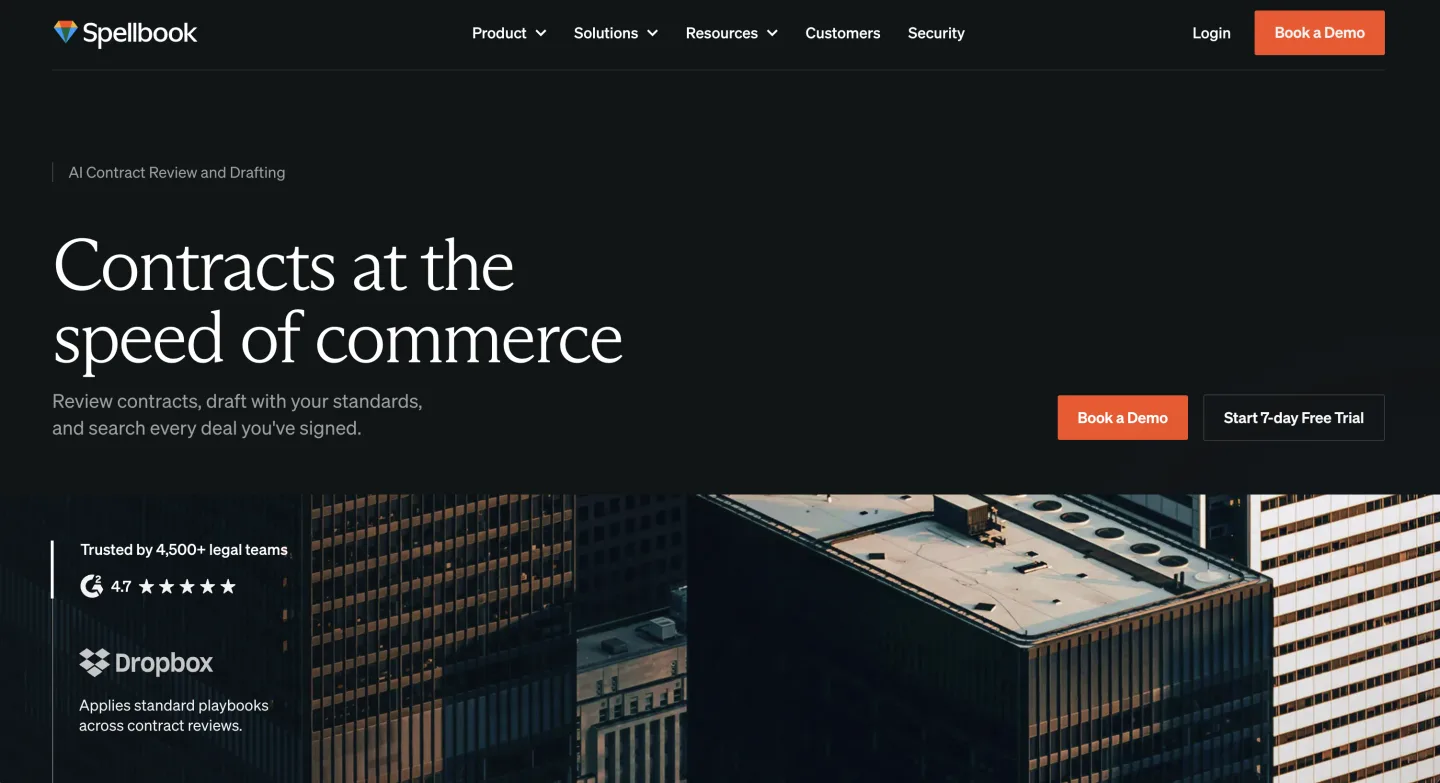
Category: Dedicated contract review (Word-native drafting and redline). At a glance: $500 per seat/mo (base; not listed publicly, six-month minimum on enterprise) · Sales-led, demo required · Best for a desk that lives in Word · ~4.1/5 (Lawyerist). Spellbook lives inside Microsoft Word, built for drafting and redlining right where transactional lawyers spend their daylight hours. For a desk that never leaves Word, it is one of the most natural fits here.
What's good
- The Word add-in gets singled out for praise by transactional lawyers.
- Best-liked of the bunch among transactional users.
- Drafting and redlining happen in the tool people already use all day.
Where it falls short
- It still slips in the odd wrong citation, so check before you rely on it.
- Built for transactional work, which makes it thin for litigation.
What users say: Transactional lawyers rate it the best-liked of the bunch and praise the Word add-in, though the same reviews flag wrong citations and weak litigation support (Lawyerist Spellbook review).
Bottom line: Buy it if your whole day happens in Word and your work is transactional. Skip it if you do litigation or you cannot live with a six-month minimum term.
Our Spellbook alternatives breakdown covers where the add-in model wins and where it boxes you in.
6. Robin AI: weigh vendor durability alongside the feature set

Category: Dedicated contract review. At a glance: $500 per user/mo · Sales-led, demo required · Best for teams who do the runway check first. Robin AI belongs on any honest list, both for what it built and for the warning it now sends. It was one of the first to pair AI with human experts for in-house contract review.
What's good
- Early, serious contract-review product founded by a former Clifford Chance lawyer.
- Pairs AI with human experts, which suits teams that want a second set of eyes.
- Still shipping the core review product despite the 2025 turmoil.
Where it falls short
- A planned $50 million round failed to close, followed by layoffs of about fifty roles.
- Managed services went to Scissero and part of engineering was absorbed by Microsoft.
What users say: Forum talk about Robin is no longer about the product but the money, citing it as the poster child for the "legal AI bubble" (Artificial Lawyer, Geek Law Blog).
Bottom line: Buy it only after you confirm runway, data export rights, and MSA termination terms in writing. Skip it if you cannot stomach the vendor risk, since plenty of stabler names do the same job.
7. Paxton AI: best for research-leaning solos on a budget

Category: Legal research with AI (drafting and analysis alongside). At a glance: $499 per user/mo, or $2,999 per user/yr · Self-serve, 7-day trial · Best for research-leaning solos. Paxton is the research-leaning name on the cheaper end. Solos talk about it like a tool that gave them their evenings back.
What's good
- Built around research, drafting, and document analysis in one place.
- Prints its price openly, which in this market counts as a personality trait.
- Self-serve 7-day trial, so you can test before a single call.
Where it falls short
- The price is steep for a true solo, and there is no independent hallucination benchmark.
- It is US-only and does not plug into practice management.
What users say: Solos call it a "game-changer" while flagging the steep price, the lack of an independent benchmark, and no practice-management integration (Lawyerist Paxton AI review).
Bottom line: Buy it if much of your week is "what does the law say" and you want self-serve research. Skip it if your day is contract-and-matter work, where a workbench fits better.
8. Gavel: best for teams that churn out repeatable paper
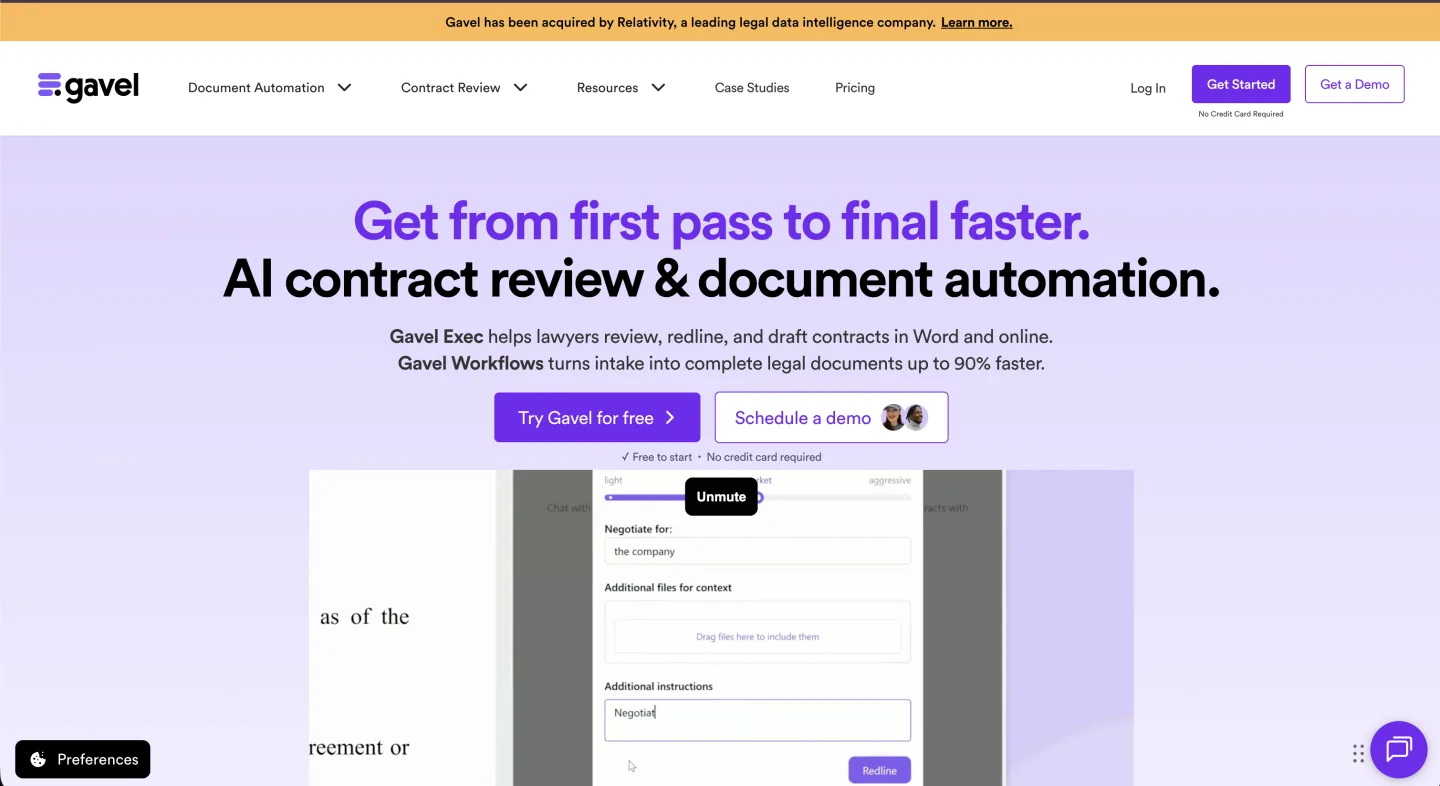
Category: Document automation (Gavel Exec is dedicated contract review). At a glance: Gavel Workflows $83 to $417/mo by tier (annual gets two months free); Gavel Exec quote-based / on request · Sales-led for Exec · Best for high-volume paper. Gavel started as a document-automation platform: intake forms in, finished documents out from your templates. It has since added Gavel Exec, an AI contract-review tool.
What's good
- The automation engine is a real time-saver for repeatable paper.
- Gavel Exec earns praise for "surgical" redlines that do not turn the whole document red.
- A Projects feature trains on your own clauses.
Where it falls short
- Automation and review are two products with two price tags.
- Neither one is a connected matter workbench, and Exec has no public price.
What users say: Reddit reviewers praise Gavel Exec's "surgical" redlines and the Projects feature that trains on your own clauses (r/legaltechAI thread).
Bottom line: Buy it if you generate a lot of templated documents and want strong automation. Skip it if you need one connected workbench rather than two separate products.
9. Harvey: best for large firms and big legal departments

Category: Firm-side AI platform. At a glance: $1,200 to $2,000+ per user/mo (bundle plus add-ons; also a metered credit model) · Sales-led, demo required · Best for large firms, agentic work. Harvey is the category's gravity well and the name your CEO will forward you an article about. It is genuinely strong at deep document work, agentic workflows, and tie-ins that big firms lean on hard.
What's good
- Deep, agentic document work that holds up at scale.
- Integrations big firms rely on, including a Lexis tie-in.
- Reported at an $11 billion valuation and roughly $190 million ARR by late 2025.
Where it falls short
- The value case is murkier than the valuation suggests for in-house teams.
- Complaints cluster around price, pushy sales, and NDAs on pricing.
What users say: One buyer summed it up: "the associates hated Harvey, but the partners went with it because they think it's magic" (r/legaltech pricing thread, second thread).
Bottom line: Buy it if you are a large firm or department that runs the enterprise workflow it is built for. Skip it if you are a three-person team paying enterprise prices for magic you cannot use.
Our Harvey alternatives breakdown walks through who actually clears that bar, and our Harvey vs Legora vs CoCounsel pricing reality shows the real per-seat math.
10. Legora: best for large, collaborative legal teams

Category: Firm-side AI platform. At a glance: $300 to $800 per user/mo (bundle plus add-ons; also a metered credit model) · Sales-led, demo required · Best for big shared-matter teams. Legora (formerly Leya) is the other heavyweight and the loudest story of the cycle. Its calling card is shared AI, where many people work the same matter at once. In June 2026, Legora moved its Agent Pro tier to consumption-based pricing (legora.com).
What's good
- Strong research, review, and drafting in one collaborative tool.
- Cheaper per user than Harvey at the comparable tier.
- More than $100 million ARR across 800-plus firms and in-house teams.
Where it falls short
- Reliability chatter is louder than the price tag suggests, including legal-hold and retention gaps.
- Answer quality drops off past about 200 pages.
What users say: Users report a rollout rough enough to nickname the team "Letgora," plus retention gaps and a "wrapper over Claude" complaint (r/legaltech pricing thread).
Bottom line: Buy it if you are a large, sophisticated team with the budget and a real need for live collaboration. Skip it if you are lean, since the price caveat and reliability complaints both apply.
The Legora alternatives page covers the fit question.
11. CoCounsel: best for teams already living in Westlaw
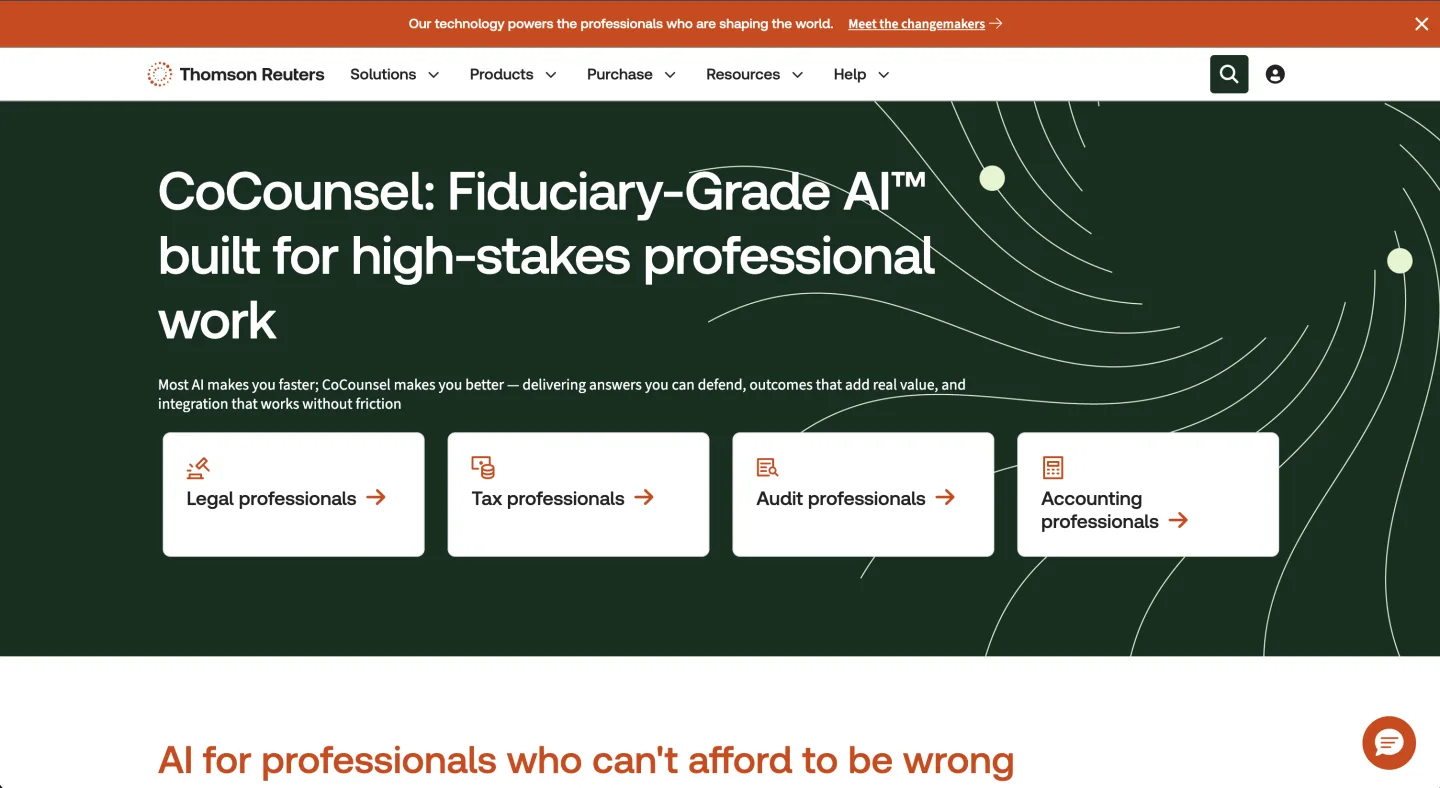
Category: Legal research with AI. At a glance: $225 to $400+ per user/mo (depending on features; more once Westlaw sits underneath) · Sales-led, demo required · Best for teams already on Westlaw. CoCounsel is Thomson Reuters' AI assistant. In 2026 the notable move is the bundling: it tends to arrive tied to Westlaw rather than as a clean standalone.
What's good
- Users like it for ease, time savings, and Parallel Search.
- Backed by Thomson Reuters, so the vendor is not going anywhere.
- A natural add-on if you already live in Westlaw for research.
Where it falls short
- It still makes up citations and runs thin on appellate material.
- The all-in cost climbs once a Westlaw subscription sits underneath it: CoCounsel Core lists at $225/user/mo, and Westlaw Precision with CoCounsel runs about $428/mo for a single attorney (The Legal Prompts, Feb 2026).
What users say: Users like the ease and Parallel Search but warn it still fabricates citations and is thin on appellate material, so verify everything (University of Michigan legal-tech series).
Bottom line: Buy it if you already pay for Westlaw and want an assistant on top. Skip it if you do not, since you would be buying a research platform just to get the assistant.
12. Lexis+ AI: best for teams already on LexisNexis

Category: Legal research with AI. At a glance: Quote-based / on request (no published price; bundled with a Lexis+ subscription) · Sales-led, demo required · Best for teams already on Lexis. Lexis+ AI is LexisNexis' research assistant, rebranded to Lexis+ with Protege in 2026. Like CoCounsel, it grounds answers in a paid research library, here with linked citations and Shepard's validation, and arrives as an add-on to a Lexis subscription rather than a clean standalone.
What's good
- Answers are grounded in LexisNexis content with linked citations and Shepard's signal checks.
- Integrates with Microsoft 365.
- The vendor is established, so this is not a runway gamble.
Where it falls short
- No published price, and it is an add-on, so the all-in cost climbs once the underlying Lexis subscription is counted.
- It does not plug into law-practice-management systems, and you still verify cited authorities yourself.
What users say: The Lawyerist Lexis+ with Protege review rates it 4.3/5 and praises the grounded, citation-linked answers while flagging "no published pricing," the add-on model, and that attorneys must still confirm cited authorities.
Bottom line: Buy it if you already run Lexis and want an assistant grounded in it. Skip it if your week is contracts and matters rather than primary-law research, where a workbench fits better.
See the Lexis+ AI alternatives page.
Comparison table
| Tool | Price (per user/mo) | Category | Access | Seat minimum | Free trial | SOC 2 / security | Word-native redline | Trains on your data | Best for |
|---|---|---|---|---|---|---|---|---|---|
| GC AI | $500 (Individual) | In-house suite | Sales-led (higher tiers) | Ask | No | Ask in MSA | Limited | Confirm in MSA | Solo generalist triage |
| Vaquill AI | Self-serve | In-house suite | Self-serve | None | Yes (7-day) | Ask for SOC 2 + sub-processor list | Yes | No (policy) | Lean in-house week, end to end |
| Ivo | $500 | Contract review | Sales-led, demo | Ask | No | Ask in MSA | Yes | Confirm in MSA | Word-native playbook review |
| LegalOn | $550 (annual) | Contract review | Sales-led, demo | Ask | No | Ask in MSA | Yes | Confirm in MSA | Review with reasoning shown |
| Spellbook | $500 (base) | Contract review | Sales-led, demo | 6-mo term (enterprise) | No | Ask in MSA | Yes | Confirm in MSA | Transactional, in-Word work |
| Robin AI | $500 | Contract review | Sales-led, demo | Ask | No | Ask in MSA | Yes | Confirm in MSA | Buyers who do runway diligence |
| Paxton AI | $499 ($2,999/yr) | Research + AI | Self-serve | None | Yes (7-day) | Ask in MSA | Limited | Confirm in MSA | Research-leaning solos |
| Gavel | $83 to $417 (Workflows); Exec quote-based | Automation / review | Sales-led for Exec | Ask | Ask | Ask in MSA | Yes (Exec) | Trains on your clauses (Projects, opt-in) | Repeatable paper at volume |
| Harvey | $1,200 to $2,000+ | Firm-side platform | Sales-led, demo | Ask | No | Enterprise-grade, ask in MSA | Yes | Confirm in MSA | Large firms, agentic work |
| Legora | $300 to $800 | Firm-side platform | Sales-led, demo | Ask | No | Ask in MSA (retention gaps reported) | Yes | Confirm in MSA | Large collaborative teams |
| CoCounsel | $225 to $400+ | Research + AI | Sales-led, demo | Ask | No | Enterprise-grade (Thomson Reuters) | Limited | Confirm in MSA | Teams already on Westlaw |
| Lexis+ AI | Quote-based (add-on to Lexis) | Research + AI | Sales-led, demo | Ask | No | Enterprise-grade (LexisNexis) | Limited | Confirm in MSA | Teams already on Lexis |
A note on the security and training columns: where we write "ask in MSA," it means the vendor's public posture is reasonable but the binding answer belongs in your contract, not a marketing FAQ. Treat any vendor that will not put a training-exclusion clause in writing as a no.
Why not just ChatGPT, Claude, or Copilot?
This is the question almost every in-house buyer asks first, and it deserves a straight answer instead of a brush-off. You already have a ChatGPT or Copilot seat, it drafts a decent email, so why pay for legal AI at all?
Because general-purpose models are ungrounded for legal work. They predict plausible text; they do not check it against the law or your own positions. Three concrete gaps:
- They fabricate citations. A general model will invent a case name and a citation that looks real and is not. Even paid legal research tools have measurable hallucination rates, which is the whole reason verification is non-negotiable; a consumer chatbot has no legal grounding layer at all.
- No Word-native redline. They give you a chat summary of suggested edits, not a Microsoft Word track-changes file you can accept, reject, and send to a counterparty. The redline is the deliverable, and the general models do not produce it.
- No matter context or data posture. They do not keep an NDA, its redline, and its renewal together, and the default consumer terms are not built around privilege, US data residency, BAAs, or a no-training guarantee. For privileged documents that matters more than the draft quality.
The honest framing: general models are excellent for non-legal drafting, brainstorming, and summarizing things you will check anyway. They are the wrong tool for producing privileged legal deliverables you will rely on.
The price gap also matters less than it looks. A business seat of a general model runs roughly $18 to $30 per user/mo: Claude Team is $20/seat/mo annual ($25 monthly), ChatGPT Business is $20 annual or $25 monthly with a 2-seat minimum (OpenAI, 2026; pricing page live but blocks automated checks), and Microsoft 365 Copilot is $30/user/mo enterprise or $18 for orgs under 300 seats, on top of the Microsoft 365 base license. Add a grounded legal tool and you are not replacing those seats; you are routing the privileged work to the tool built for it.
A purpose-built tool adds the grounding, the redline, the matter context, and the contract terms. Keep the chatbot for the rough stuff; move the work you sign your name to onto a grounded tool.
Adjacent tools worth knowing (not ranked here)
The eleven above are the products a in-house team is most likely to shortlist as its primary AI tool. A few adjacent categories come up in the same conversations and are worth naming, even though they solve a different job:
- CLM with AI (Ironclad, LinkSquares): contract lifecycle platforms (repository, approvals, e-sign, renewals) that have added AI extraction and review. The right buy when your problem is managing the post-signature lifecycle at scale, not first-draft creation. They sit next to a workbench, not instead of one.
- Matter and spend management (Brightflag, Streamline AI, Xakia): matter intake, e-billing, and outside-counsel spend tracking. They organize the function and the budget; they do not draft or review. (Brightflag reports teams that set matter budgets in-platform are 35% more likely to stay within their annual legal budget, per its own benchmarking.)
- Contract review / analytics incumbents (Luminance, Kira): mature document-analysis engines used heavily in diligence and large-portfolio review. Strong at scale, usually enterprise-priced and sales-led.
If one of these is your real need, buy it on its own merits. Just do not expect it to also be your drafting-and-matter home; that is the category mismatch the framework above is designed to catch. If review is the job that owns your week, our best AI contract review tools, compared goes deeper on that one category.
What to actually test in the pilot
A shortlist of two does not need a sixty-day pilot. It needs an afternoon and some real documents. Run the same five tests on each finalist.
- Upload a known NDA or MSA you have redlined before. Judge the output against your own answer, not a vendor sample picked to flatter the tool.
- Check the redline in real Word track changes. Confirm each change is a discrete suggestion a colleague can accept or reject, not a rewritten blob you have to diff by eye.
- Import one playbook clause and time the manual tagging. The gap between "five minutes" and "a week" is the real setup cost, and it never shows up on the pricing page.
- Ask for SOC 2 and a sub-processor list before the call ends. A vendor that cannot show them on request is not ready for your data.
- Ask for the training-exclusion clause in the MSA, in writing. If it is "in our terms" but not in the contract, that is a no.
How to actually decide
Strip away the funding noise and the choice gets short, so name your main week, which is the same as naming your category. If it is one repeated job, buy the best point tool for it: LegalOn or Ivo for review, Spellbook for in-Word drafting. If it is the full flow of draft, review, matter, and renewal, buy the workbench; if it is heavy primary-law research, the research-first tools earn their place.
Then price to your real volume, not the brand's shine. The vendors who quote Am Law prices know exactly who they built the tool for, and it is usually not you.
Fit beats horsepower at small scale every time.
For the framework behind this (the jobs, the four buying criteria, and how the workbench fits next to your existing stack) read the pillar: Legal AI for In-House Counsel.
FAQ
What does legal AI cost for a small in-house team?
Among the self-serve names, Paxton publishes $499 per user per month, or $2,999 a year (paxton.ai/pricing). The sales-led names sit higher, from $225 to $400+ for research add-ons up to $1,200 to $2,000+ per user per month for the firm-side platforms. Price to your real volume, not the brand.
Do these tools train on my data?
Some do by default, so this is the first question to ask. Get a training-exclusion clause in the MSA, not just a marketing FAQ. If the vendor will not put it in writing, treat that as a no.
Which tools can I buy without a sales call?
Vaquill AI and Paxton both offer a self-serve 7-day trial. Most other names are sales-led and need a demo before you see pricing.
Is legal AI better than ChatGPT for legal work?
For producing legal deliverables you will rely on, yes. ChatGPT and other general models are ungrounded: they fabricate citations, do not produce Word-native redlines, and are not built around privilege or a no-training guarantee.
Purpose-built legal AI adds the grounding, the redline, and the matter context. Keep the general model for non-legal drafting; move privileged work onto a grounded tool.
How accurate is legal AI, and does it hallucinate?
It varies a lot by tool, and even paid legal research tools have measurable hallucination rates, so a human check is non-negotiable. A grounded, in-house-built tool reduces the risk of fabricated citations, but it does not remove your duty to verify (we cover this in legal AI that avoids hallucinating cases).
Run a known document through any finalist and count how often you rework the output before you trust it.
Best legal AI for a solo GC versus a 10-person team?
For a solo GC, prioritize self-serve pricing and one tool that covers the whole week (a workbench like Vaquill AI, or a generalist like GC AI).
For a 10-person team, the same workbench logic holds, but you can also justify a dedicated review specialist (Ivo, LegalOn) alongside it if review volume is high. Either way, buy for the category that owns the biggest share of the week.
Is legal AI safe for privileged documents?
It can be, if the vendor is built for it: PII anonymized before model calls, zero data retention with the model provider, US data residency, no training on your data, and a BAA where you need one. Get those in the MSA. Treat any vendor that will not commit in writing as a no.
Can I buy legal AI without a sales call?
Yes, for some. Vaquill AI and Paxton both offer a self-serve 7-day trial you can start with a card.
Most enterprise names (Harvey, Legora, Ivo, LegalOn, Robin AI, CoCounsel) are sales-led and gate pricing behind a demo, so factor that procurement time into the cost.
Which legal AI works inside Microsoft Word?
Vaquill AI, Spellbook, Ivo, LegalOn, Robin AI, and Gavel Exec all produce real Word track-changes redlines. The research-leaning and generalist tools tend to give a chat summary of edits instead, which is not the same deliverable. If sending a clean redline to a counterparty is your job, test the Word export before you buy.
Which legal AI is best for high-volume contract review?
For a week dominated by playbook-enforced review, a dedicated engine beats a generalist. Ivo and LegalOn are the two most in-house teams shortlist, with Spellbook for desks that stay in Word. LegalOn's own benchmark (June 2026) shows a specialist engine outrunning general-purpose models on provision-level review, so pilot on your own paper before you trust any vendor's numbers. Our best AI contract review tools, compared ranks that one category in depth.
CoCounsel or Lexis+ AI for in-house research?
Pick the one tied to the library you already pay for. CoCounsel sits on Westlaw and Lexis+ AI (now Lexis+ with Protege) sits on Lexis, and the assistant arrives bundled with that subscription in each case. Neither publishes a clean standalone price, so the deciding factor is which research platform your team is already on. If you are on neither, a workbench will fit a contract-and-matter week better than buying a research platform just to get the assistant.
See it on your own contracts
The fastest way past a feature grid is to run a tool on a contract you already know cold. Take an NDA or MSA you have redlined a hundred times, drop it in, and watch the redline land in your own Word track changes.
Try it on your own paper at app.vaquill.ai. Or read the full picture in our pillar, Legal AI for In-House Counsel.
New legal AI guides, weekly.
Further Reading
- How to Run a Legal AI Pilot in 30 Days (2026)
- Legal AI for In-House Counsel: The Complete 2026 Guide
- In-House Legal Software: A 2026 Buyer's Guide for In-House Teams
- Build vs Buy: Legal AI for In-House Teams (2026)
- Legal AI for Chief Legal Officers (CLOs) in 2026
- AI Compliance Check: CCPA, GDPR, and SOX for In-House Teams (2026)

Co-Founder & CEO · Attorney
Arshita leads product and strategy at Vaquill AI, the US primary law data API. As an attorney, she decides which law we carry, how each section is sourced and cited, and what legal AI and compliance teams need from the data.