
The best Spellbook alternatives for in-house counsel are GC AI ($500/seat, runs the whole department) and Gavel Exec ($160/seat, the cheapest published price). The right pick depends on one question: do you need a better redline, or a system that remembers the contract after it is signed.
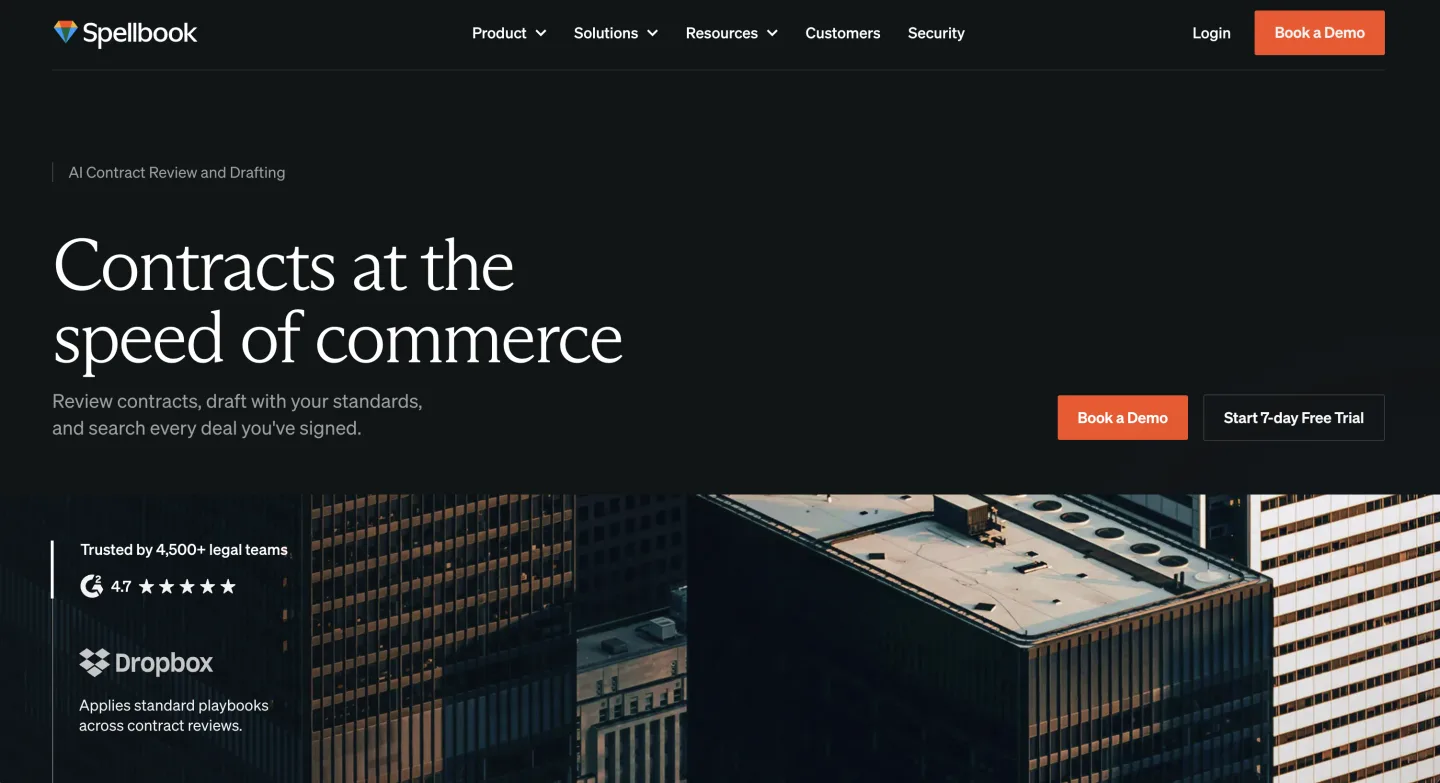
Spellbook is a good Word add-in. That is also why people start hunting for a replacement. It drafts, reviews, and checks your terms against the market, all inside Microsoft Word.
Then the contract gets signed and the tool goes quiet. The redline was the easy part. An add-in that lives in Word does not remember the matter, the version history, or the renewal eighteen months out.
If you run legal for a company, that gap is the job. A contract is the start of a relationship you will field questions about for years. So the search for a Spellbook alternative is rarely about a better redline.
TL;DR
- Spellbook is great at one shape of work: drafting and reviewing inside Word. Teams leave when they realize that shape ends at signature.
- GC AI keeps the whole department. Ivo and LegalOn go deeper on review. Gavel adds automation. CoCounsel, Harvey, and Legora add power at higher prices.
- Prices run from self-serve seats to $2,000-plus per seat a month. Price tracks who the vendor sells to, not how well it reviews your NDA.
- Two filters cut faster than any feature. Can you trial it this week without a sales call? Does it keep the work after signature?
What separates a workbench from the review-only tools here?
For the longer framework on jobs, evaluation, and pricing, see our pillar, Legal AI for In-House Counsel. This post is the focused version: the best Spellbook alternatives, what each does well, and where each falls down.
How we picked
We weighted what survives after signature first, then procurement friction, then redline quality and price honesty. The buyer here is leaving Spellbook for one reason: the work disappears once the deal closes.
A frontier research engine can be excellent and still rank low if a two-lawyer team cannot buy it or it forgets the matter.
The real test is whether you can start without a sales call. Every price below is vendor-published or founder-confirmed, with quote-based vendors marked as such.
Sentiment comes from real forums and reviews, linked where the source loads in a browser and named where it blocks bots.
Signs you have outgrown Spellbook
Spellbook is doing its job. The job just got bigger. You are ready for an alternative when:
- A signed contract becomes a black hole. Nobody can answer "what did we agree to last time" without digging through email and someone's Downloads folder.
- Your week is more than drafting. Employment questions, privacy reviews, board resolutions, and vendor risk all land on you, and a Word add-in touches only one of them.
- Output leaves the legal team. The CEO, sales, and finance read what you produce, so the tool has to hold context they never see.
- You cannot forecast the bill. Renewal pricing sits behind a sales call, the seat floor keeps climbing, and a six-month minimum locks you in before you know the fit.
- You need primary law, not just clauses. Spellbook checks terms against market language; it does not pull the statute or regulation the term turns on.
If three of those describe your month, you have outgrown the add-in.
The best Spellbook alternatives, ranked
1. GC AI: best for running the whole department
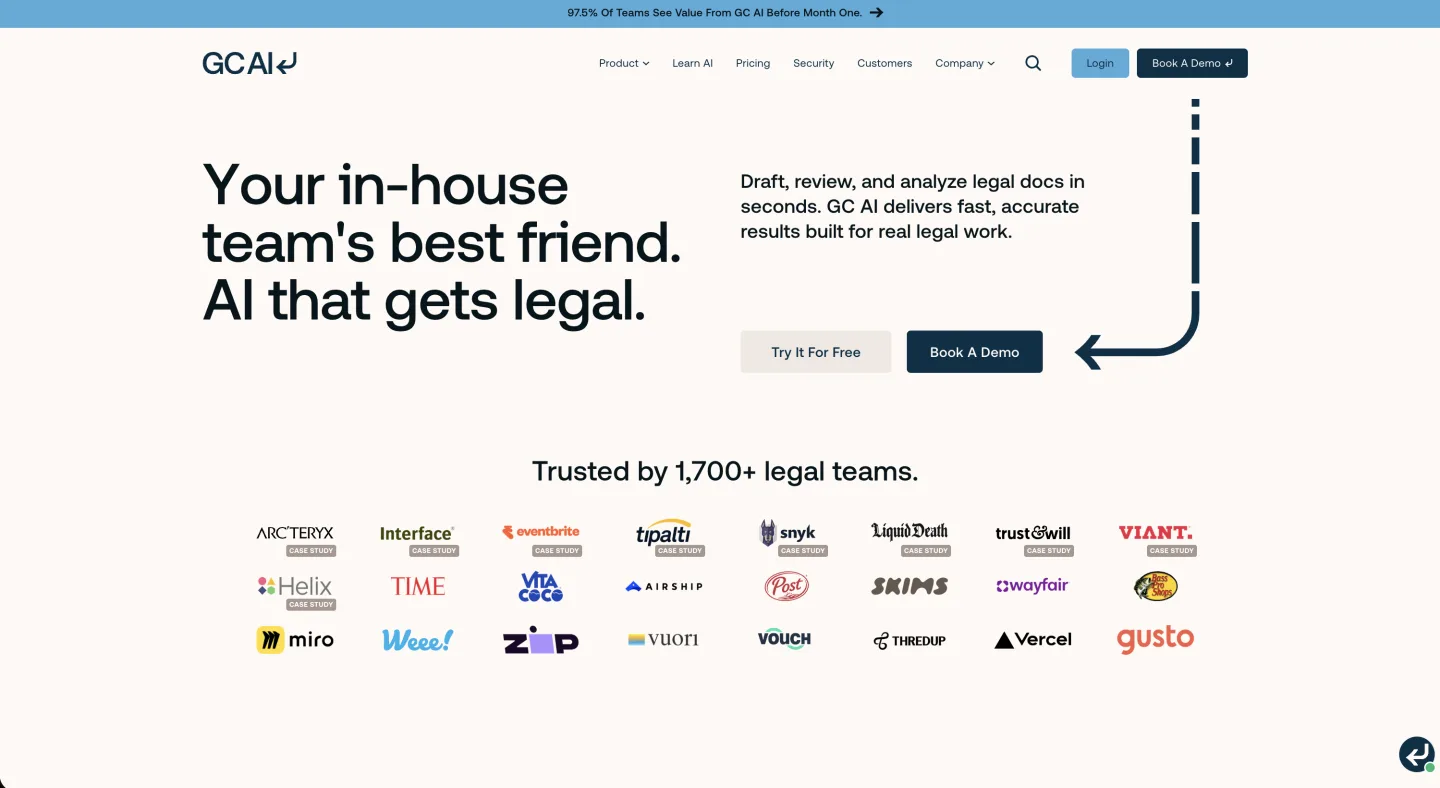
At a glance: $500 per seat/mo (Team and Enterprise on request) · Self-serve, 14-day trial, no minimum · Best for a solo GC or small department that wants one environment
This is the strongest big-platform "keep the matter" alternative, built for in-house departments rather than firms. GC AI covers review, playbook automation, intake, Word drafting, and matter memory.
Its own December 2025 ROI study, across 100-plus customers, claims 14 hours saved per lawyer each week and a 14 percent cut in outside-counsel spend (GC AI, July 2026). Read those as vendor numbers, not an audit, but the direction is honest: the payoff of a department system shows up in the outside-counsel line, not the redline.
What's good
- One environment for the full in-house workflow, not just review
- Keeps the matter and its memory after signature
- Publishes its $500 seat price openly, which most enterprise names refuse to do
Where it falls short
- $500 a seat is real money for a two-person team
- You pay platform prices even if review is all you need
What users say: There is little genuine forum talk on GC AI, mostly PR rather than user debate, so we will not invent praise.
One structural point stands out, per Legaltech Hub: GC AI publishes its seat price while Harvey and Legora hide theirs.
Bottom line: Buy GC AI if you want the whole department in one place and the budget clears $500 a seat. If pure contract review is your only job, a dedicated review tool will go deeper on clause-by-clause markup. See our honest GC AI review for the deeper assessment.
2. Ivo: best for high-volume contract review

At a glance: $500 per user/mo · Sales-led, demo required · Best for a in-house team or legal ops buried under inbound paper
Ivo raised a $55M Series B and built for teams reviewing dozens of agreements a week. The contract intelligence is strong; the matter side is light.
What's good
- Sharp contract intelligence at real volume
- Solid playbook redlining with an easy learning curve
- Built for legal ops processing inbound paper
Where it falls short
- Lighter on holding the matter after signature
- Enterprise-scoped, quote-only, no published price before a demo
What users say: Reviewers call Ivo a real AI reviewer with solid playbook redlining and an easy ramp.
They also note onboarding leans on Ivo's team and it still slips up now and then (G2 reviews; the page blocks automated checks).
Bottom line: Buy Ivo if your bottleneck is volume of review and you can sit through a sales cycle. Skip it if you are a two-person team tracking relationships over years or you want a price before a call. See Ivo for more.
3. LegalOn: best for playbook-depth review

At a glance: $550/mo billed annually (Individual; Teams custom) · Self-serve and teams · Best for a review team that wants pre-built expertise
LegalOn ships 50-plus attorney-built playbooks covering thousands of legal issues in plain English. Its "My Playbooks" feature learns your standards and redlines in your language.
What's good
- Attorney-built playbooks out of the box, not from scratch
- Word integration installs in minutes
- A stronger review tool than Spellbook for many teams
Where it falls short
- Center of gravity is the document, not the department
- It answers the same question Spellbook does, so it will not close the matter gap
What users say: We found no genuine peer forum discussion of LegalOn, only vendor testimonials, so we will keep this modest and not invent buzz.
Bottom line: Buy LegalOn if you want deep pre-built review and the matter is not your problem. Skip it if you left Spellbook over "no matter management," because LegalOn alone will not fix that.
4. Gavel: best for document automation
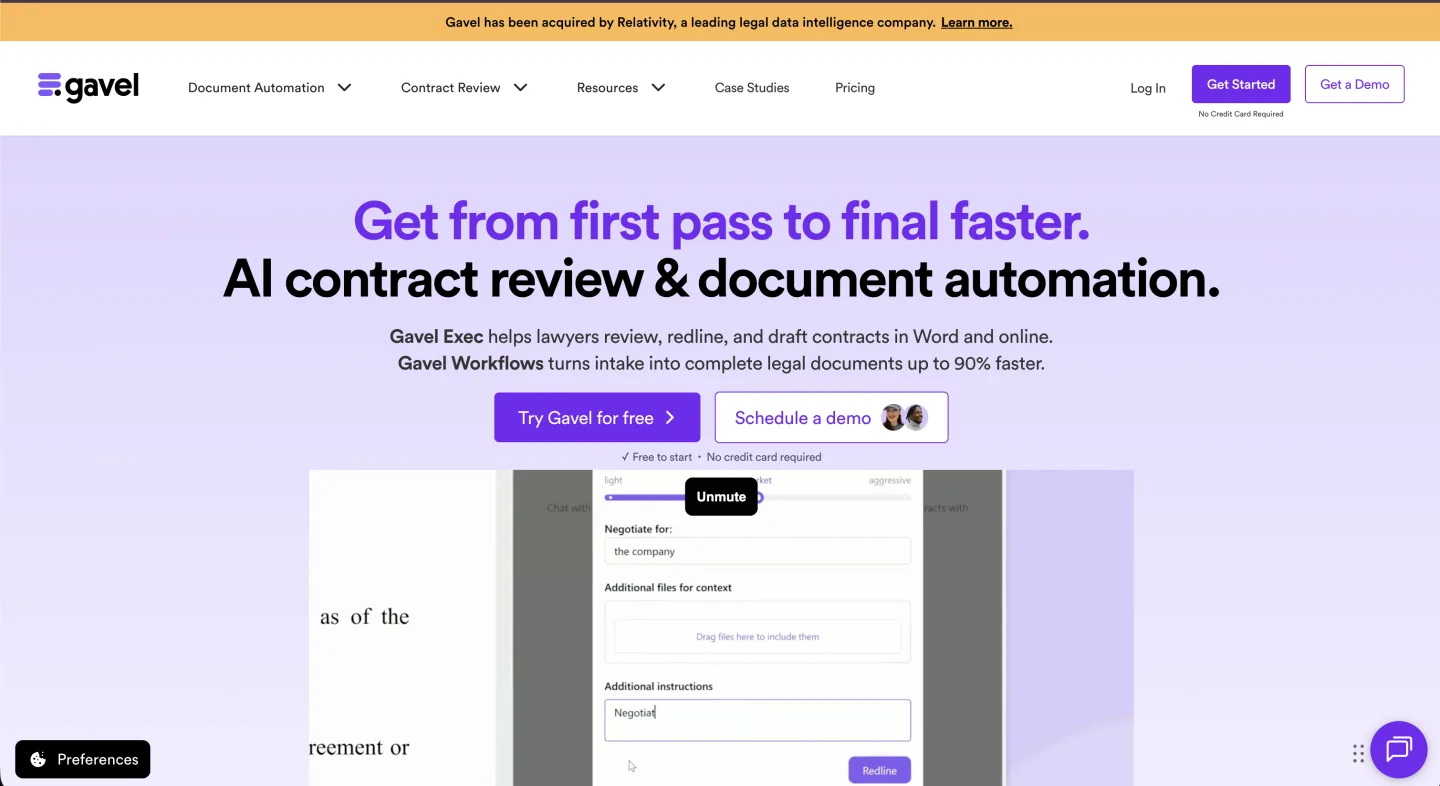
At a glance: Gavel Exec $160 per user/mo ($1,740/yr); Workflows $83 to $417/mo · Self-serve tiers · Best for a team that produces the same documents repeatedly
Gavel is two products. Gavel Exec redlines and drafts inside Word, and Gavel Workflows turns intake forms into generated documents from client data. Gavel now publishes the Exec price at $160 per user/mo, $1,740 per user/yr, with 25 free queries to try first (Gavel, June 2026). That makes it the cheapest published, Word-native review tool on this list.
What's good
- Cheapest published price for Word-native review, no sales call to see it
- Self-serve tiers, a rarity on this list, which lowers friction
- Workflows automates repetitive generation Spellbook cannot touch
Where it falls short
- The matter itself is not the model; you keep templates and outputs
- Exec is drafting and review only, with no legal research layer
What users say: Gavel Exec has genuine Reddit praise. Users call its redlines "surgical" and note fast shipping and the way Projects trains on your own clauses, per this r/legaltechAI thread.
Bottom line: Buy Gavel if a chunk of your week is producing the same documents over and over. Skip it if your bottleneck is inbound counterparty paper, since automation does not help with paper you did not draft. See Gavel for more.
5. CoCounsel: best for research-heavy teams on Westlaw
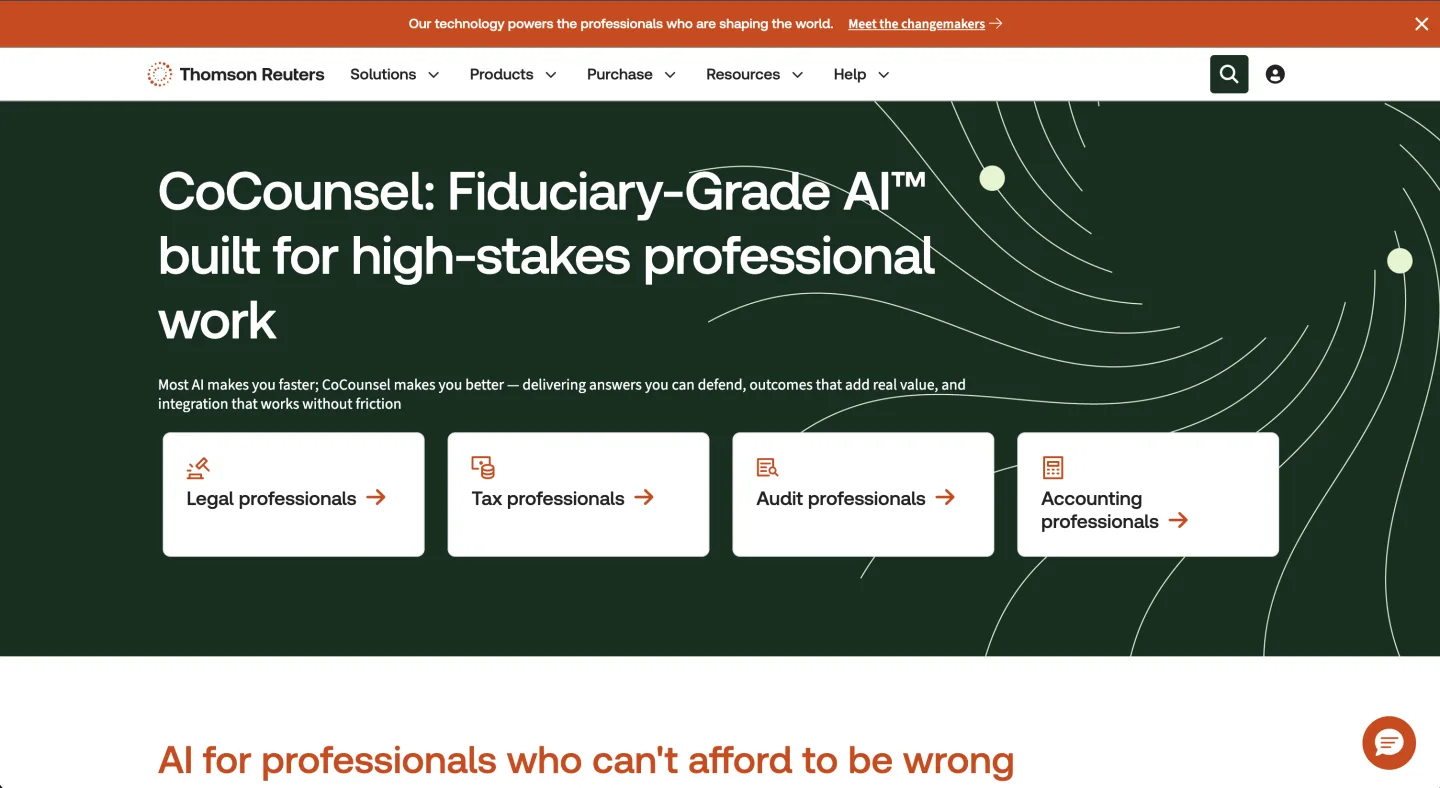
At a glance: $225 to $400+ per user/mo (bundled with Westlaw) · Sales-led, demo required · Best for a research-heavy team already living in Westlaw
CoCounsel (Thomson Reuters) is most often sold in Westlaw-integrated setups. The real cost is the Westlaw subscription plus the CoCounsel layer.
What's good
- Strong AI for research-heavy work if you already pay for Westlaw
- Multiple packaging options through Thomson Reuters
- Time savings and Parallel Search that users like
Where it falls short
- Commercial teams pay for a research engine to get a drafting assistant
- Work lives in the Westlaw stack, oriented to research, not matter management
What users say: Users in a Michigan Law legal-tech series like CoCounsel for ease, time savings, and Parallel Search.
The same write-up warns it still fabricates citations and is thin on appellate material. Verify everything.
Bottom line: Buy CoCounsel if your week is primary-law research and you already live in Westlaw. Skip it if you rarely touch research, because you would fund a Westlaw subscription just to reach a contract assistant.
6. Harvey: best for big-firm-grade reasoning

At a glance: $1,200 to $2,000+ per user/mo (bundled; range set by tier and add-on mix; also PAYG credits) · Sales-led, demo required · Best for a large legal department with budget
Harvey is the best-funded name in legal AI and aims at the largest firms and corporate departments. The reasoning across long, complex documents is genuinely strong.
What's good
- Frontier reasoning over big, complex corpora
- Backed by the deepest funding in the category
- Unlimited AI usage at the higher tiers
Where it falls short
- The per-user price is a heavy enterprise commitment
- Aggressive sales, NDAs on pricing, and value skeptics among associates
What users say: Practitioners are skeptical on value even as partners love it.
The associates hated Harvey, but the partners went with it because they think it's magic.
That line, from a r/legaltech pricing thread, sums it up.
Bottom line: Harvey fits a large department that wants frontier reasoning and has the budget. For a one-to-ten-person team it is a segment mismatch: the price is built for enterprise procurement. See Harvey for more.
7. Legora: best for collaborative review at scale

At a glance: $300 to $800 per user/mo (bundled; range set by tier and add-on mix; also PAYG credits) · Sales-led, demo required · Best for a larger team wanting a modern collaborative surface
Legora (formerly Leya) is a fast-growing European-rooted platform that does review, research, and drafting with a strong collaborative editing surface. The product is polished. In June 2026, Legora moved its Agent Pro tier to consumption-based pricing (legora.com).
What's good
- Modern collaborative review and drafting environment
- Cheaper than Harvey for similar breadth
- Unlimited AI usage at the higher tiers
Where it falls short
- Centers the document and the firm, not in-house matter memory
- No published price and no self-serve trial
What users say: Reliability complaints dominate the chatter. The same r/legaltech thread describes a botched rollout users nicknamed the "Letgora" team.
It also flags legal-hold gaps and answer quality dropping off past about 200 pages.
Bottom line: Buy Legora if you want a polished collaborative surface and can absorb a sales cycle. Skip it if you want a published price, a self-serve trial, or matter memory after signature. See Legora for more.
8. Paxton AI: best for research plus drafting on a budget

At a glance: $499 per user/mo ($2,999/yr) · Self-serve, 7-day trial · Best for a solo lawyer or small team wanting one affordable assistant
Paxton AI pairs legal research with drafting and document analysis in a chat interface. It is one of the few here with self-serve tiers and a trial.
What's good
- Self-serve with a real trial and a clear annual discount
- Research plus drafting in one chat workspace
- Affordable relative to enterprise platforms
Where it falls short
- Closer to an assistant than a department system
- Contract work survives as chat history, not structured matters
What users say: Solo and small-firm users are enthusiastic, with some calling it a "game-changer," per the Lawyerist review.
The gripes: steep price for solos, no independent hallucination benchmark, and US-only.
Bottom line: Buy Paxton if you want research and drafting on a published, self-serve price and matter memory is not your gap. If a tracked matter relationship is the thing you need, chat history is not that, so check how it handles persistent matter context before you commit.
9. Robin AI: best for review paired with managed services

At a glance: $500 per user/mo (quote-only) · Sales-led, demo required · Best for teams that want AI review plus human turnaround
Robin AI's pitch combined an AI contract-review product with a managed legal-services arm. It suited teams that wanted software plus human turnaround on a deadline.
What's good
- AI review paired with human services on a deadline
- Tiered packaging for teams that want both
- A clear fit for buyers who do not want software alone
Where it falls short
- Quote-only, with no published self-serve price
- The company's standing is in question, so confirm before trialing
What users say: Recent forum talk is about the company, not the product.
Artificial Lawyer reported layoffs in late 2025, and Geek Law Blog describes a winding-up petition with the managed-services arm sold off.
Bottom line: A tool meant to hold years of contracts is only as good as the company behind it, so confirm Robin AI's standing before you trial it. Skip it if you want a published price or structured matter memory after signature. See Robin AI for more.
Others worth knowing
These show up on most Spellbook alternative lists. None publishes a self-serve price, so treat each as a demo-first option and ask the two questions below before you commit.
- LEGALFLY: an in-house operating system that anonymizes data before any AI sees it, with playbooks and 100-plus jurisdiction detection. Privacy-first is the selling point and the constraint. Pricing is seat-based and quote-only (LegalFly, Jan 2026).
- Definely: strong on complex contracts with deep iManage and SharePoint integration, so it fits firms living in a document-management system more than a in-house team. Quote-only.
- Ironclad: a full contract lifecycle platform, not a Word add-in. Pick it when the gap is workflow and approvals across the company, not the redline. Usage-based enterprise pricing, quote-only.
- LegalOn also belongs here for teams that want pre-built review depth; it has its own entry above at $550/mo billed annually.
The one-screen comparison
| Tool | Best job | What survives signature | Procurement | Price |
|---|---|---|---|---|
| GC AI | Whole in-house workflow | The matter and memory | Self-serve, 14-day trial, no minimum | $500/seat/mo |
| Ivo | Review at high volume | Mostly the review | Demo, enterprise, quote | $500/user/mo |
| LegalOn | Playbook-depth review | Mostly the review | Self-serve and teams | $550/mo billed annually |
| Gavel | Document automation plus review | Templates and generated docs | Self-serve tiers | Exec $160/user/mo; Workflows $83 to $417/mo |
| CoCounsel | Research, on Westlaw | Lives in the Westlaw stack | Bundled with Westlaw | $225 to $400+/user/mo |
| Harvey | Big-firm-grade reasoning | Lives in the platform | Bundle, add-ons, or PAYG credits | $1,200 to $2,000+/user/mo |
| Legora | Collaborative review at scale | Lives in the platform | Bundle, add-ons, or PAYG credits | $300 to $800/user/mo |
| Paxton AI | Research plus drafting | The chat workspace | Self-serve, 7-day trial | $499/user/mo |
| Robin AI | Contract review and services | The review and services output | Quote-only | $500/user/mo |
| Spellbook | Word drafting and review | The document only | Demo, 6-mo minimum, 10-seat floor | $500/seat (base) |
A quick way to choose
Two questions sort the list. Do you need a tool or a system, and can you buy it without a sales cycle?
Then ask what survives signature, because if the answer is "nothing," you swapped one Word add-in for another.
Do not judge these tools on the demo. A pilot looks great in week one, then security pulls the data-processing addendum in week three and the deal stalls.
So run a real pilot. Feed it your three ugliest live contracts and check whether the redline is genuinely accept-or-reject in Word.
Then import one of your actual playbooks and time the tagging, because that number is your real onboarding cost.
The full alternatives hub covers the other tools you may be weighing.
FAQ
Why do in-house teams leave Spellbook? Not because the redline is bad. They leave because the work disappears at signature, with no matter, no version history, and no memory for the next negotiation.
Which Spellbook alternative is cheapest with a self-serve trial? Gavel Exec at $160 a user with 25 free queries is the cheapest published seat here. GC AI and Paxton AI are also self-serve, at $500 and $499 a seat.
What is the one test that sorts these tools fastest? Whether you can trial it this week without a sales call, and whether anything survives after the contract is signed. If a tool fails both, it is another Spellbook with a new logo.
How much does Spellbook cost? Spellbook does not publish a price. The base plan runs about $500 per seat a month, typically on a six-month commitment with a ten-seat floor, and you have to talk to sales to confirm a quote. For the full pricing picture, see our Spellbook review.
Is Gavel Exec cheaper than Spellbook? Yes. Gavel publishes Exec at $160 per user a month, while Spellbook quotes roughly $500 per seat behind a sales call (Gavel, June 2026). Gavel is the cheapest Word-native review tool with a public price on this list.
Does Spellbook offer legal research? No. Spellbook drafts and reviews contracts inside Word but is not a case-law or statute research tool. If you need primary-law research too, CoCounsel (on Westlaw), Paxton AI, or a broader suite AI covers both jobs. See our in-house contract review playbook for how the two fit together.
Can you use Spellbook and an alternative together? You can, but it rarely lasts. Most teams run a short pilot with both, then drop one once the overlap on drafting and review becomes obvious. The keeper is usually whichever tool holds the matter after signature, not the better redline.
What should an in-house team look for in security review? SOC 2 Type II, a signed data-processing agreement, and a clear answer on whether the vendor trains on your data. Pull these before the demo, not after. Our vendor security questionnaire lists the exact questions to send.
The honest bottom line
Most "best Spellbook alternatives" lists are really lists of other Word add-ins. Teams outgrow Spellbook because the redline is all there is, so pick on what the tool keeps.
For depth on one job, Ivo and LegalOn are credible, and our contract review tools comparison goes deeper on that field. If you live in Westlaw, CoCounsel fits. For the whole department, the workbench platforms are built for it. If the redline itself is your only gap, our legal redline software roundup is the narrower read.
If keeping the matter after signature is the gap you have been feeling, weigh the workbench tier against a Word-native point tool before you renew either.
New legal AI guides, weekly.
Further Reading
- Top 10 Harvey Alternatives for In-House Counsel (2026)
- Legal AI Word Add-Ins Compared: 13 Tools and What Each Does in Word (2026)
- Top 10 AI Tools for General Counsel (2026)
- Law Firm vs In-House Legal AI: Why Firm Tools Do Not Fit In-House Teams
- How to Run a Legal AI Pilot in 30 Days (2026)
- Legal AI for In-House Counsel: The Complete 2026 Guide

Co-Founder & CEO · Attorney
Arshita leads product and strategy at Vaquill AI, the US primary law data API. As an attorney, she decides which law we carry, how each section is sourced and cited, and what legal AI and compliance teams need from the data.