
Short answer: the best AI contract review tool is the one built for your main job. For a solo GC or a 2-to-10-person legal team that wants a self-serve, published-price start on clause review and a Word redline, Genie AI is the top pick at $75 a month with a free tier. Vaquill AI is a strong second, folding clause review, a Word redline, and matter context into one workbench. For Word-native deal drafting, Spellbook wins. For playbook review at volume, LegalOn or Ivo. For another free, self-serve start, goHeather.
"Which one is best" rarely has one answer here. The right tool depends on the job. Some tools redline inside Word, some enforce a clause playbook, and some pull terms from a big stack of agreements at once.
This post ranks 16 AI contract review tools, plus a breadth tier of names you will see on other lists. Genie AI takes the top spot for in-house and small teams on a budget, with Vaquill AI a strong second. Each entry is a self-contained block with a price and a verdict.
A little history explains the spread. Workday bought Evisort in 2024, and Litera bought Kira years before that. Now they are modules inside bigger platforms, while the newer layer (Spellbook, LegalOn, Ivo) lives in your Word window.
This is a ranked roundup, not a how-to. For the mechanics and a 30-day pilot, start with our lawyer's guide to AI contract review. For how to buy legal AI in-house, see the pillar: legal AI for in-house counsel.
TL;DR
- The best AI contract review software depends on your main job. Draft and redline in Word, enforce a playbook, or compare terms across many documents at once.
- Genie AI ranks first for in-house and small teams on a budget: it drafts, reviews, and redlines from a Word add-in, publishes a $75 price, and starts free. Vaquill AI is a strong second, adding matter context and the multi-document grid in one workbench.
- Specialists still win on depth. Spellbook for Word drafting. LegalOn and Ivo for playbook review. Kira and Evisort for large-scale extraction. DocJuris for negotiation playbooks.
- Cheapest self-serve picks: Genie AI lists $75 a month, goHeather lists $200 a month (Starter), both with a free trial and no sales call.
- Prices run from $75 a month up to Harvey at $1,200 to $2,000+ per user per month. More money does not mean better fit.
- Single-document chat tools break the moment you compare a stack of contracts. That is a grid job. Most buyers underestimate it.
Which tool here covers all three contract jobs in one self-serve seat?
Part of our document tools, redline, and matrix guide series. For related coverage, see AI Contract Review: A Lawyer's Guide to Getting Started and Set Up a Contract Review Skill, and 14 legal AI Word add-ins compared.
How we picked
We ranked for one buyer: in-house counsel and small legal teams. That buyer wants more than one job covered (clause review, a Word redline, and matter context) without paying AmLaw prices.
We weighed six things: how many of the three contract jobs a tool covers, Word redline quality, playbook depth, multi-document review, price-to-fit, and data safety.
The real test is whether you can run a clause-by-clause redline in Word and start without a sales call. Prices here are vendor-published or founder-confirmed, never guessed.
Where a vendor hides its price, we say "quote-based / on request." Sentiment comes from real forums, linked when the page returns a live response.
The three jobs hiding inside "contract review"
People say "contract review" like it is one task. It is at least three. Each has a different winner.
Draft and redline inside Word. A document is open, and you want suggested language, a redline against your fallback positions, and a missing clause flagged before it goes back. It happens in Word because that is where lawyers work, so the winners here are add-ins.
Enforce a playbook. You have standard positions: liability capped at twelve months of fees, no uncapped indemnity, a thirty-day termination-for-convenience right. You want every incoming contract checked against those rules, with deviations flagged on their own. This is the structured-review job.
Extract and compare across a pile. Twenty NDAs, a data room with two hundred agreements, fifty leases to audit for one renewal clause. Here you do not read documents, you want a table: one row per contract, columns for governing law, assignment, change-of-control, and cap amount. Single-document chat cannot do this.
The 16 best AI contract review tools, ranked
One note on "redline" before the list. It can mean a native Word add-in that edits the open document, or an exported DOCX with tracked changes you open on its own. Both are useful but different workflows, so the verdicts call out which one a tool gives you.
| Tool | Primary job | Word redline | Playbook | Multi-doc grid | Price | Access | Best fit |
|---|---|---|---|---|---|---|---|
| Genie AI | Draft and review | Tracked-changes DOCX | Yes | Some | $75/mo (Pro, 1 user) | Self-serve | Budget in-house |
| Vaquill AI | All three plus research | Tracked-changes DOCX | Yes | Yes | Published | Self-serve | In-house, small teams |
| goHeather | Review for small teams | Tracked-changes DOCX | Yes | Some | $200/mo (Starter) | Self-serve | Fractional GCs, SMBs |
| LegalFly | In-house review | Add-in | Yes | Yes | Quote-based / on request | Sales-led | In-house, privacy-led |
| Spellbook | Word drafting | Native add-in | Light | No | $500/seat (base) | Sales-led | Deal drafters |
| LegalOn | Playbook review | Add-in | Yes | Limited | $550/user/mo (annual) | Sales-led | Playbook at volume |
| Ivo | Playbook review | Add-in | Yes | Limited | $500/user/mo | Sales-led | In-house teams |
| Definely | Word drafting | Native add-in | Some | No | Quote-based / on request | Sales-led | Complex-doc drafters |
| GC AI | Broad in-house aide | Limited | Some | Some | $500/seat/mo | Sales-led | Solo GC teams |
| Harvey | AI-native suite | Via platform | Some | Some | $1,200-2,000+/user/mo | Sales-led | AmLaw firms |
| Legora | AI-native suite | Via platform | Some | Yes | $300-800/user/mo | Sales-led | Larger firms |
| Luminance | Enterprise AI platform | Add-in | Yes | Yes | Quote-based / on request | Sales-led | Enterprise legal |
| Kira | Big-firm extraction | No | No | Yes | Quote-based / on request | Sales-led | Large deal teams |
| Evisort | Enterprise CLM | No | Some | Yes | Quote-based / on request | Sales-led | Procurement |
| CoCounsel | AI-native suite | Via platform | Some | Some | $225-400+/user/mo | Sales-led | TR/Westlaw firms |
| Robin AI | Contract review | Add-in | Some | Limited | $500/user/mo | Sales-led | Mid-market in-house |
| DocJuris | Negotiation playbook | Add-in | Yes | Some | Quote-based / on request | Sales-led | Procurement, sales legal |
1. Genie AI: best for budget in-house teams that want one self-serve tool
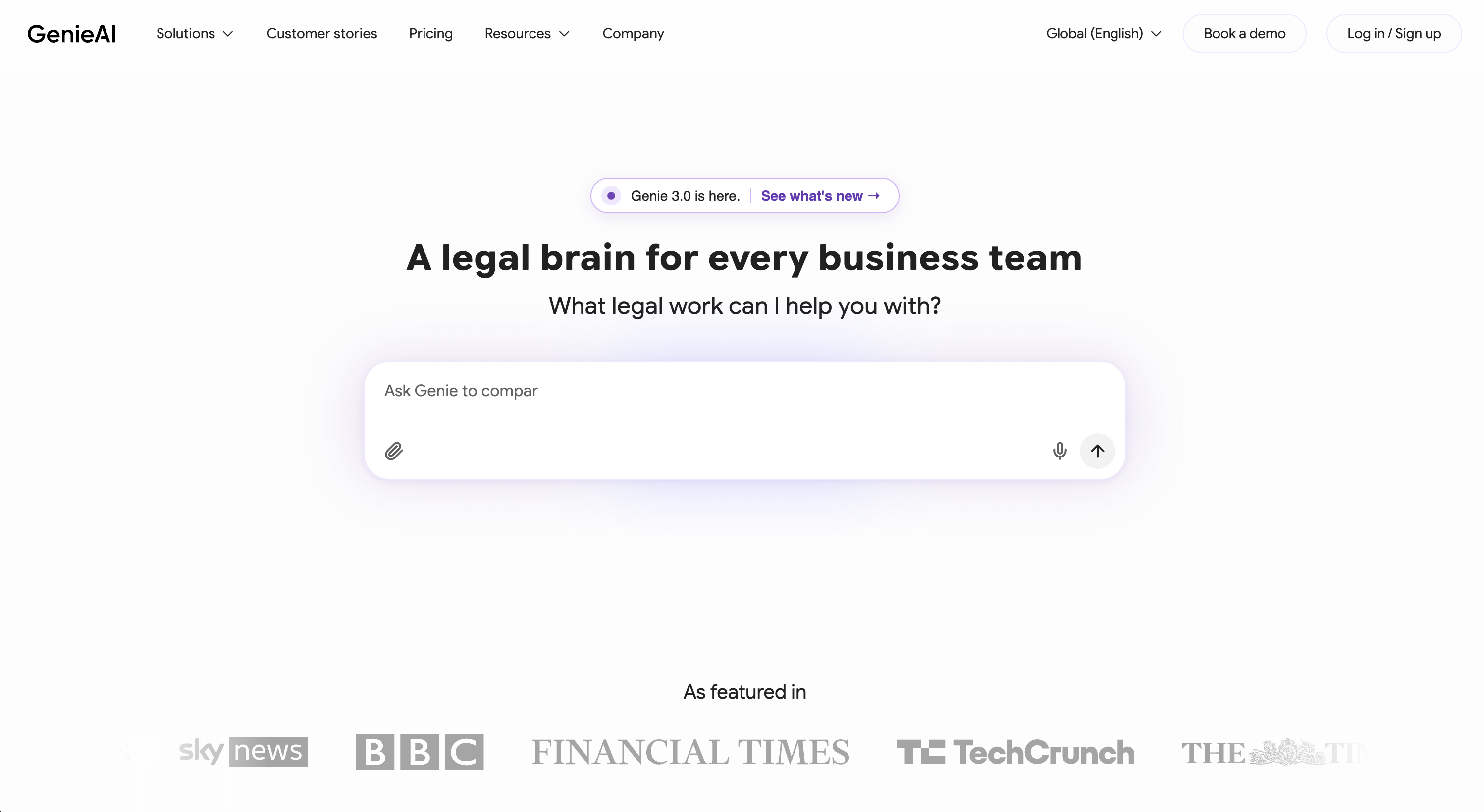
At a glance: $75 per month (Pro, 1 user); Business $320/mo for 5 users · Self-serve, free tier · Best for solo and small in-house teams on a budget
Genie AI drafts, reviews, and redlines from a Word add-in, and it lists its price. It checks deals against your rules and exports tracked changes, with no sales call.
What's good
- Covers drafting, review, and playbook-style checks in one tool
- $75 a month for one Pro seat, with a free tier to test first
- Self-serve sign-up, no demo gate
- Word add-in plus tracked-changes export
Where it falls short
- AI tokens and document insights are capped by plan tier
- Lighter on multi-document grid work than dedicated extraction tools
What users say: Independent forum discussion is thin, and the review sites that carry it block automated requests, so we will not invent praise here.
Bottom line: Genie AI is the rare add-in that publishes a sub-$100 price and lets you start for free. Test it if your main job is drafting and review and you want to skip the demo queue.
2. Vaquill AI: best for in-house and small teams that need more than one job covered
At a glance: Self-serve, published pricing (sign up to see the latest) · Self-serve trial · Best for in-house teams of every size, from solo GCs to 100-plus-lawyer departments
Vaquill AI is the only tool here that covers all three contract jobs in one self-serve seat. It does clause-by-clause review and exports a real Word track-changes redline. It keeps each contract tied to its matter, so research and prior drafts sit next to the review.
What's good
- Covers clause review, redline, and the multi-document grid in one workbench
- Self-serve pricing, well below every specialist on this list
- Matter context keeps research and prior drafts beside the contract
- Self-serve trial, no demo gate before you can test it
Where it falls short
- Exports a tracked-changes DOCX instead of editing live in the Word ribbon
- Not a full enterprise CLM for storage, obligations, and renewals
- A dedicated extraction tool goes deeper on one field across hundreds of contracts
What users say: Vaquill AI is newer than the incumbents, so independent forum discussion is thin. We are not going to invent praise for it.
Bottom line: If you want review, redline, drafting, and research without buying four tools, Vaquill AI folds the workflow together. Skip it only if your whole week is high-volume transactional drafting in the Word ribbon. Start at app.vaquill.ai or see the legal tools overview.
3. goHeather: best for fractional GCs and SMBs who want review without a sales process
At a glance: $200 per month (Starter); Team from $169 per team/mo · Self-serve, free trial, no card · Best for fractional GCs and small businesses reviewing contracts monthly
goHeather pitches AI contract review at small teams that do not want a long buying cycle. It reviews against your positions, suggests edits, and exports changes, and it publishes a self-serve price.
What's good
- Publishes a Starter price ($200/mo) and a free, no-card trial, sourced to its pricing page
- Aimed squarely at fractional GCs and SMBs, not enterprise legal ops
- Fast to deploy, no multi-month onboarding
Where it falls short
- Newer and lighter than the deep playbook specialists
- Multi-document grid work is shallower than dedicated extraction tools
What users say: goHeather is recent and independent forum discussion is thin, so we will not invent praise. Its own positioning leans on rapid deployment and no long sales process, per its pricing page, which we verified.
Bottom line: goHeather is a reasonable self-serve pick for a fractional GC who reviews a handful of contracts a month. Step up to a workbench once you also need research and matter context alongside review.
4. LegalFly: best for in-house teams that lead with data privacy
At a glance: Quote-based / on request · Sales-led, demo required · Best for in-house legal teams that put anonymization and GDPR first
LegalFly is built for in-house legal, with contract review, redlining, and a privacy layer that anonymizes data before it reaches the model. Review sits alongside drafting and a multi-document view.
What's good
- Privacy-first design with data anonymization aimed at GDPR-sensitive teams
- Covers review, redline, and multi-document work in one place
- Positioned for in-house teams rather than big-firm litigation
Where it falls short
- No public price, so you start with a demo
- The headline speed numbers come from the vendor, not an outside test
What users say: On its own roundup, LegalFly claims reviews "7x faster" and a case study cutting one review from two hours to 15 minutes. Those are vendor figures, not an independent benchmark. Source: LegalFly (verified live, June 2026).
Bottom line: LegalFly fits an in-house team where data privacy is the deciding factor and a demo is acceptable. If you want a published price and a self-serve start, look at Vaquill AI, Genie AI, or goHeather first.
5. Spellbook: best for transactional drafting inside Word
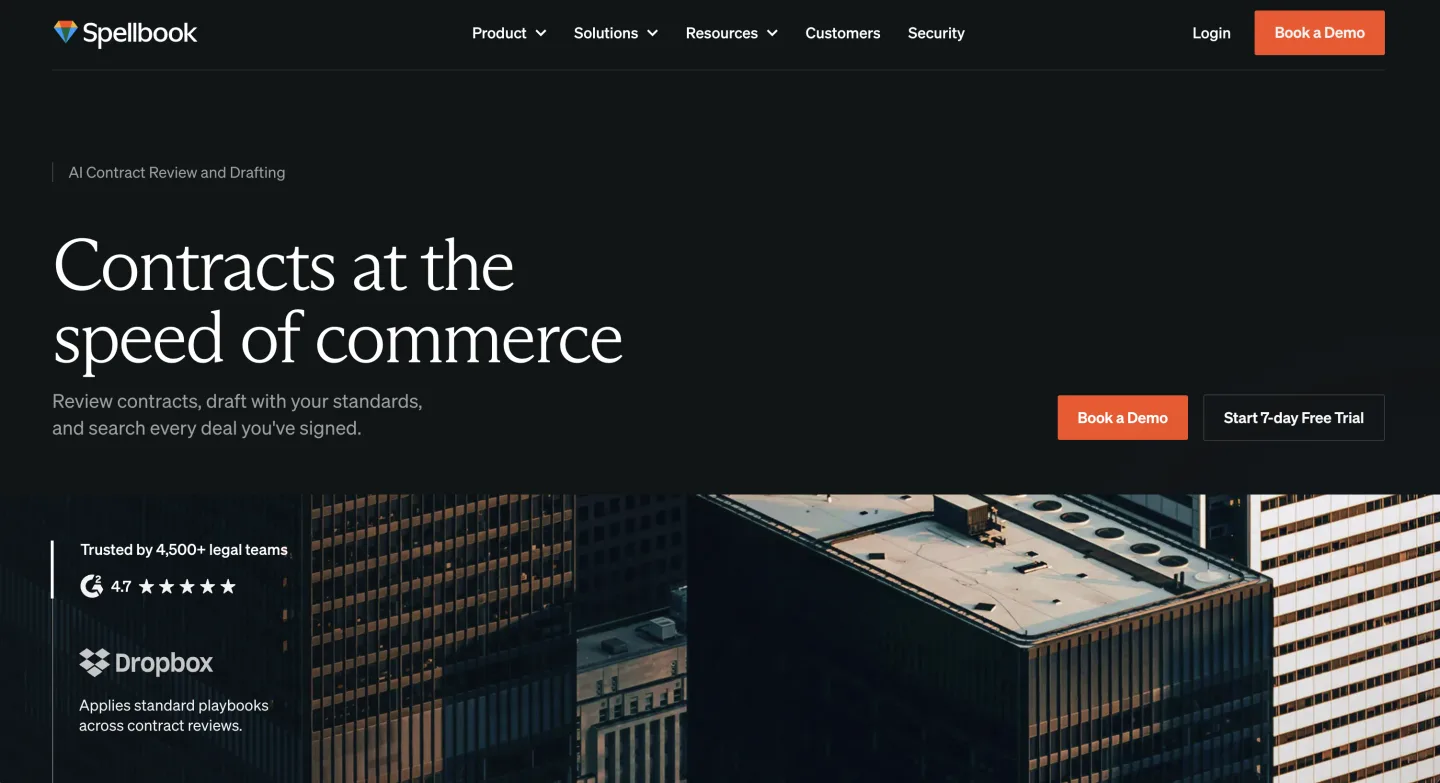
At a glance: $500 per seat/mo (base; tiers quote-based) · Sales-led, demo required · Best for commercial and corporate drafters who live in the ribbon
Spellbook is the Word-native specialist for transactional drafting. It suggests language, redlines against your positions, and drafts a clause from a prompt, all inside the document you already have open.
What's good
- Native Word add-in that edits the open document, not an export
- Strong for daily transactional drafting and in-place redlining
- Well-liked among deal lawyers who spend the day in the ribbon
Where it falls short
- Base plan is $500 a seat, and tiers are hidden behind a demo
- Enterprise tier carries a six-month minimum commitment
- Transactional focus makes it weak for litigation work
What users say: Lawyerist rates it about 4.1 out of 5; transactional lawyers like the add-in but warn it still drops in wrong citations, so check them. Source: Lawyerist.
Bottom line: If your week is corporate or commercial drafting in Word, Spellbook is the most natural single-job tool here. Skip it if you need litigation help or a multi-document grid, and read the minimum-term clause closely first. Our Spellbook alternatives breakdown covers where it fits.
6. LegalOn: best for playbook review at volume

At a glance: $550 per user/mo (billed annually); Teams custom · Sales-led, demo required · Best for teams with a real playbook and steady volume
LegalOn is the playbook-rules specialist. Pre-built and custom playbooks check incoming contracts against your standard positions and flag deviations on their own.
What's good
- Deep playbook engine with pre-built and custom rule sets
- Flags deviations from your standard positions automatically
- Real value for teams that maintain a genuine playbook
Where it falls short
- $550 a seat is steep unless you review at volume
- The vendor's "70 to 85 percent faster" claim is marketing, not an outside test
- Flags drift out of date if you do not keep the fallback language current
What users say: We found no genuine peer forum discussion of LegalOn, only vendor testimonials, so take the buzz with a grain of salt.
Bottom line: LegalOn fits if you have a real playbook and enough volume to earn back $550 a seat. Review a handful of contracts a month and the per-contract math gets hard to defend.
7. Ivo: best for in-house teams that found incumbents heavy

At a glance: $500 per user/mo (includes onboarding, support); larger teams custom · Sales-led, demo required · Best for small in-house teams wanting playbook review without the weight
Ivo goes after the same playbook-review job as LegalOn, pitched as fast and clean for teams that found the incumbents heavy. It ships a Word add-in, playbooks, and shared prompts and knowledge bases.
What's good
- Newer, lighter take on playbook review
- Word add-in plus shared prompts and knowledge bases
- Onboarding and support bundled into the seat price
Where it falls short
- $500 a seat is firmly specialist territory
- Setup leans on Ivo's own team rather than self-serve
- Product skews toward big-firm deployments
What users say: On G2, reviewers call Ivo a real AI reviewer that is easy to use, while noting setup needs Ivo's team and occasional inaccuracies. Source: G2 (page blocks automated requests, so no live link).
Bottom line: Ivo is worth a demo if LegalOn feels like more tool than you need. The per-seat price still puts it in specialist range, so be sure playbook review is your main job. See our Ivo alternatives breakdown.
8. Definely: best for lawyers drafting long, cross-referenced contracts
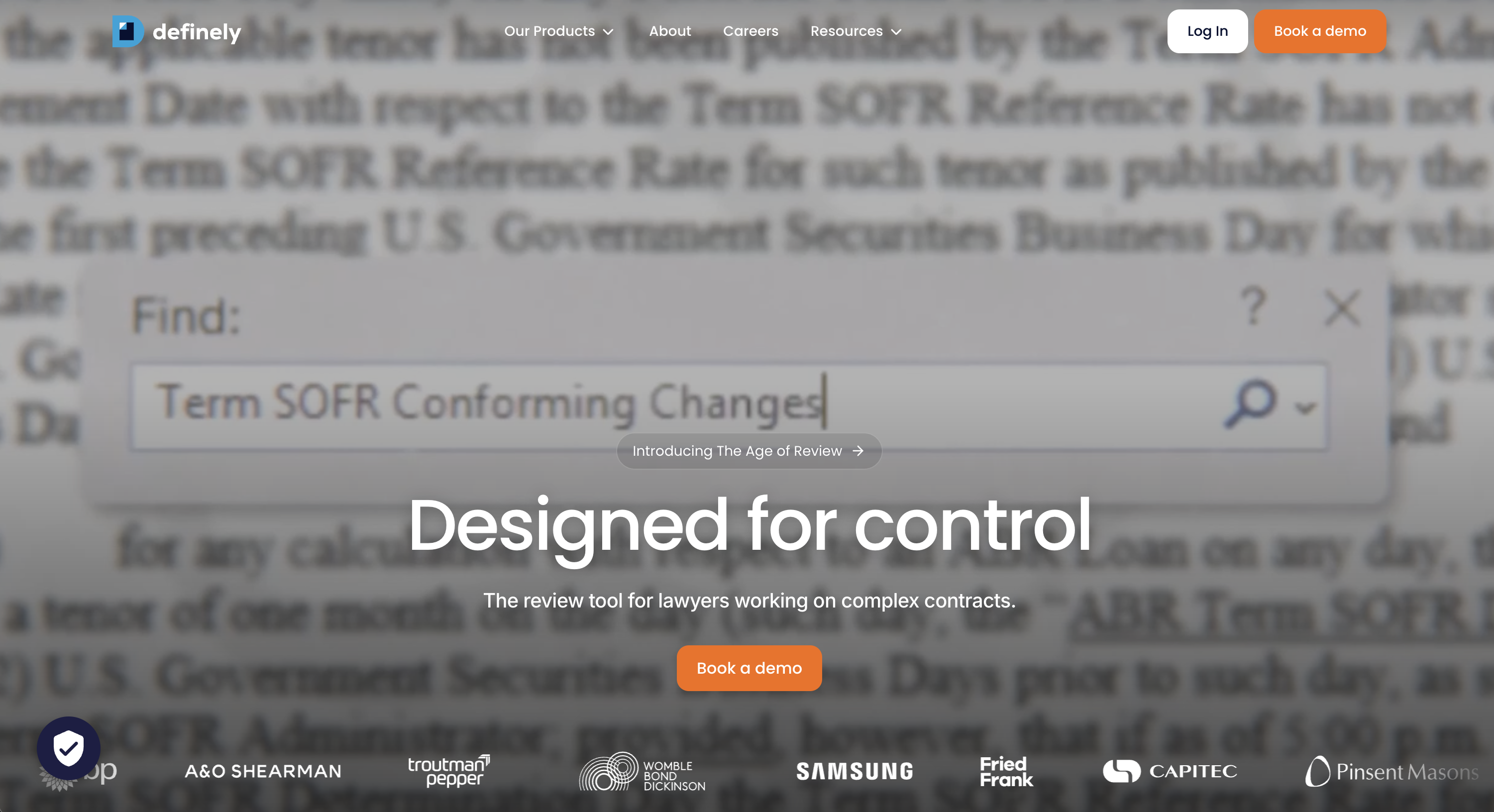
At a glance: Quote-based / on request · Sales-led, demo required · Best for teams reviewing complex, heavily defined agreements in Word
Definely is a Word-native suite built to read and proof dense contracts. It shows definitions and cross-references in place, checks the doc for errors, and flags where one edit ripples through the rest.
What's good
- Native Word add-in that keeps definitions and cross-references in view
- Proofing and error-audit tools aimed at complex drafting
- Exports tracked changes into a shareable issues list
Where it falls short
- No public price, so you start with a demo
- Strength is dense drafting, not the multi-document grid
What users say: Independent forum discussion is thin, and the review sites that host it block automated requests, so we will not invent praise here.
Bottom line: Definely earns its place if your day is long, defined-term-heavy agreements where context gets lost. Look elsewhere if you mainly need playbook review or a contract grid.
9. GC AI: best for the solo general counsel handling everything
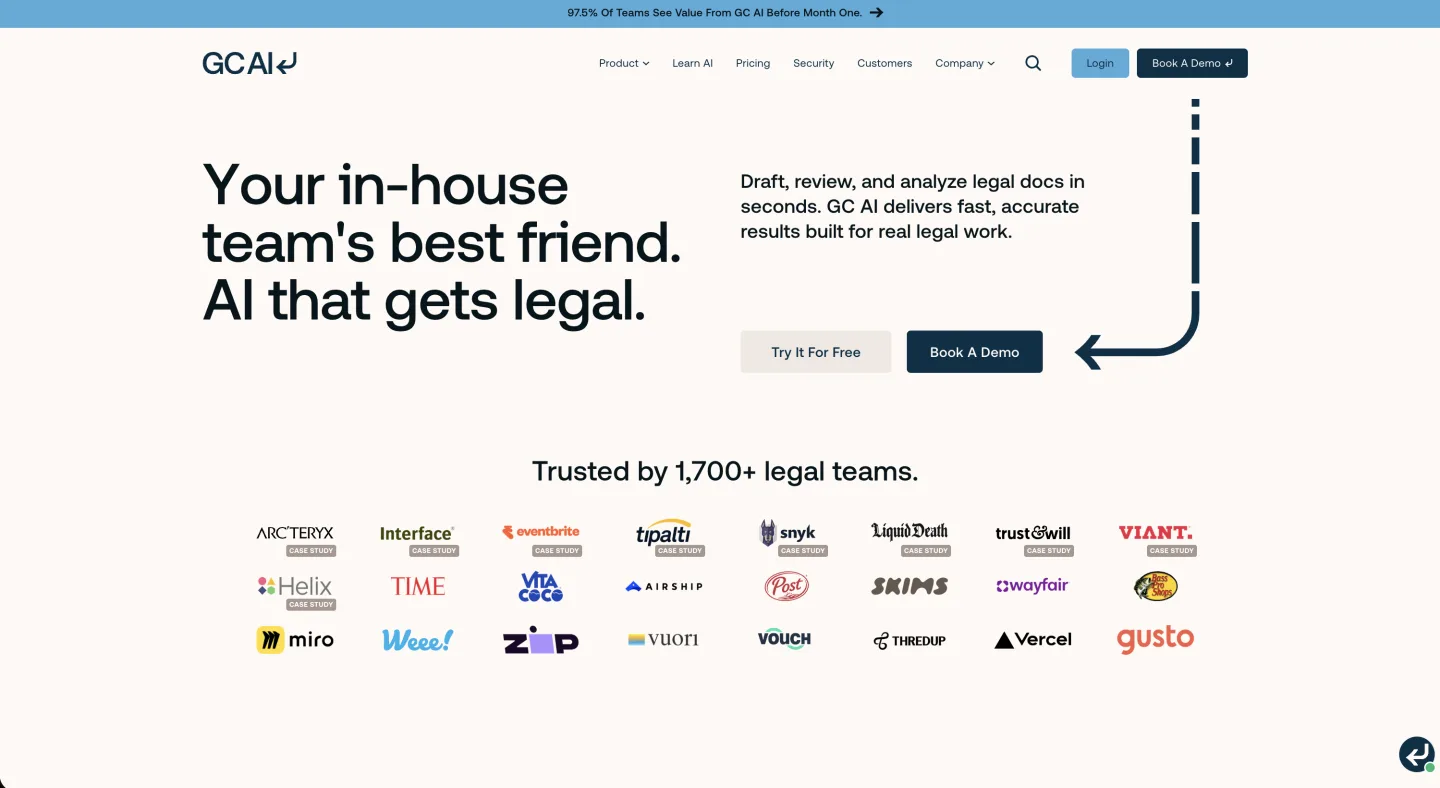
At a glance: $500 per seat/mo (Individual); Team and Enterprise on request · Sales-led, demo required · Best for one-person legal departments
GC AI targets in-house generalists like the solo general counsel handling everything from NDAs to employment questions. It overlaps contract review but leans toward broad assistant work over deep redlining.
What's good
- Broad in-house assistant across many task types
- Publishes its Individual price openly, unlike Harvey and Legora
- Fits a generalist who wants one aide, not a deep redliner
Where it falls short
- US Case Law research is a paid add-on on the $500 Individual seat
- Light on deep clause-by-clause redlining
- Less relevant to litigation or plaintiff-side firms
What users say: There is little genuine forum discussion, mostly PR; the credible structural point is that it publishes its $500 seat price while rivals hide theirs. Source: Legaltech Hub.
Bottom line: GC AI suits a one-person legal department, including a solo or fractional GC, more than a litigation or PI shop. Weigh the seat against your outside-counsel spend rather than against the cheapest tool on this list. See our honest GC AI review.
10. Harvey: best for AmLaw firms with the scale to use it

At a glance: $1,200 to $2,000+ per user/mo (bundle plus add-ons, unlimited usage; ~25-seat annual minimum); also pay-as-you-go credits · Sales-led, demo required · Best for large firms running deep research and drafting
Harvey is the AmLaw-grade platform where contract review is one feature among research, drafting, and more. It is built for large-firm intensity, not a three-person shop.
What's good
- Broad AI-native suite, with review alongside research and drafting
- Unlimited-usage tiers for firms that run AI all day
- New pay-as-you-go credit model for lighter use
Where it falls short
- $1,200 to $2,000+ a seat, with the range driven by per-feature add-ons and a ~25-seat annual minimum
- Bundled Lexis content can be a pass-through cost on top
- Far more capacity than a small team will ever use at depth
What users say: On r/legaltech, several call it GPT chat plus a vault, and one user put it this way:
The associates hated Harvey, but the partners went with it because they think it's magic.
Source: r/legaltech.
Bottom line: Harvey earns its keep at a large firm with the scale and budget to run it hard. A five-lawyer firm pays AmLaw prices for capacity it will never use at depth.
Our Harvey, Legora, and CoCounsel pricing reality post has the full math, and our Harvey alternatives breakdown covers the rest.
11. Legora: best for larger firms wanting collaborative research and review

At a glance: $300 to $800 per user/mo (bundle plus add-ons, unlimited usage); also pay-as-you-go credits, and consumption-based pricing on Agent Pro since June 2026 (source: legora.com) · Sales-led, demo required · Best for larger European and US firms
Legora is another AI-native platform, with collaborative research and review at its center. Like Harvey, contract review is one capability inside a wider platform, and it is cheaper than Harvey.
What's good
- Cheaper per seat than Harvey for similar breadth
- Collaboration features popular with larger firms
- Multi-document review built in
Where it falls short
- $300 to $800 a seat still runs high for solos and small teams
- Reliability gripes about a rough rollout users nicknamed "Letgora"
- Answer quality reported to slip past about 200 pages
What users say: The same r/legaltech thread is full of reliability complaints, including the "Letgora" rollout and a "wrapper over Claude" tag. Source: r/legaltech.
Bottom line: Legora delivers good collaboration and research for a larger firm. The per-seat price still runs high for most solos and small teams. See our Legora alternatives breakdown.
12. Luminance: best for enterprises that want one AI platform across the contract life
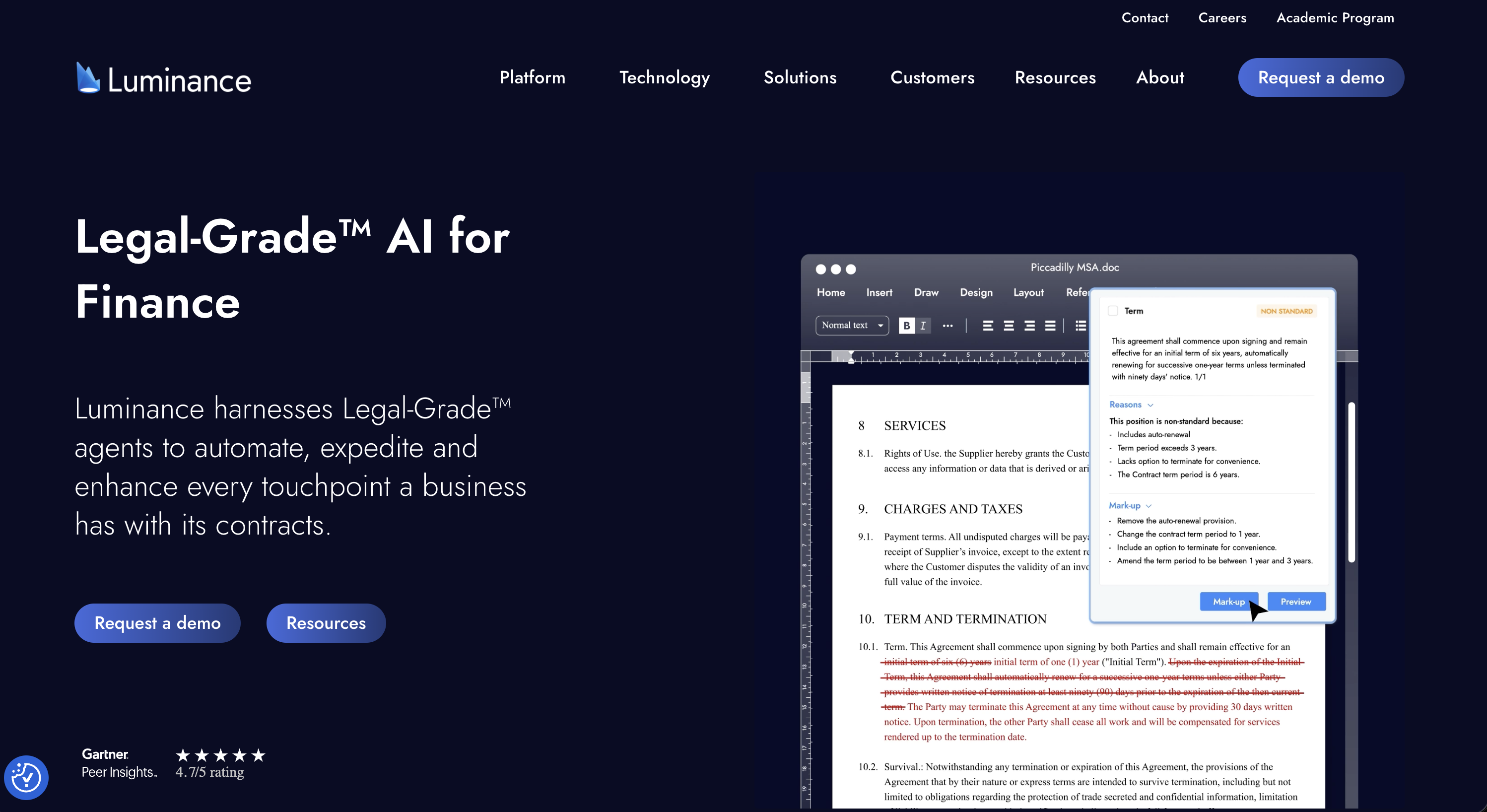
At a glance: Quote-based / on request · Sales-led, demo required · Best for enterprise legal teams covering drafting through compliance
Luminance is an enterprise AI contract platform. It spans drafting, deal talks, analysis, and compliance, reviews inside Word, and reads across a whole contract set.
What's good
- Broad coverage from drafting and negotiation to portfolio analysis
- Word add-in for in-document review and negotiation
- Multi-document analysis across the enterprise estate
Where it falls short
- No public price; enterprise quote-only
- Breadth and rollout are built for large teams, not a small one
What users say: Public buyer discussion is sparse, and the review sites that carry it block automated requests, so we will not invent reviews here.
Bottom line: Luminance fits an enterprise legal team that wants one AI layer across the whole contract life. A solo or small team pays for breadth it will not use.
13. Kira: best for large deal teams doing due-diligence extraction
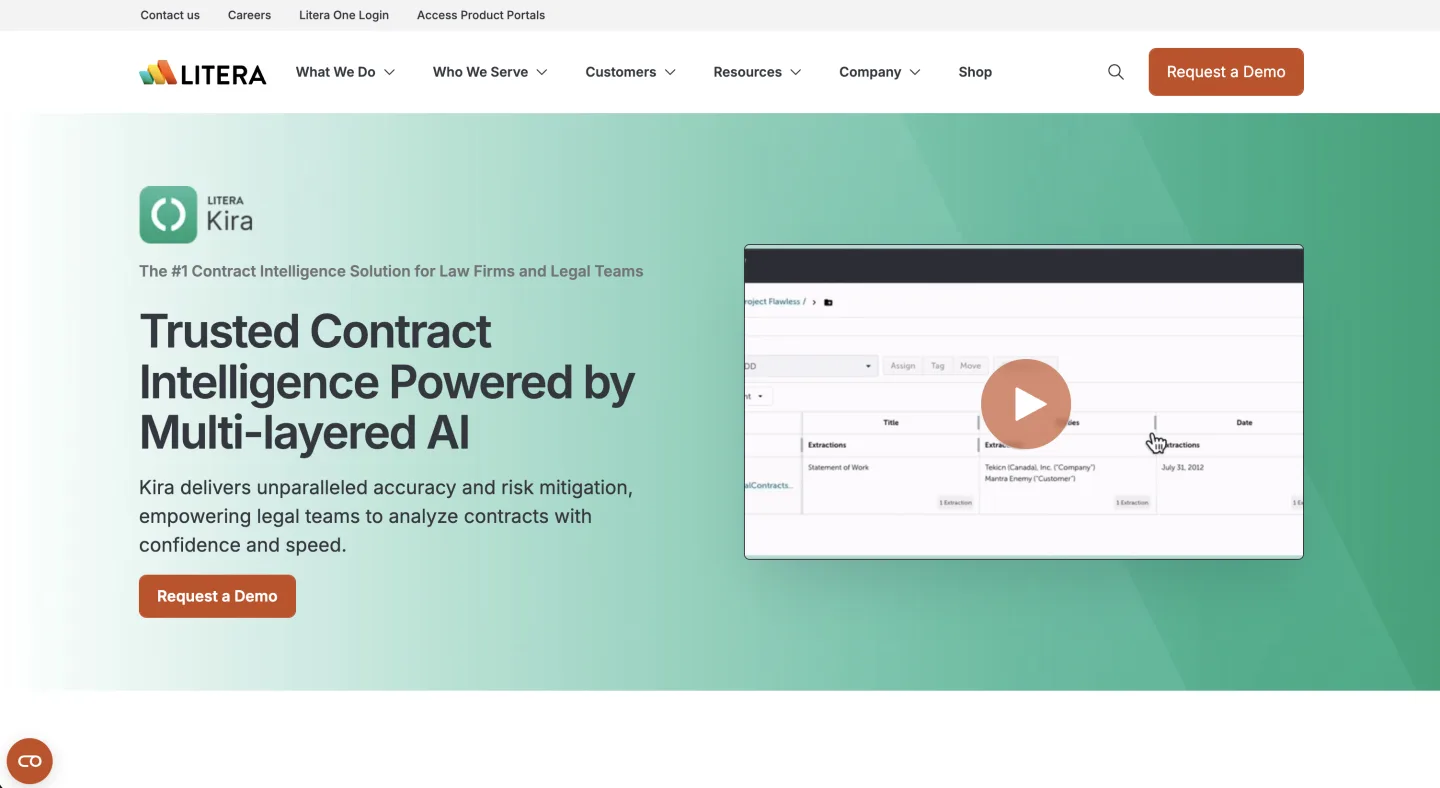
At a glance: Quote-based / on request · Sales-led, demo required · Best for large firms and M&A deal teams
Post-Litera, Kira is enterprise due-diligence extraction. It is excellent at pulling clauses across large contract sets, and it is priced and sold for large firms.
What's good
- Deep clause extraction across very large contract sets
- Built for two-hundred-document data rooms
- Mature product backed by Litera
Where it falls short
- No public price; enterprise quote-only
- Expects tagging and field cleanup a small team will not keep up
- A small firm cannot realistically buy or use it at depth
What users say: Public buyer discussion is sparse, since Kira sells to large firms through enterprise channels. We will not invent reviews for it.
Bottom line: Kira is the enterprise-overpay trap in person for a small team. The extraction strength is real, but it is built for big deal rooms, not an intake desk.
14. Evisort: best for enterprise CLM and contract analytics
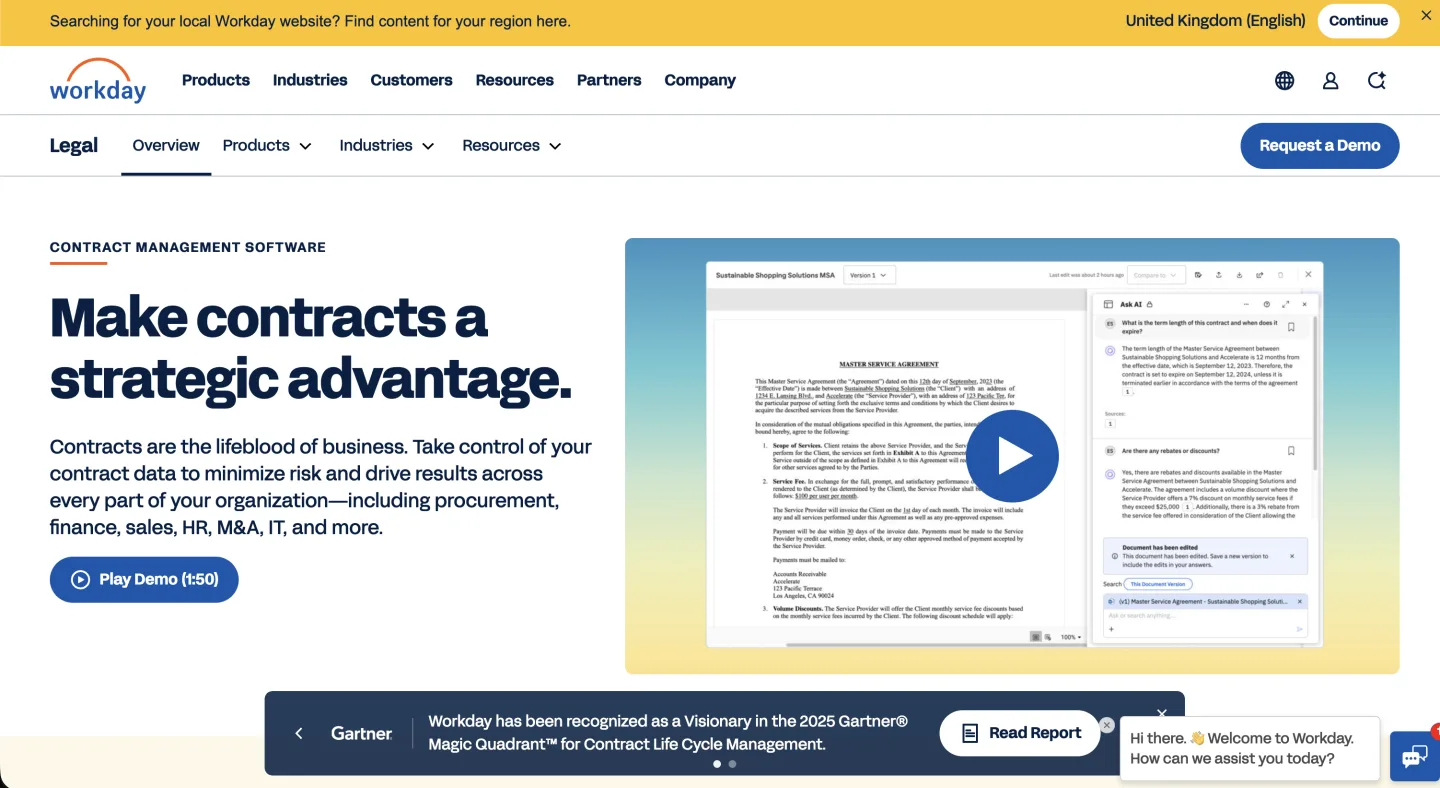
At a glance: Quote-based / on request · Sales-led, demo required · Best for procurement and enterprise legal operations
Now part of Workday and branded Workday Contract Intelligence, Evisort is contract lifecycle management and analytics for enterprises. CLM is a different category from review.
What's good
- Manages contracts across their whole life, including storage and renewals
- Obligation tracking and portfolio analytics
- Backed by Workday's enterprise platform
Where it falls short
- CLM, not focused contract review
- No public price; enterprise quote-only
- A small firm is not the buyer here
What users say: Discussion centers on Evisort as an enterprise CLM platform rather than a small-team review tool, so we keep commentary modest here.
Bottom line: Evisort fits enterprise legal ops that need full contract lifecycle management. A in-house team will not get value from it. To see where CLM sits next to review, our CLM piece on Ironclad, DocuSign, and ContractWorks covers it.
15. CoCounsel: best for firms already in the Westlaw ecosystem
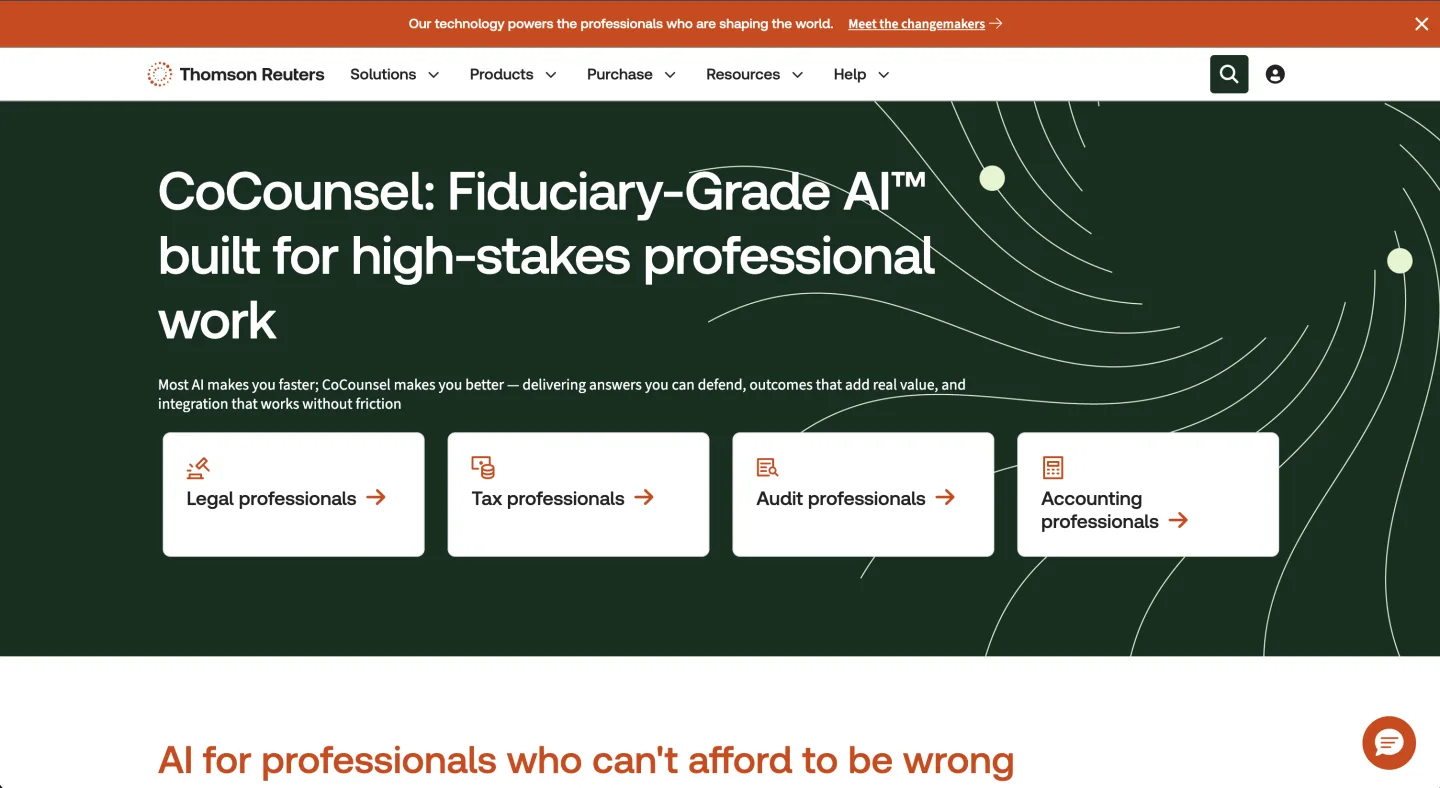
At a glance: $225 to $400+ per user/mo (depends on capabilities) · Sales-led, demo required · Best for firms already buying Westlaw
CoCounsel is Thomson Reuters' AI-native assistant, with contract review and analysis sitting among its skills alongside research and drafting, backed by Westlaw. It is an enterprise product aimed at firms already in the TR ecosystem.
What's good
- One assistant across research, review, and drafting
- Backed by Westlaw content and Parallel Search
- Liked for ease of use and time savings
Where it falls short
- $225 to $400 or more a seat, scaling with capabilities
- Still fabricates citations, so you must verify everything
- Thin on appellate material
What users say: A University of Michigan legal-tech review likes it for ease and Parallel Search but warns it still makes up citations. Source: University of Michigan legal-tech review.
Bottom line: CoCounsel is strong if you already buy Westlaw and want one assistant across research and review. It is heavy and expensive for a in-house team.
16. Robin AI: best for mid-market in-house, with a caveat

At a glance: $500 per user/mo; custom enterprise above that · Sales-led, demo required · Best for mid-market in-house teams willing to watch the vendor's footing
Robin AI is a contract-review challenger covering drafting, review, and negotiation, with a mid-market in-house pitch. The thing to know before you commit is that most recent forum talk is about the company, not the product.
What's good
- Covers drafting, review, and negotiation
- Word add-in for in-place edits
- Mid-market in-house positioning
Where it falls short
- $500 a seat lands at full-workbench money
- 2025 reports of layoffs and a winding-up petition raise vendor risk
- Review-only scope for a price that buys broader tools elsewhere
What users say: Recent forum talk centers on the company's 2025 troubles, with reports of layoffs and a winding-up petition. Source: Artificial Lawyer.
Bottom line: Robin AI is a workable mid-market option, but at $500 a seat it costs full-workbench money for review alone. Weigh the company's footing, and weigh whether you want review plus research and matter context for the same spend.
Others worth knowing
These names show up on other "best AI contract review software" lists. They are real tools, but they sit slightly outside the in-house and small-team buyer this post ranks for, so they get a one-line read rather than a full block. All are sales-led with quote-based pricing unless noted.
- DraftWise: transactional drafting that mines your firm's own precedent to suggest market language. Strong for deal lawyers comparing past clauses; not a playbook-deviation engine. Best for transactional teams with a deep precedent bank.
- DocJuris: negotiation-focused review with playbook deviation tracking, built for procurement and sales-side legal who turn third-party paper fast. Add-in workflow; less of a fit for litigation. Best for high-volume negotiation desks.
- LawGeex: policy-based first-pass review that approves or rejects incoming contracts against pre-set rules before a human looks. Aimed at corporate legal departments standardizing intake.
- Juro: review folded into a full contract lifecycle platform, so you get the AI reviewer plus storage, signing, and renewals. Best if you want CLM and review in one system, not a standalone reviewer.
- SpotDraft: a CLM whose VerifAI feature runs clause-by-clause review against your playbook. Best for teams that want lifecycle management with review attached.
- Ironclad: enterprise CLM with AI risk scoring and workflow routing, built for large legal, procurement, and sales orgs. Heavy for a small team. We cover it in our CLM piece.
- LinkSquares: portfolio-level extraction and analytics, a long-running G2 category leader. Built for in-house teams managing large contract estates, not single-document redlining.
- Agiloft: no-code, highly configurable CLM for compliance-heavy organizations. Powerful but configuration-led, so it suits teams with ops resources to set it up.
One scenario, three workflows
Picture an inbound SaaS master services agreement with five problems. The indemnity is uncapped and the liability cap is silent.
The assignment clause has no change-of-control carve-out, the data processing addendum is missing, and the governing law does not match your standard.
A Word add-in (Spellbook, Ivo, LegalOn) catches the cap and indemnity against your playbook. It lets you redline them in place, but it works one document at a time. An extraction tool (Kira, Evisort) only shines when this MSA is one of two hundred.
A workbench (Vaquill AI) checks the clauses against your positions, exports the tracked-changes redline, and ties the open DPA question to research in one matter. It does expect you to leave the ribbon to do it.
Which tool wins depends on whether this is one contract or one of many, so answer that before you buy.
The pricing spread, and why it matters
Line the numbers up and the spread is wide. Vaquill AI sits at the low end, the add-in specialists cluster around $500 to $550, and CoCounsel runs $225 to $400 or more. Harvey tops the list at $1,200 to $2,000+ per user per month.
The reflex is to read price as quality, so resist it. Price in this market reflects who the vendor sells to, not how well the tool reviews your specific NDA.
A solo who buys the priciest option is usually buying big-firm overhead, so match the tool to your main job and your real volume, then negotiate.
What most people get wrong
Treating contract review as one category. It is three jobs. A Word redline add-in and a multi-document extraction grid are not competitors, any more than a stapler and a filing cabinet are. Decide which job dominates your week first.
Assuming pricier means better fit. The post-acquisition pioneers and the AI-native incumbents are genuinely good. They are also built for buyers who are not you. Fit beats horsepower at small scale every time.
Mistaking single-document chat for review at scale. Chat-with-your-PDF is great for one contract, but hand it a stack and the workflow falls apart. The moment a matter involves a portfolio (NDA triage, a data room, a lease audit) you need a grid, not a chat box. We wrote up that workflow in our NDA triage evaluation.
The confidentiality question sits over all of this
Whatever tool you pick, the same gate applies, and ABA Formal Opinion 512 (July 2024) sets a duty here. Before you upload a client contract, check whether that data could leak or train a model. The defensible vendors put those terms in writing.
We covered how to check the claims in we do not train on your data: how to check. Make it part of the demo, not an afterthought.
Accuracy is the second gate. Even paid legal AI still invents citations. A Stanford and Yale study tested the big legal research tools and found Westlaw's AI-Assisted Research hallucinated in about one in three responses, and Lexis+ AI in about 17 percent, the least-bad of the paid tools. Source: Stanford/Yale preprint (verified live, June 2026). Contract review tools that quote your own document are less exposed than research tools, but the lesson holds: spot-check every clause flag and every cite the tool gives back.
So, which AI is best for contract review?
Say you are a solo or small in-house team that wants a self-serve, low-cost start. Genie AI drafts, reviews, and redlines from a Word add-in at $75 a month with a free tier, which is why it leads this list on fit. Vaquill AI is the strong step up, folding clause review, a tracked-changes Word redline, and matter context into one workbench once you need more than one job covered.
If you draft in Word all day, look at Spellbook. For playbook review at volume, look at LegalOn or Ivo.
Skip the big-firm pioneers (Kira, Evisort) and the AmLaw-priced names (Harvey, Legora, CoCounsel). They only earn their keep if you have the scale and budget to use them at depth.
Pick for your main job and real volume, then try Vaquill AI at app.vaquill.ai or see the full legal tools overview.
FAQ
What is the best AI contract review software? There is no single winner, because contract review is three different jobs. For an in-house or small team that needs clause review, a Word redline, and matter context in one place, Vaquill AI fits best. For Word-native deal drafting, Spellbook leads. For playbook review at volume, LegalOn or Ivo. Pick for your main job, not the brand.
Which AI contract review tool is cheapest for a small team? Genie AI lists a Pro plan at $75 a month for one seat, goHeather lists a Starter plan at $200 a month, and Vaquill AI covers clause review, a Word redline, and the multi-document grid. The specialist add-ins start around $500 a seat. Match the price to your main job before you buy.
Can AI contract review replace a lawyer? No. These tools speed up a first pass: they flag risky clauses, check a contract against your playbook, and draft a redline. A lawyer still makes the call on what to accept, push back on, or escalate. Treat the output as a fast junior reviewer, not a final sign-off.
Do AI contract review tools hallucinate or make mistakes? Yes, they still can. A Stanford and Yale study of legal research AI found Westlaw hallucinated in about one in three responses and Lexis+ AI in about 17 percent (Source: Stanford/Yale preprint, verified June 2026). Review tools that quote your own document are less exposed than research tools, but spot-check every flag and cite.
Do these tools redline directly inside Microsoft Word? Spellbook, LegalOn, Ivo, Definely, Luminance, LegalFly, DocJuris, and Robin AI use a native Word add-in that edits the open document. Vaquill AI, Genie AI, and goHeather export a tracked-changes DOCX you open in Word. Both reach a clean redline; the workflow differs.
Can I try any of them without a sales call? Vaquill AI, Genie AI, and goHeather offer self-serve sign-up. Most of the rest (Spellbook, LegalOn, Ivo, Definely, LegalFly, GC AI, Harvey, Legora, Luminance, Kira, Evisort, CoCounsel, Robin AI, DocJuris) gate access behind a demo. Ask for a written quote before you commit.
What is the difference between AI contract review and contract lifecycle management? Contract review checks a single agreement: clause risk, playbook deviations, a redline. Contract lifecycle management (CLM) handles the whole life of a contract: drafting, signing, storage, obligations, and renewals. Ironclad, Evisort, Juro, SpotDraft, and Agiloft are CLM platforms with review attached; Vaquill AI, Spellbook, and Ivo are review-first.
A closing takeaway
Match the tool to the main job (drafting, playbook review, or multi-document extraction), not the brand on the box.
New legal AI guides, weekly.
Further Reading
- Harvey AI Pricing 2026: Per-Seat Cost and the Renewal Increase
- Top Contract Management Vendors for Fortune 500 Legal Teams
- Top AI Legal Research for Solo Attorneys on a Budget
- Best AI Software for Plaintiff Law Firms (2026): 11 Tools Compared
- Legora Pricing: What a Seat Actually Costs (2026) vs Harvey
- How Much Does an AI Legal Seat Really Cost in 2026? Reading Quotes Like a Buyer

Product & Content
The US primary law data API: statutes, regulations, constitutions, court rules, executive orders and agency guidance across 53 US jurisdictions, each section cited and linked to its official source, via REST, MCP or SQL.