The most cost-effective CLM for a small or mid legal team is usually the cheapest one that covers two jobs: store contracts you can search, and never miss a renewal. In 2026 that means a CLM-lite tool in the $17 to $90 per user per month range, or, below roughly 200 contracts a year, no CLM at all. The six-figure enterprise platforms are priced for Fortune-1000 contract volume, and most small firms turn on about a fifth of what they pay for.
Here is the short version before the detail. Cheap contract management software now exists that publishes real prices and stands up in an afternoon: Concord, PandaDoc, ContractSafe, Bind, ContractWorks, ContractZen. The catch is what each one drops to hit that price, which is the whole point of the comparison below.
A managing partner at a 9-lawyer firm told me last fall that she had just signed a contract-lifecycle-management deal she was already regretting. The sales demo was beautiful. Salesforce sync, clause-level analytics, an obligation calendar that pinged you 90 days before any renewal. The annual number had four zeros after the comma.
Six months in, her firm was using exactly three features: a folder where signed contracts lived, a search box, and a renewal reminder. Everything else sat dark. She had bought a Formula 1 car to drive to the grocery store.
That story is the whole point of this post. The market for cost-effective CLM platforms is real and growing, but the way most small and mid firms shop for it is broken. They compare feature lists, pick the platform with the most boxes checked, and then pay enterprise prices for workflows they never turn on.
The right question is almost never "which CLM has the most features." It is "how many contracts do I touch a year, and do I have anyone on staff to babysit the software."
This is a companion to our deeper platform-by-platform CLM comparison, which walks the full field for in-house counsel. This one is narrower and more opinionated: cost first, written for solo and small-to-mid firms, organized around what you actually pay against what you actually need.
TL;DR
- Cheapest credible CLM-lite tier: ContractZen at $9.50/user/mo and PandaDoc Starter at $19/user/mo (both vendor-published, June 2026) anchor the low end of affordable contract management software.
- The honest decision variable is annual contract volume plus legal-ops headcount, not feature count. Below roughly 200 contracts a year you probably need no CLM at all.
- Enterprise CLM is priced for Fortune-1000 volume. Reported annual contracts start in the $30,000 to $50,000 range with 3-to-6-month implementations. Most small firms use about 20% of what they buy.
- The cost trap is total cost of ownership, not the sticker. Implementation, per-seat renewal-alert limits, and AI extraction that only runs on new uploads inflate the all-in number 50% to 80% above the quote.
- AI-native review tools are eating the bottom of the market, doing the review work without being a CLM at all.
- Thanks to the E-SIGN Act (15 U.S.C. 7001), a standalone e-signature tool plus a searchable repository is legally sufficient to make contracts enforceable. You do not need a CLM for legal validity.
What is the cheapest credible CLM-lite entry price in this post?
Part of our document tools, redline, and matrix guide series.
For related document-tools coverage, see Contract Lifecycle Management in 2026: Ironclad, DocuSign, ContractWorks, and the AI Layer Eating the Bottom and Top Contract Management Vendors for Fortune 500 Legal Teams.
How we picked
We started from the tools that actually show up when you search affordable or cheap CLM, cross-referenced the current page-one roundups (ContractSafe, Bind, Zefort, Concord), and kept only platforms that publish a real price or run a no-sales-call trial. We dropped anything quote-only at the small-team end, because a tool you cannot price is not a tool you can budget for.
Every price below is pulled from the vendor's own pricing page in June 2026 and labeled with the plan name. Where we cite market or enterprise figures, the named source is linked. User sentiment lines come from real reviews and forums, curl-checked; where we found no genuine peer discussion, we say so rather than invent praise. The methodology and sources are here so you can check the math.
Affordable CLM platforms compared (2026 prices)
| Platform | Entry price (vendor-published, Jun 2026) | Self-serve trial | Best for | Main tradeoff |
|---|---|---|---|---|
| Concord | $499/mo, 5 users incl. (Essentials) | Yes | Unlimited e-signatures in every plan | No AI, dated UI |
| PandaDoc | $19/user/mo (Starter) | Yes | Sales-side docs and proposals | Per-user cost climbs; not built for complex contracts |
| ContractSafe | Quote-based (calculator by volume, unlimited users) | Yes | A searchable repository done well | Stores and tracks; does not draft or e-sign |
| Bind | $90/user/mo (Starter) | Yes | AI-native drafting on a budget | Newer, fewer legacy integrations |
| ContractWorks | Quote-based (no public price) | Yes (free trial) | Simple repository plus e-sign | Thin negotiation and redlining |
| ContractZen | $9.50/user/mo (basic) | Yes | The lightest possible per-seat option | Governance-document focus, light CLM |
| Ironclad / DocuSign CLM | ~$20k to $40k/yr reported | No (sales) | 1,000+ contracts with real negotiation | Enterprise price and 3-6 month rollout |
| AI review layer (Spellbook etc.) | Quote-based | Demo | Pulling review out of CLM entirely | Review only; no repository or signing |
Prices: Concord, PandaDoc, Bind, ContractZen and ContractSafe figures are from each vendor's pricing page (June 2026). Enterprise CLM ranges are reported figures cross-checked against our full platform comparison. Quote-based means the vendor publishes no sticker.
The pricing gap nobody quotes you up front
The CLM category is expanding fast. Fortune Business Insights, in a report updated in May 2026, projects the CLM solution market growing from USD 2.07 billion in 2026 to USD 5.09 billion by 2034, a compound annual growth rate of 11.9%.
That growth is exactly why vendors keep pushing pricing upmarket. A category climbing at nearly 12% a year does not chase the $300-a-year customer. It chases the $300,000 one.
So here is the spread, drawn from reported figures and cross-checked against the entry points in our full platform comparison. Traditional enterprise CLM annual contracts are reported to start around $30,000 to $50,000, with implementations running three to six months.
Ironclad and DocuSign CLM small-team entry points land in roughly the $20,000-to-$40,000-per-year range before the add-ons that quietly push the all-in cost 50% to 80% higher. The CLM-lite tier runs far cheaper and publishes real numbers: ContractZen Standard at $9.50/user/mo, PandaDoc Starter at $19/user/mo, Bind Starter at $90/user/mo, and Concord at $499/mo for five included users (each from the vendor's pricing page, June 2026).
Read that range again. The difference between the floor and the ceiling is not 2x or 5x. For a small firm it can be 50x. The reason the gap is so wide is that the word "CLM" covers two genuinely different products that happen to share a name.
What "CLM" actually means, and why most firms only need half of it
A full CLM platform bundles five workflows that used to live in five separate tools: template management and self-serve generation, negotiation and redlining against a playbook, e-signature, a searchable repository with extracted key terms, and post-signature obligations management (renewal dates, auto-renewal alerts, compliance tracking).
Here is the part the sales deck glides past. A small firm's contract life is dominated by two of those five. You need somewhere to keep executed contracts that you can search, and you need to not miss a renewal date.
The negotiation engine, the Salesforce-native generation, the obligation analytics dashboard: those exist to manage thousands of contracts flowing through a procurement org with a legal-ops team steering it. A 6-lawyer firm does not have that flow, and it does not have that team.
This is the trap. Enterprise CLM is sold as a single decision ("do we get a CLM"), but it is really five decisions bundled into one invoice. When you only need two of the five, buying the bundle means paying full freight for three things you will never configure.
The decision tree that actually matters
Forget the feature matrix. Two inputs decide this.
Input one: annual contract volume. Count the contracts your firm executes or reviews in a year. Not clauses, not pages, contracts.
Input two: legal-ops headcount. Do you have anyone whose job includes configuring and maintaining software? Not "a paralegal who is good with computers." Someone with the time and mandate to own a tool.
From there:
Under roughly 200 contracts a year: no CLM
This is most solo and small firms. You do not need a contract-lifecycle platform. You need a document store you can search (your DMS, Google Drive, SharePoint, NetDocuments all qualify), an e-signature tool you almost certainly already own, an AI layer to review incoming contracts, and a spreadsheet or a Notion board to track renewals.
Total cost: tens of dollars per user per month, against thousands per user per year for any real CLM.
The legal argument for this being enough is not a matter of taste. Under the E-SIGN Act, 15 U.S.C. 7001, electronic records and electronic signatures carry the same legal force as ink on paper for transactions in or affecting interstate commerce.
A contract executed through a standalone e-signature tool and filed in a searchable folder is every bit as enforceable as one routed through a $40,000 platform. The CLM does not make your contracts valid. The statute does. You are paying the CLM for workflow convenience, and below 200 contracts a year the convenience is thin.
Roughly 200 to 1,000 contracts a year: it depends on headcount
This is the genuine gray zone, and the answer hinges entirely on input two. If you have someone who can own and configure a tool, a CLM-lite platform (covered below) pays for itself inside a year by cutting the time spent chasing versions and renewals.
If you do not, a poorly maintained CLM is worse than no CLM. You will end up with a half-configured platform nobody trusts, and the contracts will drift back into email anyway. Without headcount, an AI-native review layer plus tight folder discipline beats a neglected CLM every time.
Over 1,000 contracts a year with real negotiation: buy the real thing
Here the economics flip. The per-contract cost of human plus AI review without workflow automation climbs above the per-contract cost of a platform that automates intake, routing, and renewals.
This is where Ironclad, DocuSign CLM, or Agiloft earn their price. If you are at this volume, the full platform comparison is the post you want, and you are probably not the small or mid firm this one is written for.
The CLM-lite tier, the part most comparisons miss
Between "a Drive folder" and "a six-figure platform" sits a category that has gotten crowded enough to earn its own name. The industry framing keeps repeating a version of the same line: teams that are too mature for manual contract handling but too small for a six-figure CLM.
Vendors in this tier (Bind, Checkbox, Concord, ContractWorks among them) market themselves directly at firms that, in the words that show up over and over in their own material, bought an expensive CLM only to discover it did not solve their main problem.
Price is only half of what separates this tier from enterprise CLM. The other half is setup time and the absence of a required services engagement. Where an Ironclad or Agiloft rollout is reported to run three to six months and often needs a paid implementation, the CLM-lite tools are built to stand up in an afternoon.
You import your contracts, point the search at them, set renewal alerts, and you are running. Here is the affordable field, with verified entry prices and the one thing each one trades away.
Concord: best for high signature volume. Unlimited e-signatures sit in every plan, which matters if you sign a lot and hate metering. Entry is $499/mo for five included users (Essentials, concord.app/pricing, June 2026), with $49/mo per extra seat. The tradeoff is no real AI and an interface reviewers call dated.
PandaDoc: best for sales-side documents. Starter runs $19/user/mo (pandadoc.com/pricing, June 2026), with a free tier above it. It is strong on proposals and quotes. The tradeoff is per-user cost that climbs with the team, and it is not built for heavily negotiated legal contracts.
ContractSafe: best for a repository done well. Pricing is quote-based through a volume calculator, with unlimited users on every plan (contractsafe.com/pricing, June 2026) and a free trial. The tradeoff is scope: it stores, searches, and tracks renewals, but it does not draft or e-sign, so you pair it with separate tools.
Bind: best for AI drafting on a budget. Starter is $90/user/mo (bindlegal.com, June 2026), with a free tier and a conversational drafting interface. The tradeoff is maturity: it is newer than the incumbents, with fewer legacy integrations and less customization.
ContractZen: best for the lightest per-seat option. Standard is $9.50/user/mo billed annually (contractzen.com/pricing, June 2026). It is the cheapest credible entry here. The tradeoff is that it leans toward governance and meeting-management documents, so the CLM workflows are light.
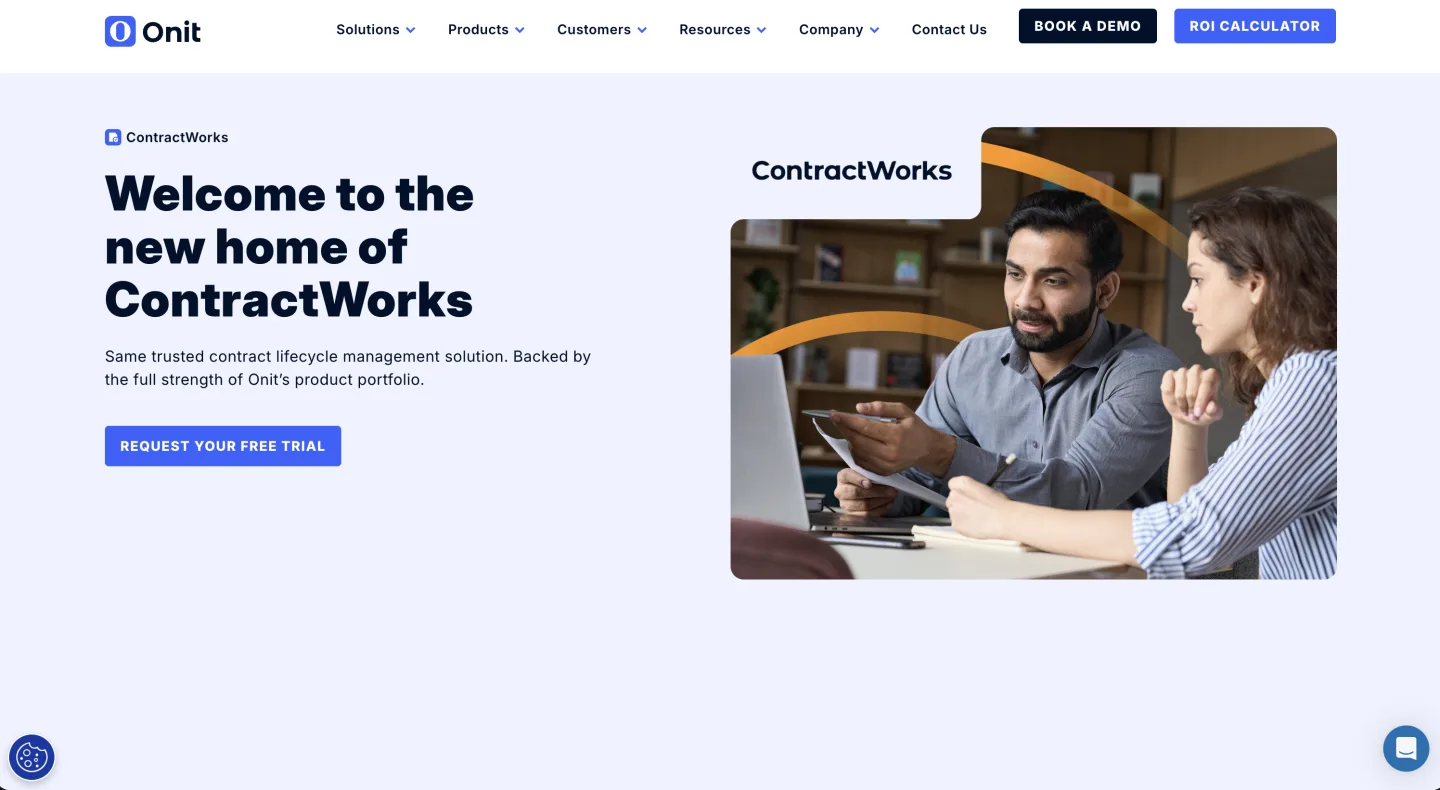
ContractWorks: best for a simple repository plus e-sign. Pricing is quote-based, but it offers a real free trial, the rare CLM you can evaluate without a sales call. We cover it in the full comparison. The tradeoff is thin negotiation and redlining.
The honest tradeoff across this whole tier: thin negotiation and redlining, lighter integrations, and analytics that cover compliance and audit needs at small scale but not much beyond. For a firm whose contract life is "store, search, do not miss a renewal," that tradeoff is exactly right. You are dropping the three features you were never going to use and keeping the two you actually need.
What is eating the bottom of the market
The more interesting shift in 2026 is that AI-native review tools are pulling the review work out of CLM entirely. If the main reason your firm wanted a CLM was to get a second set of eyes on incoming NDAs and vendor agreements, a review tool does that specific job for a fraction of a CLM seat, and it does it better, because review is all it does.
This is the same pattern playing out across legal tech. The unbundling we saw in research (you no longer need a full Westlaw subscription to answer one question) is now hitting contracts.
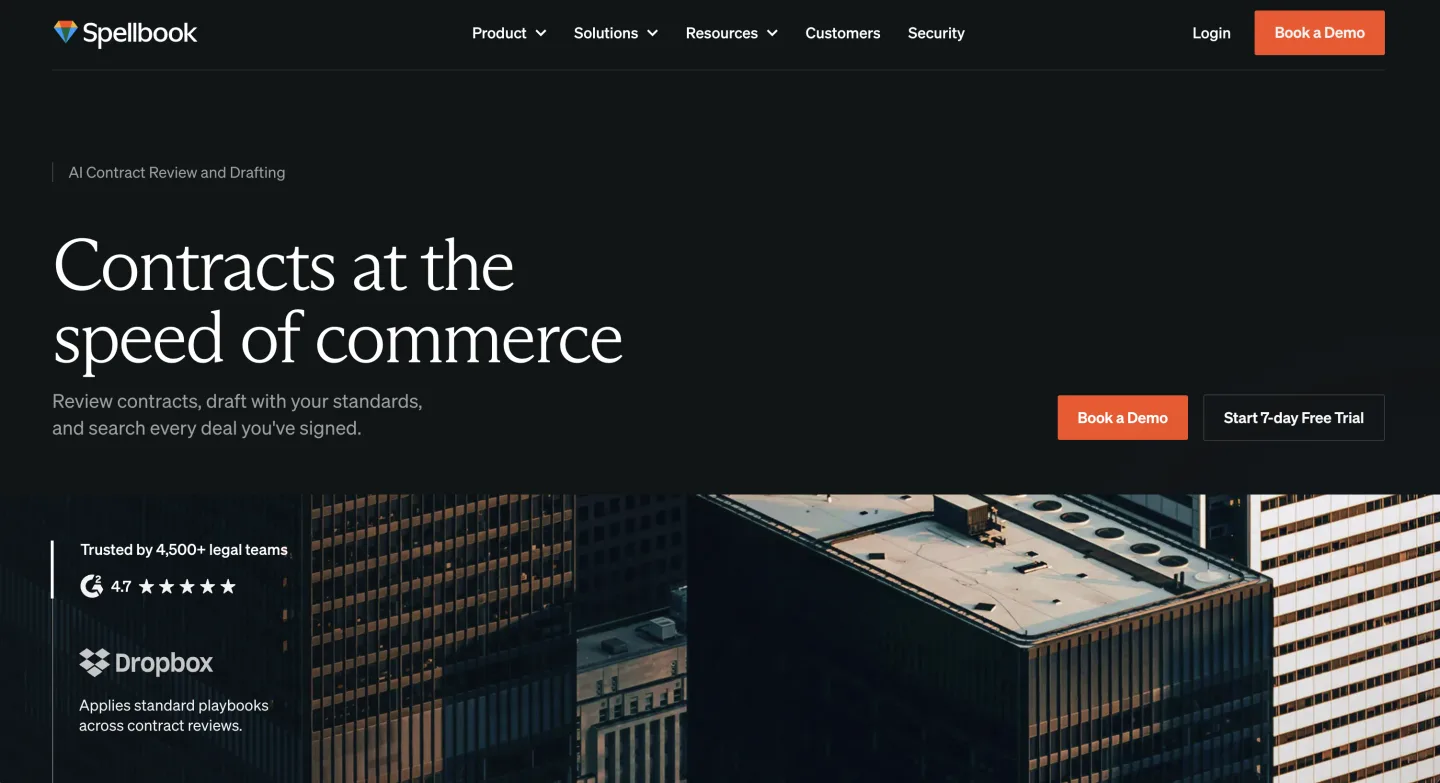
A focused AI review layer reads the incoming paper, flags the off-market terms against a playbook, and hands you a redline. No repository, no e-signature, no obligation calendar, just the review. Spellbook is the most established standalone here, best-liked among transactional lawyers for its Word add-in and rated about 4.1 out of 5 on Lawyerist, though reviewers note it can still insert wrong citations and is weak for litigation work.
Tools that sit inside a broader suite, including contract-review and NDA playbook Skills, fold the same workflow in next to legal research so you are not stitching two vendors together. Our NDA triage evaluation goes deep on what that review is actually doing under the hood.
For the multi-document side of small-firm contract work (comparing a stack of vendor agreements or extracting terms across a portfolio rather than chatting with one document at a time), a Document Matrix approach lays the answers out in a grid: every contract a row, every term you care about a column.
That is closer to how a lawyer actually reasons about a batch of contracts than scrolling one PDF at a time. It is a review and comparison aid, not a CLM, and that distinction is the whole theme of this post.
What most firms get wrong
The single most expensive mistake is comparing CLM platforms feature-for-feature and choosing on count. Feature count is a vendor's favorite axis precisely because the enterprise platform always wins it. It is the wrong axis.
A platform with 40 features you do not use is not better than one with 8 you use daily. It is worse, because you paid for 40 and you are maintaining the surface area of 40.
The second mistake is buying for the firm you imagine you will be in three years rather than the firm you are now. The pitch "you will grow into it" sounds prudent. In practice you grow into the contract that is locked in, and the firm hits year three still using three features.
If your volume genuinely 5x's, the CLM-lite tools have upgrade paths, and migrating a few hundred contracts is a weekend, not a catastrophe. Buy for now.
The third mistake is treating "compliance" and "valid contracts" as something only a CLM delivers. For the legal validity piece, the E-SIGN Act already did the heavy lifting in 2000. For the regulatory-clause piece (making sure your templates cite the right statute or stay current with a changing rule), that is a research and drafting problem, not a CLM problem.
If your contracts lean on statutory or regulatory hooks, grounding the clause language in primary law matters more than which repository it lives in. A public statutes API scoped to U.S. Code, CFR, and 50-state codes covers that lookup cleanly, useful for keeping clause references accurate, separate from the contract-storage question entirely.
A right-sized stack for a small or mid firm
If you take one thing from this, take the stack, not a vendor name:
- A searchable repository. Your DMS, SharePoint, Drive, or NetDocuments. You likely already pay for one.
- An e-signature tool. DocuSign or Adobe Sign. You almost certainly already own it, and 15 U.S.C. 7001 makes its output fully enforceable.
- An AI review layer for incoming contracts. A standalone tool or a suite that includes review.
- A renewals tracker. A spreadsheet, Notion, or Airtable until volume forces something more.
Add a CLM-lite tool only when you cross into the gray zone with the headcount to run it. Add a full CLM only when contract volume and negotiation complexity make the per-contract math flip.
For the broader picture of how these pieces fit alongside research and drafting, see our small-firm legal tech stack and, for the cost-conscious solo end, the budget research guide for solo attorneys. Corporate practices that genuinely live in contracts should read our corporate law solution view for where this fits the practice.
The managing partner I opened with eventually did the unwind. She dropped the platform at renewal, moved her contracts into the DMS the firm already paid for, kept her existing e-signature, added a review layer, and tracked renewals in a shared sheet.
Her annual contract-tooling spend fell by more than half, and her associates stopped avoiding the system.
The right CLM, for most small and mid firms, is the one you will actually use 80% of. Often that is no CLM at all.
FAQ
What is the most affordable contract management software in 2026? At the low end, ContractZen Standard runs $9.50/user/mo and PandaDoc Starter runs $19/user/mo, both vendor-published in June 2026. Concord includes unlimited e-signatures from $499/mo for five users. The cheapest option of all is no CLM: a searchable folder plus an e-signature tool you likely already own.
How much does CLM software cost? It splits into two products sharing one name. CLM-lite tools publish real prices from roughly $10 to $90 per user per month. Enterprise CLM (Ironclad, DocuSign CLM, Agiloft) is reported at $20,000 to $50,000 a year with three-to-six-month implementations, and add-ons push the all-in cost 50% to 80% above the quote.
Is cheap contract management software good enough for a small firm? For most small firms, yes. Their contract life is dominated by two needs: store contracts you can search, and never miss a renewal. The cheap tools cover both. You give up heavy negotiation, redlining, and deep integrations, which a small firm rarely turns on anyway.
Do I even need a CLM? Below roughly 200 contracts a year, probably not. A document store you can search, an e-signature tool, an AI review layer for incoming paper, and a renewals tracker do the job for tens of dollars per user per month. Add a CLM-lite tool only when you cross into higher volume with someone on staff to maintain it.
Does a CLM make my contracts legally enforceable? No. The E-SIGN Act, 15 U.S.C. 7001, gives electronic records and signatures the same legal force as ink on paper for transactions in or affecting interstate commerce. A standalone e-signature tool plus a searchable folder is legally sufficient. The CLM buys workflow convenience, not validity.
What hidden costs should I watch for? Implementation quoted as a range that lands at the top, per-session training for software sold as simple, per-seat plans where renewal alerts only reach license holders, and AI extraction that runs only on new uploads so your existing backlog stays manual. Price migration and alert seats, not just the headline tier.
What is CLM-lite? A middle tier between a shared drive and a six-figure platform: minutes-not-months setup, no required services engagement, and published prices. Concord, PandaDoc, ContractSafe, Bind, ContractWorks, and ContractZen sit here. You import contracts, point search at them, set renewal alerts, and you are running.
What is the difference between a CLM and an AI contract review tool? A CLM manages the whole lifecycle: templates, signing, storage, and obligations. An AI review tool does one job, reading incoming contracts and flagging off-market terms against a playbook, with no repository or e-signature. For firms that mainly want a second set of eyes on NDAs and vendor paper, the review tool is cheaper and sharper.
We build Vaquill AI, a legal AI suite with contract review and drafting plus US legal research. To be clear about scope, it is not a full CLM: it has no obligation calendar or e-signature engine, so it sits in the review-and-drafting layer of the stack above, alongside your repository and signing tool.
New legal AI guides, weekly.
Further Reading
How Much Does an AI Legal Seat Really Cost in 2026? Reading Quotes Like a Buyer
Read postHarvey AI Pricing 2026: Per-Seat Cost and the Renewal Increase
Read postTop 12 Legal Redline Software Tools (2026)
Read postTop Contract Management Vendors for Fortune 500 Legal Teams
Read postTop AI Legal Research for Solo Attorneys on a Budget
Read postTop 16 AI Contract Review Tools (2026)
Read post
Product & Content
The US primary law data API: statutes, regulations, constitutions, court rules, executive orders and agency guidance across 53 US jurisdictions, each section cited and linked to its official source, via REST, MCP or SQL.