
You are the lawyer, the paralegal, the intake clerk, and the IT department. That is the actual constraint when you shop for legal AI tools for solo practitioners: every tool has to earn its seat without an associate to run it and without an enterprise budget to hide its cost.
This is not a "best AI legal research, ranked by price" post. We already have that, sorted into $0 / $100 / $200 tiers: Best AI Legal Research for Solo Attorneys on a Budget.
This post is broader. It walks the whole solo workflow (research, drafting, contract review, intake, citation-checking, matter docs) and names real tools by the job each one does, with honest, sourced pricing.
Short answer: the best legal AI tools for solo practitioners are an affordable research-and-drafting suite (Vaquill AI, self-serve, no seat minimum), a practice-management tool (Clio, from $49/user/mo), a free research baseline (Google Scholar), and your state bar's Fastcase or Vincent AI benefit if you have one. Skip the AmLaw-tier tools (Harvey, Legora, CoCounsel); they cost $300 to $2,000+ per seat and assume a use intensity a one-person firm never reaches.
TL;DR
- The AmLaw-priced tools (Harvey, Legora, CoCounsel) are out of scope for a true solo. Harvey runs $1,200 to $2,000+ and Legora $300 to $800 per user per month, and they assume use intensity a one-person firm does not have.
- A workable solo stack is one suite plus a practice-management tool plus a free research baseline. Most jobs collapse into fewer seats than vendors want you to buy.
- Pick tools that make verification cheap. Stanford HAI found premium legal AI still hallucinates (17% Lexis+ AI, ~34% Westlaw), so source PDFs and a citation graph are not optional.
- A self-serve suite with transparent, published pricing, grounded legal research plus reusable Skills and Workflows, can stand in for the associate you do not have.
- ABA Formal Opinion 512 (July 2024) makes verification a competence duty, not a nicety. Your tools should help you meet it.
Part of our legal AI vendor comparison and pricing series.
What does Harvey run per user per month?
How we picked
We looked at the tools a solo actually shops for across research, drafting, contract review, intake, citation-checking, and matter docs, then kept the ones that pass three solo-specific tests:
- No seat minimum and a price a one-person firm can absorb. A tool that only sells in 5-seat blocks or starts at $500 is built for someone else.
- Verification built in. Solos have no associate to double-check output, so source PDFs and a real citator matter more than a slick demo.
- It covers a job you do every week. Capacity you will not use is the most common solo overspend.
We considered about 20 tools and named the ones that clear those bars by job. Prices are stated as fact when the vendor publishes them or confirmed them to us, and otherwise attributed to a named, dated third party (Lawyerist, Clio, Paxton). Where a vendor publishes nothing, we say "quote-based" instead of guessing. Sentiment lines come from real forums and reviews, linked when the source is live.
Each pick is named by the job it does, not by a leaderboard rank. A solo does not need ten tools. You need two or three that cover the most jobs, plus a free baseline you can fall back on. Before the picks, one filter: the tools getting the most press are the ones you should probably skip.
What to skip: the AmLaw tier
Harvey, Legora, and CoCounsel are real, capable platforms. They are also priced and scoped for large firms. Harvey runs $1,200 to $2,000+ per user per month and Legora $300 to $800 per user per month, both for unlimited AI usage; each is a bundled product where per-feature add-ons set the per-user price, and each also offers a pay-as-you-go, credit-metered plan.
Bundled Lexis content can be a pass-through cost on top of Harvey. CoCounsel Legal is not sold standalone; a fully bundled Westlaw-plus-AI seat lands around $400 to $600 per month, as quoted to buyers.
For a one-person firm, that buys depth you will not use. The M&A due-diligence agent is dead weight if you do not do M&A.
We broke the math down in Why Harvey Costs $2,400 a Seat. Short version: these tools justify four-figure ACVs by landing big-firm use intensity. A solo does not generate it.
So the list below stays under what a solo can actually absorb.
For related vendor / pricing / buyer-guide coverage, see The Small-Firm Legal Tech Stack That Actually Works in 2026 and Best AI Legal Research for Solo Attorneys on a Budget (2026).
1. The suite: best for collapsing five jobs into one seat (self-serve, no seat minimum, 7-day trial)
The single biggest lever for a solo is collapsing multiple jobs into one seat. That is the case for picking a suite as your anchor tool rather than stitching together five point products you each have to learn and pay for.
A US AI legal research and drafting suite at this price point covers two features that matter most for the way a solo works. The detail that makes it solo-fit is the no seat minimum: you buy one seat, self-serve, and that is the whole bill, versus AmLaw tools that quote in blocks and start near $500.
Legal Research that you can actually verify
Ask a question in plain English, get an answer grounded in real US federal and state court opinions, with citations you can click and open. This is retrieval-augmented generation against an 8M+ opinion corpus plus the full U.S. Code and CFR, not a model reciting from training. The US case-law layer covers millions of US court opinions you can open and read for yourself.
(The public REST API and MCP are statutes-only, covering the U.S. Code, CFR, and 50-state codes; grounded case-law research and AI answers live in the app.)
Why grounding is the whole game: the Stanford HAI study in the Journal of Empirical Legal Studies found even premium tools hallucinate at meaningful rates (17% for Lexis+ AI, roughly 34% for Westlaw AI-Assisted Research). The practical defense is verification primitives wired into the workflow: source PDFs, a 4-layer verification pass, and a citation network you can walk before you cite anything.
Concrete example. You are drafting a suppression motion and you want to anchor the search-and-seizure argument. You ask, get back Carpenter v. United States, 585 U.S. 296 (2018) on cell-site location data, Katz v. United States, 389 U.S. 347 (1967) on reasonable expectation of privacy, and Terry v. Ohio, 392 U.S. 1 (1968) on stops.
Each opinion opens. You confirm the holdings yourself before a word goes in the brief. That is the loop ABA Opinion 512 expects, and grounding makes it a two-minute check instead of an afternoon.
Skills and Workflows: the associate you do not have
A solo has no one to hand a repeatable task to. Skills are reusable playbooks (a contract-review pass, an NDA triage checklist) you build once and rerun. Workflows chain steps into a pipeline: intake, then research, then draft, then review, run as one agentic sequence instead of you babysitting each stage.
For a civil-rights solo, that might be a workflow that takes intake facts about a wrongful-arrest matter, pulls the controlling standard under 42 U.S.C. 1983 ("Civil action for deprivation of rights"), surfaces relevant circuit precedent, and drafts a complaint skeleton. You still review and own every output. The rote scaffolding runs without a second person.
Beyond those two, this kind of suite usually includes Document Comparison (legal redline between two versions), the Document Matrix for pulling the same fields across dozens of contracts or leases into one grid, Chronology Builder for case timelines, Agent Mode for autonomous multi-step research, and US Statutes and Regulations covering the U.S. Code, CFR, and 50-state codes.
Real peers in this category are Harvey and Legora, not Westlaw or Lexis, but the solo-priced option is built for the lawyer who cannot sign an AmLaw contract. See the solo practitioners use case for the fuller picture.
2. Practice management: Clio (published from $49/user/mo)
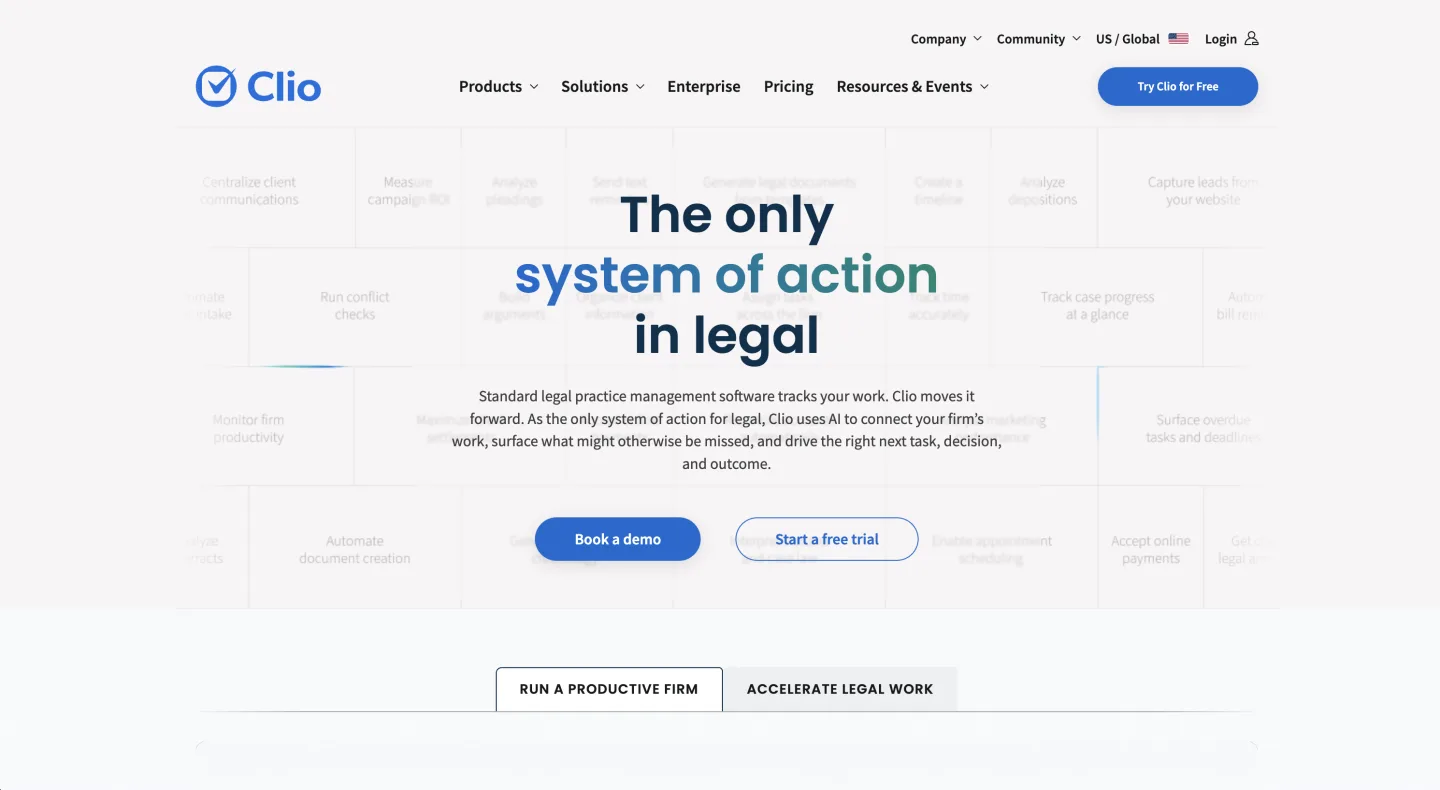
A research-and-drafting suite does not track your trust accounting, calendar your deadlines, or send a bill. Practice management does. Clio is the default for solos for a reason: the ecosystem is deep and the integrations are everywhere.
Clio publishes its tiers: EasyStart starts at $49 per user per month, climbing to Essentials, Advanced, and Complete on annual billing (clio.com/pricing; month-to-month runs roughly 20% higher).
This is the one non-AI seat almost every solo needs. Treat it as table stakes, then point your AI tools at the matters it organizes. The small-firm legal tech stack guide walks through how the pieces fit.
3. The free research baseline: Google Scholar
Even with a paid suite, keep a free fallback. Google Scholar covers state supreme and appellate decisions back decades plus federal opinions, with basic citation links and no signup. It is the no-cost layer for confirming an opinion exists and reading what it says.
What you do not get at this tier: a citator with good-law flags, or AI summarization. So this is your "does the opinion exist and what does it say" layer, not your "is it still good law" layer.
When you need to confirm Miranda v. Arizona, 384 U.S. 436 (1966) is still controlling on custodial interrogation, the citator in a paid tool earns its keep. For a quick pull of Gideon v. Wainwright, 372 U.S. 335 (1963), the free baseline is plenty.
4. State-bar research benefits: Fastcase / vLex Vincent AI (free via bar, paid add-on quote-based)
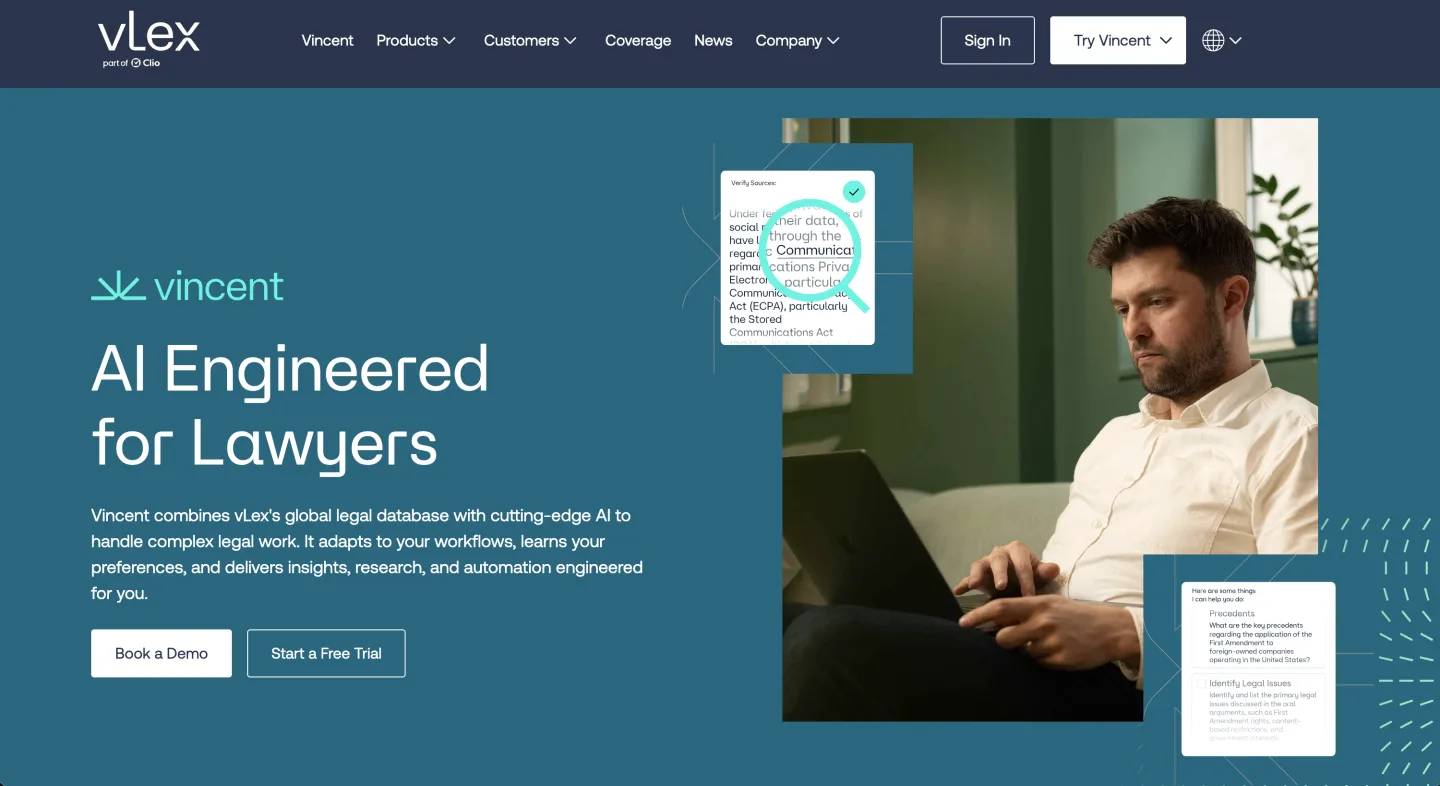
Many state bars include Fastcase (now part of vLex) as a membership benefit, sometimes with the Vincent AI layer available as a paid add-on (vLex does not publish a public solo rate; see the Lawyerist Vincent AI review for current coverage). If your bar offers it, you have a real citator and a research database you are already paying for through dues.
Check your bar's member portal before buying anything else. This is the most overlooked line in a solo budget: research access you already own.
5. AI drafting and contract review: Paxton or Spellbook
If your suite does not cover your drafting volume, a dedicated drafting tool fills the gap. Paxton does research plus drafting and publishes its price at $499 per user per month, or $2,999 per user per year on annual billing, with a 7-day trial (paxton.ai/pricing; confirmed by Lawyerist). Spellbook lives inside Microsoft Word and focuses on contract drafting and redlining for transactional solos, with a base plan at $500 per seat (quote-based, no public pricing).
What users say: in the Lawyerist Paxton AI review, solos call it a "game-changer," with the recurring gripe being that the price is steep for a one-person firm and there is no published independent hallucination benchmark. Spellbook is the best-liked Word add-in among transactional lawyers per the Lawyerist Spellbook review (about 4.1 out of 5), though reviewers note it still inserts wrong citations and is weak for litigation work.
For most solos, the contract-review job is better served inside the suite you already bought (the Document Matrix and Skills cover triage across many docs). But if you draft contracts all day, a Word-native tool can be worth its own seat. Our AI contract review guide and NDA triage evaluation compare approaches.
6. E-signature and light CLM: a signing tool
You need signatures and a place to store executed agreements. A solo rarely needs full contract-lifecycle management; an e-signature tool with basic storage usually covers it.
Match the spend to your contract volume rather than buying enterprise CLM you will not staff. The CLM landscape for 2026 covers where the lines are.
7. A general LLM, with one hard rule
A general-purpose model (Claude, ChatGPT) is genuinely useful for brainstorming, summarizing your own documents, and first-draft client emails. Reported pricing sits around $20 to $100 per month depending on tier.
The hard rule: never cite anything a general LLM tells you about the law without verifying it against a grounded source. General models invent citations. The sanctions cases are real and growing.
Use a general LLM for language and structure; use a grounded research tool for anything that touches a court. That division of labor keeps you on the right side of ABA Opinion 512.
Others worth knowing
These do not make the core stack for most solos, but they fill a specific gap and are worth a look:
- Client intake and reception. A solo who misses calls loses clients. AI-first receptionists answer and screen calls around the clock, and live-receptionist services like Smith.ai add a human layer. Smith.ai does not publish a self-serve rate on its pricing page; secondary trackers peg its human-receptionist plans near $300 per month for 30 calls, so price the call volume before you commit.
- Budget consumer-grade AI legal tools. A wave of low-cost tools (often $12 to $40 per month) markets to consumers and solos for Q&A and document drafting. They are cheap, but most are not grounded in a real US case-law corpus, so the same hard rule as a general LLM applies: never cite their legal output without checking it against a grounded source.
- AI-assisted practice management. Some practice-management platforms now bundle an AI layer (for example Clio's Vincent AI add-on) so intake notes, billing narratives, and summaries draft themselves inside the tool you already use.
None of these replace the research-and-drafting anchor; they sit around it.
A starting stack for under $200 a month
You do not buy all seven. A realistic solo anchor:
- One suite for research and drafting (self-serve, published pricing)
- One practice-management tool (Clio, published from $49/user/mo)
- The free research baseline (Google Scholar, $0)
- Your state bar's Fastcase/Vincent benefit if eligible ($0 via bar; paid add-on quote-based)
That covers research, drafting, contract triage, matter organization, and billing for roughly what a single AmLaw AI seat costs for a fraction of a month. Add a dedicated drafting tool or e-signature only when volume demands it.
| Job | Pick | Reported price | Skip if |
|---|---|---|---|
| Research + drafting suite | Solo-priced suite | Self-serve, published | You only need a free citator |
| Practice management | Clio | from $49/user/mo (published) | You bill on retainer with no trust accounting |
| Free research baseline | Google Scholar | $0 | Never |
| Bar member benefit | Fastcase / Vincent AI | $0 via bar; add-on quote-based | Your bar does not include it |
| Dedicated contract drafting | Spellbook / Paxton | Spellbook $500/seat (base); Paxton $499/user/mo (published) | Your suite covers your volume |
| E-signature | Any major signer | varies | You execute under five contracts a month |
| General LLM | Claude / ChatGPT | ~$20-100/mo | You never brainstorm or draft prose |
The ethics layer ties it together
ABA Formal Opinion 512 (July 2024) addresses generative AI directly: competence, confidentiality, communication, candor, supervision, and reasonable fees. The thread running through it is verification.
You are responsible for what the tool produces, which means you must be able to check it.
For a solo, that turns into a buying criterion, not just an aspiration. Pick tools that make verification cheap: source PDFs you can open, citations that resolve to real opinions, a citation graph that shows treatment.
Where you also handle client data subject to CCPA-style rules, a compliance check and clear data handling (security, DPA) matter too. The tools that make the right thing the easy thing are the ones that survive in a one-person firm.
FAQ
What is the best legal AI tool for a solo practitioner?
There is no single winner, because a solo needs to cover several jobs cheaply. A workable anchor is one suite for research and drafting (Vaquill AI is self-serve), one practice-management tool (Clio, published from $49/user/mo), and a free research baseline. Pick tools that make verification cheap, since you have no associate to double-check the output.
How much do legal AI tools cost for a solo?
A realistic solo stack runs under $200 a month: a self-serve research-and-drafting suite, practice management from $49/month (Clio, published), and free baselines. The AmLaw-tier tools sit far above that. Harvey runs $1,200 to $2,000+ and Legora $300 to $800 per user per month (reported ranges), which assume a use intensity a one-person firm does not have.
Is Paxton AI worth it for a solo?
Paxton publishes its price at $499 per user per month, or $2,999 per year (paxton.ai/pricing). It does research plus drafting and has solo enthusiasm behind it, but the price is steep for a one-person firm. For most solos the research-and-drafting job is covered by a cheaper suite, and a dedicated drafting seat is worth it only if you draft contracts all day.
Is the free legal research tier enough for a solo?
For checking that an opinion exists and reading what it says, Google Scholar is genuinely enough. What it lacks is a citator with good-law flags, so it is not a "is this still controlling" layer. Keep it as a fallback, but pair it with a tool that shows citation treatment before you rely on a case in a brief.
Do I have to pay for legal research if my bar offers Fastcase?
Often no. Many state bars include Fastcase, now part of vLex, as a membership benefit, sometimes with the Vincent AI layer as a paid add-on. Check your bar's member portal before buying anything else, because this is the most overlooked line in a solo budget: research access you already pay for through dues.
Can I just use ChatGPT or Claude for legal work?
Use a general-purpose model for language and structure, never as a source of law. General models invent citations, and the sanctions cases are real and growing. ABA Formal Opinion 512 (July 2024) makes verification a competence duty, so anything that touches a court has to be checked against a grounded research tool first.
What is the best free AI tool for solo lawyers?
For research, the strongest free option is Google Scholar: it gives you federal and state opinions and basic citation links at no cost. The catch is that it does not give you a good-law citator or AI summarization, so use it to confirm a case exists and read it, then verify treatment before you rely on it. General models like Claude and ChatGPT have free tiers too, but they invent citations, so never use them as a source of law.
Can solo lawyers afford AI tools?
Yes. A complete solo stack runs under $200 a month: a research-and-drafting suite (Vaquill AI, no seat minimum), practice management from $49 (Clio, published), and free research baselines. The tools that scare solos off, Harvey at $1,200 to $2,000+ and Legora at $300 to $800 per seat (reported ranges), are priced for big-firm use intensity that a one-person practice never reaches.
Will AI replace solo lawyers?
No. AI handles the mechanical parts of research, drafting, and triage, but a solo still owns judgment, client relationships, and every word filed with a court. ABA Formal Opinion 512 (July 2024) makes the lawyer responsible for verifying AI output, which means the tool is leverage, not a replacement. The solos who benefit treat it as the associate they could not otherwise afford.
How much does Vaquill AI cost for a solo?
Vaquill AI is self-serve, with no seat minimum and a 7-day trial. It covers grounded US legal research, drafting, document comparison, and matter document management in one seat, which is the point for a solo: fewer seats to learn and pay for.
If you are a builder-solo (a lawyer who codes, or a legal-tech developer), a US statutes and legislation API gives you programmatic access to the U.S. Code, the CFR, and 50-state codes, self-serve. See the legal-tech developers use case.
New legal AI guides, weekly.
Further Reading
- Personal Injury AI in 2026: What It Actually Does for Plaintiff Lawyers
- 7 Ways AI Helps Personal Injury Lawyers Win Cases Faster
- AI for Family Law: How Solo and Small-Firm Family Lawyers Use It
- AI for Criminal Defense: Research, Timelines, Evidence Review
- AI for Family Law Firms: A Workflow Playbook for Intake, Discovery, Filings
- Top AI Legal Research for Solo Attorneys on a Budget

Co-Founder & CEO · Attorney
Arshita leads product and strategy at Vaquill AI, the US primary law data API. As an attorney, she decides which law we carry, how each section is sourced and cited, and what legal AI and compliance teams need from the data.