For startup and venture capital lawyers, the best AI tool is the one that clears a high-volume desk fast without an enterprise bill. Your week is financing rounds, a flood of commercial paper, and founders who needed the redline yesterday. You are billing or budgeting tightly, so a $2,000-a-seat platform built for an AmLaw litigation group is the wrong buy.
This guide ranks the tools that fit that reality. Each entry has honest prices where the vendor publishes them, what the tool does not do, and who should skip it.
TL;DR
- Pick by workflow, not brand. Heavy contract review wants a review specialist (Ivo, LegalOn, Spellbook). A connected draft-review-matter week wants an all-in-one workbench.
- Startups are price-sensitive, and that is fine. Free YC and Clerky templates cover plain SAFEs and standard formation paper. Pay for AI only where the volume or risk justifies it.
- Most contract-review tools cluster around $500 per seat per month and gate pricing behind a demo. Self-serve trials are the exception, so factor procurement time into the cost.
- Cap-table tools like Carta are not legal AI. They handle equity records, not drafting or review. Useful neighbors, different job.
- Two questions kill most vendors fast. Does it train on your data, and can you buy it without a sales cycle? Ask both before the demo.
What is the cheapest paid, self-serve entry in this guide?
What startup and VC counsel actually need
Three constraints shape this buy more than features.
Speed. A term sheet turns in hours, not days. Founders move fast, and a slow first pass costs you the deal rhythm. The tool has to give a usable redline on the first try.
Volume on a budget. NDAs, vendor agreements, advisor letters, employment offers, and SAFEs pile up. You need throughput without per-document fees that scale into pain.
Financing fluency. Term sheets, SAFEs, convertible notes, and equity docs follow market conventions (think YC SAFE post-money mechanics). A tool that flags a non-standard liquidation preference or a missing pro-rata right earns its keep.
For the clause-level math behind those flags, we have dedicated pieces on liquidation preference math in venture deals, drag-along provisions, and rights of first refusal. This post is about the tools, not the clauses, so we link rather than restate.
How to choose on a startup budget
A repeatable filter beats a feature grid. Run your shortlist through these five in order.
- Name your dominant workflow. If 70 percent of your week is contract review, buy a review tool. If it is the full pipeline (draft, review, matter, renewal), buy a workbench. Do not buy a research platform to get an assistant you will rarely use.
- Check the price floor against your volume. A $500 seat is cheap if it saves ten hours a week and steep if you review three contracts a month. Match the spend to the actual load.
- Demand a self-serve trial or a fast demo. Startups cannot run sixty-day pilots. If you cannot test on a real document this week, that is a cost.
- Confirm the data posture in writing. Ask whether the vendor trains on your data and get the exclusion in the MSA, not a marketing FAQ.
- Check the financing fit. Generic contract tools handle NDAs well but may be thin on SAFE and term-sheet conventions. Test one real financing doc before you commit.
The best AI tools for startup and VC lawyers
The free-template route in the callout above is not a tool entry, but for many seed-stage tasks it is the honest first answer. Pay for AI where review volume or deal complexity makes manual work the bottleneck.
1. Ivo: best for fast, Word-native financing and contract review

At a glance: ~$500 per user/mo (sourced below) · Sales-led, demo required · Best for teams reviewing at volume.
Ivo is the leaner, faster name in the playbook-review camp, and that speed matters when a financing doc needs to turn the same afternoon. It has a clean interface and a clear in-house and transactional focus, with customers like Uber, Shopify, and Canva.
What's good
- A genuine AI reviewer with playbook redlining that is quick to pick up.
- Word-native track changes, so the output is a deliverable you can send.
- Backed by a $55 million Series B at a valuation near $530 million, so the runway is solid.
What it does NOT do
- It is a review point tool, not a workbench. Matters, broad drafting, and research live elsewhere.
- Onboarding leans on Ivo's team rather than instant self-serve setup.
Who it fits: A startup-focused practice where commercial-contract review is the dominant job and someone can run a short onboarding.
Bottom line: Buy it if review volume owns your week and you want a fast Word redline. Skip it if you want one place to run drafting, matters, and financing together.
2. Vaquill AI: best for a connected draft-review-matter week
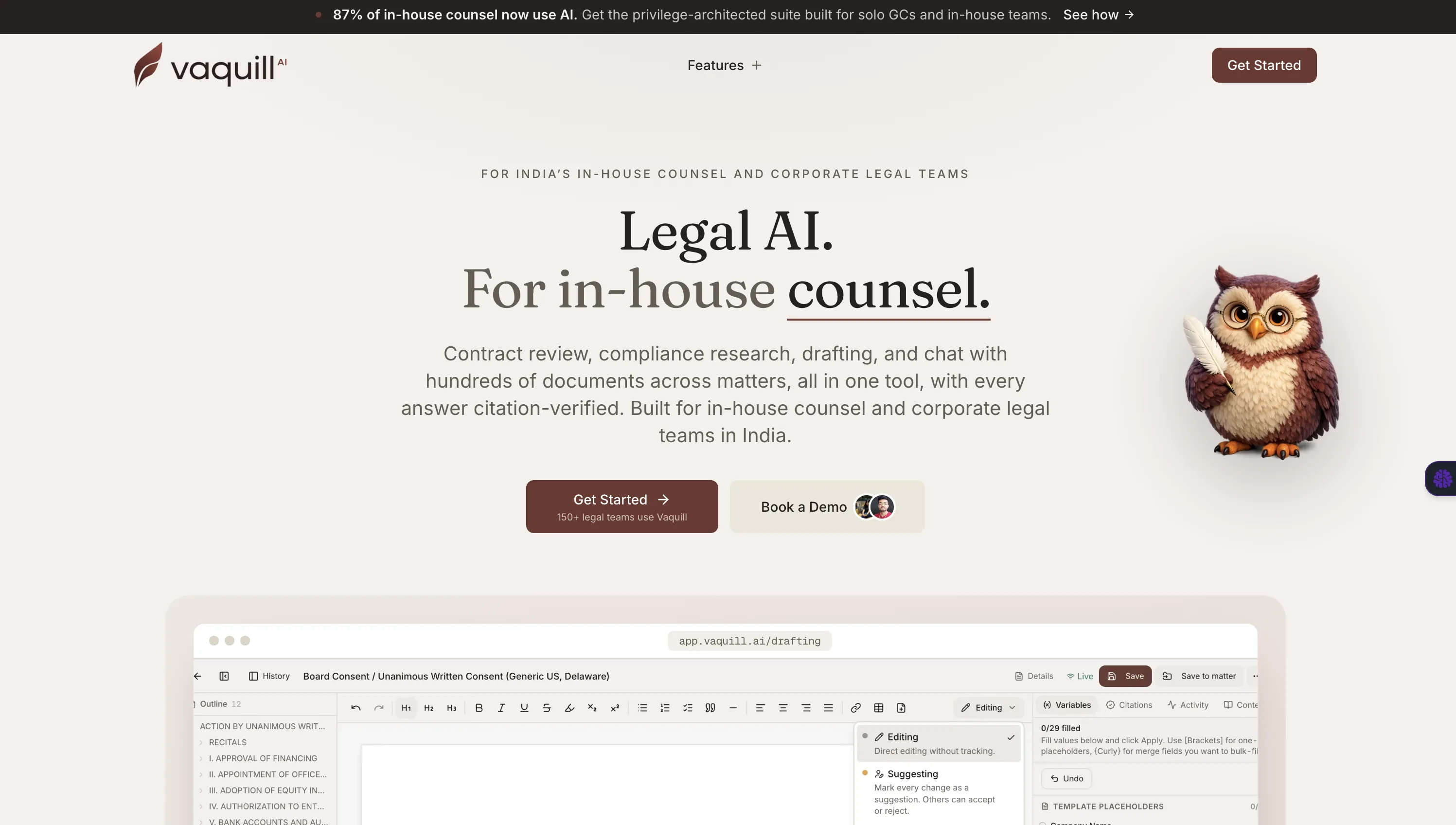
At a glance: Self-serve, published pricing (sign up to see the latest) · Self-serve, 7-day trial · Best for a small team running the full pipeline.
This one is a workbench, not a point tool. It covers drafting, review, redlines, and matter docs in one place at a price a in-house team can sign without a committee. For a fractional GC or a two-person legal function at a startup, the appeal is one bill and one home for the work.
What's good
- Drafts and redlines in real Word track changes, each edit a discrete suggestion.
- Keeps an NDA, its redline, and its renewal together in privilege-aware context.
- Self-serve, published pricing, no minimum, with a do-not-train-on-your-data policy.
What it does NOT do
- Lighter on deep case-law research than the research-first platforms.
- Its public API is statutes-only (US Code, CFR, all 50 states), not a financing-doc generator.
When NOT to choose Vaquill AI: If your week is almost entirely heavy playbook contract review, a specialist like Ivo or LegalOn will go deeper on that one job. If you already run a mature CLM you love, this workbench overlaps with it rather than slotting underneath. And if you are a large firm needing agentic scale, Harvey is the better-fit pick.
Who it fits: Solo GCs and small startup legal teams who want draft, review, and matters in one place.
Bottom line: Buy it if your week is the connected pipeline and you want one bill, not five. Skip it for pure research or pure high-volume review.
3. Spellbook: best for transactional lawyers who never leave Word
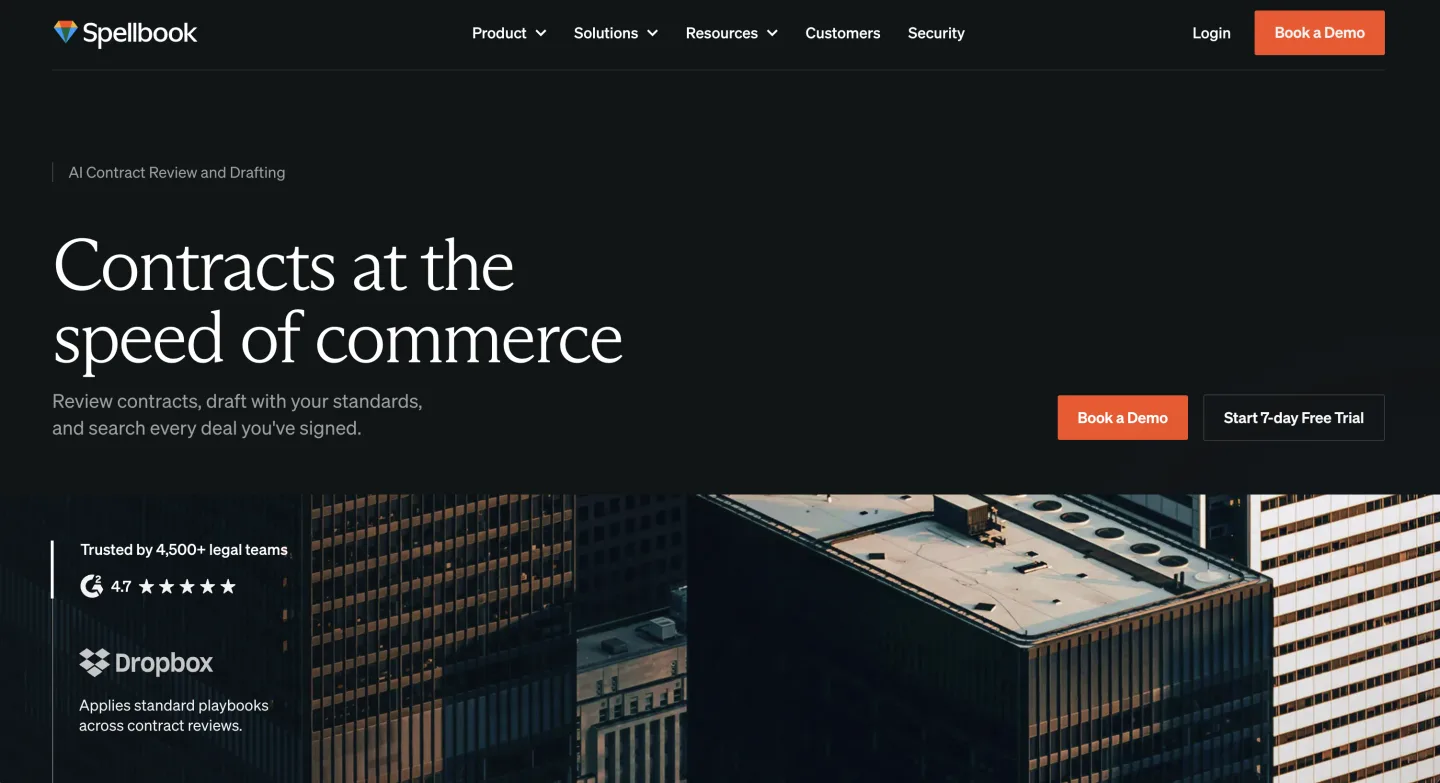
At a glance: Reported ~$500 per seat/mo base, quote-gated (no public price); 7-day free trial · Sales-led · Best for a desk that lives in Word.
Spellbook lives inside Microsoft Word, built for drafting and redlining where transactional lawyers spend their day. For a VC lawyer marking up investment agreements and side letters, it sits right in the file.
What's good
- The Word add-in is the part transactional users praise most.
- Benchmarks language against market standards and flags risky provisions.
- A 7-day free trial, which is rare among the sales-led names.
What it does NOT do
- It still slips in the odd wrong citation, so check before you rely on it.
- Built for transactional work, so it is thin for litigation and broad research.
Who it fits: Transactional and emerging-companies lawyers whose whole day happens in Word.
Bottom line: Buy it if your work is transactional and Word-bound. Skip it if you do litigation or need a connected matter home. The Lawyerist Spellbook review rates it about 4.1/5 and flags the same citation caveat.
4. LegalOn: best for review skeptics who want the reasoning shown

At a glance: Quote-based (Individual tier published near $550/mo annually in past listings; Teams custom) · Sales-led, demo required · Best for teams re-reading the same clauses.
LegalOn pairs AI with attorney-authored guidance and inserts redlines with a reasoning layer behind them. For a startup lawyer reviewing the tenth vendor MSA this month, the explained edit builds trust faster than a raw model output.
What's good
- The reasoning behind each redline is the part skeptics come around on.
- Attorney-authored playbook guidance behind the redlines, beyond raw generation.
- A long track record at the contract-review job specifically.
What it does NOT do
- It is a review tool, not a workbench, so matters and broad drafting live elsewhere.
- No clear self-serve path, and team pricing is custom.
Who it fits: Teams whose recurring pain is re-reading the same clauses and who want the reasoning, not only the edit.
Bottom line: Buy it if explained review is the job. Skip it if you need one place for drafting, matters, and financing. (LegalOn's site blocks automated checks, so confirm the current Individual price on its pricing page directly.)
5. Harvey: best for large firms and big legal departments

At a glance: ~$1,200 to $2,000+ per user/mo (bundle plus add-ons) · Sales-led, demo required · Best for large firms and agentic work.
Harvey is strong at deep document work, agentic workflows, and the integrations big firms lean on. For most startup and VC practices, though, the value case is murkier than the price, and the price is enterprise.
What's good
- Deep, agentic document work that holds up at scale.
- Integrations large firms rely on, including a Lexis tie-in.
- Reported near an $11 billion valuation and roughly $190 million ARR by late 2025.
What it does NOT do
- It is not built or priced for a lean, price-sensitive startup practice.
- Pricing sits behind sales and an NDA, which slows a fast-moving team.
Who it fits: A large firm or VC fund's in-house group running the enterprise workflow Harvey is built for.
Bottom line: If you are a big firm or department, Harvey is a fair pick and the better choice over a lean workbench. Skip it if you are a small team paying enterprise prices for capacity you cannot fill.
6. CoCounsel: best for teams already living in Westlaw
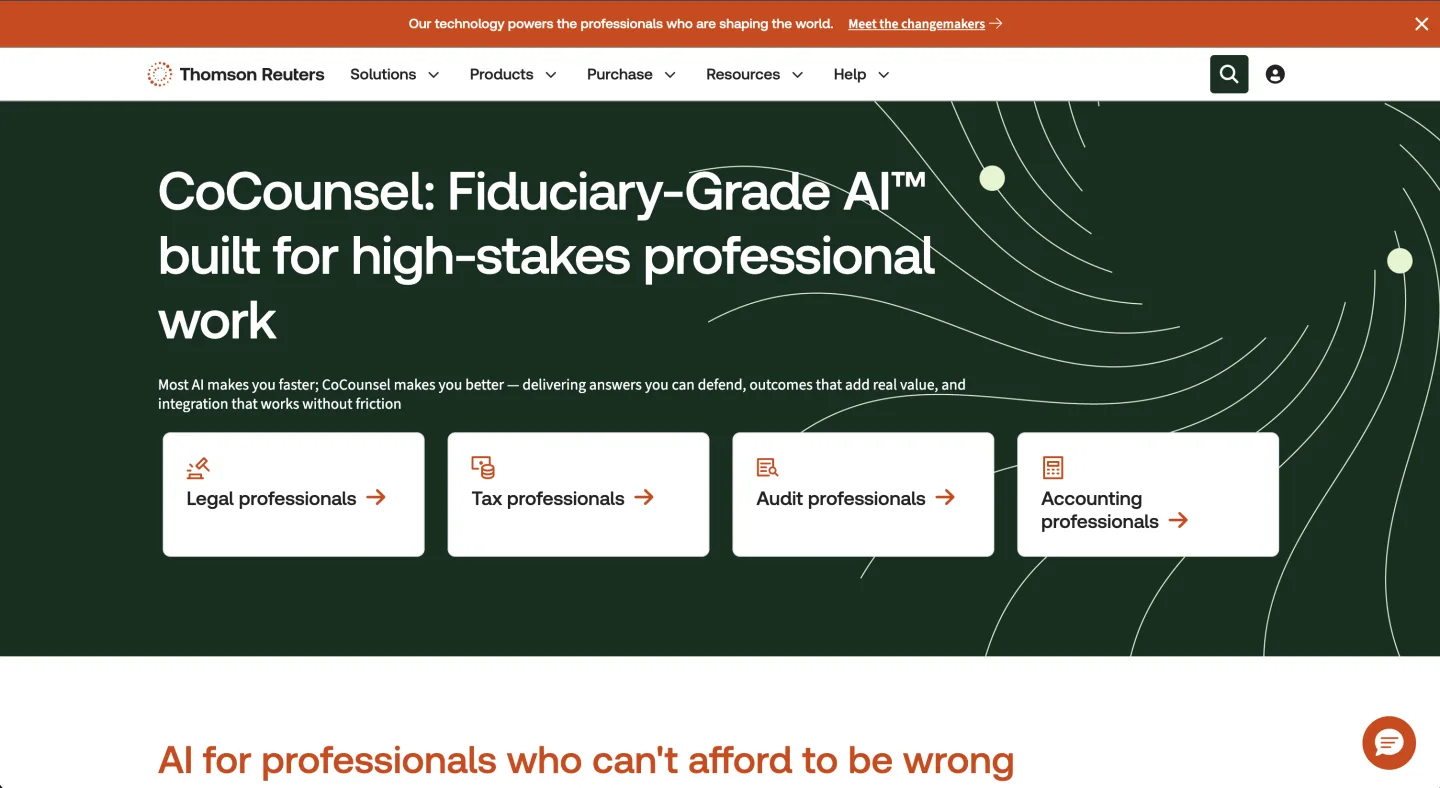
At a glance: ~$225 to $400+ per user/mo (more once Westlaw sits underneath) · Sales-led, demo required · Best for teams already on Westlaw.
CoCounsel is Thomson Reuters' AI assistant, and in 2026 it tends to arrive tied to Westlaw rather than as a clean standalone. For a VC lawyer who needs to research a regulatory question alongside the deal work, that grounding helps.
What's good
- Users like the ease, the time savings, and Parallel Search.
- Backed by Thomson Reuters, so vendor durability is not a worry.
- A natural add-on if you already live in Westlaw for research.
What it does NOT do
- It still fabricates citations and runs thin on appellate material, so verify everything.
- It is a research assistant, not a contract-review workbench or a matter home.
Who it fits: Practices that already pay for Westlaw and want an assistant grounded in it.
Bottom line: Buy it if you are on Westlaw and want research help. Skip it if your week is contracts and financing rather than primary-law research.
7. Gavel: best for teams that churn out repeatable paper
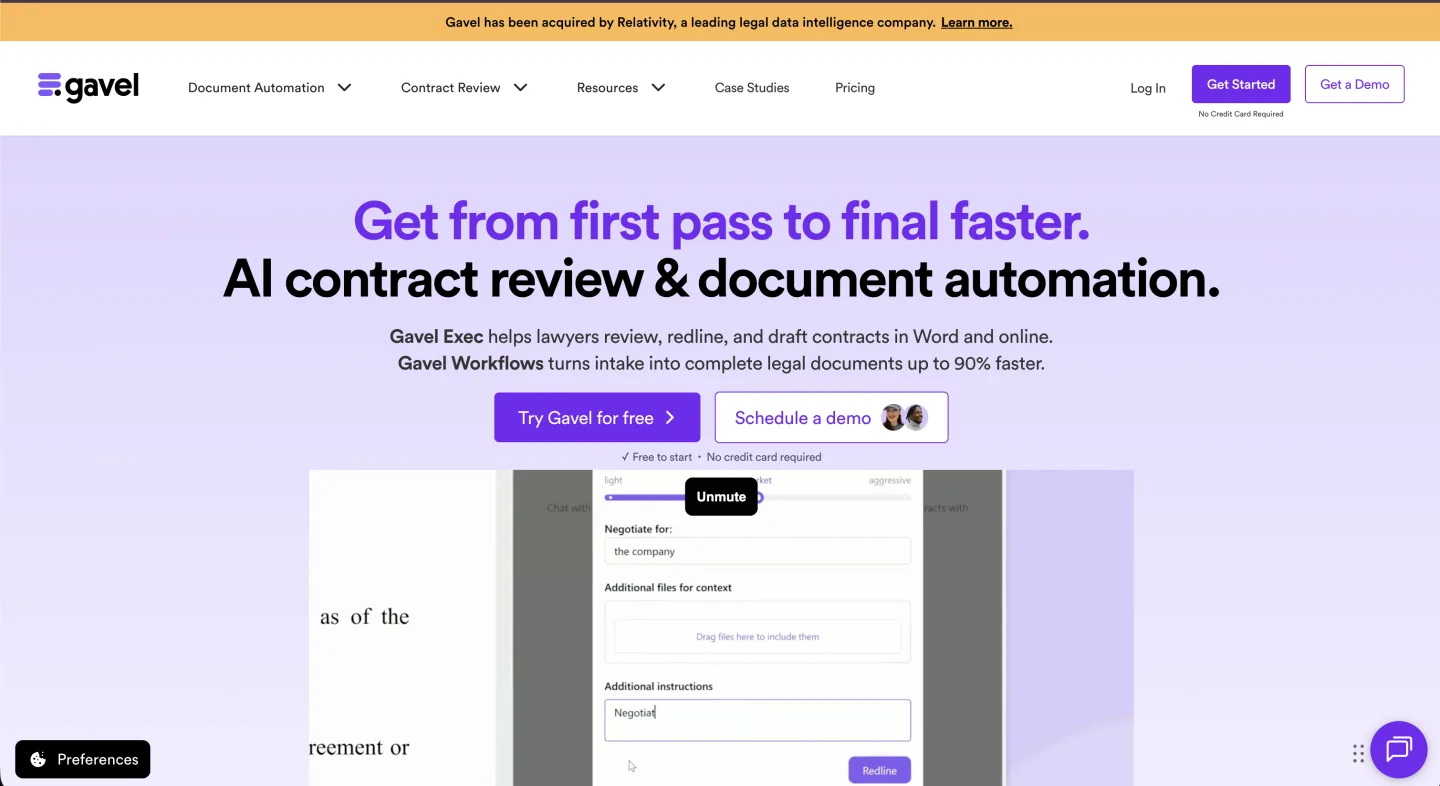
At a glance: Workflows $83 to $417/mo by tier; Gavel Exec (AI review) quote-based · Sales-led for Exec · Best for high-volume templated paper.
Gavel started as document automation: intake forms in, finished documents out from your templates. For a startup practice generating the same advisor agreements and NDAs over and over, that engine is the time-saver. It has since added Gavel Exec, an AI contract-review tool.
What's good
- The automation engine is a real saver for repeatable paper.
- Gavel Exec earns praise for surgical redlines that do not turn the page red.
- A Projects feature trains on your own clauses (opt-in).
What it does NOT do
- Automation and review are two products with two price tags.
- Neither is a connected matter workbench, and Exec has no public price.
Who it fits: Practices that produce a high volume of templated documents and want strong automation.
Bottom line: Buy it if templated output is your bottleneck. Skip it if you need one connected workbench rather than two tools. Reddit reviewers praise the surgical redlines in this contract-software thread.
Comparison table
| Tool | Price (per user/mo) | Category | Access | Free trial | Best for |
|---|---|---|---|---|---|
| Ivo | ~$500 | Contract review | Sales-led, demo | Ask | Word-native review at volume |
| Vaquill AI | Self-serve | In-house suite | Self-serve | Yes (7-day) | Connected draft-review-matter week |
| Spellbook | ~$500 base (quote-gated) | Contract review (in-Word) | Sales-led | Yes (7-day) | Transactional, in-Word work |
| LegalOn | Quote-based (~$550 Individual, annual) | Contract review | Sales-led, demo | Ask | Review with reasoning shown |
| Harvey | ~$1,200 to $2,000+ | Firm-side platform | Sales-led, demo | No | Large firms, agentic work |
| CoCounsel | ~$225 to $400+ | Research + AI | Sales-led, demo | No | Teams already on Westlaw |
| Gavel | $83 to $417 (Workflows); Exec quote-based | Automation / review | Sales-led for Exec | Ask | Repeatable templated paper |
Prices are vendor-published or sourced where a third party lists them, checked June 2026. Where a vendor publishes nothing, the row says quote-based, not a guessed number. Treat any vendor that will not put a training-exclusion clause in writing as a no.
A note on free templates and cap-table tools
Two adjacent things come up in every startup-legal conversation, so name them honestly.
Free financing templates. The Y Combinator SAFE documents cover standard post-money SAFEs, and Clerky handles routine formation and financing paperwork. For a plain seed round, these often beat paying for AI. Reach for a review tool when the paper goes non-standard or the volume gets heavy.
Cap-table platforms. Carta and similar tools track equity, options, and ownership. They are not legal AI and will not draft or review a contract. Useful neighbors for the same client, different job, so do not buy one expecting drafting help.
How to decide
Strip the funding noise and the choice is short. Name the workflow that owns your week, then buy the best tool in that category.
- Mostly contract and financing-doc review? Ivo, LegalOn, or Spellbook.
- The full pipeline of draft, review, matter, and renewal on a budget? An all-in-one workbench.
- Heavy primary-law research alongside deals? CoCounsel, if you are already on Westlaw.
- High-volume templated paper? Gavel.
- Plain seed-round docs? Start with the free YC and Clerky templates before paying for anything.
Then price to your real volume, not the brand. A startup practice rarely needs the AmLaw-priced platform, and the vendors quoting those numbers know exactly who they built for.
Whichever way you lean, test on a financing doc you already know cold before you commit. See where the tool lands the redline and where the free-template route still wins. For the wider field beyond startup work, our best legal AI tools for in-house counsel and best AI contract review tools, compared go deeper on the broader market.
FAQ
What is the best AI tool for a startup lawyer on a tight budget?
Start with the free YC and Clerky templates for plain SAFEs and formation paper, since they cover routine work at no cost. When review volume or deal complexity makes manual work the bottleneck, a self-serve workbench with published per-seat pricing is the cheapest paid entry. The sales-led review specialists run higher, around $500 per seat.
Do AI tools handle SAFEs and term sheets well?
Generic contract tools handle NDAs and vendor agreements reliably, but financing docs follow market conventions a generic model may miss. Test one real SAFE or term sheet before you commit, and check whether the tool flags non-standard liquidation preferences or missing pro-rata rights. Our term sheet review checklist covers what to look for by hand.
Is Carta a legal AI tool?
No. Carta and similar platforms track cap tables, equity, and options. They manage ownership records, not contract drafting or review, so treat them as a neighbor to your legal AI stack, not a replacement for it.
Which AI tools work inside Microsoft Word?
Spellbook, Ivo, LegalOn, and most workbench tools produce real Word track-changes redlines you can accept, reject, and send. Research-leaning tools tend to give a chat summary of edits instead, which is a different deliverable. If sending a clean redline is the job, test the Word export before buying.
How much do AI contract-review tools cost?
Most cluster around $500 per user per month and gate pricing behind a demo, as of June 2026. Spellbook offers a 7-day trial, and the cheapest self-serve workbench publishes per-seat pricing. Gavel's automation tier starts from $83 per month, though its AI review add-on is quote-based. See our legal AI pricing benchmark for the wider picture, and verify current terms with each vendor.
Can AI replace a startup lawyer?
No. AI speeds up review, drafting, and first passes, but judgment on deal terms, negotiation strategy, and client-specific risk stays with the lawyer. Treat these tools as throughput multipliers, not substitutes, and verify every output you sign your name to.
Do these tools train on my data?
Some do by default, which is why it is the first question to ask. Get a training-exclusion clause in the MSA, with the binding answer in the contract rather than a marketing FAQ. A few vendors publish a do-not-train policy; for the rest, confirm it in writing before you upload client documents.
What is the difference between a contract-review tool and a workbench?
A review tool does one job well: redline a contract against a playbook. A workbench connects drafting, review, matters, and renewals in one place. If your week is one repeated task, buy the point tool; if it is the full pipeline, buy the workbench. We expand on this split in our best AI tools for lawyers guide and the clause library.
Last updated: June 2026.
New legal AI guides, weekly.
Further Reading

Co-Founder & CEO · Attorney
Arshita leads product and strategy at Vaquill, building the legal AI suite that solo, small-firm, and in-house US lawyers use to run a matter end to end.