A litigation chronology is a dated, sourced timeline of every fact that matters to a dispute. Building one by hand means reading every document, noting each date, and typing it into a spreadsheet with a cite back to the page. AI does the first pass in minutes: it reads the whole matter folder, pulls the dated events, tags each one, and links it back to the exact passage it came from, so you review instead of transcribe.
Below is how that works on a real dispute, what a good extracted timeline looks like, and the one step you should never skip.
Short answer: Drop your contracts, emails, notices, and filings into one matter, run extraction, and the AI returns a chronology: each event with a date, a type (signed, served, terminated, payment), a category lane, a significance rating, and a link to the source page. You then verify the dates against the source, add anything it missed, and export. The AI takes the transcription off your plate and leaves the judgment with you.
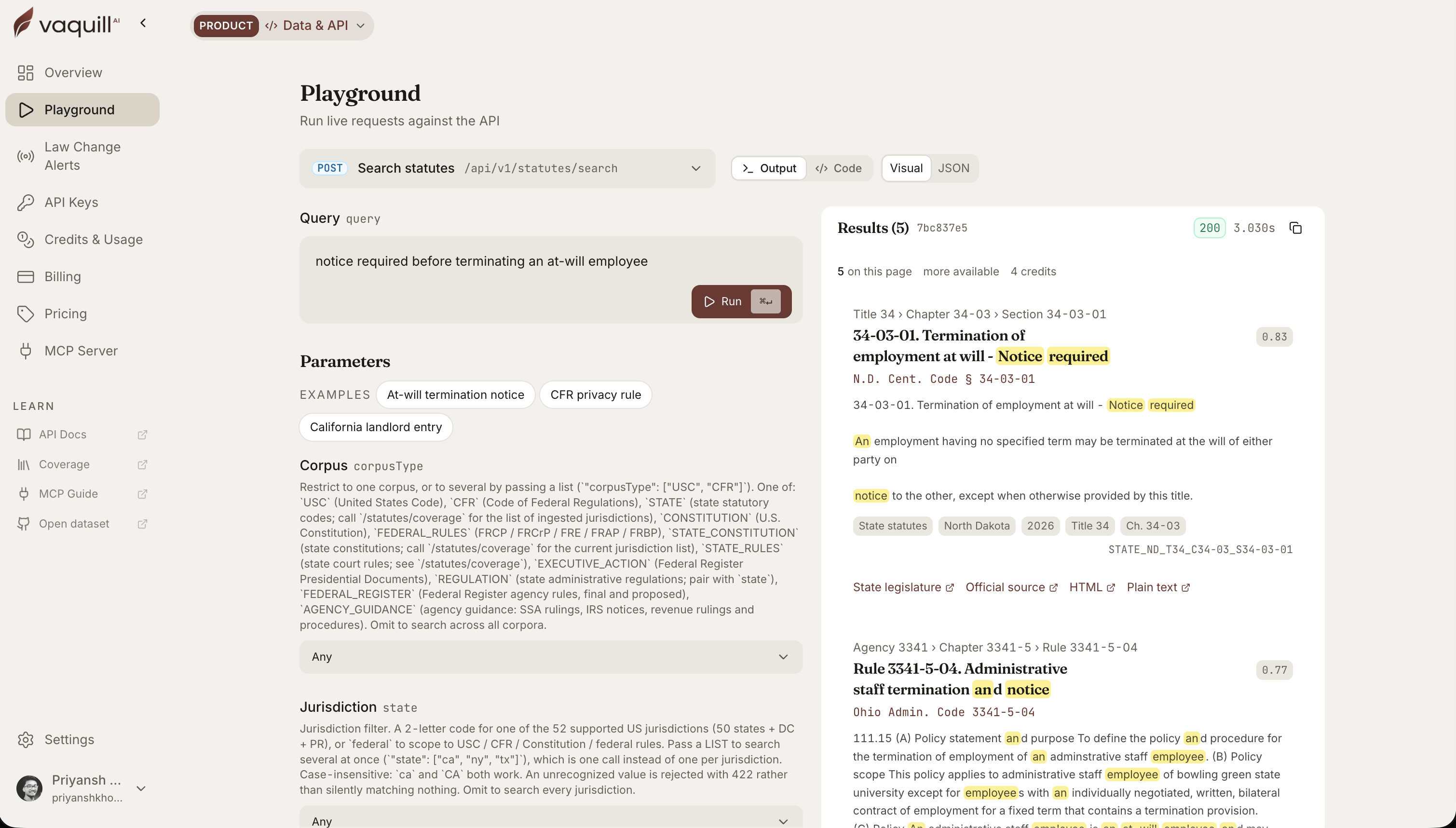 The same corpus behind this article, queried live. Every result carries its citation and a link to the official source.
TL;DR
- A chronology is dated facts plus sources. The timeline is the easy half. Tying every date to the exact document and page it came from is the work, and that is what AI extraction does first.
- Events come out typed and categorized, not as a flat list: signed, served, notice sent, terminated, payment, hearing, each dropped into a lane like court filings, correspondence, or deadlines.
- Every event links back to its source passage and page. Click a row, land on the sentence in the original document. No source link, no trust.
- Significance ratings surface the spine of the case. High-significance events (termination, breach, notice) rise above routine correspondence so you see the story, not the noise.
- You still verify. The AI can misread an ambiguous date or miss an undated event. Review the high-significance rows against the source before anything goes in a brief.
What makes an AI-extracted chronology trustworthy enough to use in a brief?
How this was written: the extraction behavior below matches how the chronology builder works inside a matter. The dispute and its documents are an illustrative example an in-house litigator would recognize, not a real client file. Event types and lanes are the real ones the tool assigns.
The job: a vendor breach dispute
Here is the matter. A SaaS vendor missed delivery milestones, you sent a notice of default, they did not cure, and you terminated. Now the vendor is threatening suit for wrongful termination. Your file has the master agreement, six months of email, two invoices, the default notice, and the termination letter.
Before you can assess exposure, you need the timeline: when the contract took effect, when performance slipped, when you gave notice, when the cure period ran, and when you pulled the plug. That is a chronology, and it is the first thing you would hand a litigator or a mediator.
Step 1: extraction reads the whole folder
Point the tool at the matter and it processes every document in the folder, not one at a time. For each file it pulls the dated events, and it tracks its own progress so you can see which documents are done and which failed to parse (a scanned PDF with bad OCR, say).
The output is not "here are the dates it found." Each event arrives structured:
| Field | What it captures |
|---|---|
| Date | The event date, with a flag if it is approximate or a range |
| Event type | signed, executed, filed, served, notice sent, terminated, payment, hearing, and more |
| Category lane | contract event, court filing, correspondence, payment, deadline or notice, meeting or hearing |
| Significance | high, medium, or low, so the spine of the case rises to the top |
| Source | the document, the page, and the exact passage the date came from |
That last row is the one that matters. A date with no source is a liability; a date you can click back to its sentence in the original is evidence.
Litigation chronology example: breach, notice, cure, termination
Here is the chronology the tool returns for the dispute, trimmed to the load-bearing events.
| Date | Event | Type | Lane | Significance | Source |
|---|---|---|---|---|---|
| 2025-01-15 | Master services agreement executed | executed | Contract | High | MSA, p.1 |
| 2025-03-02 | First milestone delivered late | incident | Deadline | Medium | Email thread, p.4 |
| 2025-05-20 | Second milestone missed entirely | incident | Deadline | High | Status report, p.2 |
| 2025-06-01 | Notice of default sent | notice sent | Correspondence | High | Default notice, p.1 |
| 2025-06-16 | 15-day cure period expired | expired | Deadline | High | MSA section 9.2, p.7 |
| 2025-06-18 | Agreement terminated for cause | terminated | Contract | High | Termination letter, p.1 |
Six rows tell the whole story: contract, slippage, notice, cure window, termination. The two High-significance events on June 1 and June 16 are the ones a wrongful-termination claim lives or dies on, so they surface at the top of their lane instead of sitting buried in the email dump.
Look closer at the June 16 row, because it is derived, not stated. No document says "cure period expired." The extraction reads two passages and does the math:
Default notice, p.1: "This letter serves as formal notice of default. Vendor shall have fifteen (15) days from the date of this notice to cure."
MSA section 9.2, p.7: "Cure period runs from the date notice is deemed received."
The notice is dated June 1, so a 15-day window lands on June 16, and termination on June 18 is inside the contract's rights. That is a derived event, and a derived event is exactly what you verify first. If the notice was mailed rather than emailed, "deemed received" might push the clock, and the whole termination timing changes. The AI flags the derivation and the source; the call on deemed receipt is yours.
Step 3: the flow, and the gate
Extraction runs the middle. You own the last two boxes: check the dates against the source, and add what a document never dated.
The verify step is not optional. Two failure modes are worth watching for.
- Ambiguous dates. "The following spring" or "Q3" can get pinned to the wrong day. The approximate flag helps, but you confirm the ones that matter.
- Undated facts. A key event mentioned in an email without a date will not land on the timeline on its own. You add it manually, with your own source note.
The date traps that catch chronologies
Most chronology errors are not typos. They are date-interpretation calls that look simple and are not. These are where you spend your review time, and where AI should flag rather than decide.
- Deemed receipt vs date sent. A notice period often runs from when notice is received, or deemed received, not when it was sent. Mailed notice and emailed notice can expire on different days under the same clause.
- Calendar days vs business days. "Within 10 days" and "within 10 business days" can be a week apart across a holiday. The clause controls, and the extraction should quote it, not assume.
- Email header date vs body date. An email sent June 3 that says "as we discussed on May 28" holds two dates. The event is May 28; the header is June 3. A naive pull grabs the wrong one.
- Timezones on filings. A filing stamped 11:58 PM Pacific is the next day on the Eastern docket. For deadline disputes, that one hour decides the case.
- Amended agreements. An amendment can change the notice address or the cure length. A chronology built on the original agreement can compute a cure date that the amendment already moved.
Extraction will not resolve these for you. What it does is surface every dated event with its source, so you resolve them once instead of hunting for the dates first and reasoning second.
Manual chronology vs AI chronology: where the time goes
Speed is the wrong way to frame it. AI collapses the mechanical steps so your hours go to the judgment ones.
| Task | By hand | With AI extraction |
|---|---|---|
| Read every document for dates | Hours per matter | Minutes, then review |
| Pin each date to its source page | Manual, error-prone | Automatic source link |
| Type events into a grid | Full transcription | Skipped |
| Type and categorize each event | Manual coding | Pre-assigned, you adjust |
| Resolve ambiguous or derived dates | Yours | Yours (flagged for you) |
| Spot missing or undated facts | Yours | Yours |
| Export to a memo or brief | Manual formatting | One step |
The bottom four rows never leave you, and they should not. That is the lawyering. The top three are transcription, and that is what extraction takes off your plate.
Step 4: why the source link is the whole product
Anyone can generate a timeline. The reason an AI chronology is usable in a real dispute is that every row traces back to a document you can put in front of a judge or a mediator.
When opposing counsel says "you never gave proper notice," you do not argue from memory. You point to the June 1 row, click through to page 1 of the default notice, and read the sentence. The chronology works as an index into the file, so every claim on the timeline has a document behind it. That is also why the matter workspace keeps the documents and the timeline together rather than exporting a dead spreadsheet.
This matters beyond litigation. Accrual dates drive the statute of limitations, so a sourced chronology is often how you find out a claim is time-barred before you spend a quarter on it.
Where a chronology tool earns its keep
Three honest boundaries, because a feature post that only lists wins is an ad.
- It is strongest on dated documents. Contracts, filings, and email carry explicit dates and extract cleanly. A deposition transcript full of "around then" needs more of your hand.
- It does not decide relevance. It surfaces significance, but whether the March slippage was material breach or a cured hiccup is your call, not the model's.
- It is only as complete as the folder. A chronology built on half the emails is a confident, incomplete story. Load the whole matter first.
For a specialized version of this same move, the PI demand-letter chronology walkthrough shows how the timeline feeds an injury demand, and the intake-to-filing walkthrough shows where it sits in a full matter.
FAQ
What is a litigation chronology?
It is a dated timeline of every fact relevant to a dispute, with each event tied to its source document and page. Litigators use it to build the case narrative, prep depositions, spot gaps, and check whether a claim is within the limitations period.
Can AI build a chronology from my documents?
Yes. Point the tool at a matter folder and it reads every document, extracts the dated events, tags each with a type and significance, groups them into lanes, and links each one back to the source page. You then verify the dates and add any undated facts.
How accurate is AI chronology extraction?
It is reliable on documents with explicit dates (contracts, filings, email headers) and less certain on vague references like "the following spring." Approximate dates get flagged. Treat the high-significance events as a first draft to verify against the source, not a finished exhibit.
Does every event link back to the source document?
Yes, and that is the point. Each event carries the document, the page, and the passage it came from, so you can click through to the original and confirm it. A chronology without source links is not usable in a brief.
What kinds of events does it extract?
Contract events (signed, executed, effective, amended, terminated), litigation events (filed, served, hearing, judgment, order), notices and deadlines, payments, and corporate events like incorporation or acquisition. Each is dropped into a category lane for the timeline.
How is this different from a document summary?
A summary tells you what a document says. A chronology extracts the dated facts across many documents and orders them into one sourced timeline, so it answers what happened and when across the whole matter.
Can I add events the AI missed?
Yes. Undated facts and events the model did not catch can be added manually with your own date and source note. A real chronology is usually AI extraction plus a human pass, not one or the other.
Is my matter data used to train the model?
Vaquill AI runs on a written no-training-on-your-data commitment, and matter documents stay scoped to your workspace. As always, keep a human review on anything that leaves your desk.
Sources
- Event types, category lanes, and significance ratings reflect the fields the chronology builder assigns; the dispute and documents are an illustrative example, not a real matter.
New legal AI guides, weekly.
Further Reading
Legal AI Word Add-Ins Compared: 13 Tools and What Each Does in Word (2026)
Read postLegal AI in Microsoft Word: Contract Review, Redlining, and Research in a Word Add-In
Read postHow Legal AI Memory Works: Stop Re-Explaining Yourself Every Session
Read postWhat a Legal AI Agent Actually Does: One In-House Task, Start to Finish
Read postBuilt-In Legal AI Skills: Which One to Run for Each Task
Read postGovInfo API vs a Legal Data API: What You Still Have to Build
Read post
Co-Founder & CEO · Attorney
Arshita leads product and strategy at Vaquill AI, the US primary law data API. As an attorney, she decides which law we carry, how each section is sourced and cited, and what legal AI and compliance teams need from the data.